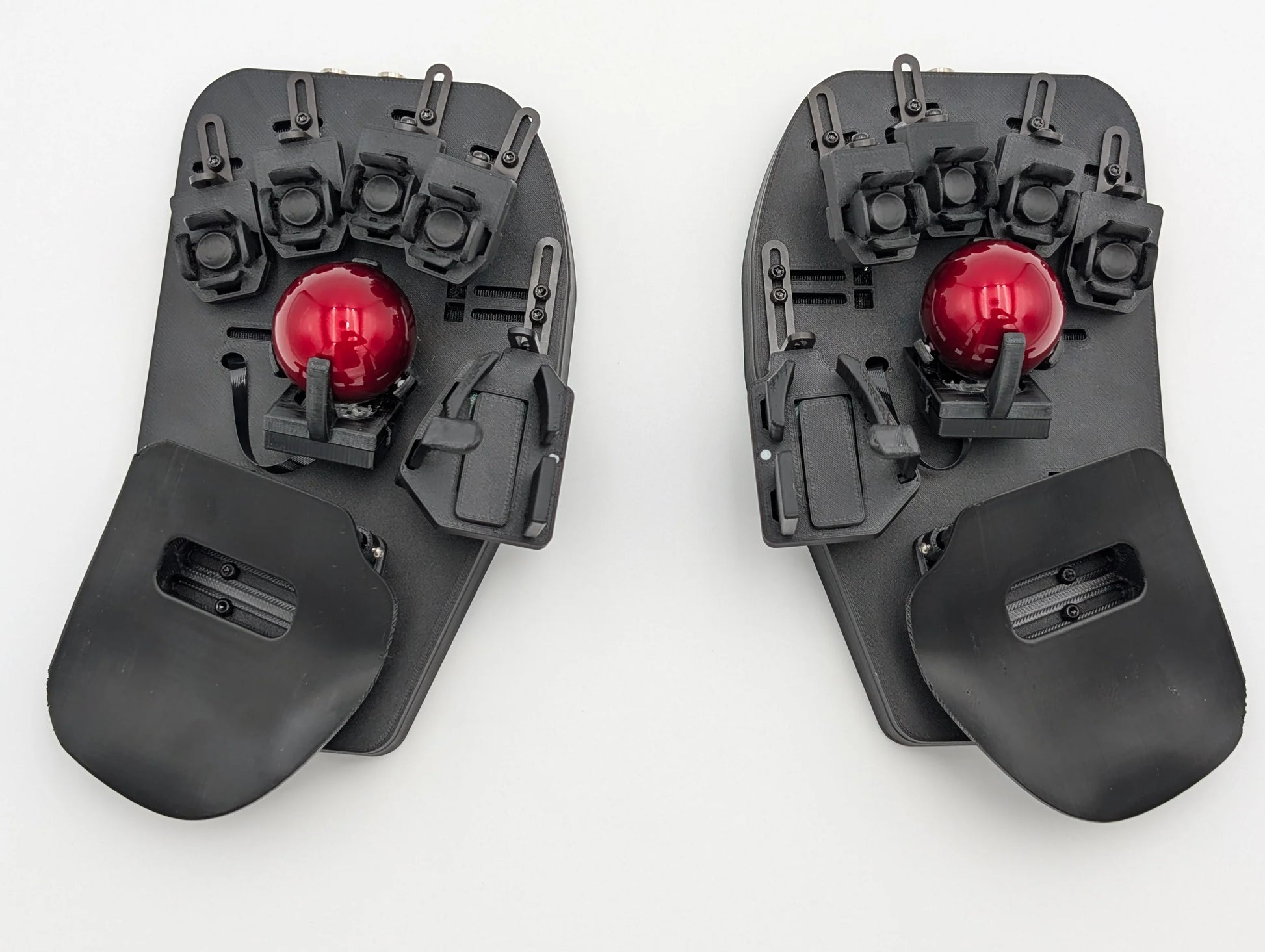
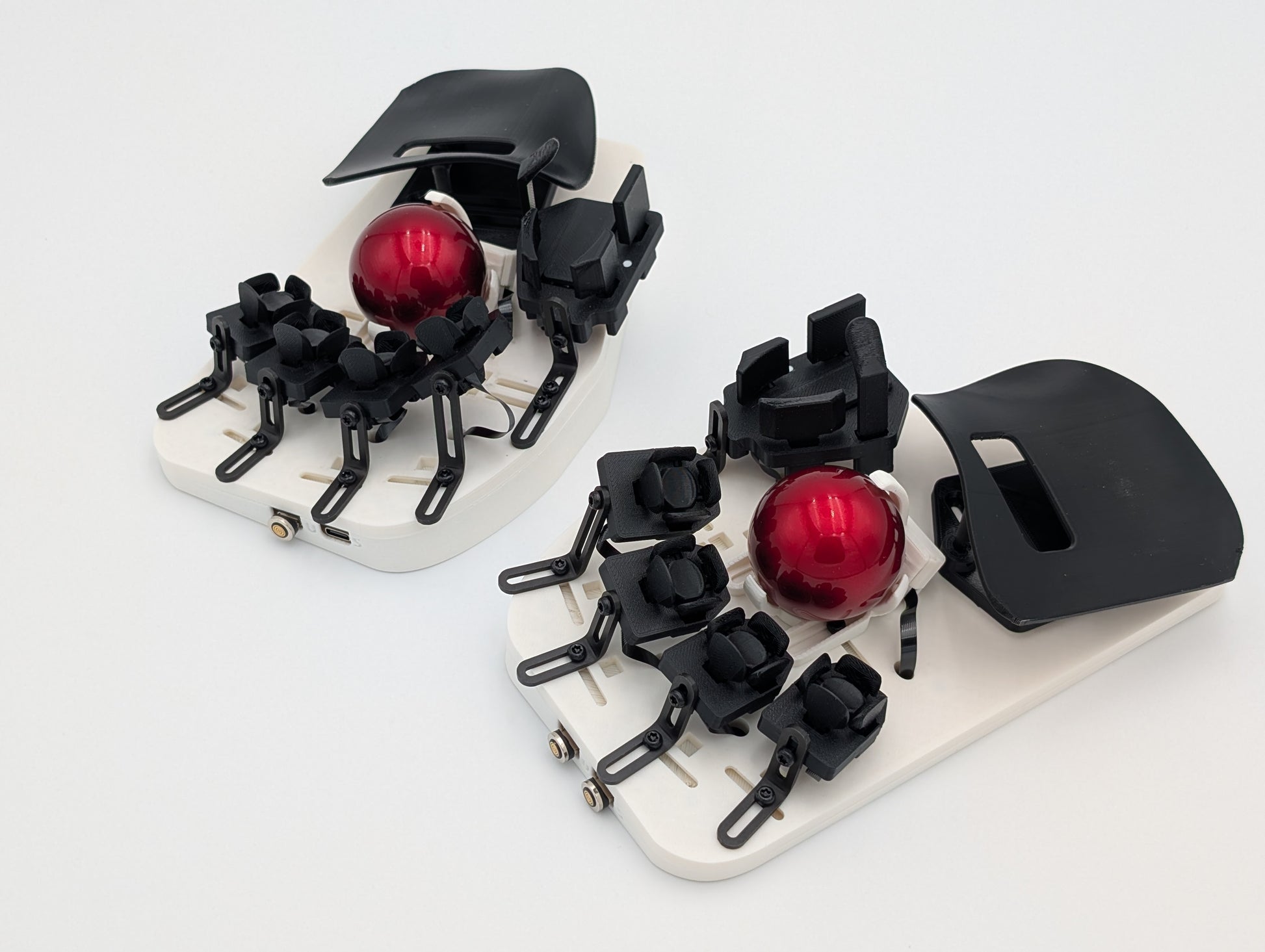
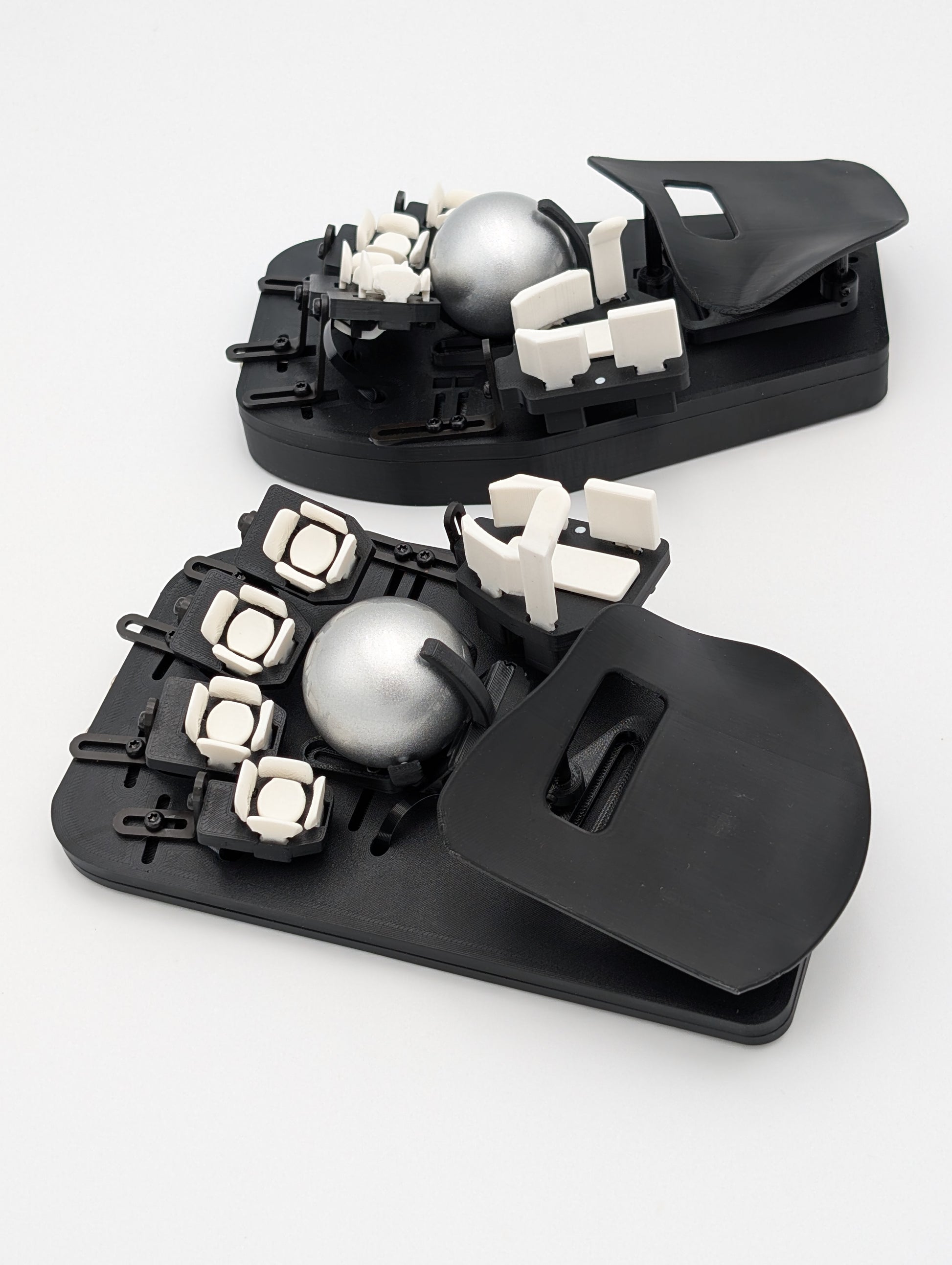
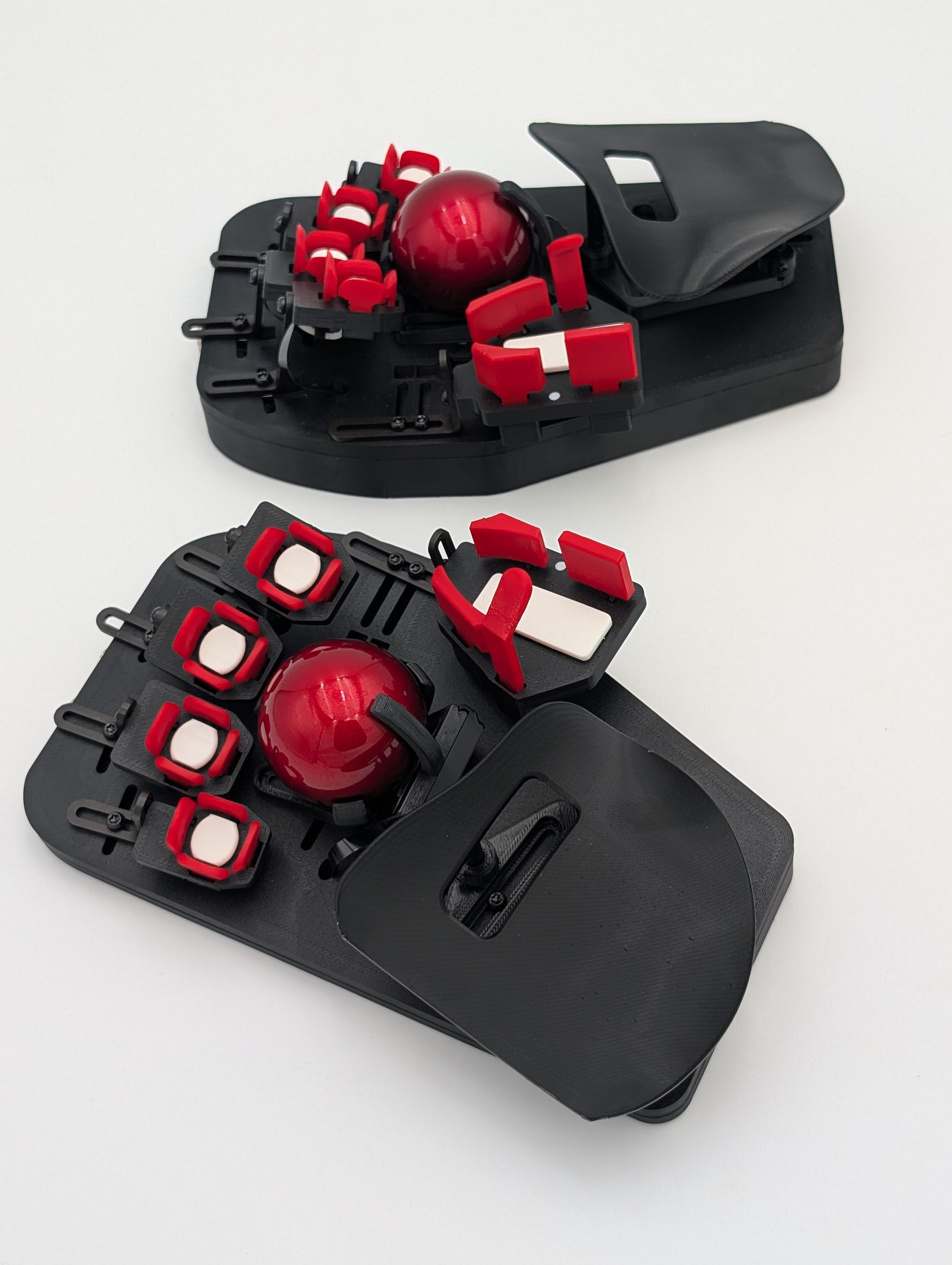
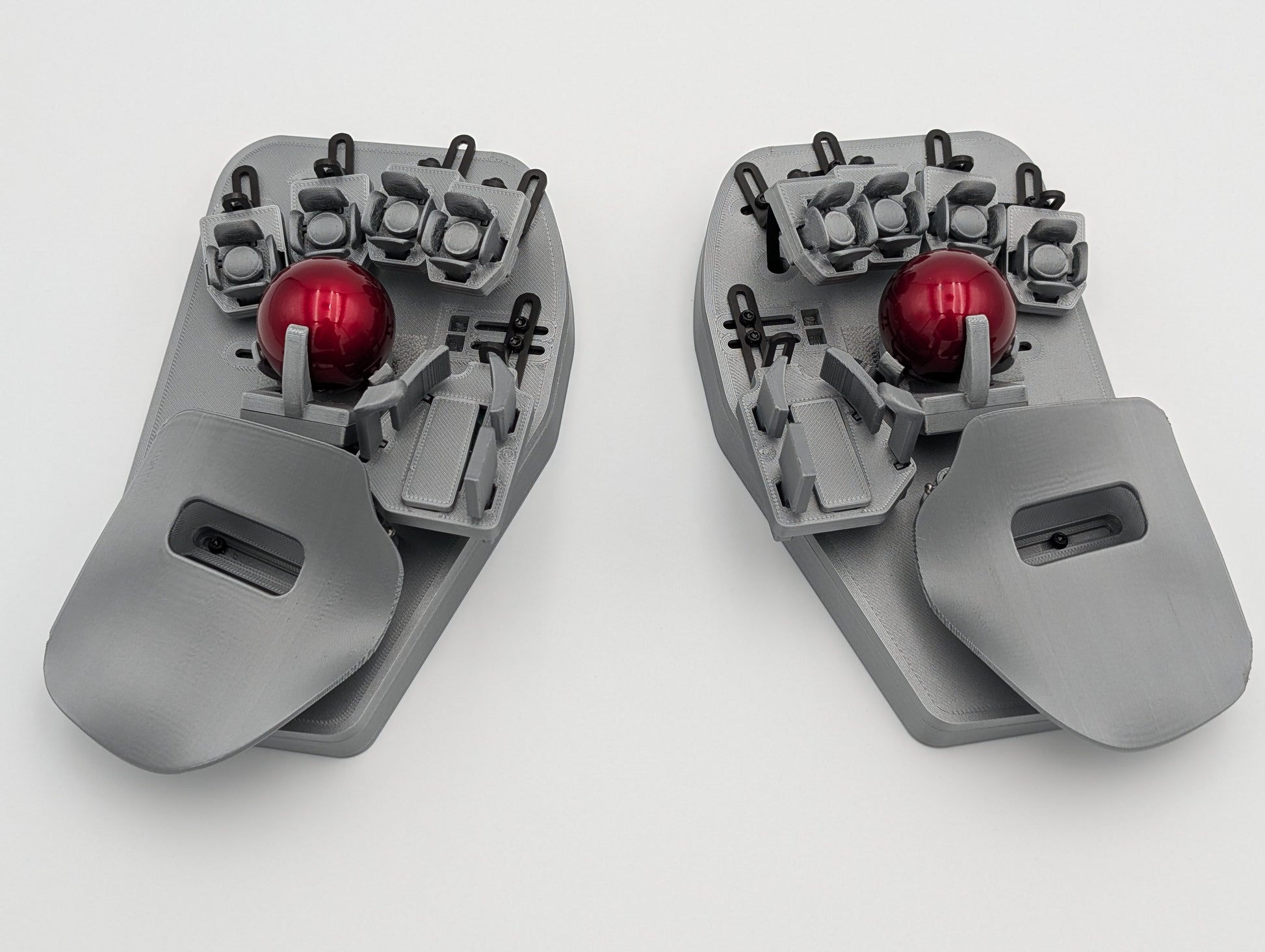
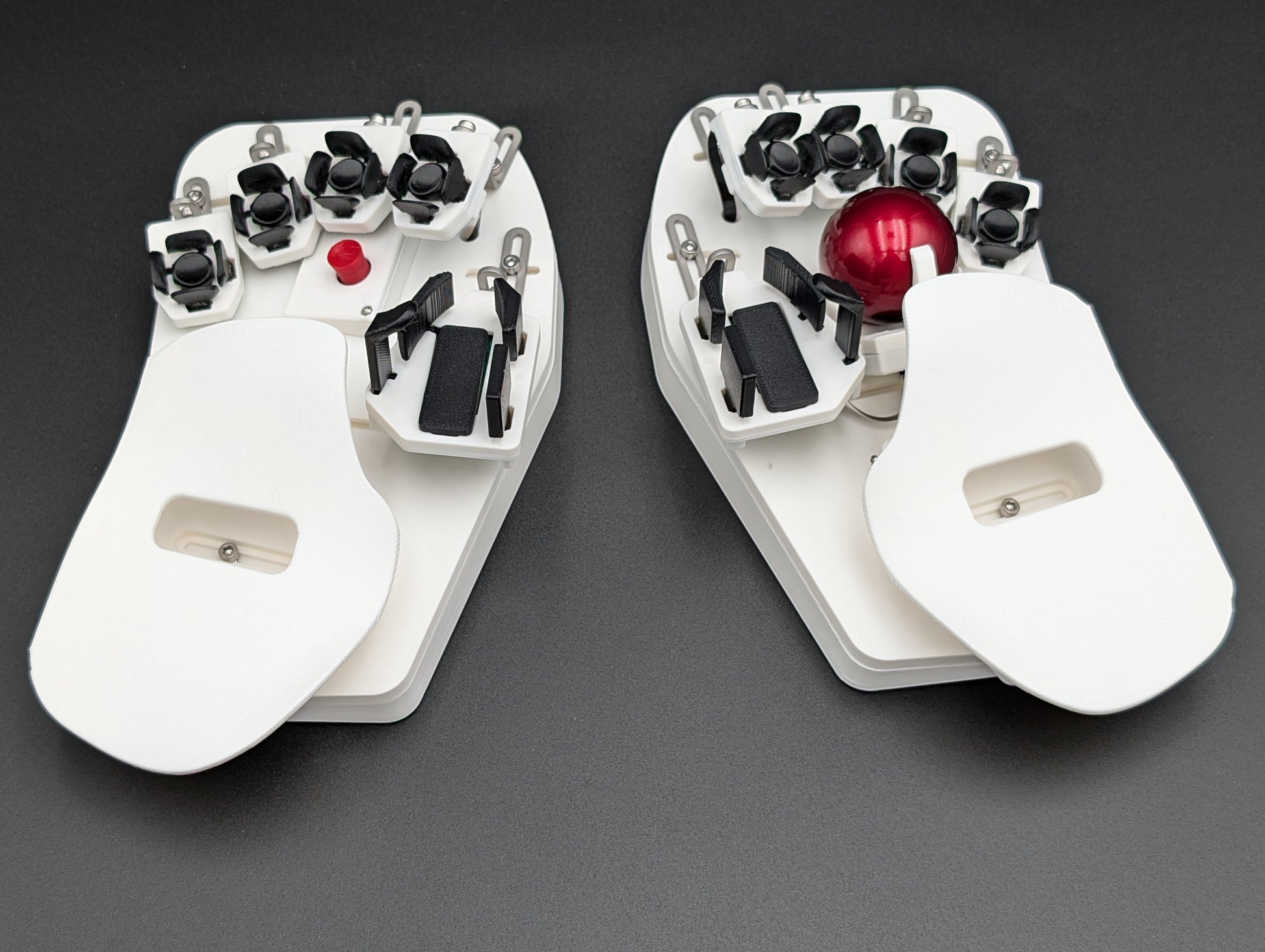
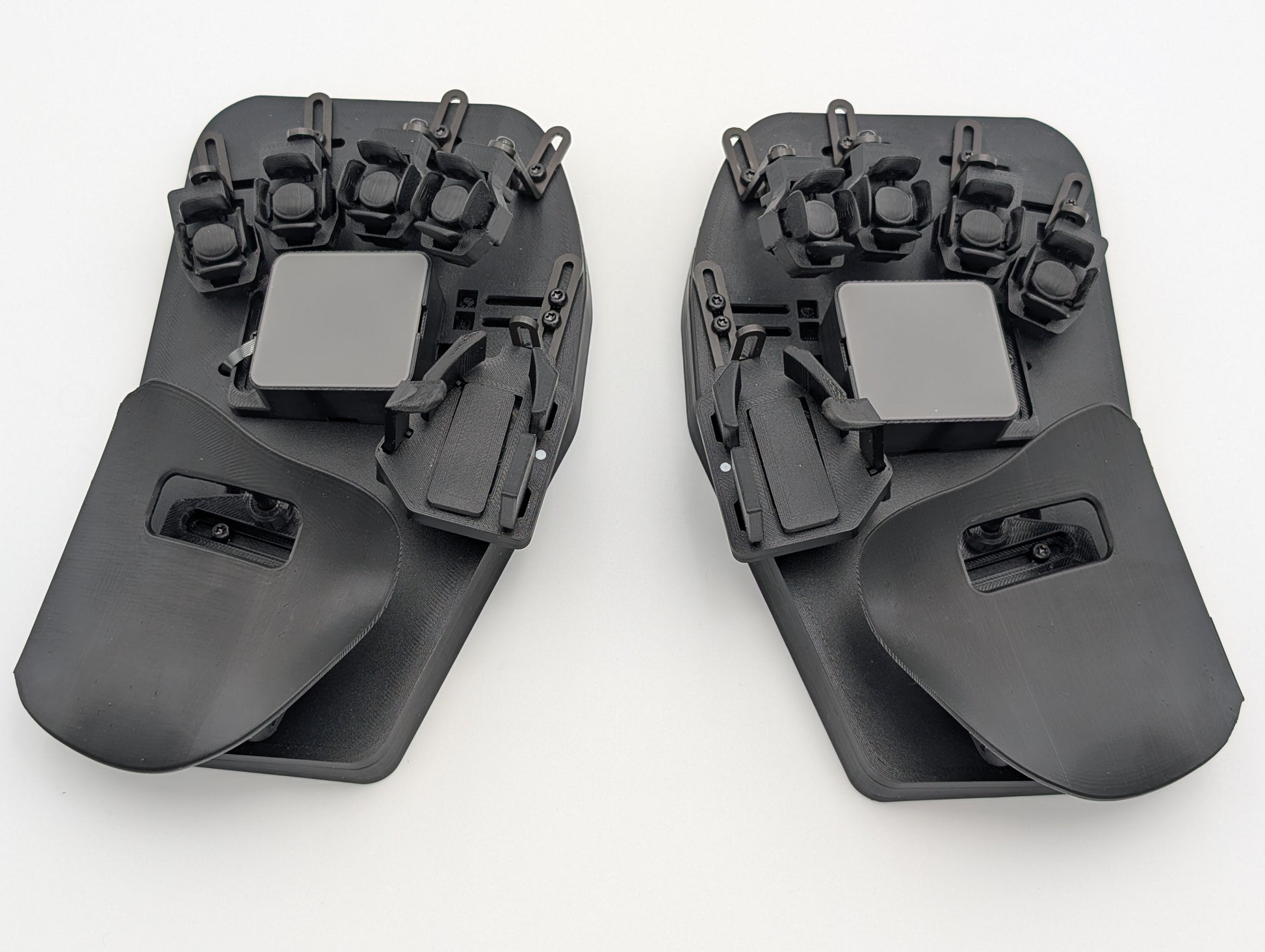
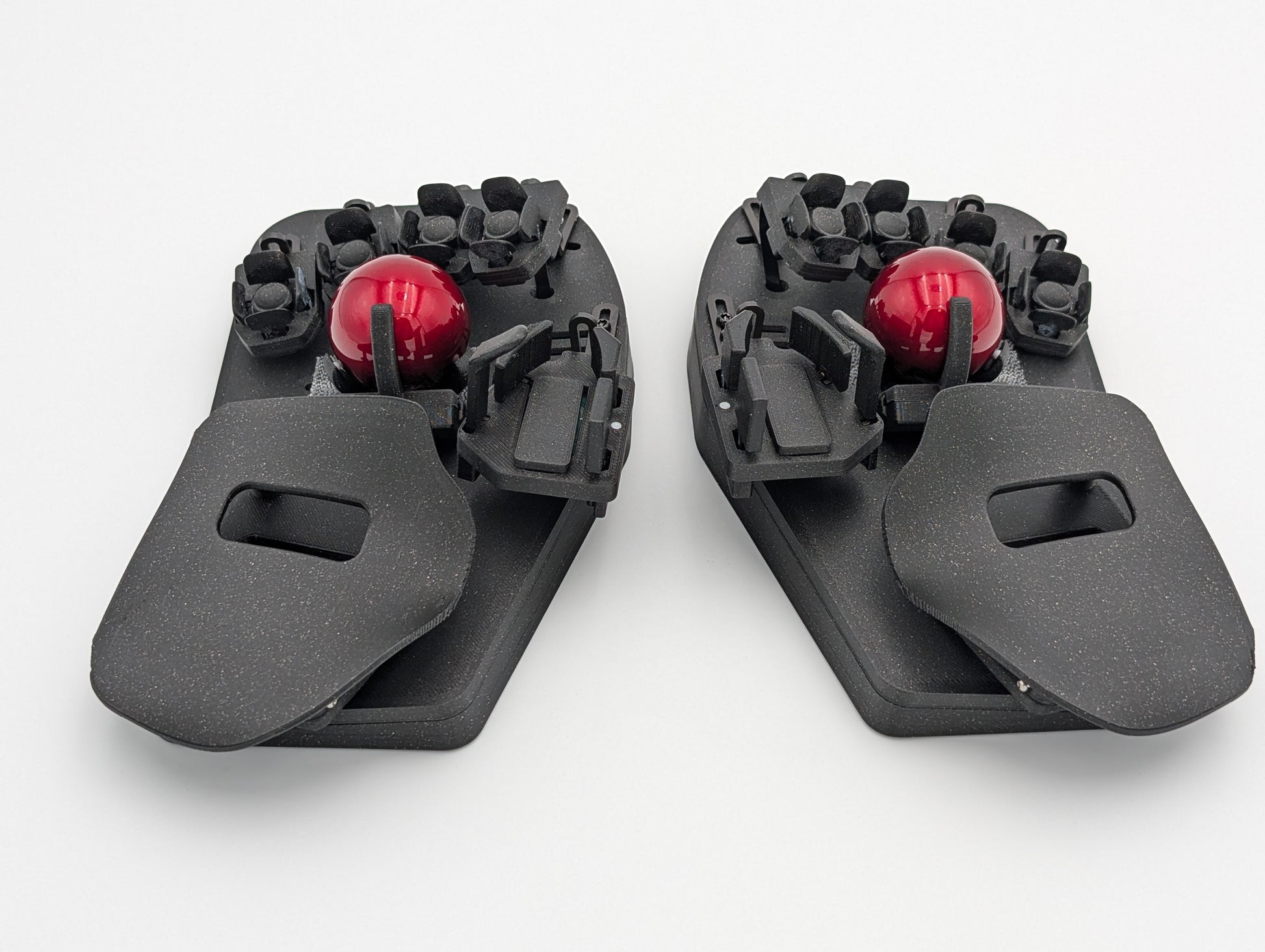
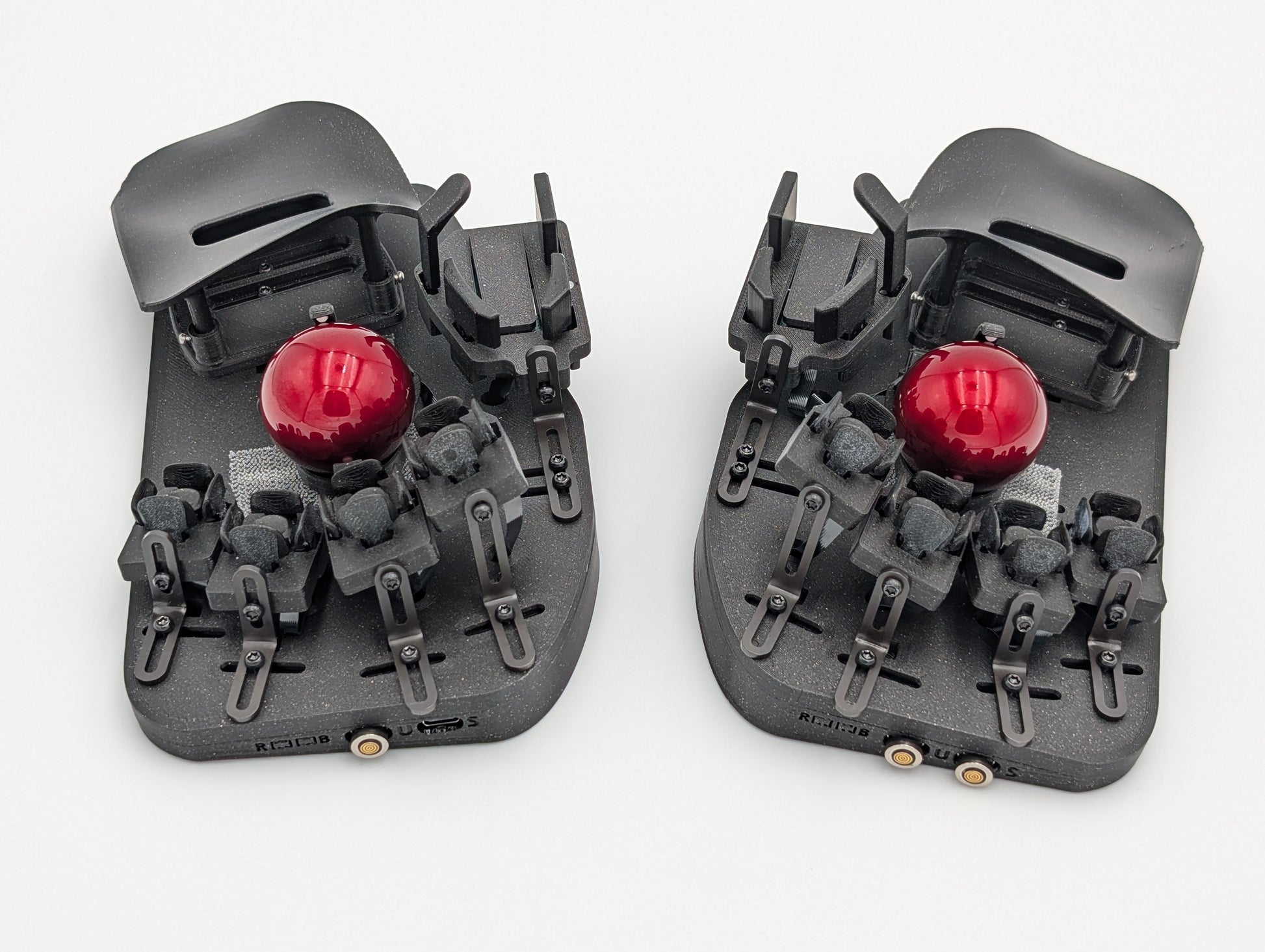
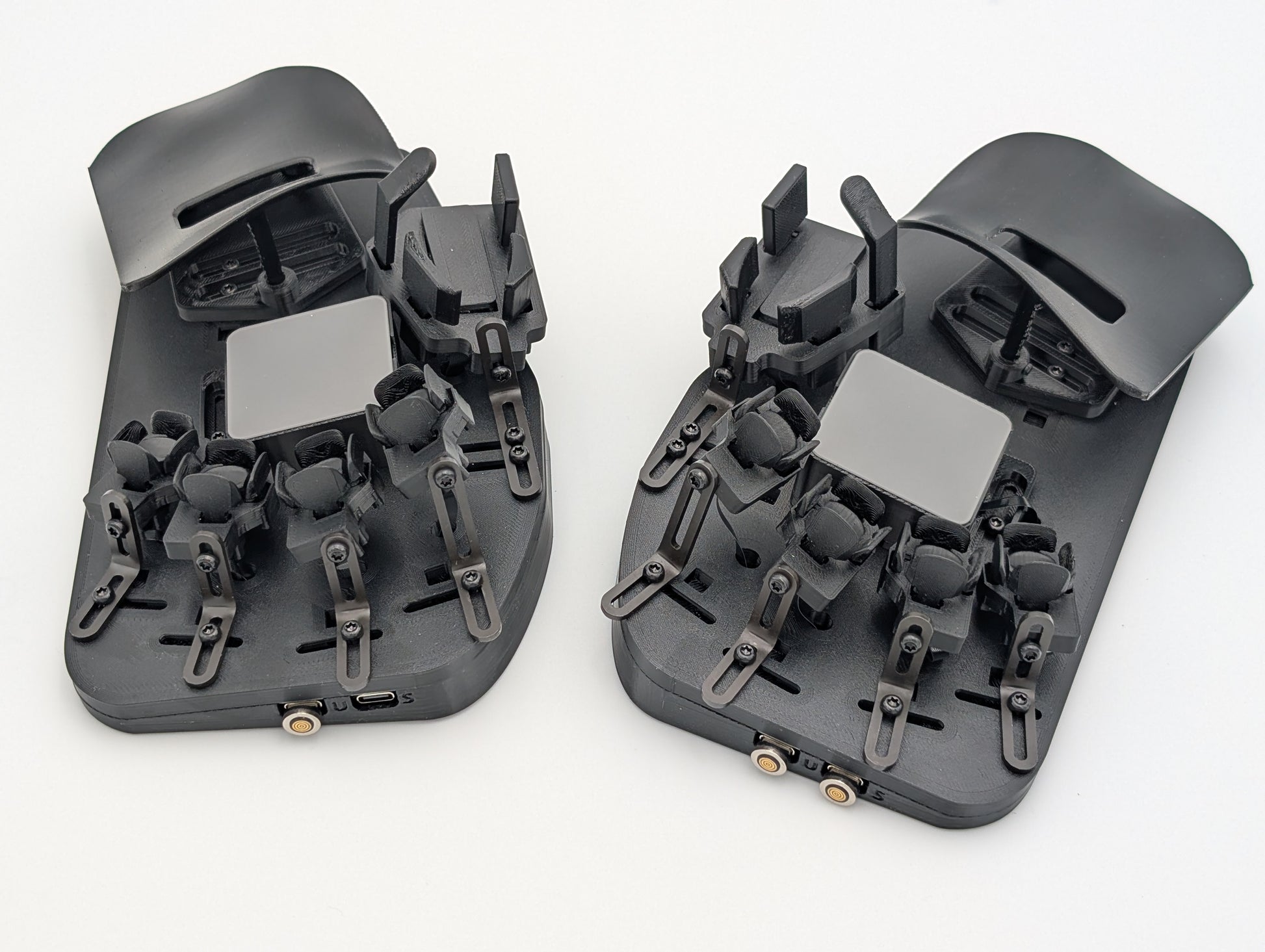
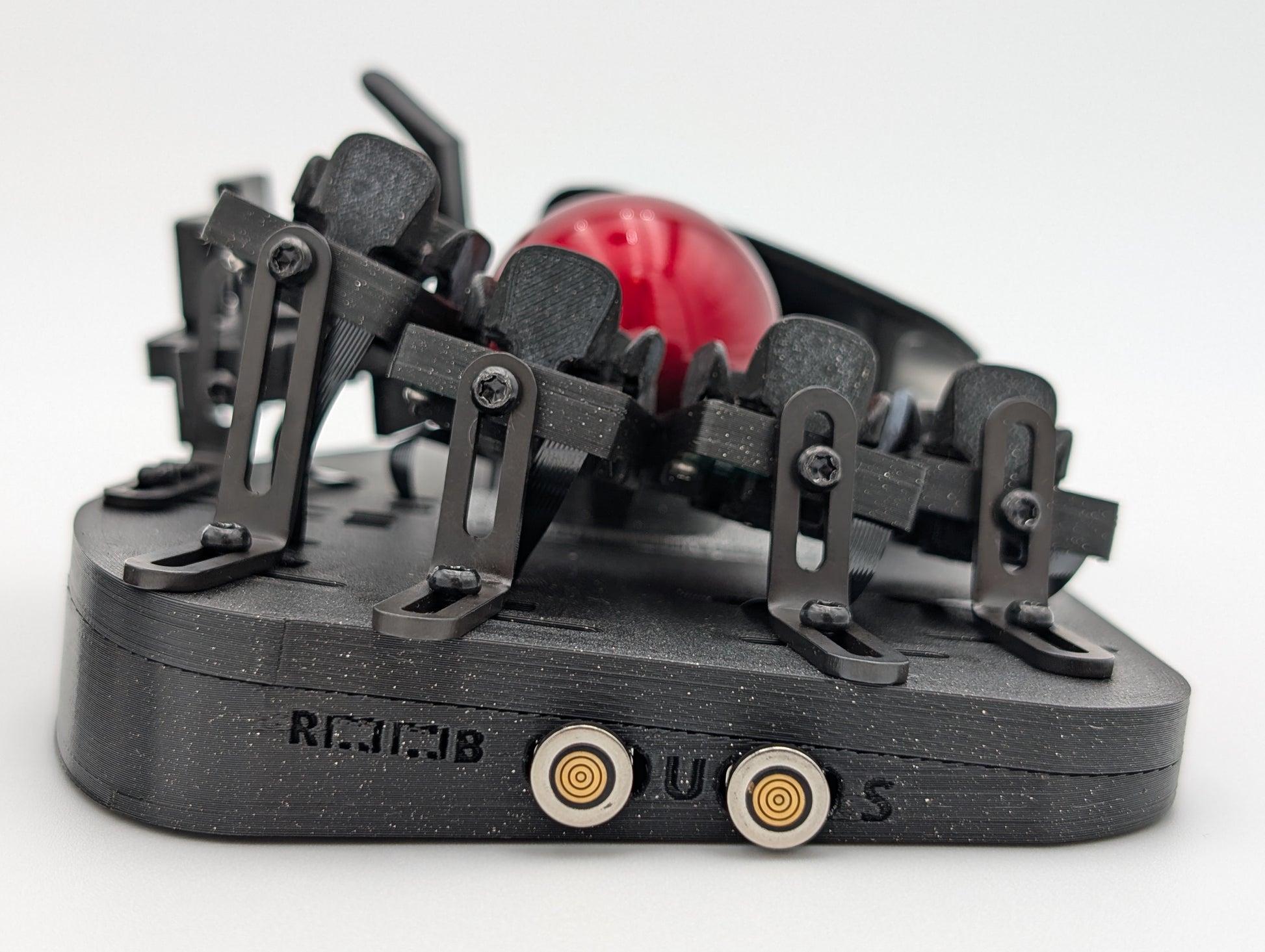
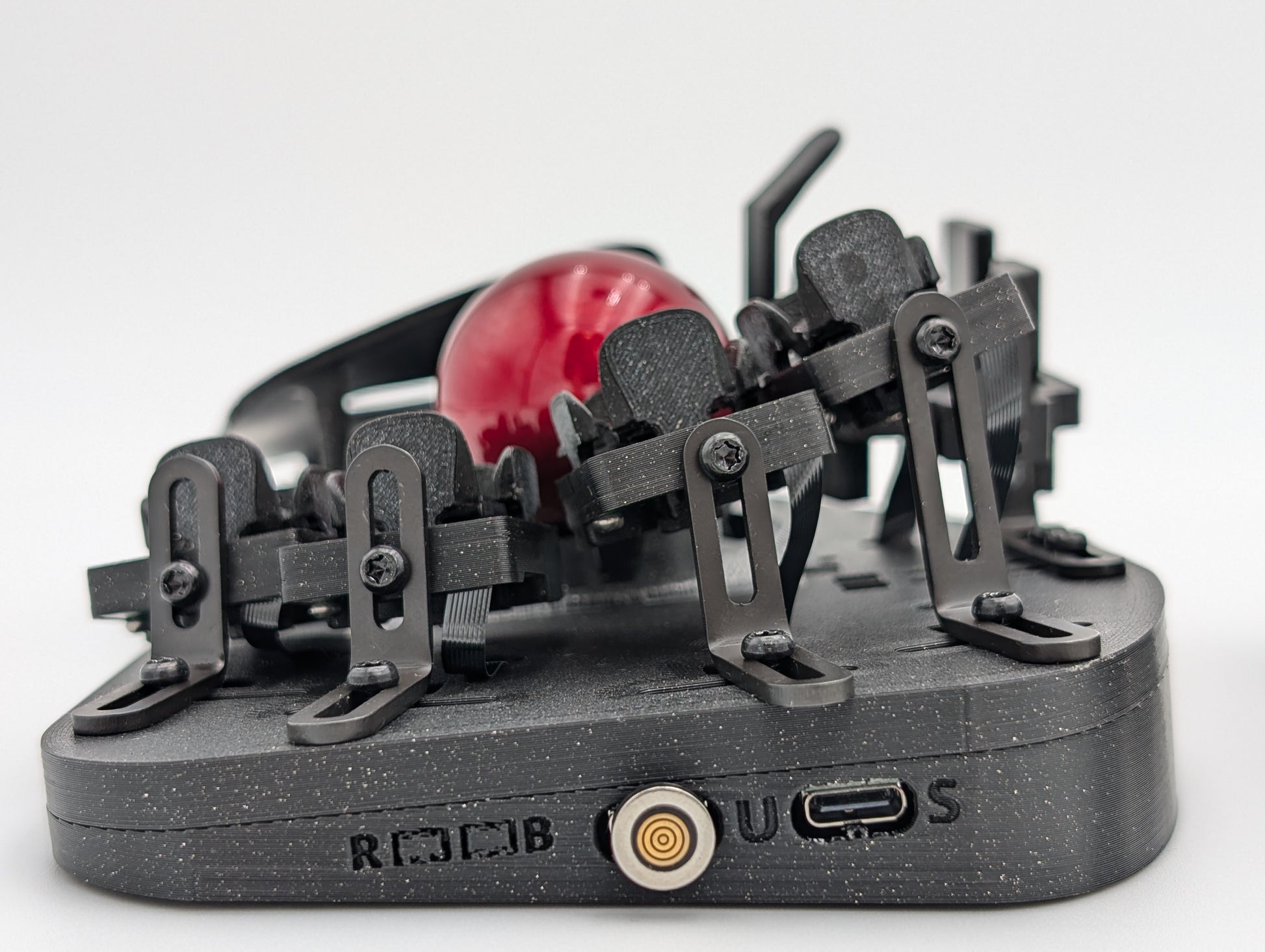
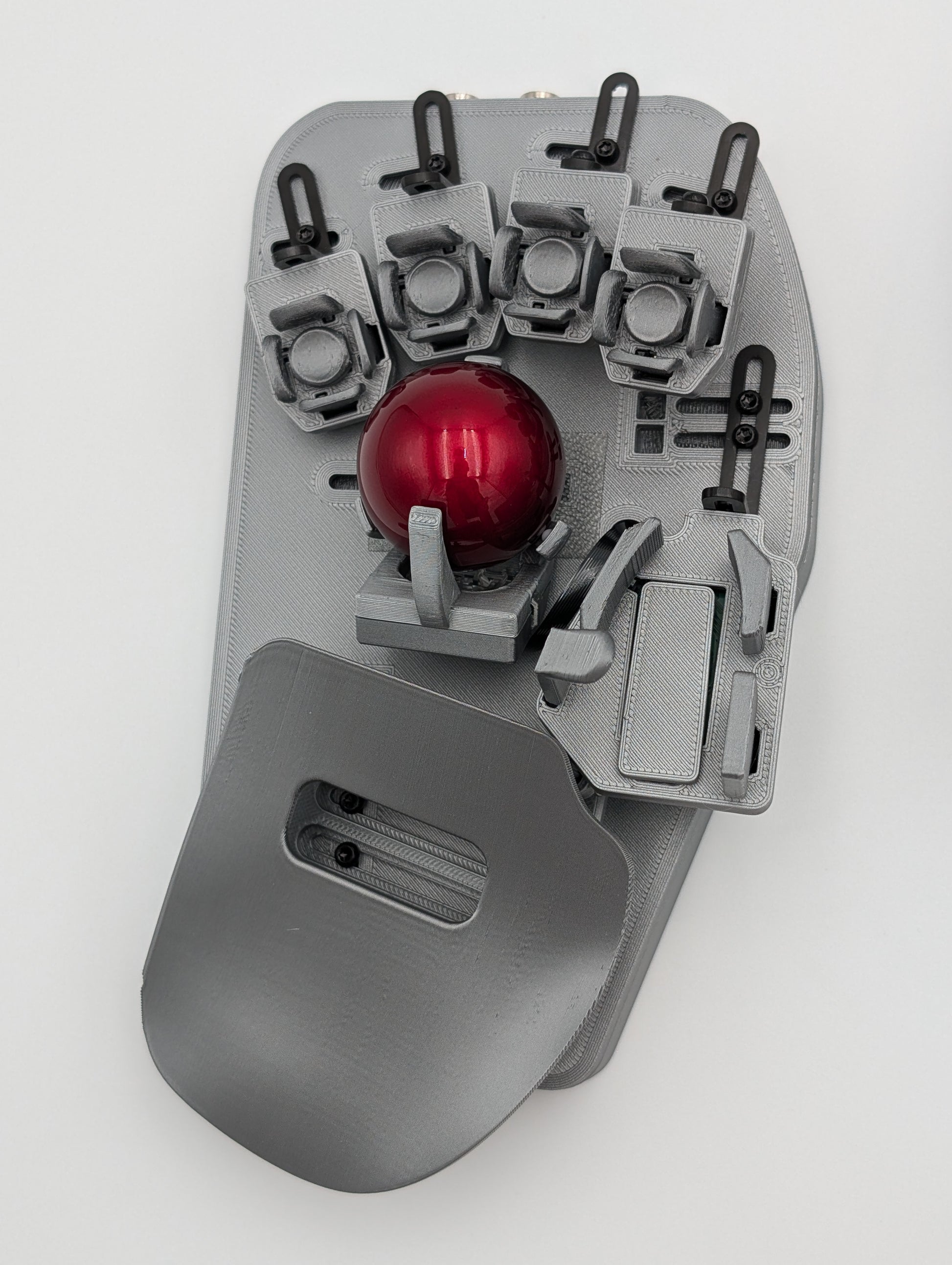
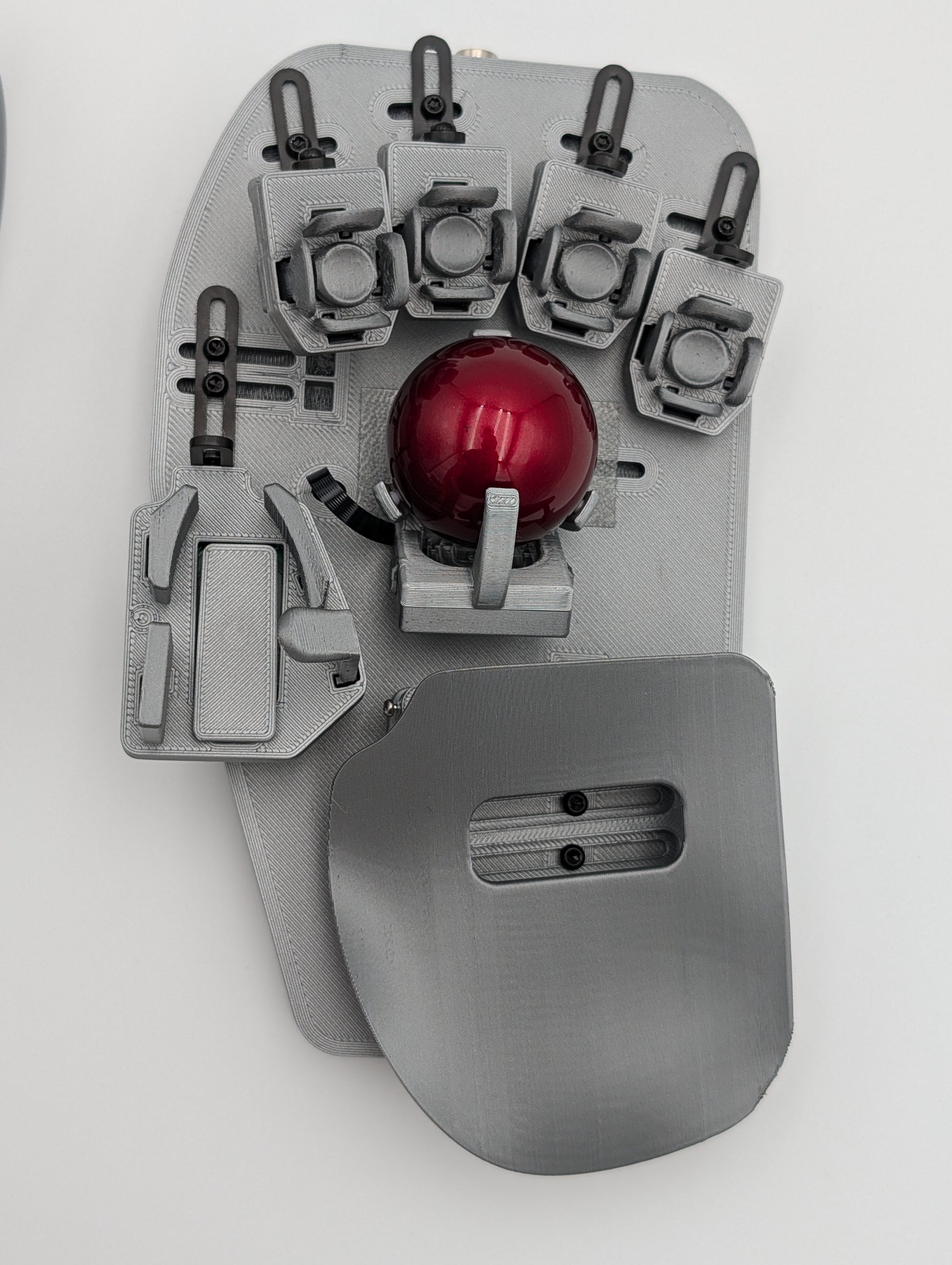
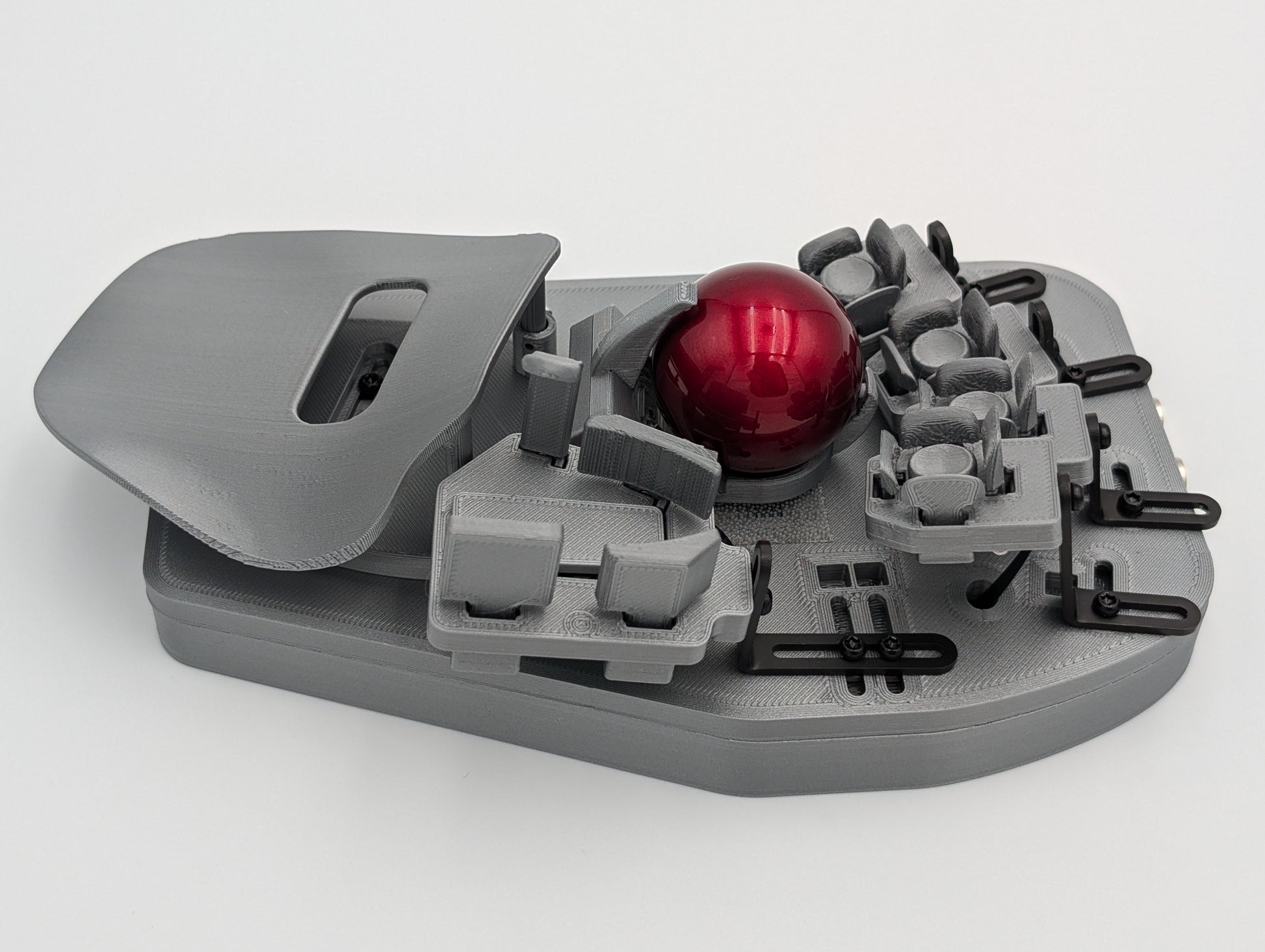
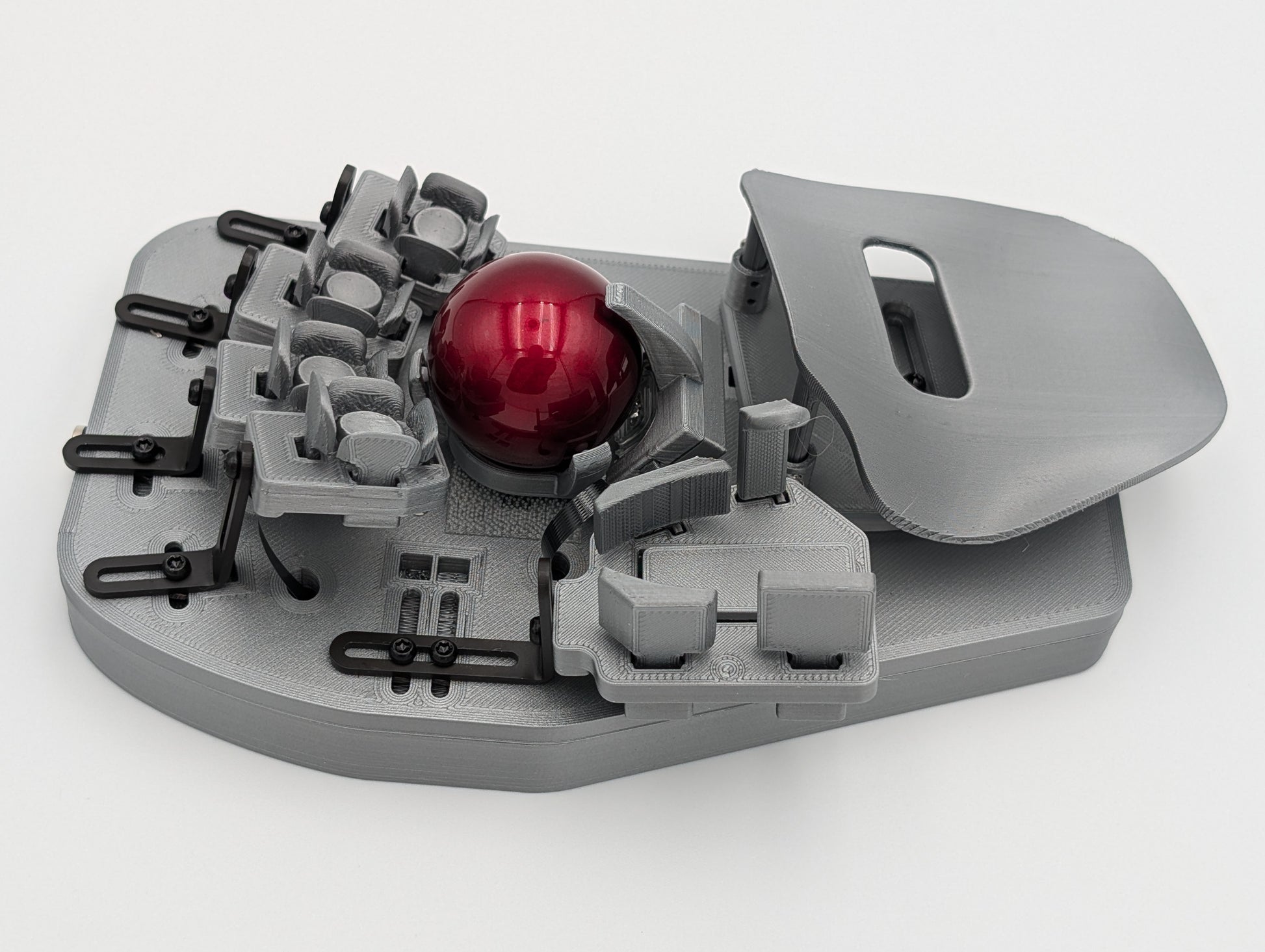
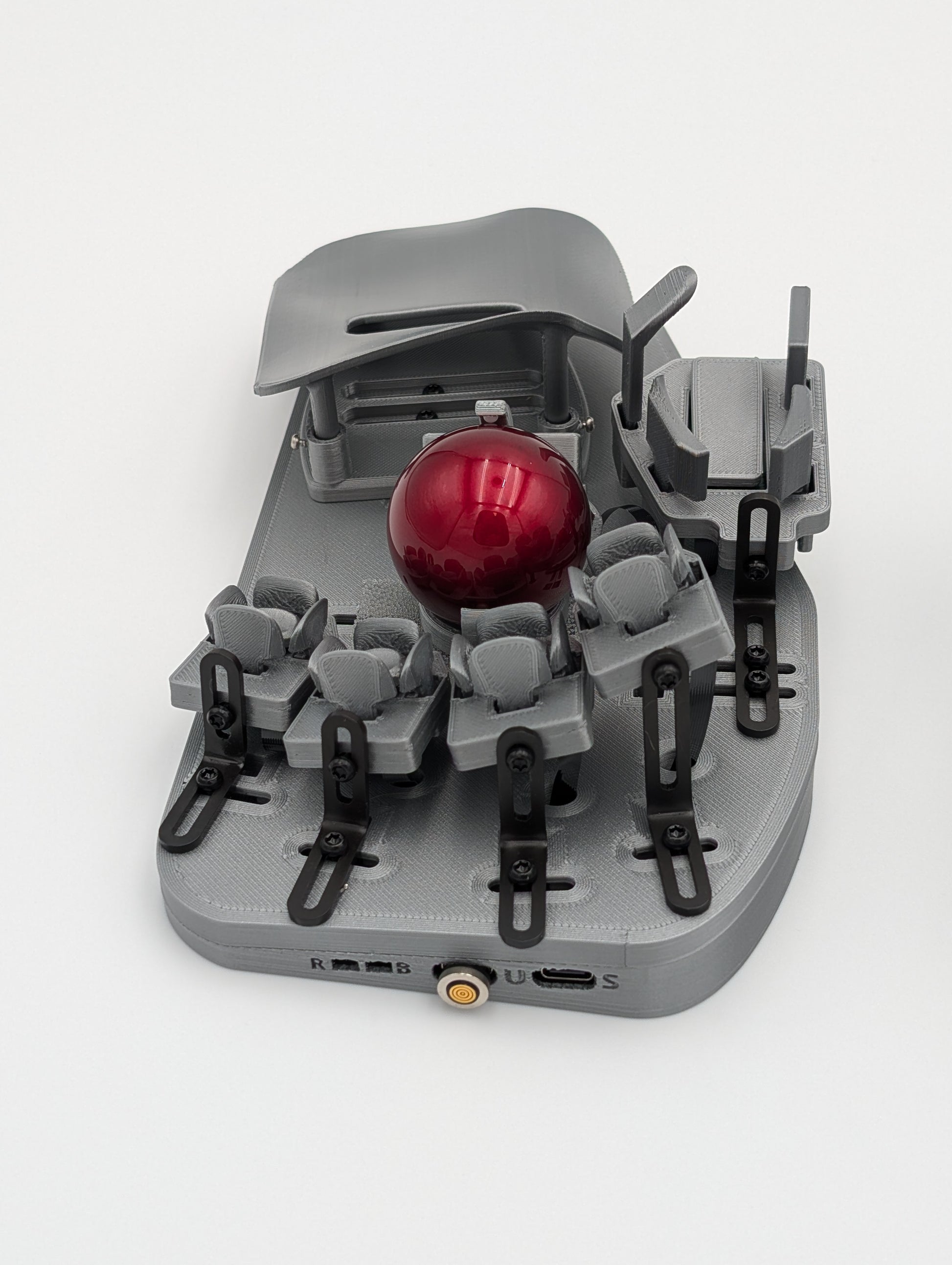
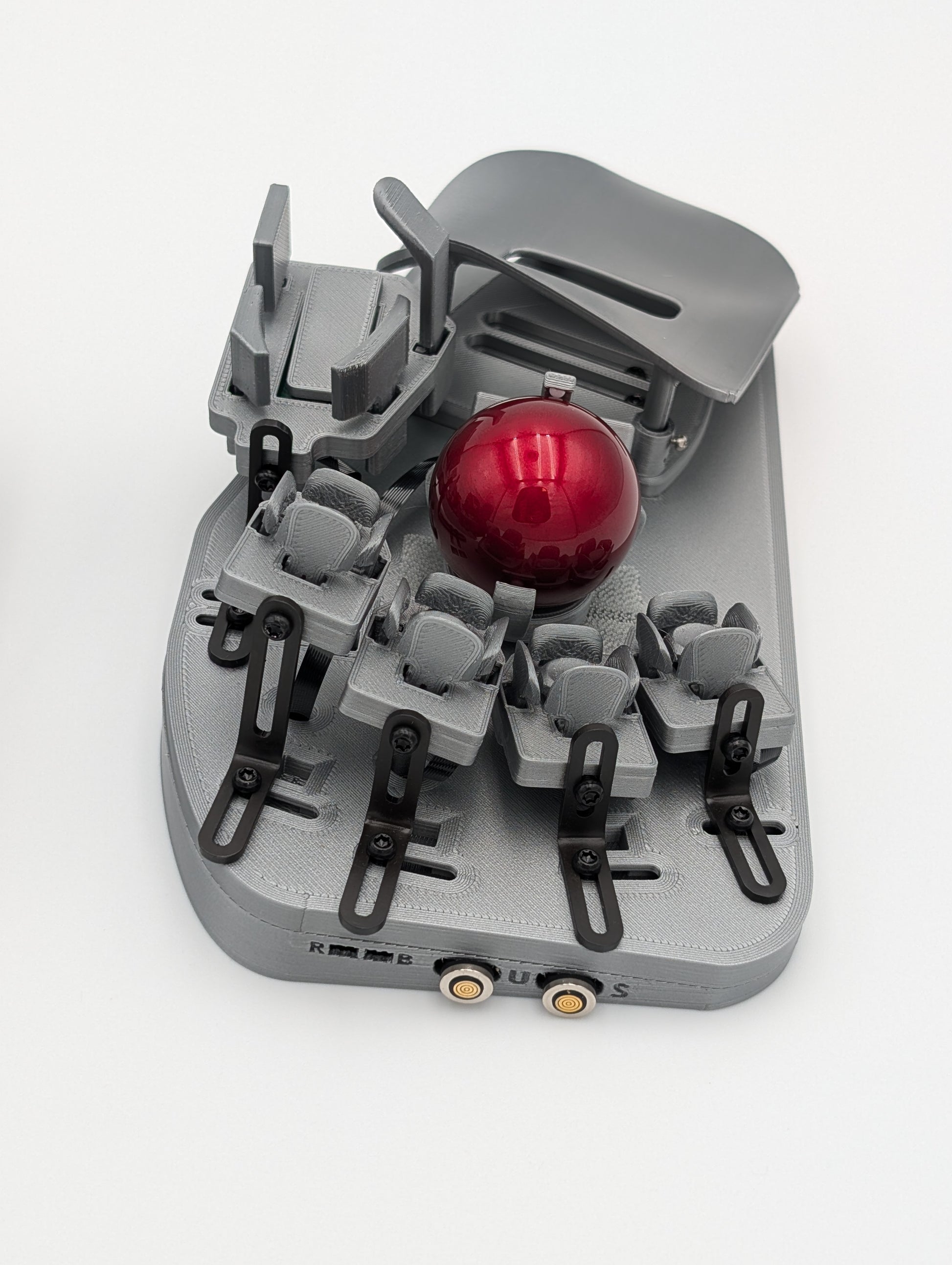
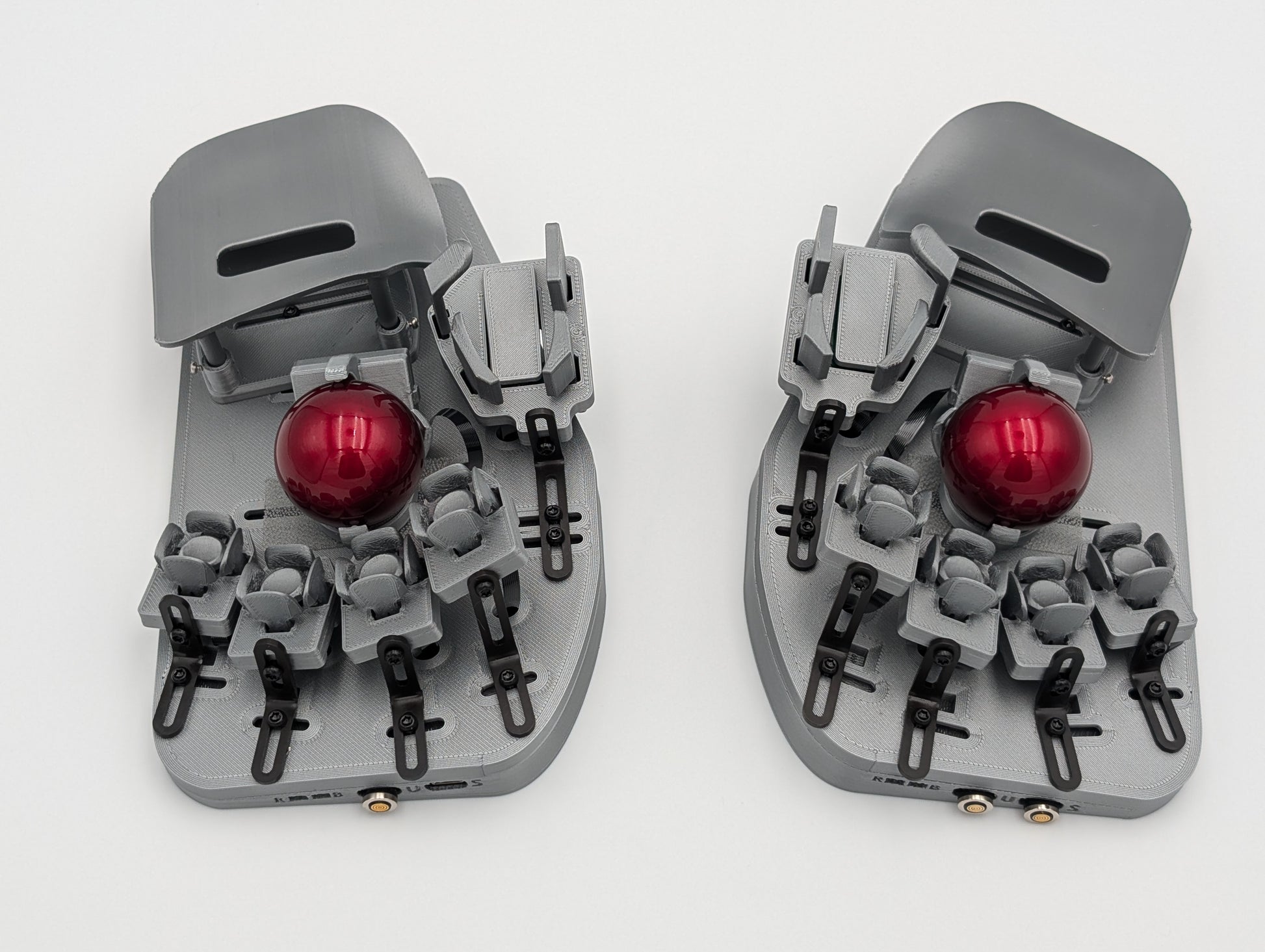
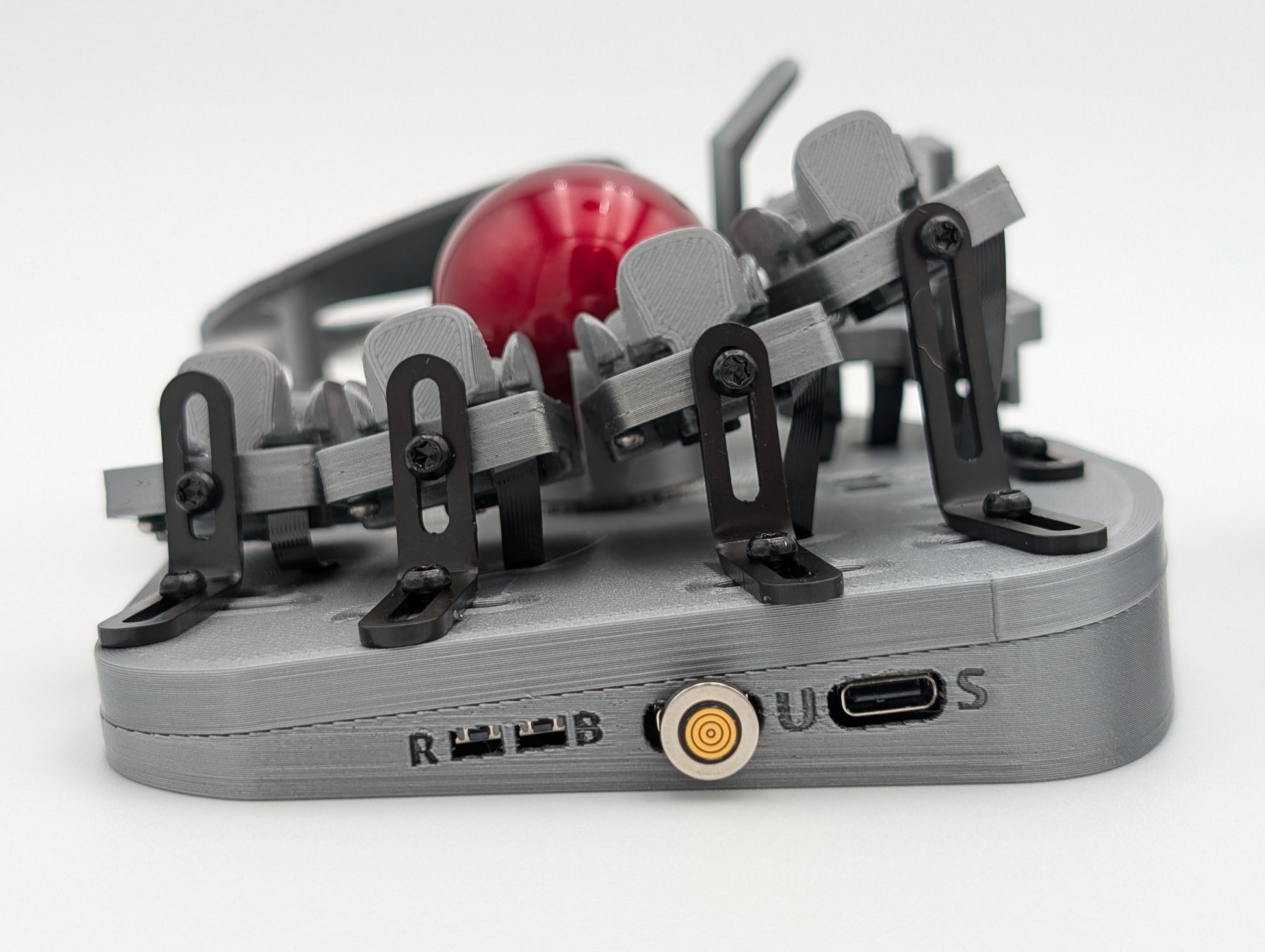
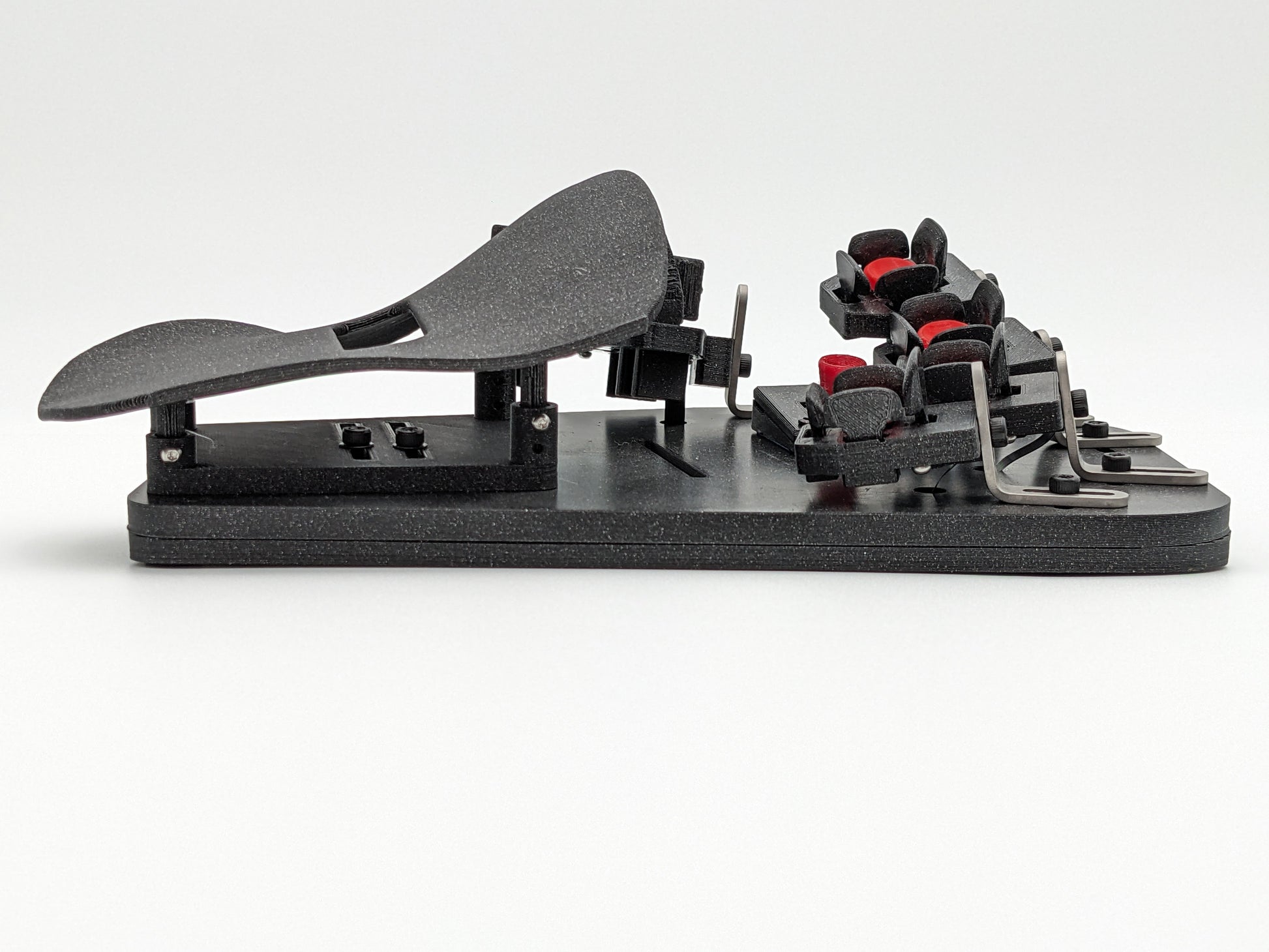
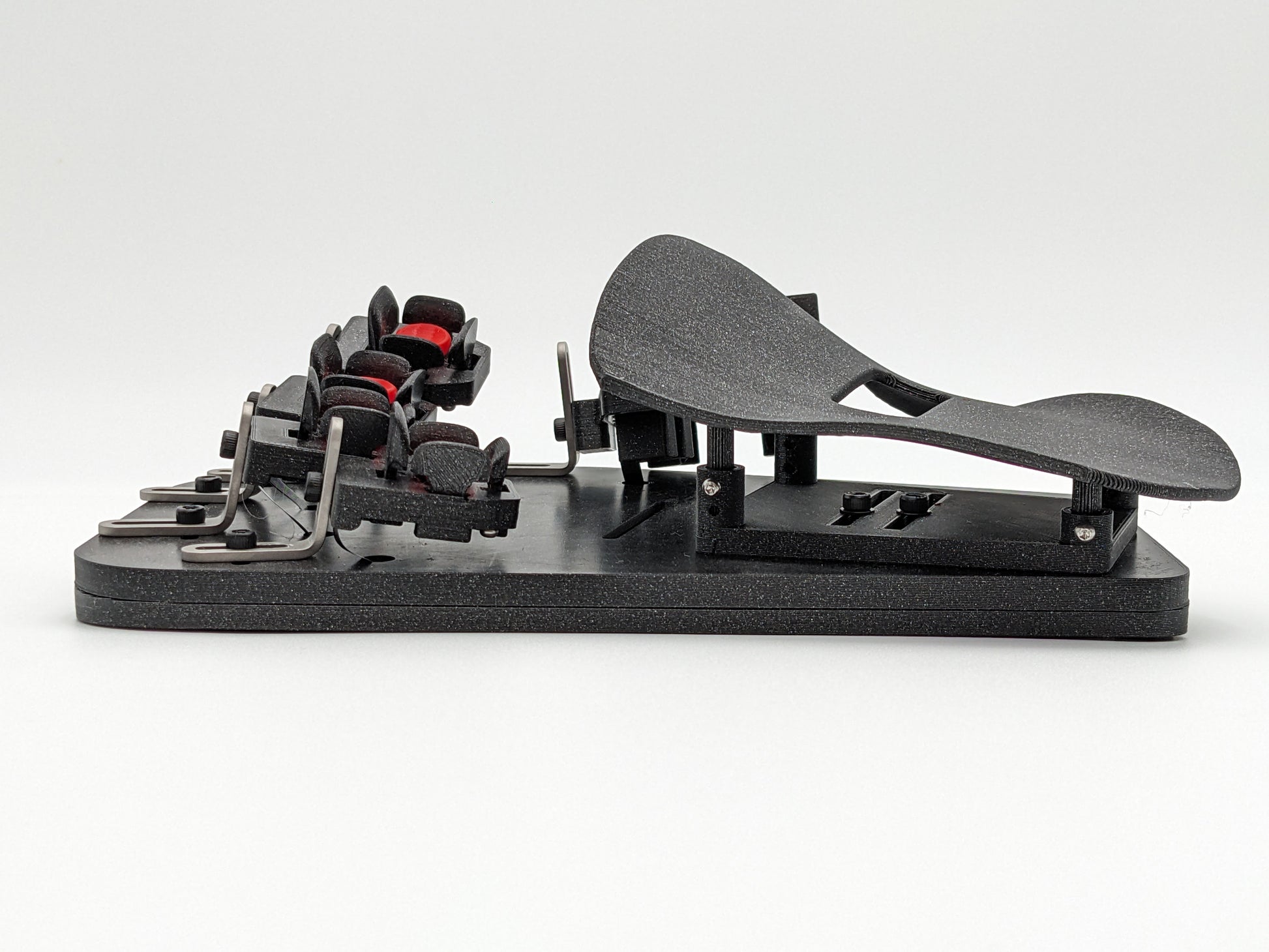
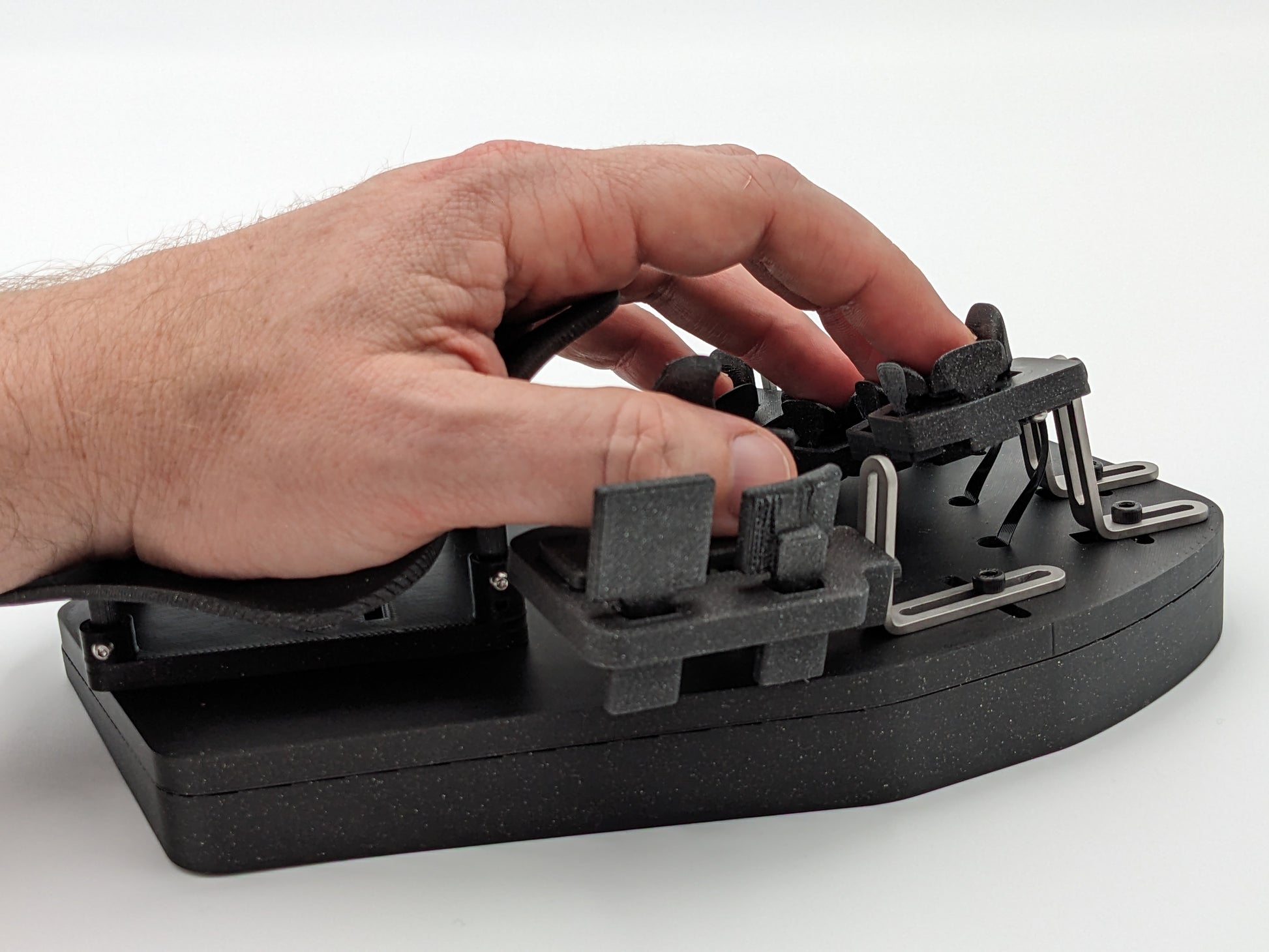
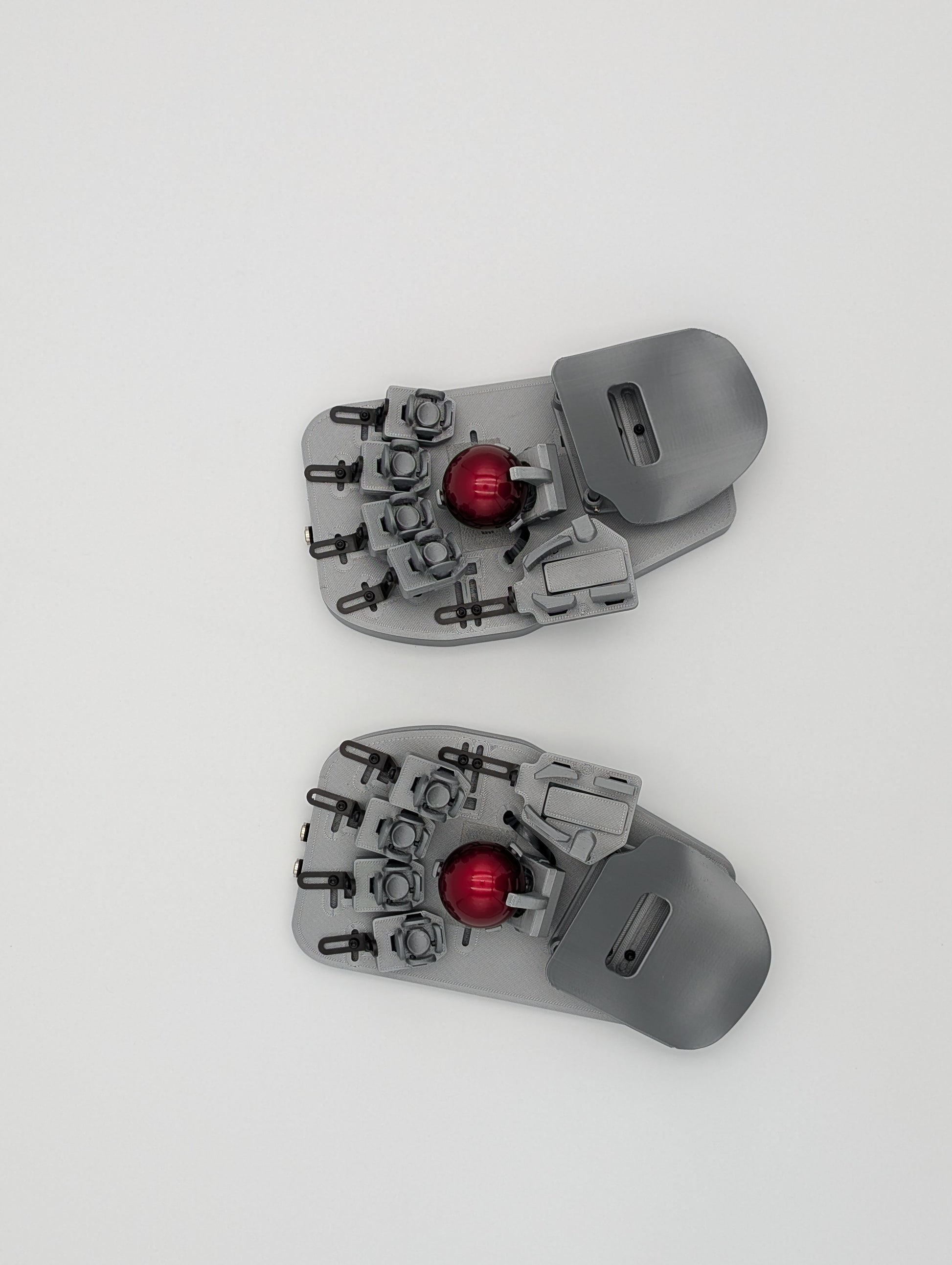
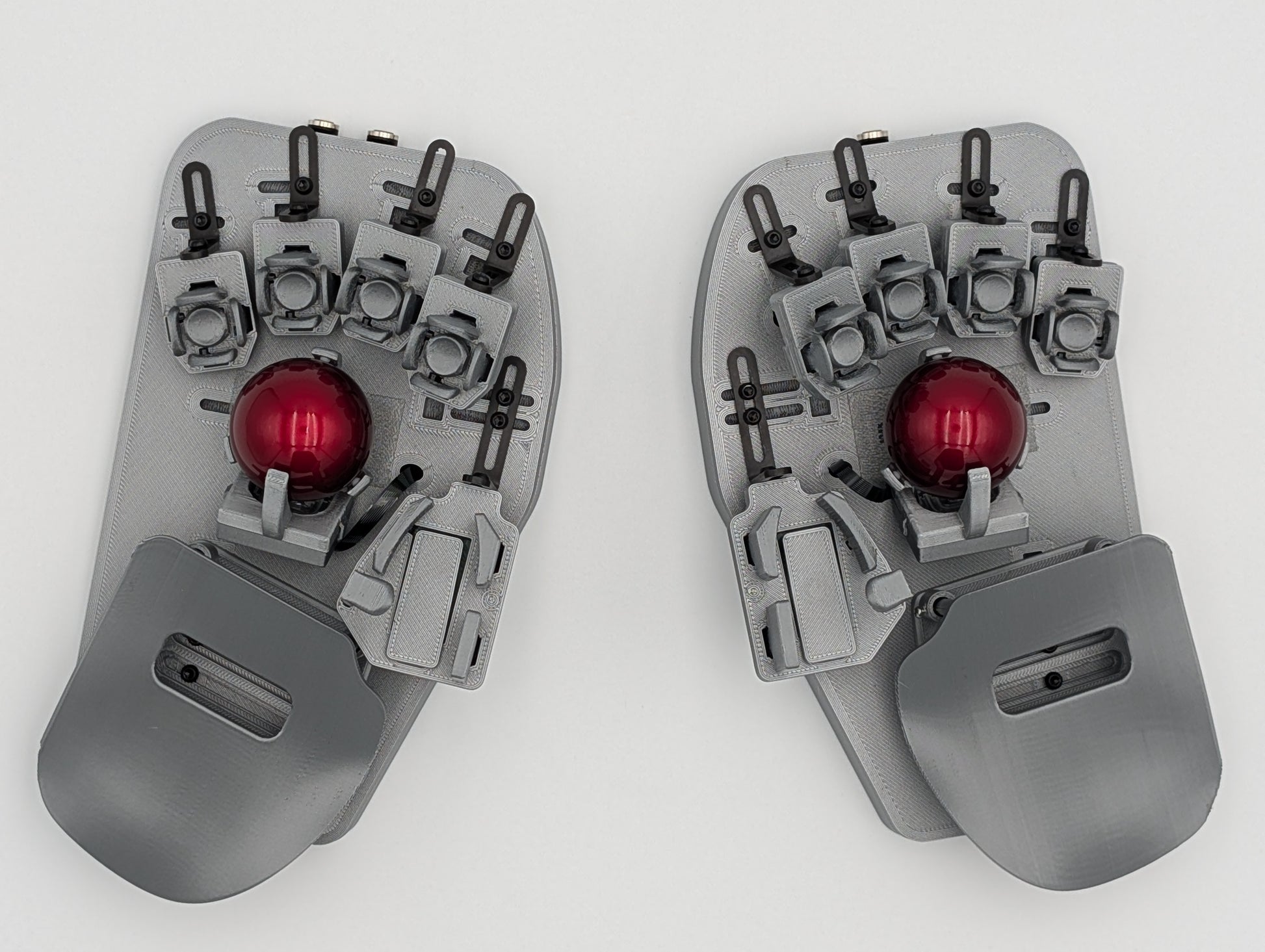
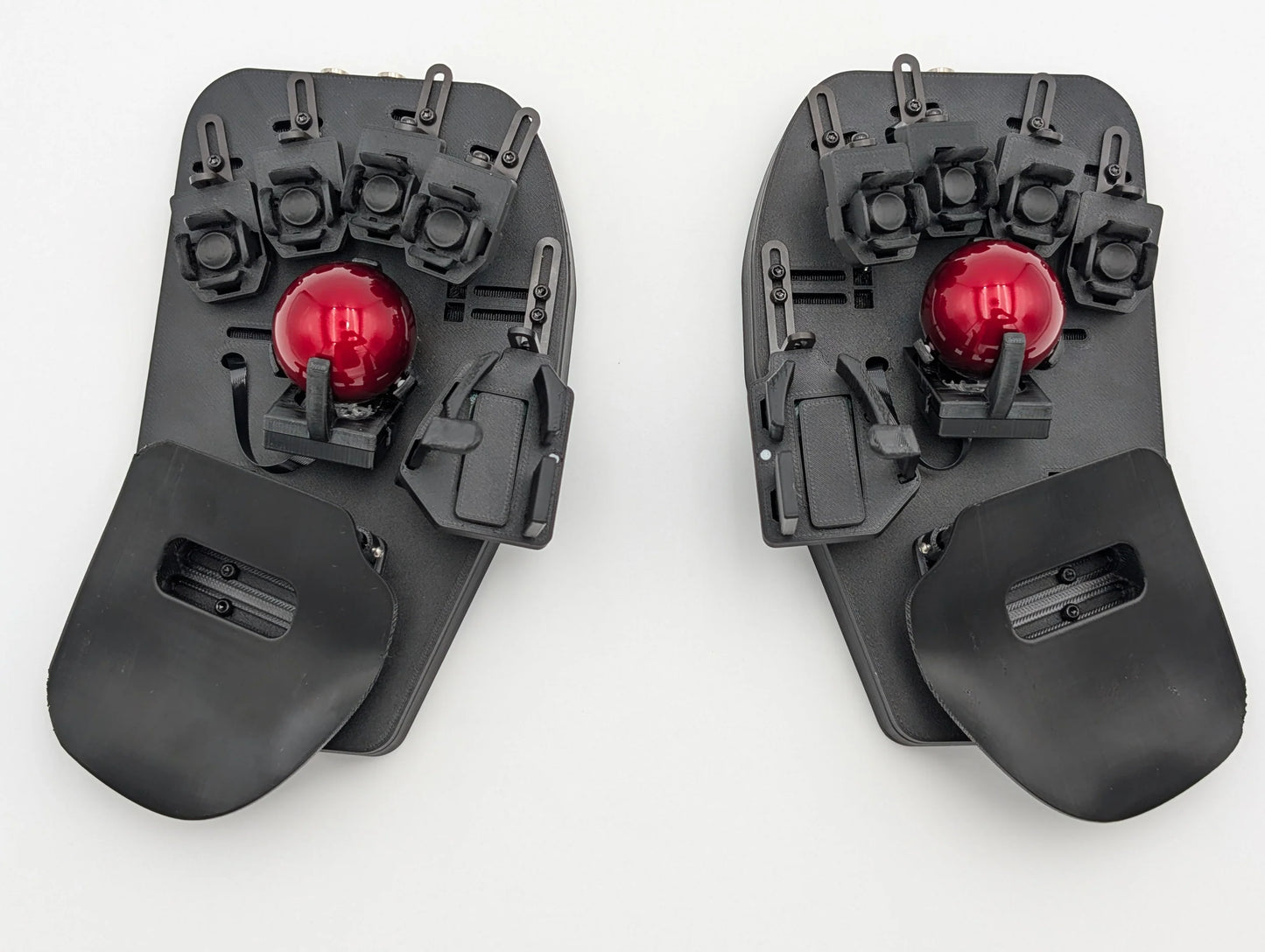
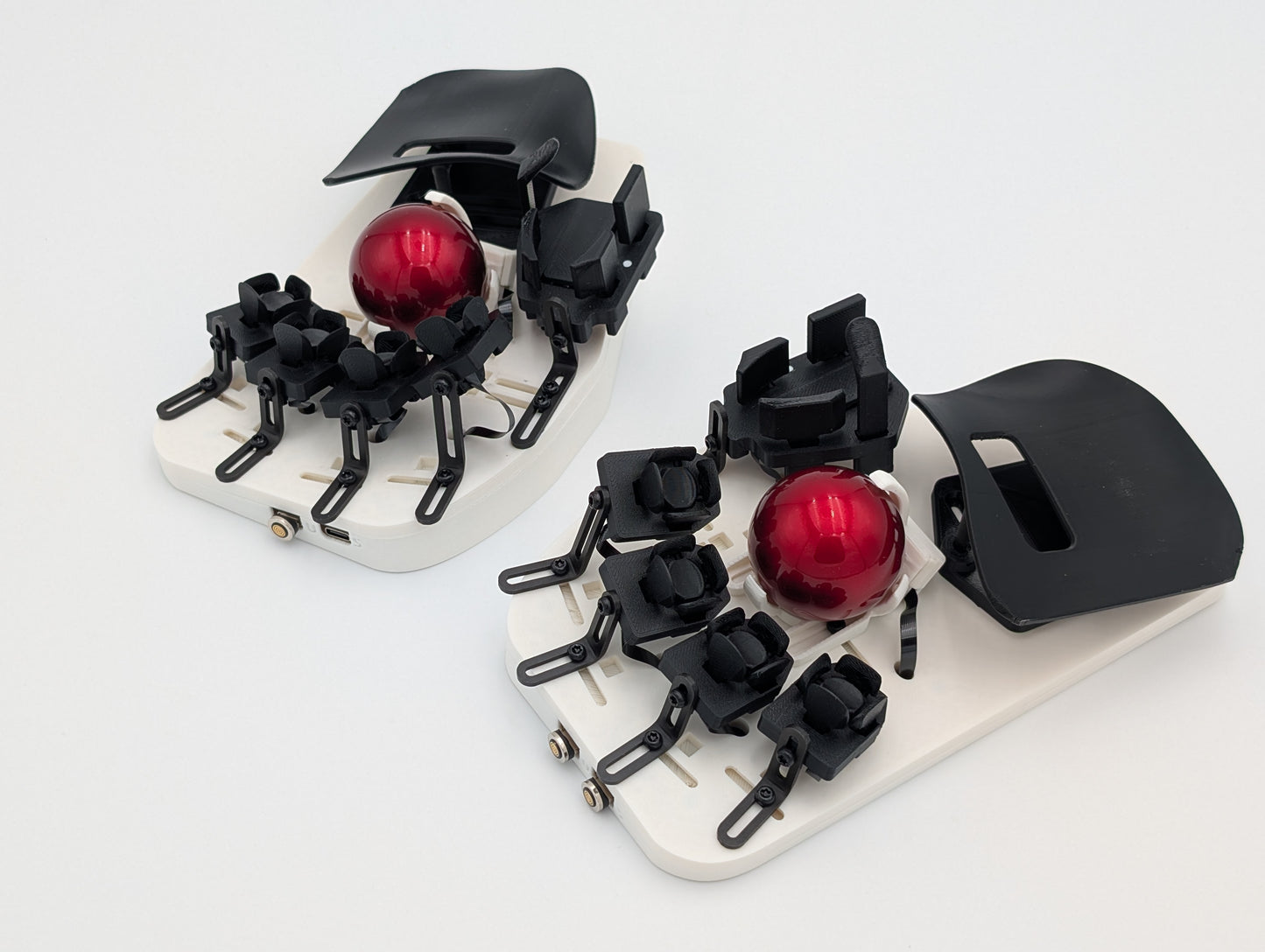
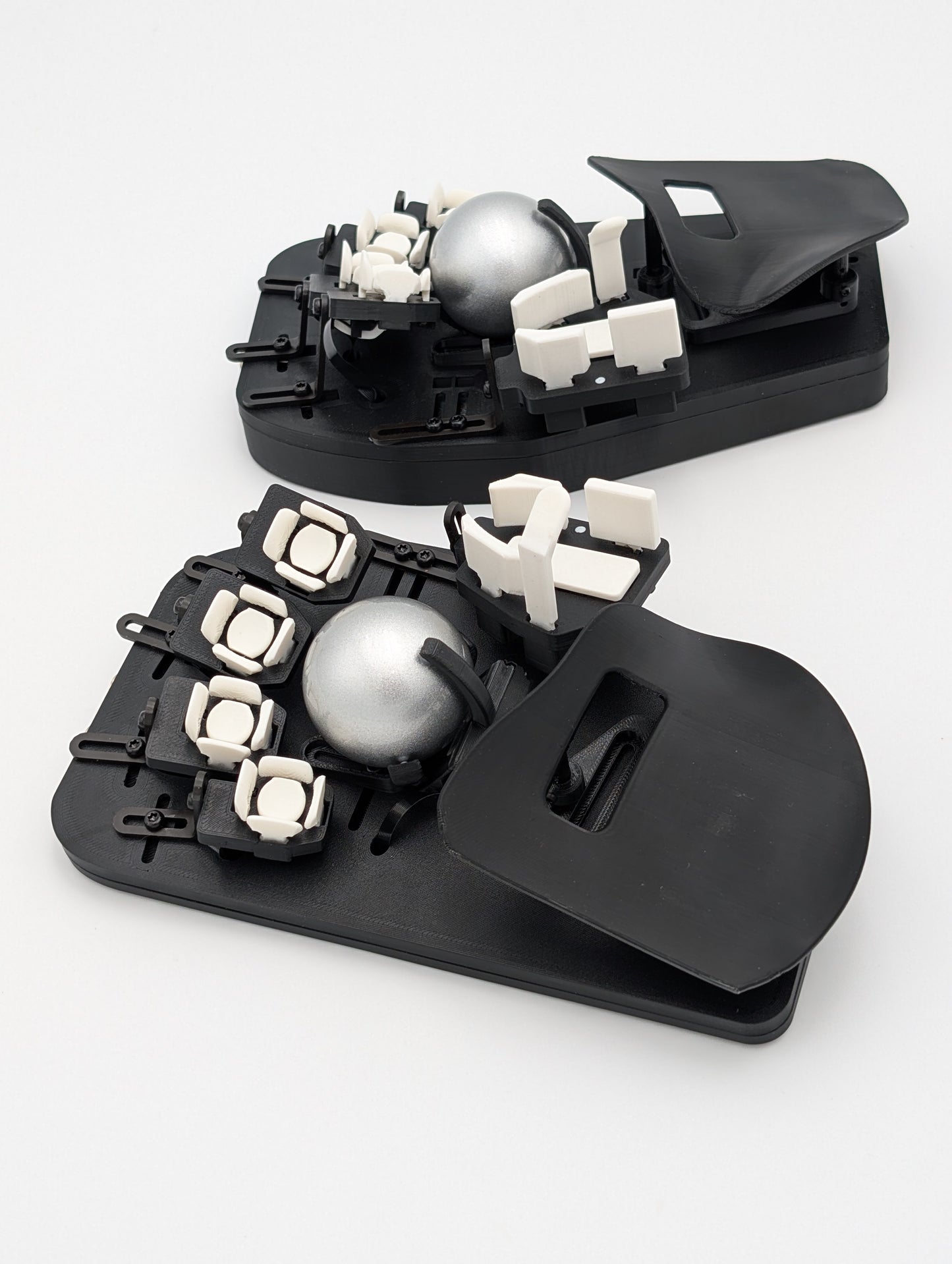
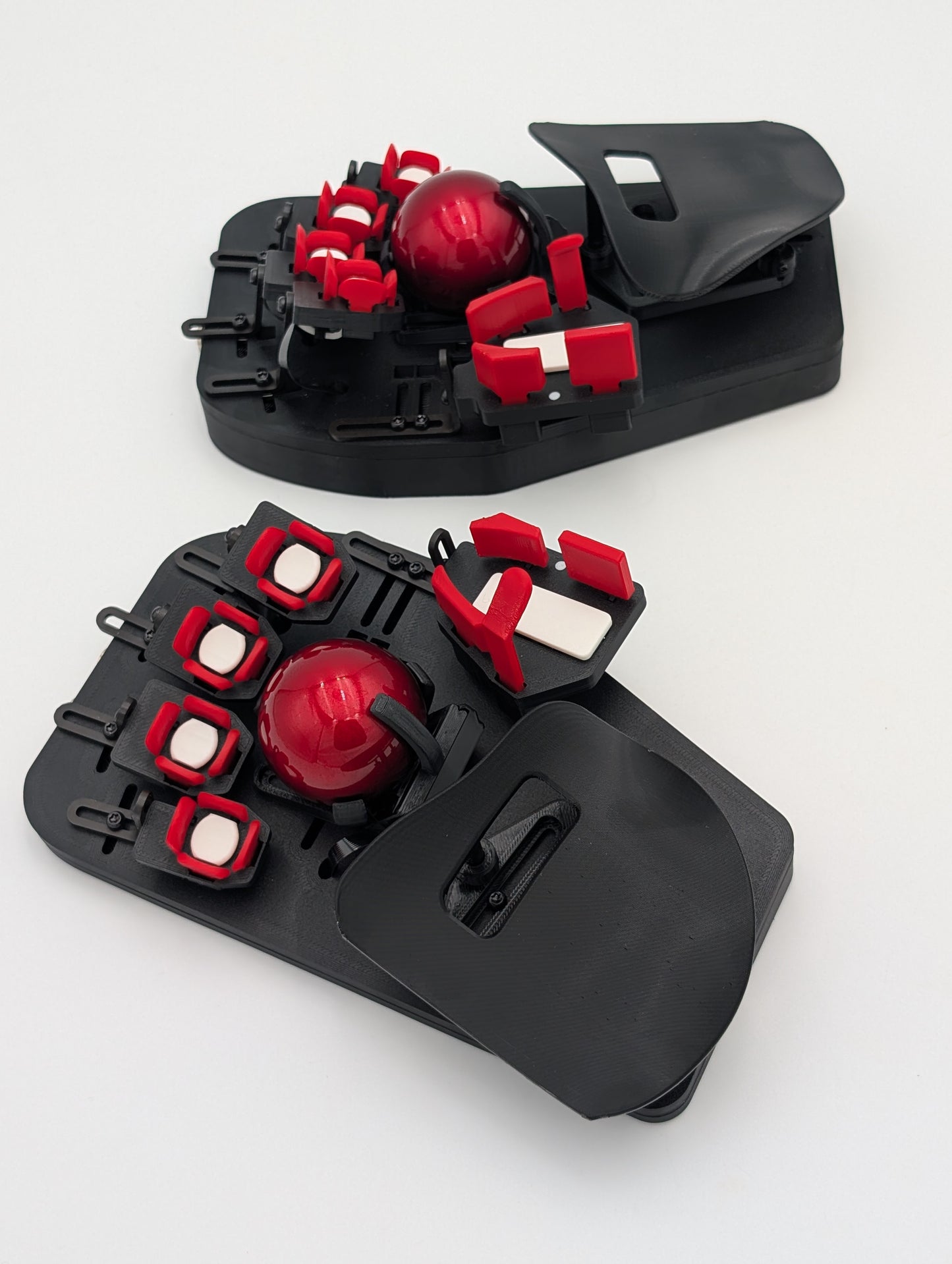
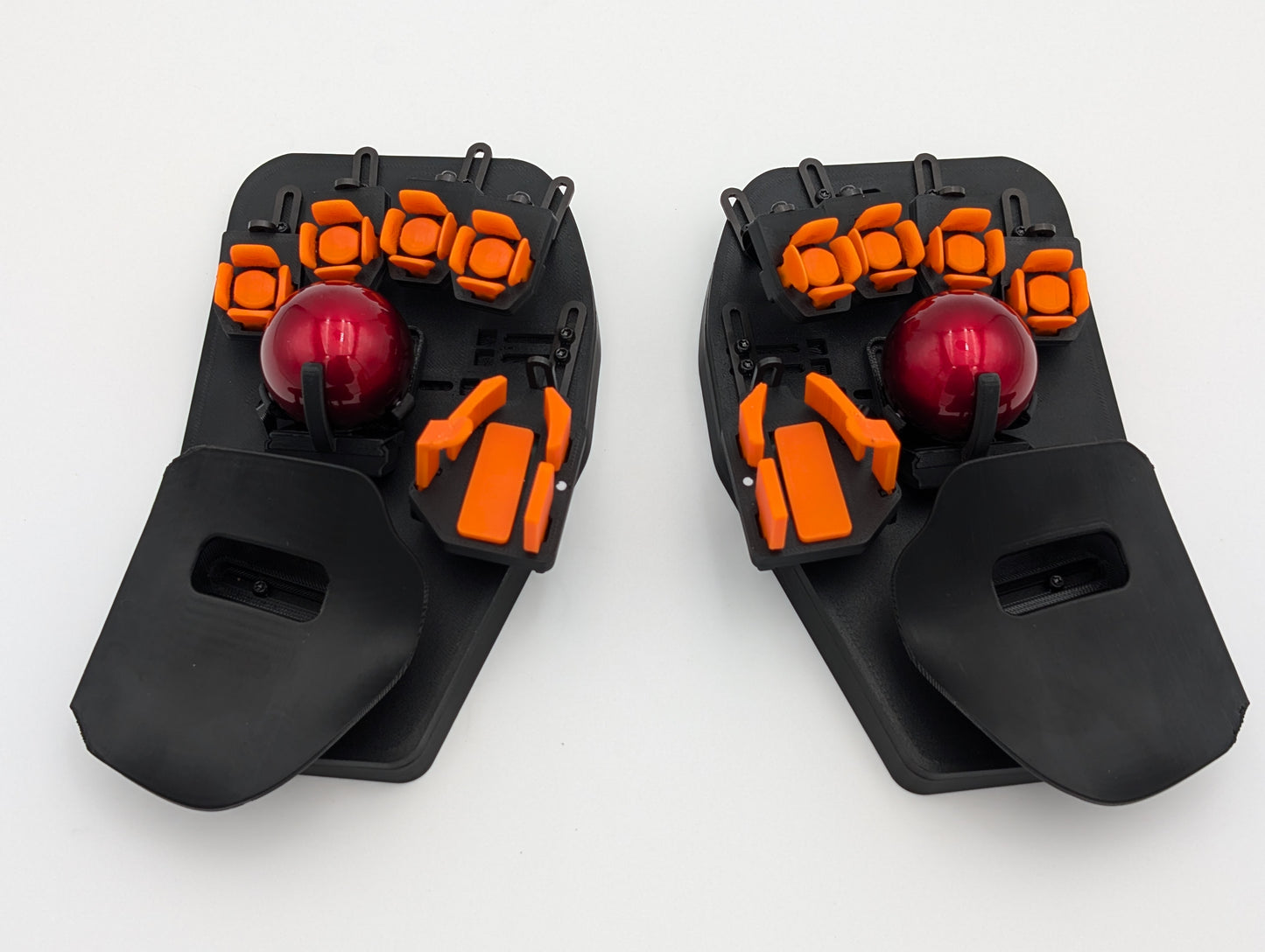
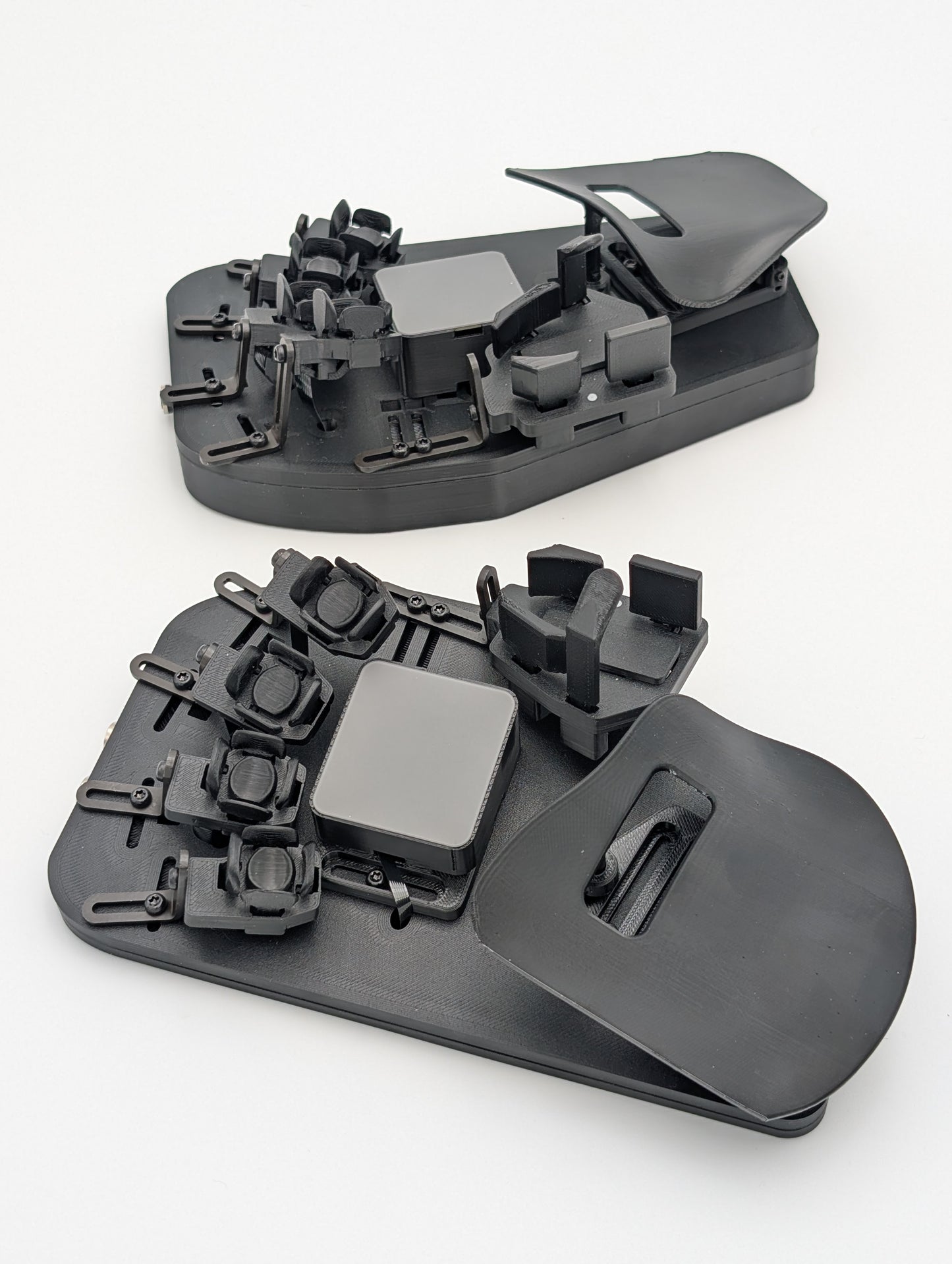
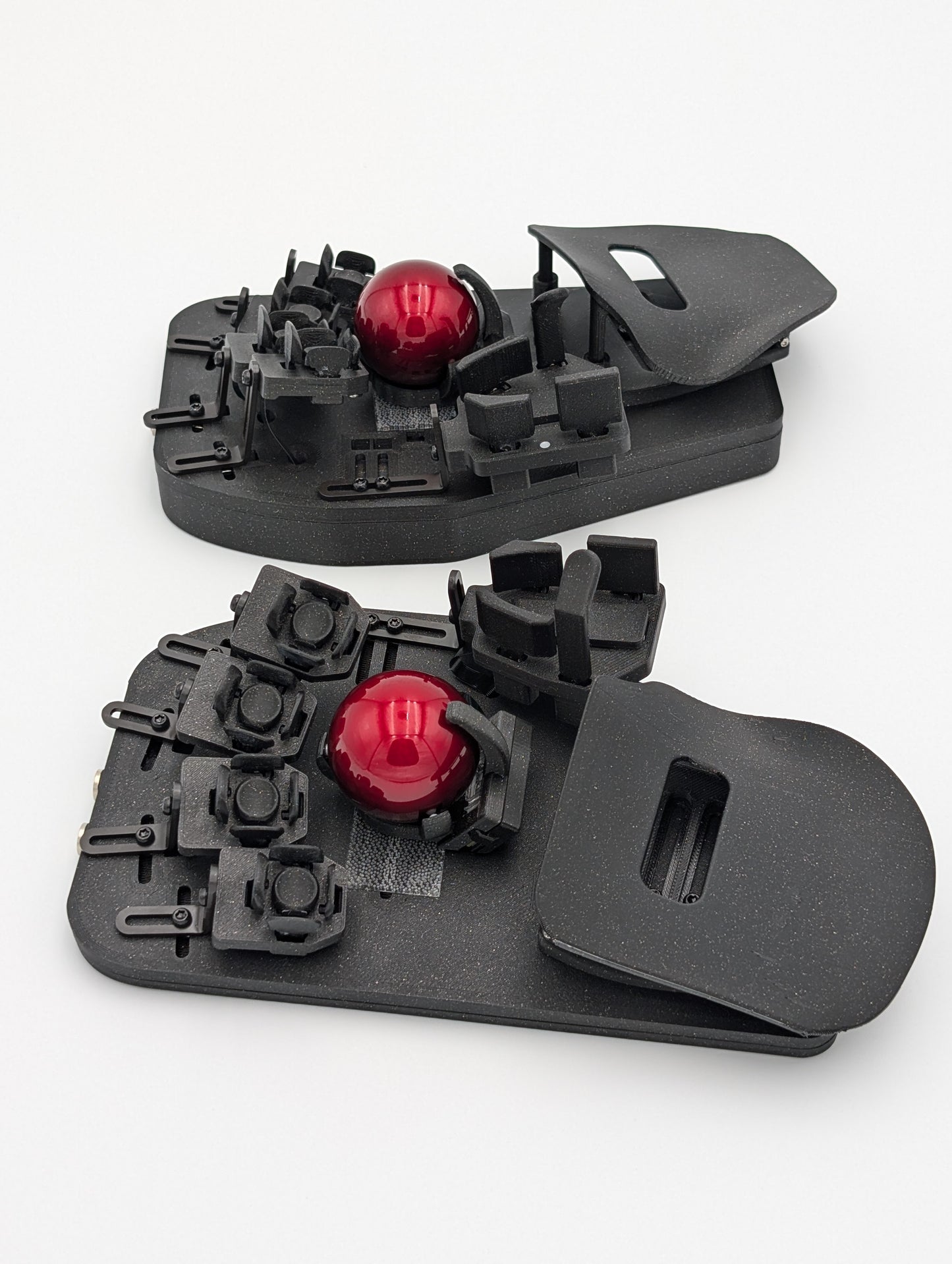
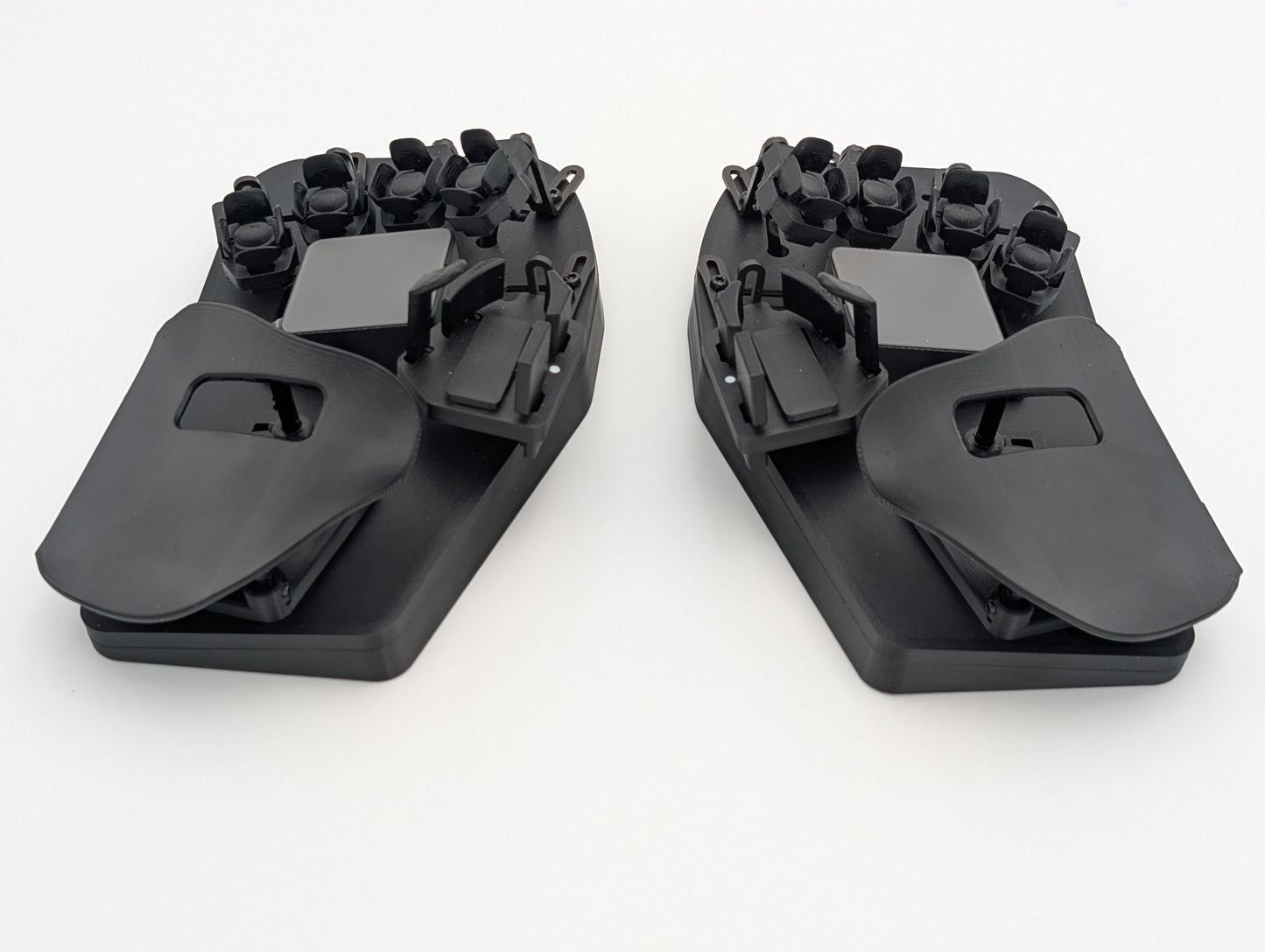
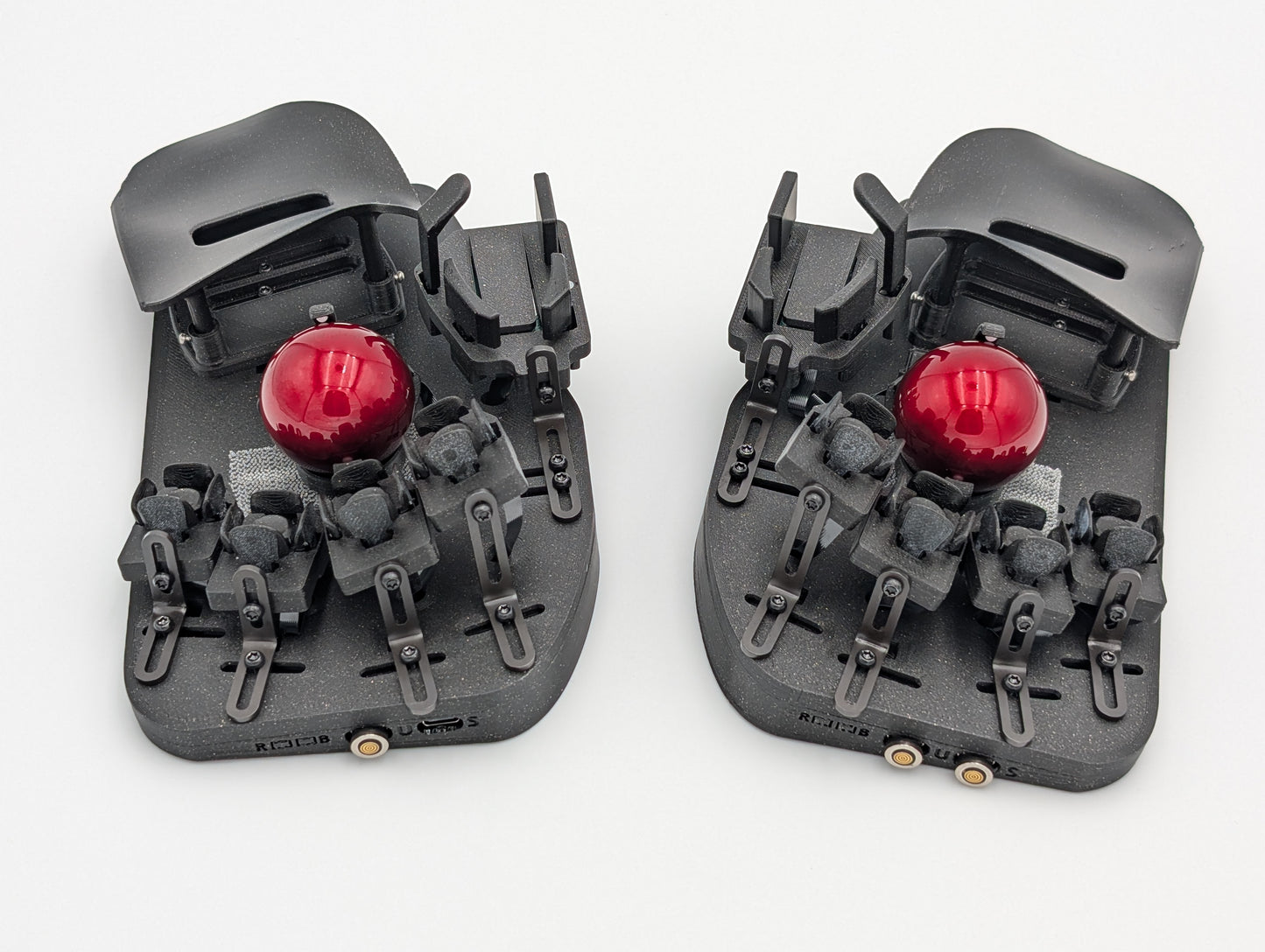
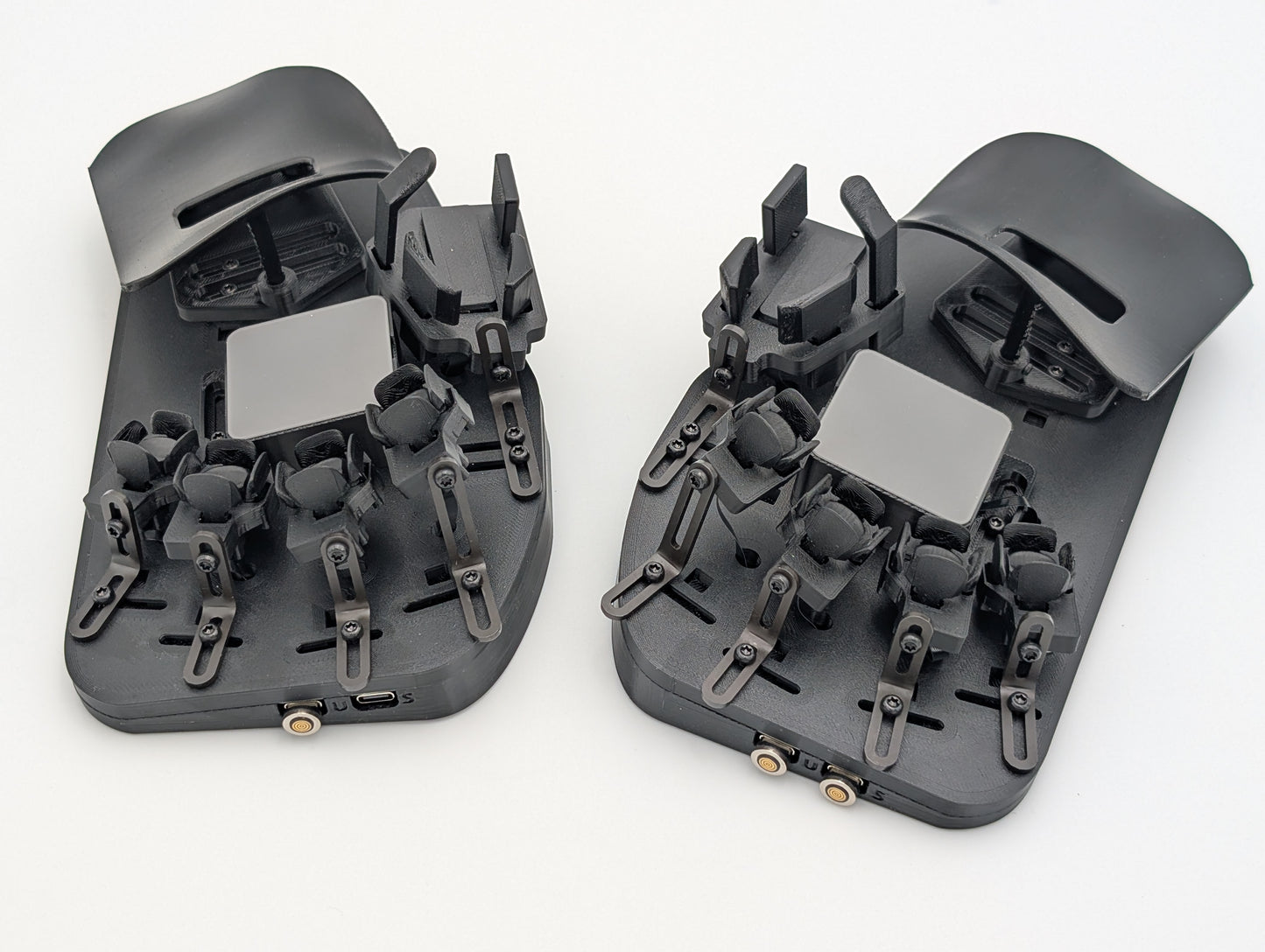
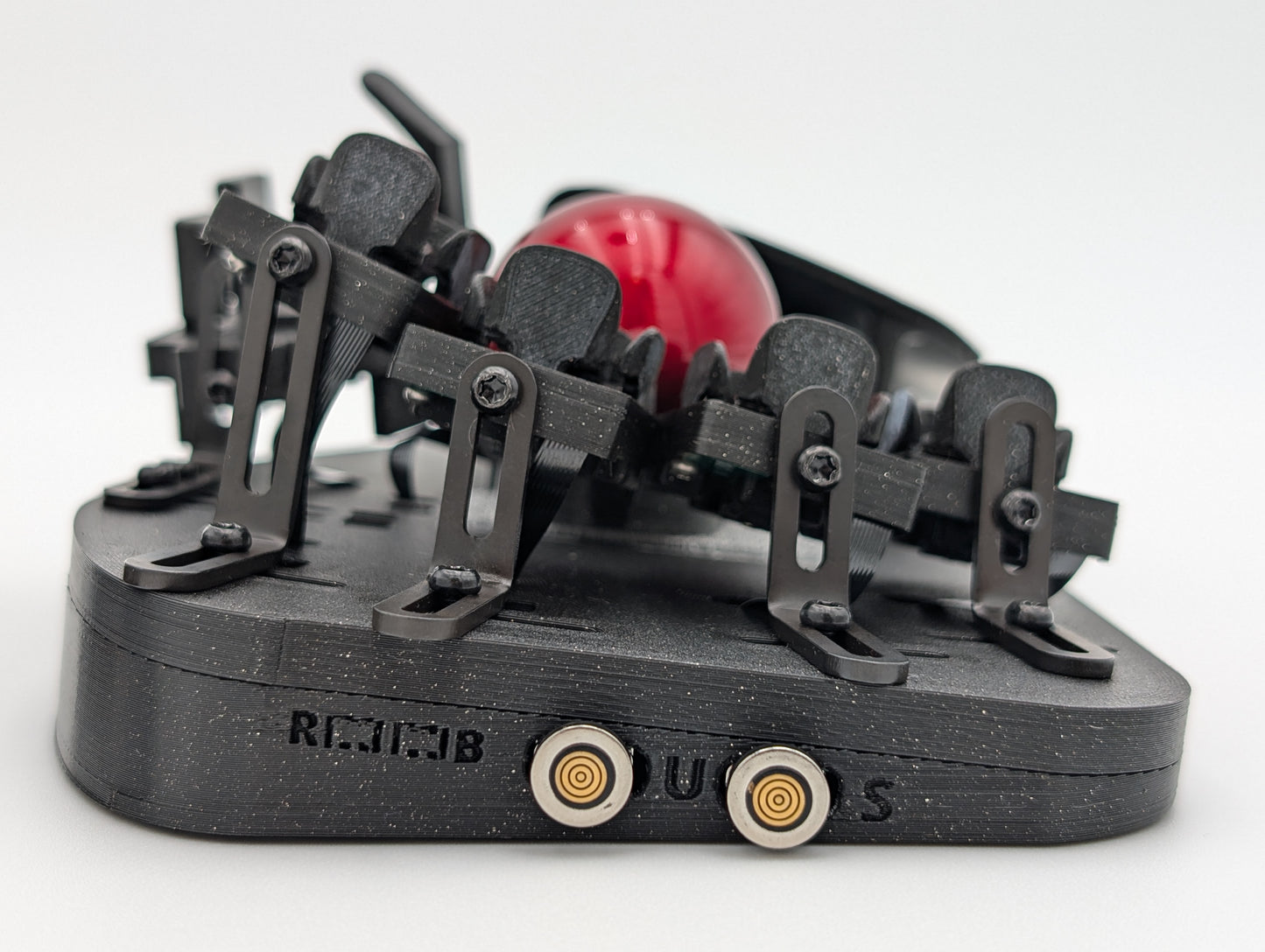
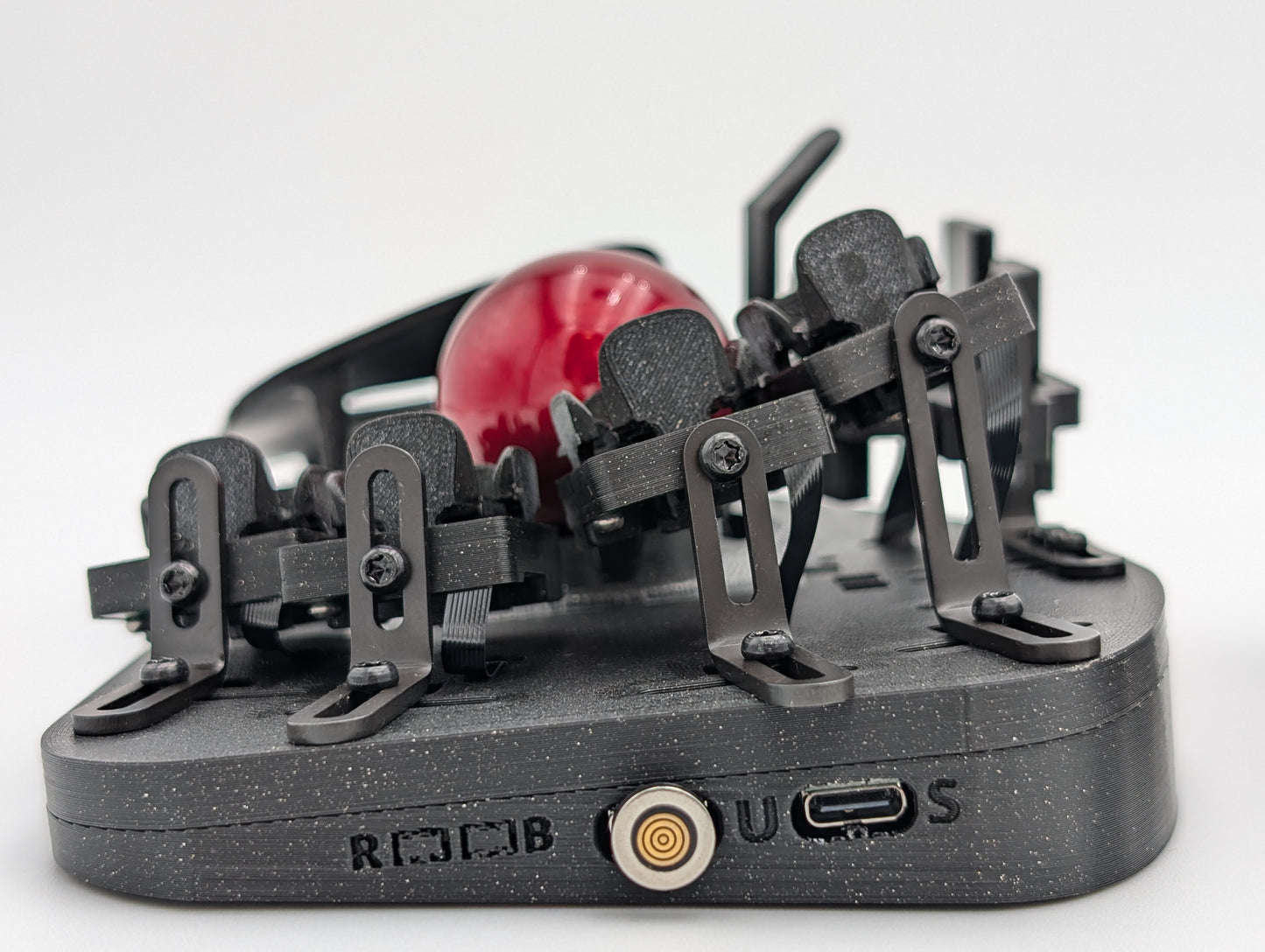
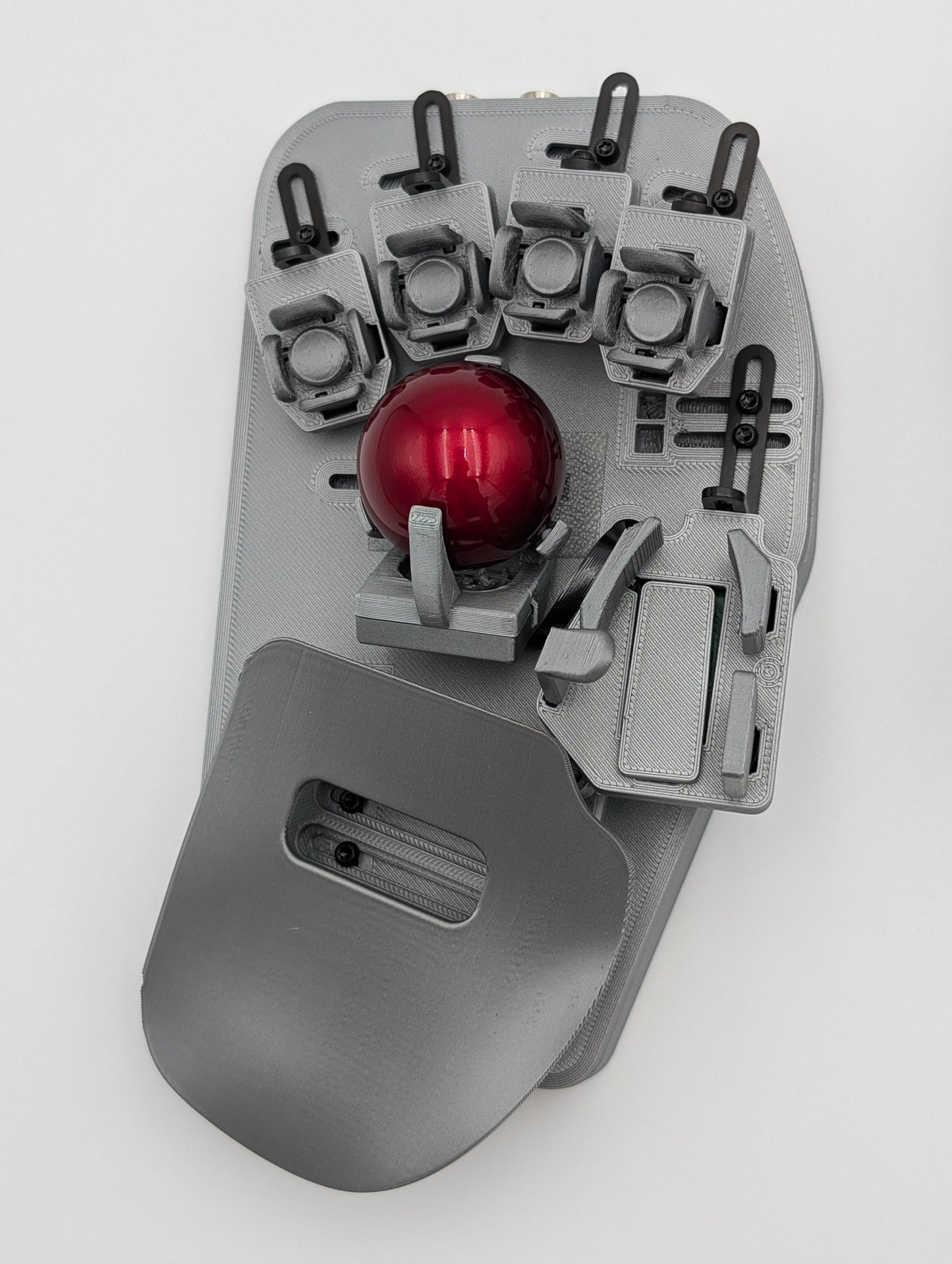
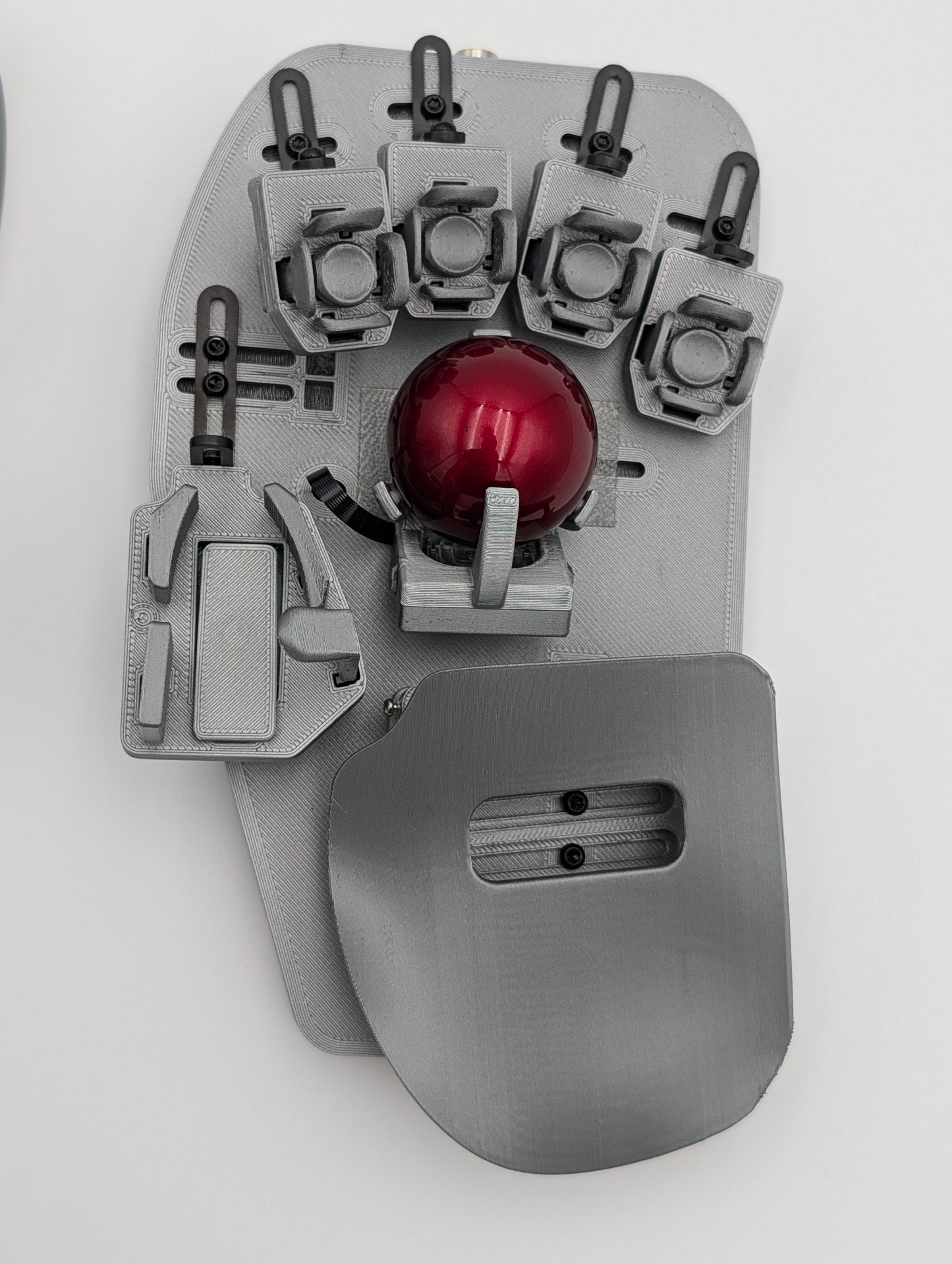
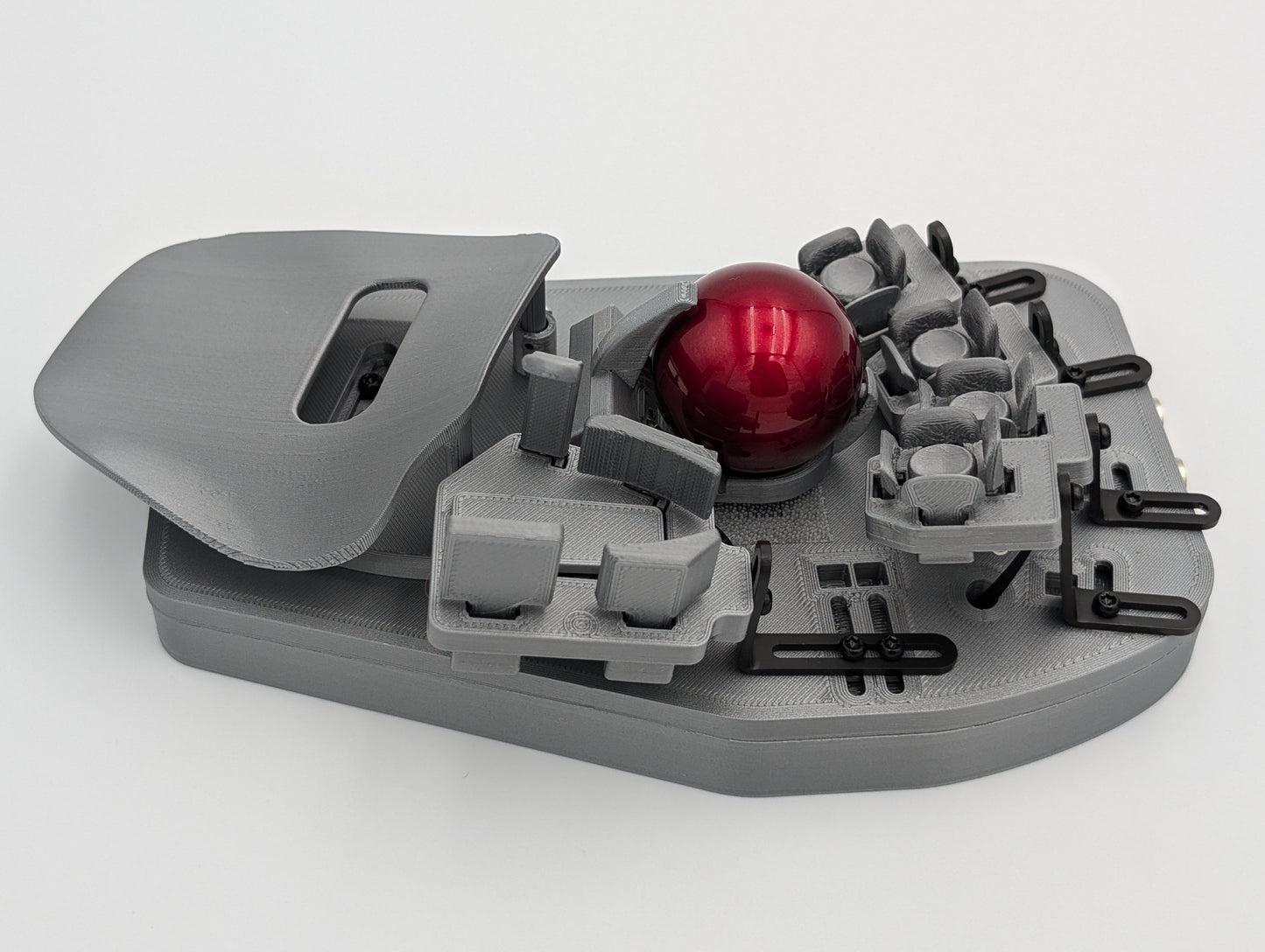
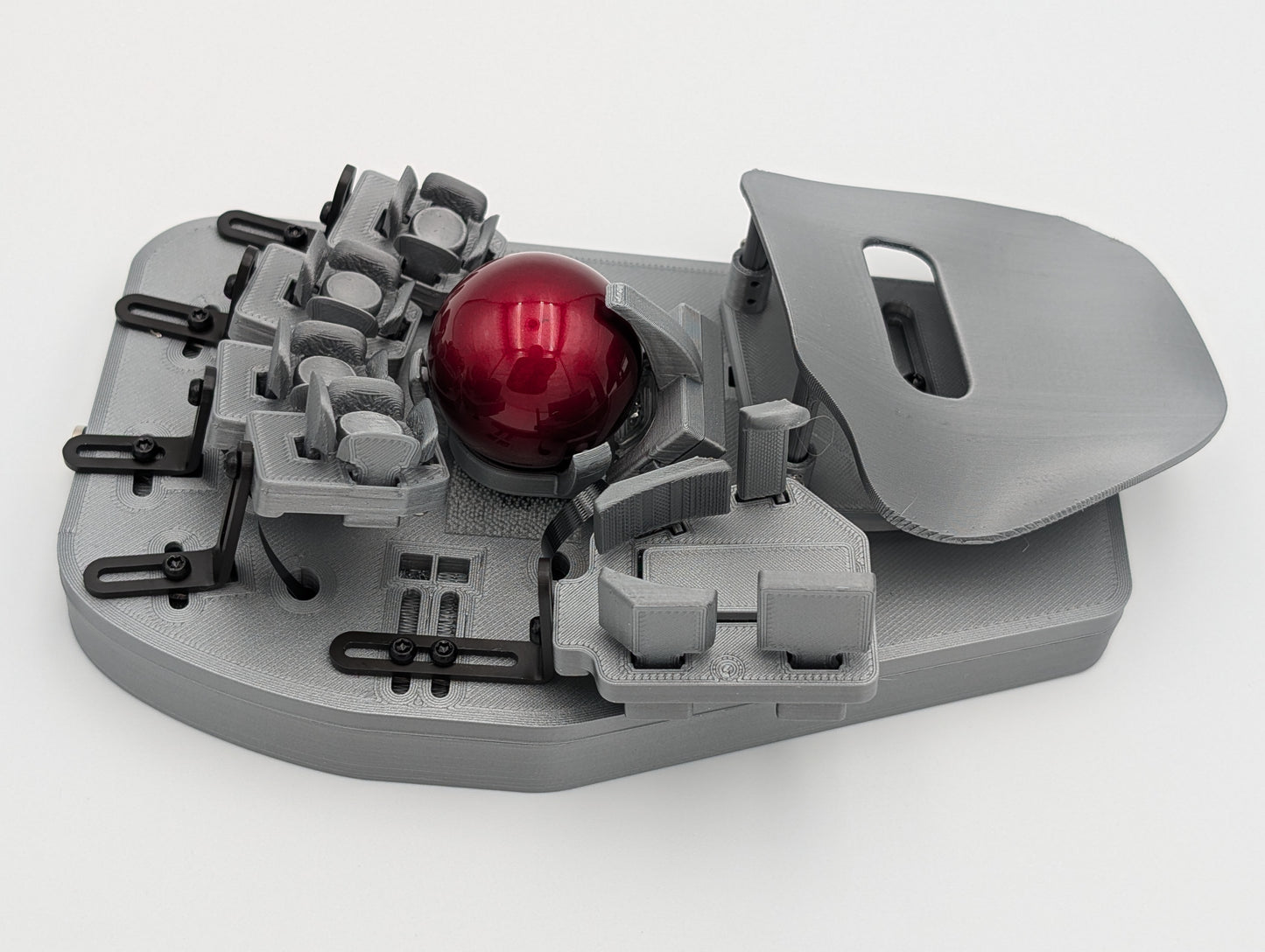
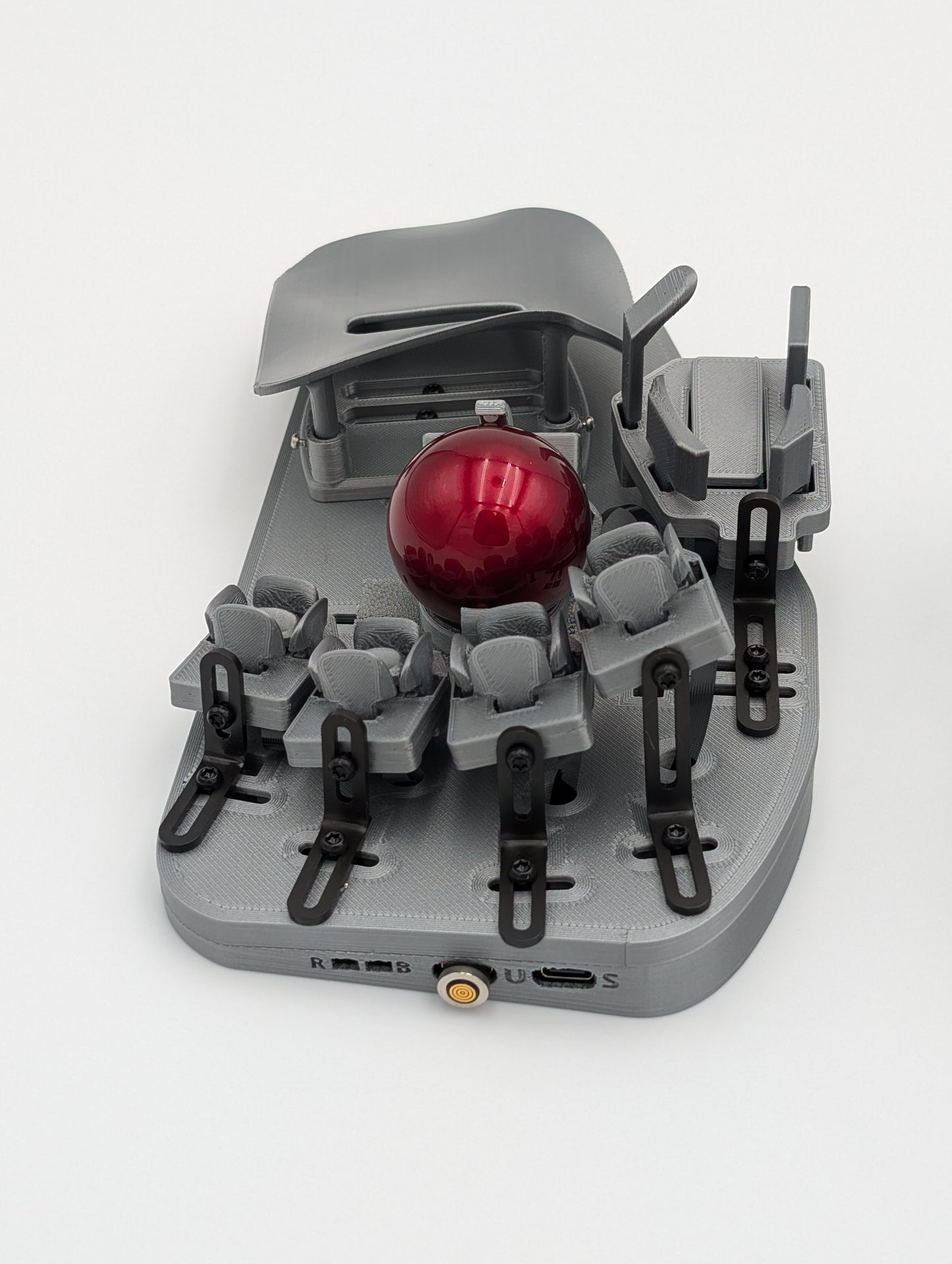
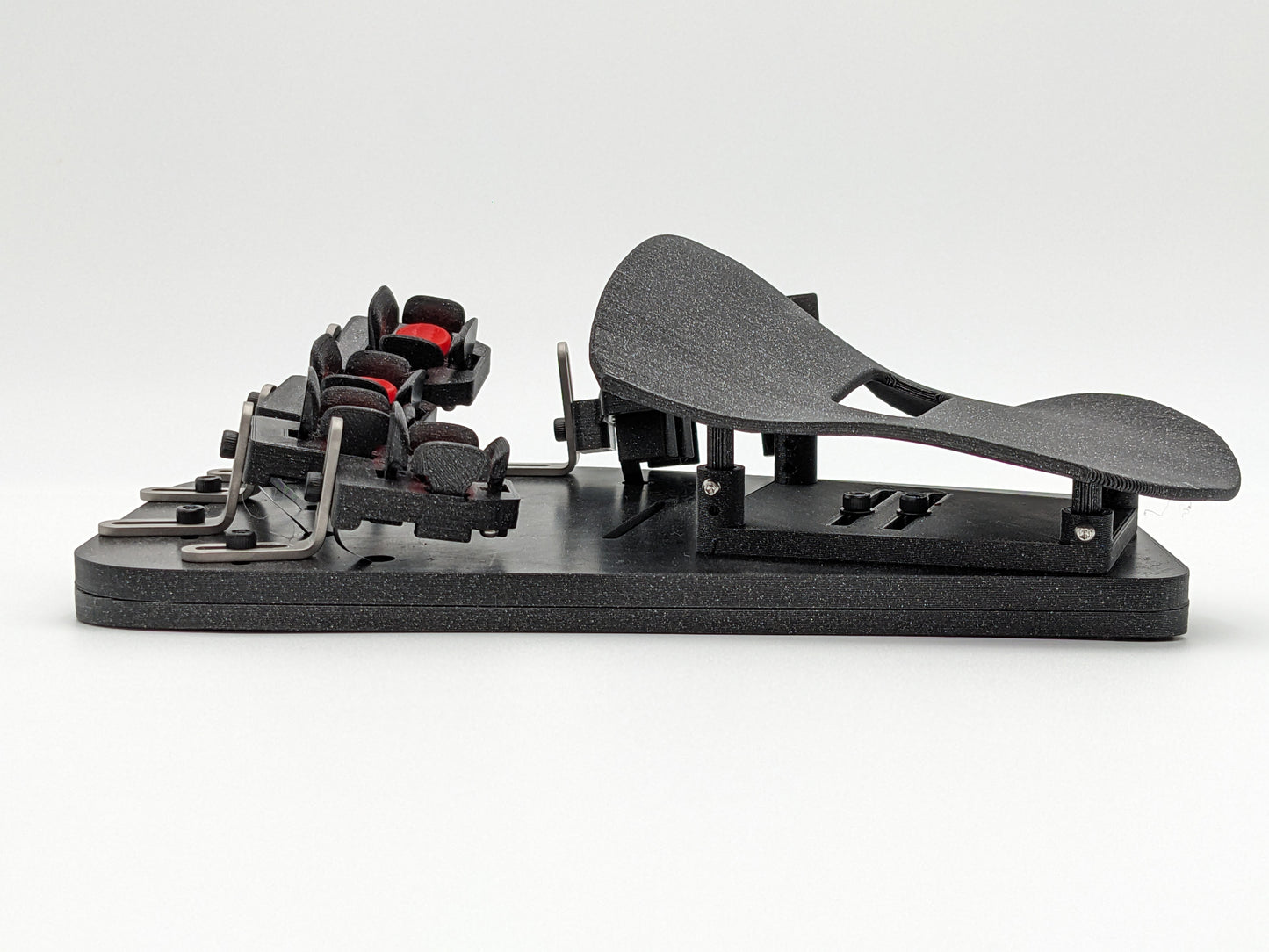
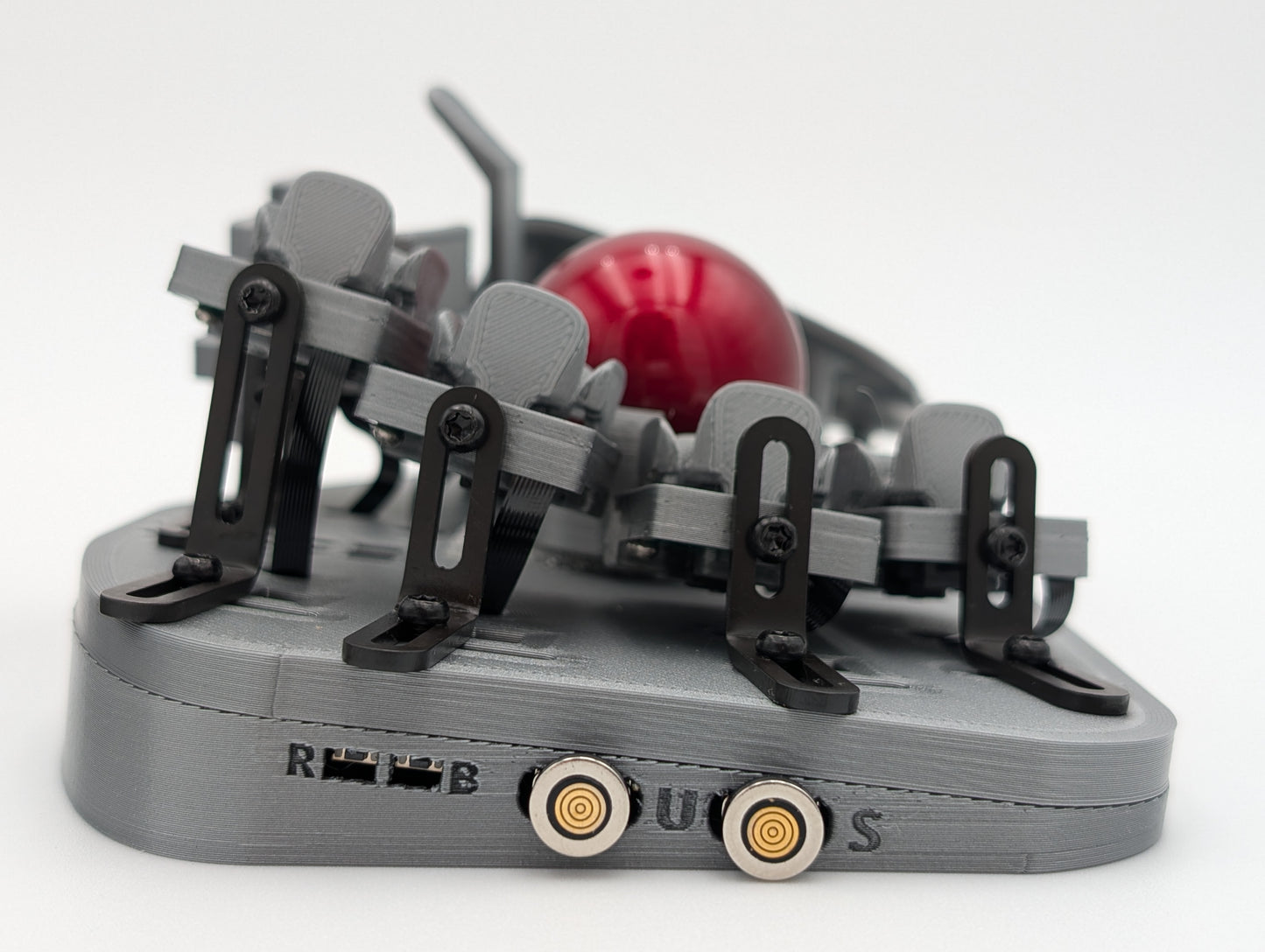
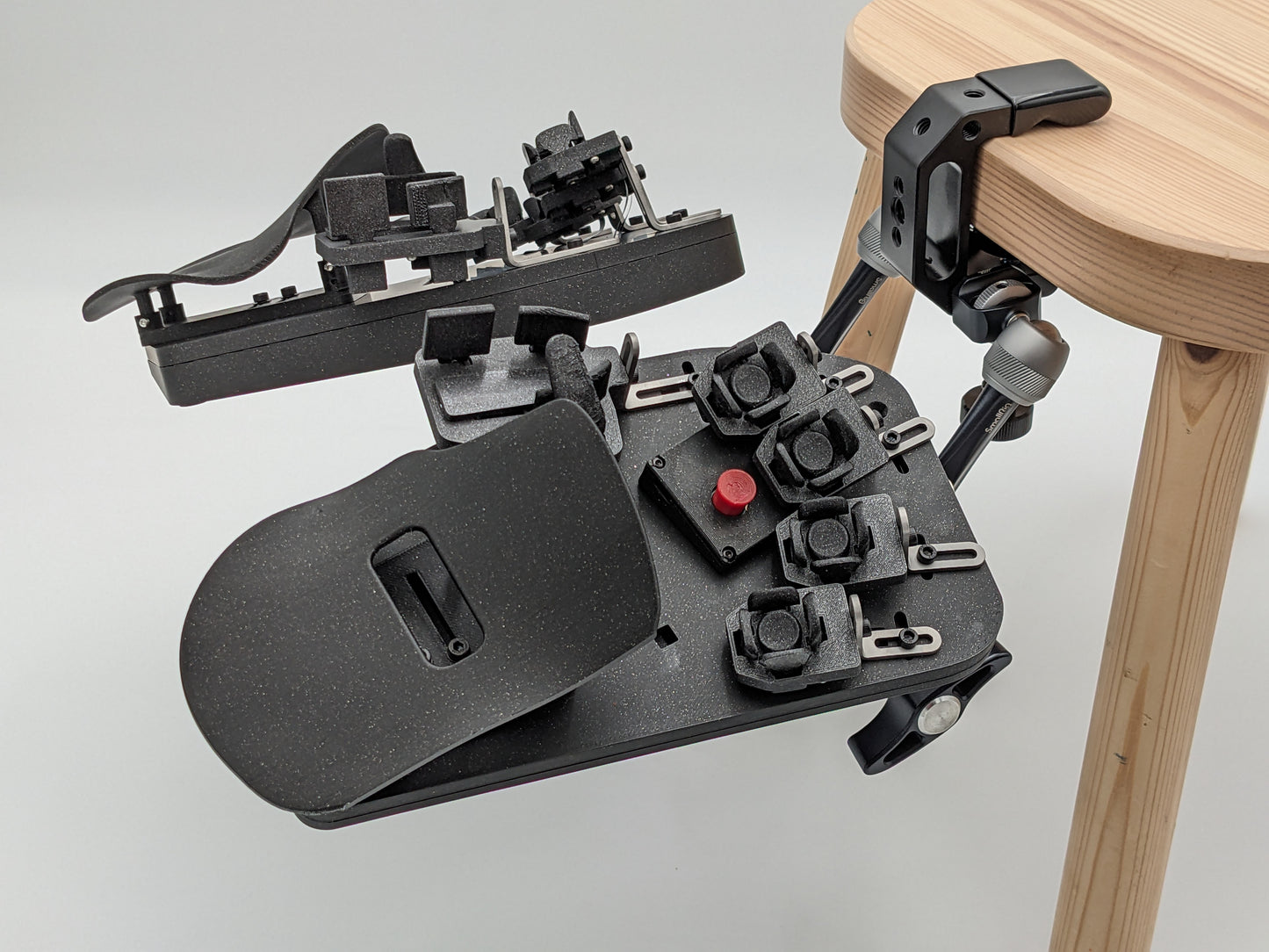
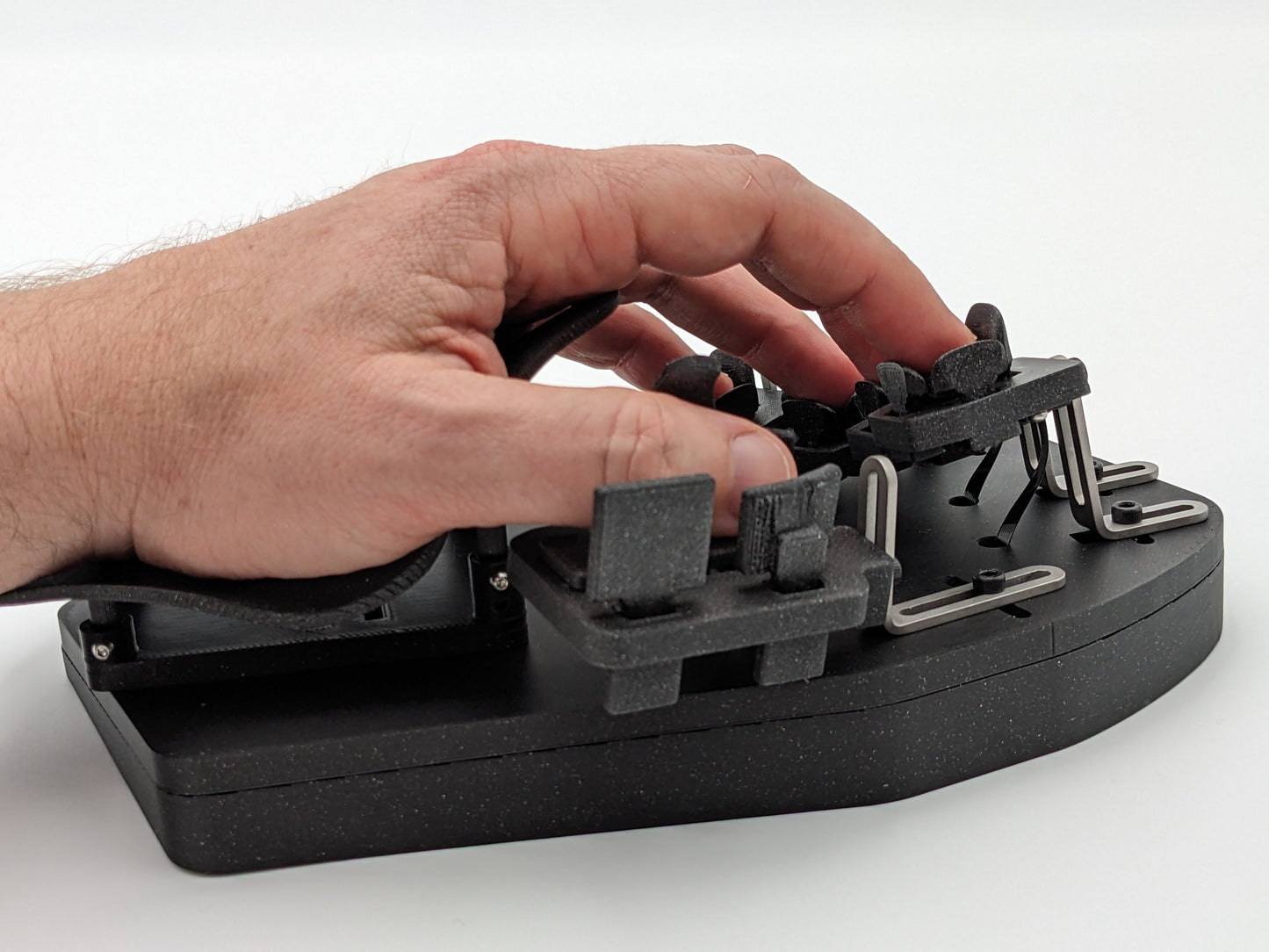
If you are considering this device, you are likely a keyboard enthusiast or you are in some sort of pain. I fall into the latter group.
While I cannot say that the Svalboard Lightly completely eliminated my pain, I can say that using it dramatically reduced the pain I deal with on a day to day basis. Furthermore, while I am still able to use a traditional keyboard, it only takes a few hours on a traditional keyboard before the pain I was experiencing before starts to come back.
-- Background --
I type for a living, and in June of 2023, I started experiencing pain in the proximal phalanx (~first tendons) area of my right index finger. The pain ended up spreading to other fingers and into my left hand (after trying to shift activity to other fingers and then the other hand). Switching to a keyboard with extremely light switches helped, but only for so long.
Since switching to lighter keys helped, I started researching alternative keyboards. Fortunately, YouTube recommended one of Morgan's videos to me in the midst of that research and then Hippyo released a review not long after. The timing could not have been more perfect.
After mulling the purchase over for a little while, I joined the discord. I ended up placing my order after my first post, because I was blown away that I received a response immediately on a Sunday evening. I was inspired by that level of dedication to this product and project.
-- Learning Curve --
I made progress early on, slowly climbing from around 14 wpm to around 30-40. Unfortunately, I plateaued at around 30-40 wpm, and the lack of progress towards my regular speed of 80-90 wpm broke my confidence. It was added stress and pain, so I believe I quit after only three months.
Fortunately, I recommitted myself to training on the SL after about 6-9 months of even worse pain using a traditional keyboard. This time, once I hit 30-40 wpm again, I decided to force myself to send all emails and text messages using the SL. This proved to be a winning decision, as it allowed me to escape the frustrating tests and improve while working.
Before adopting that strategy, what I noticed was that I would improve early in a testing session, only to lose focus after 5-10 minutes, and then quit in frustration. There was also some internal resistance, because I did not feel like it would be fair to my employer if I started using the SL during work hours until my speed improved. Fortunately, I was able to get over that particular mental block when I learned that most people only type at about 30-40 wpm.
So, if your speeds plateau, try using your SL to write emails and text messages. The typing tests can be a skill unto themselves, so I would recommend pivoting into something practical and useful as soon as you can.
-- Device --
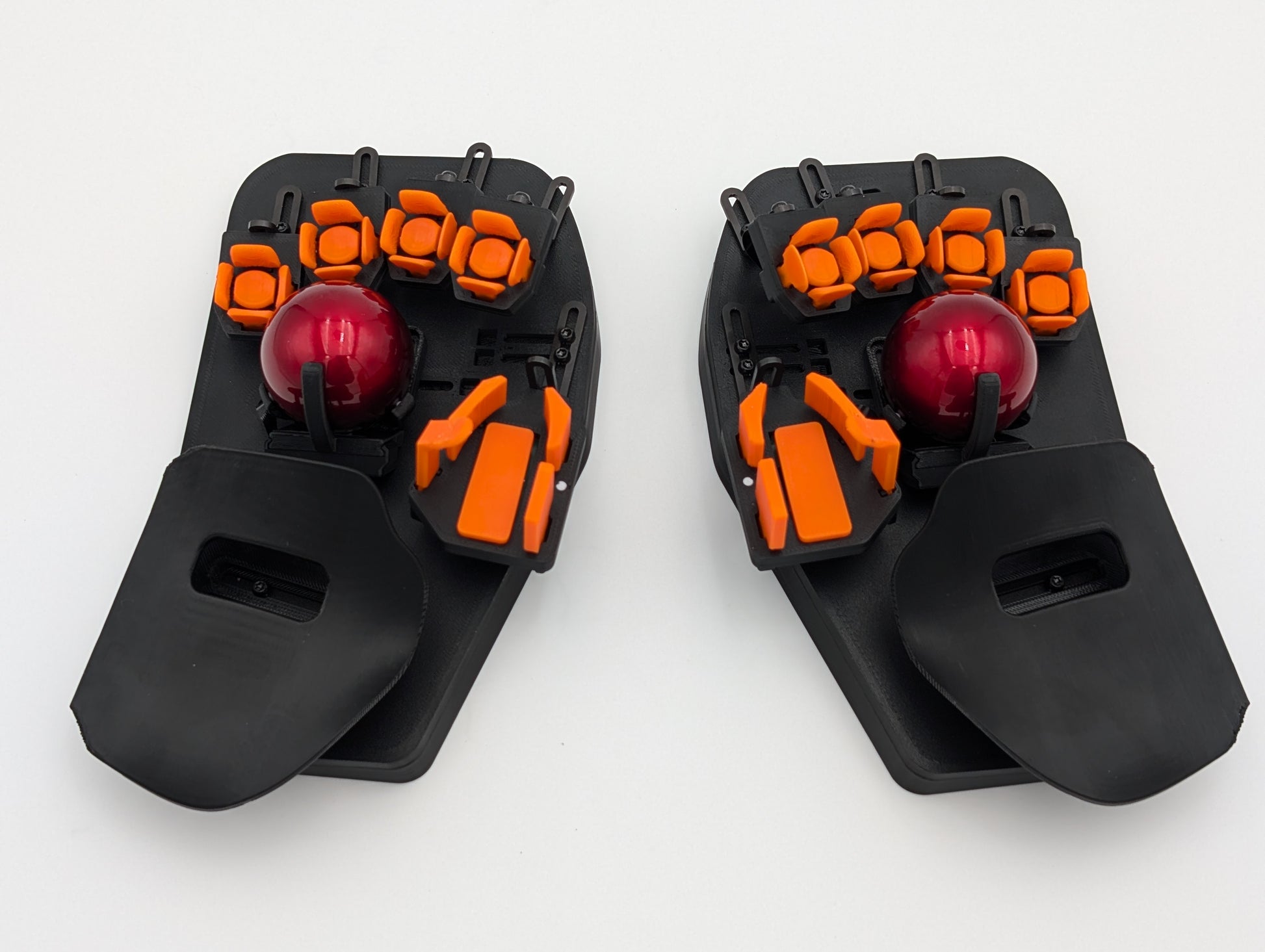
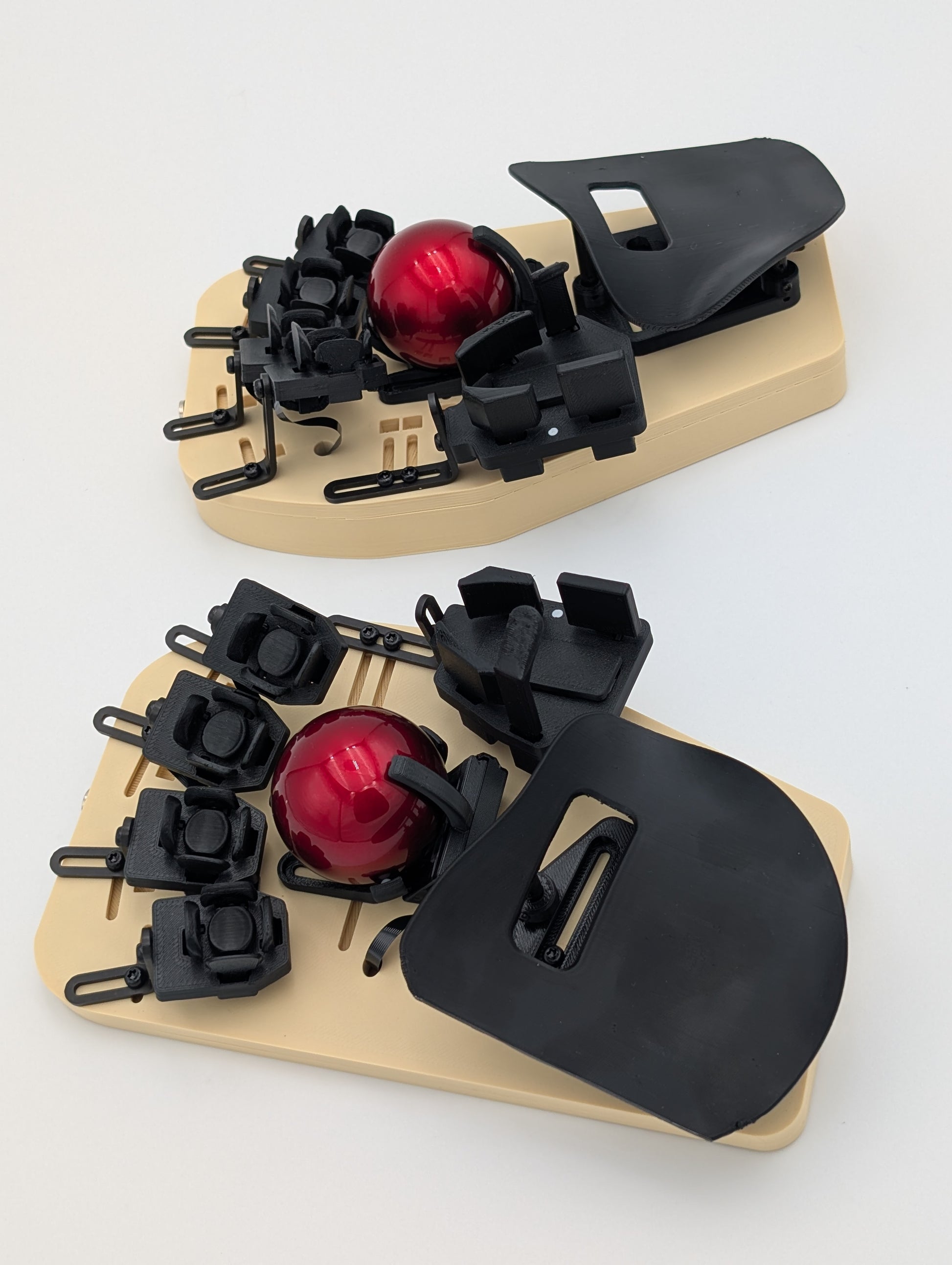
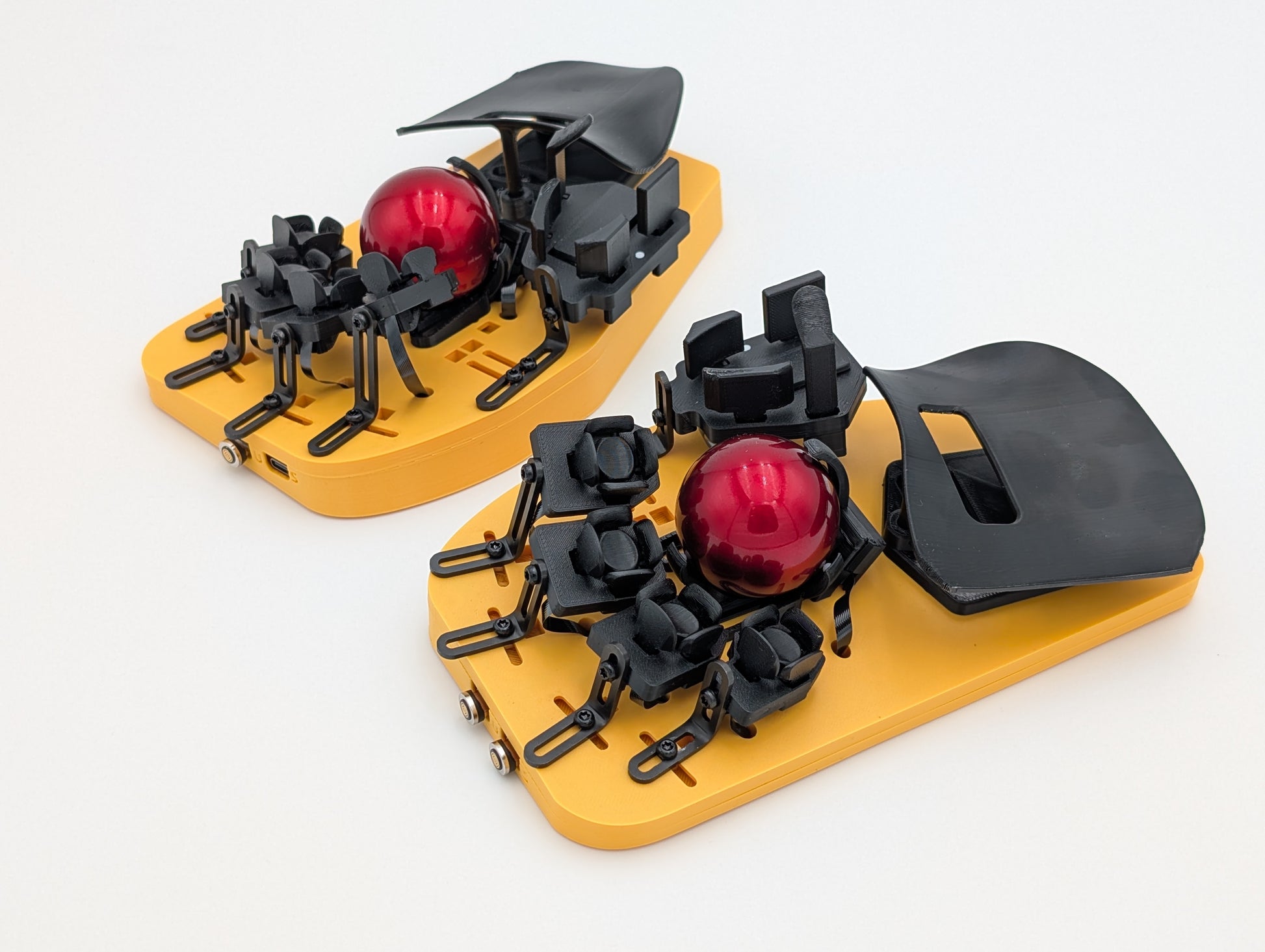
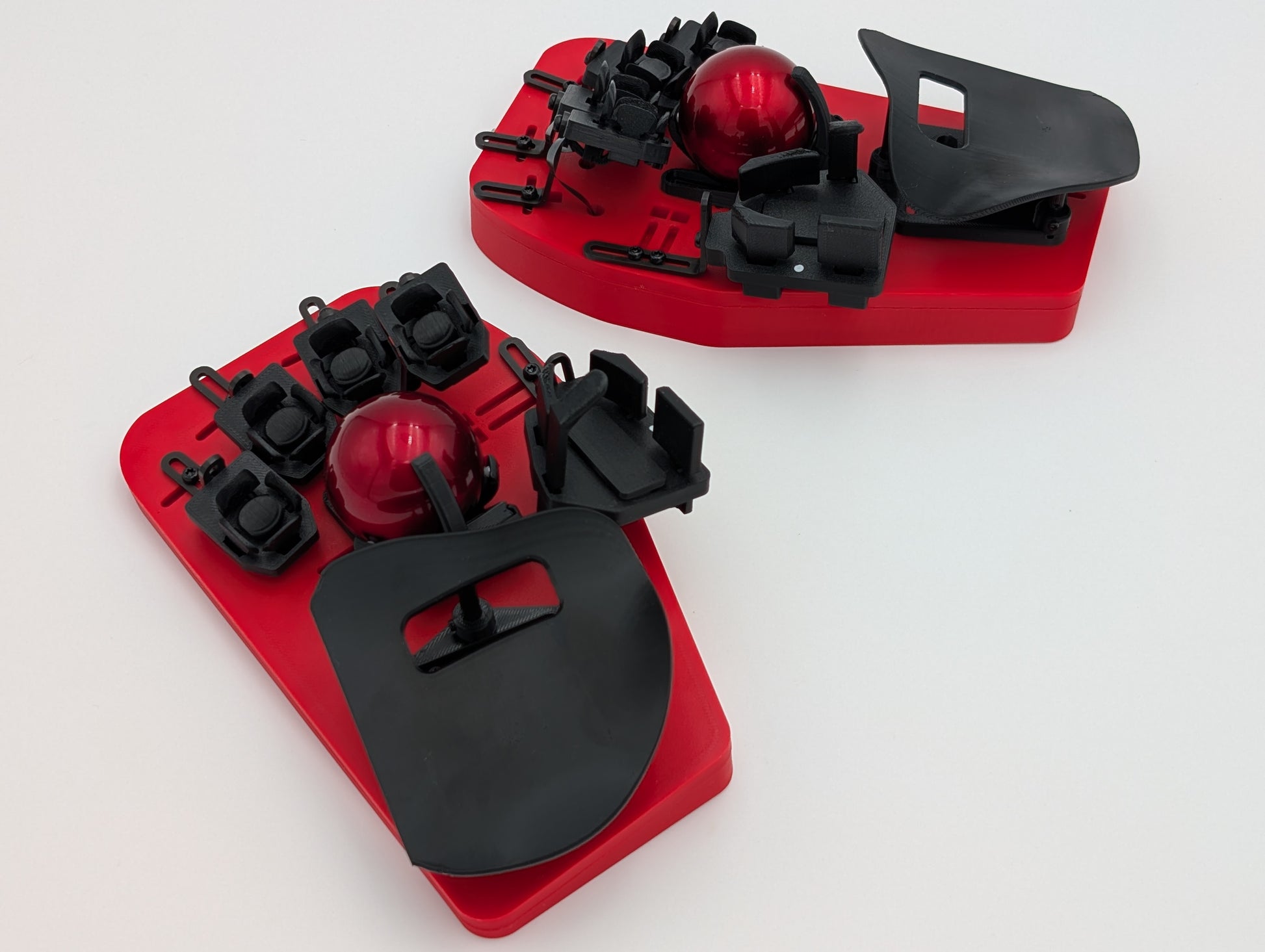
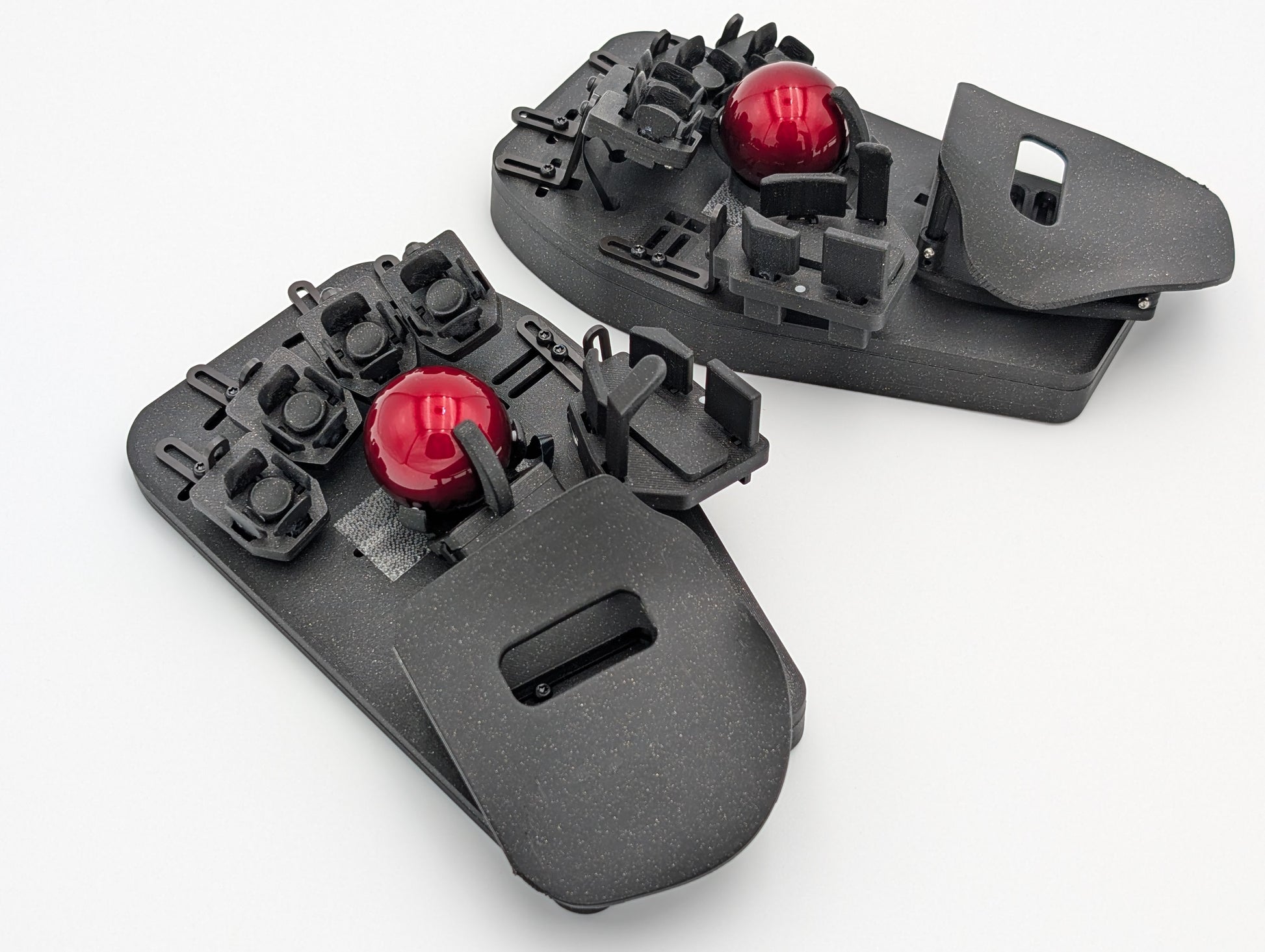
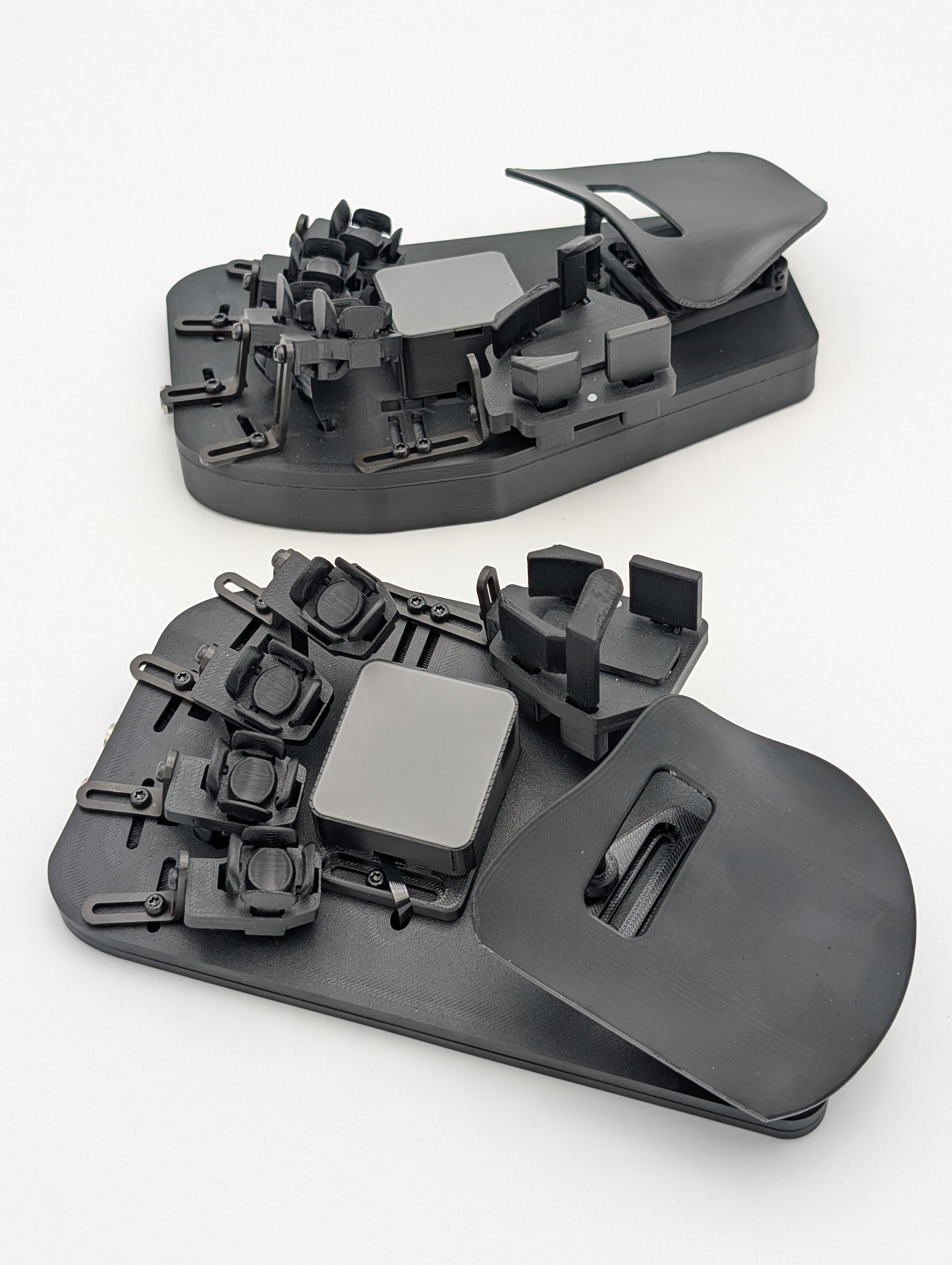
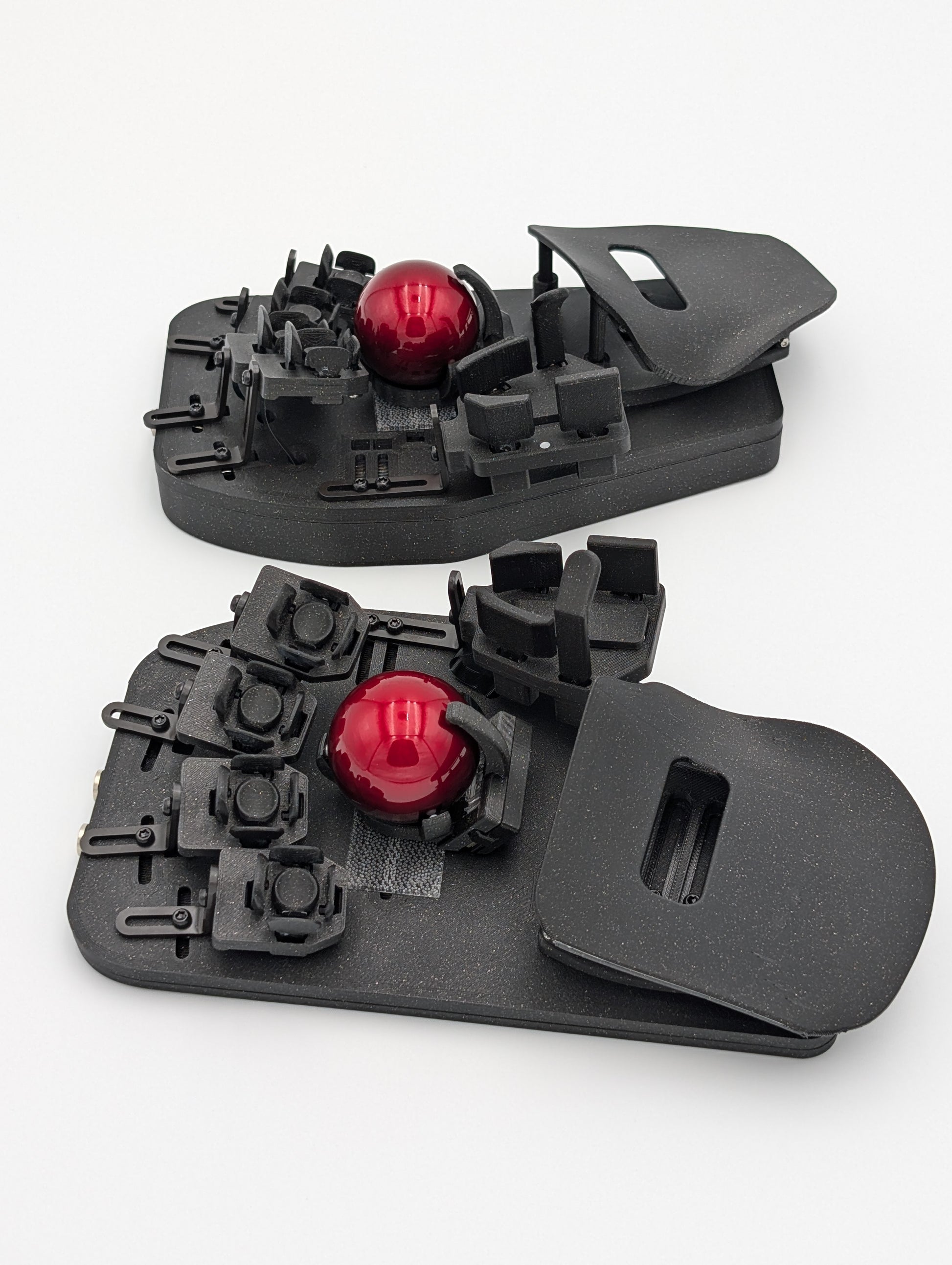
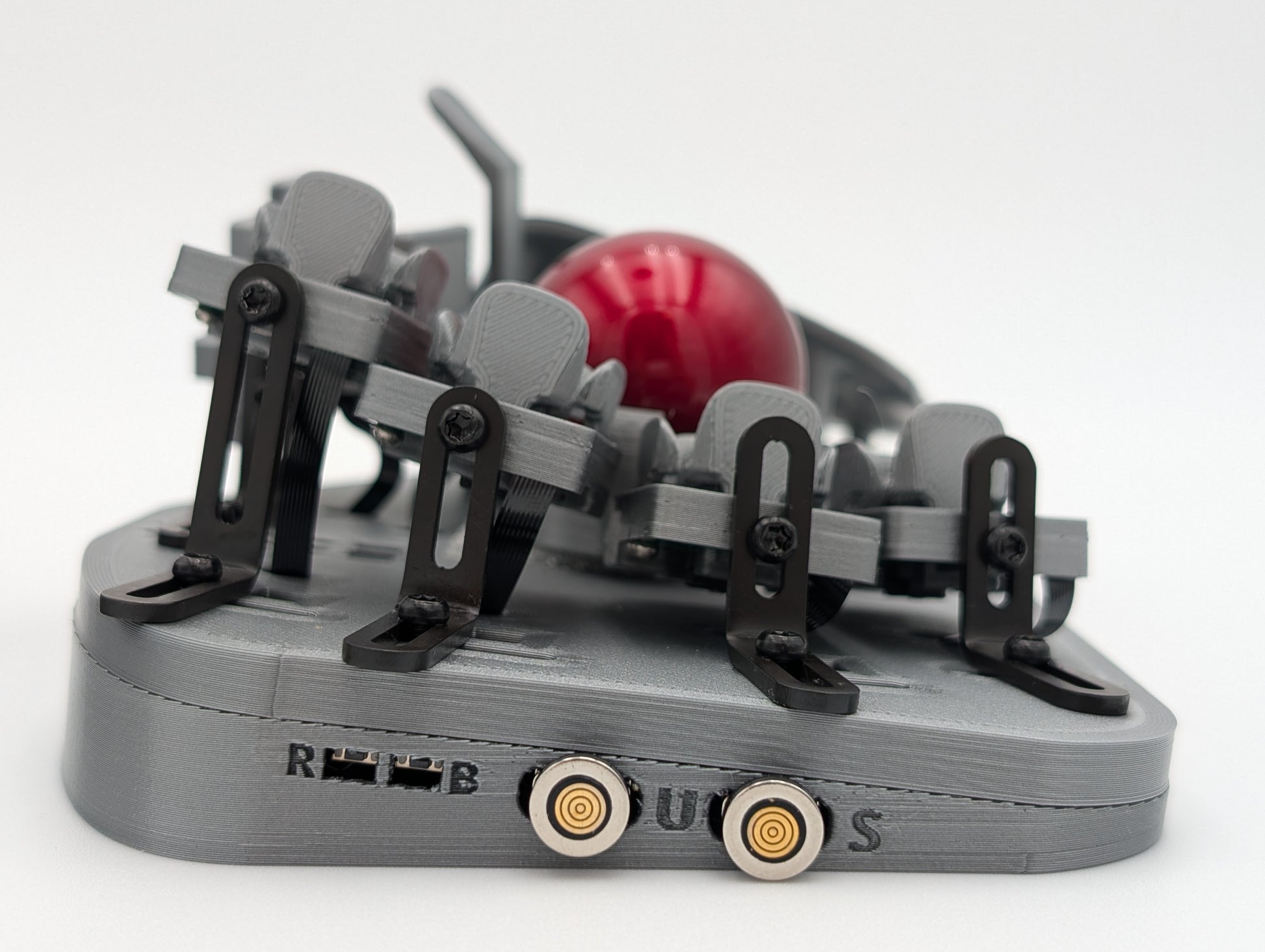
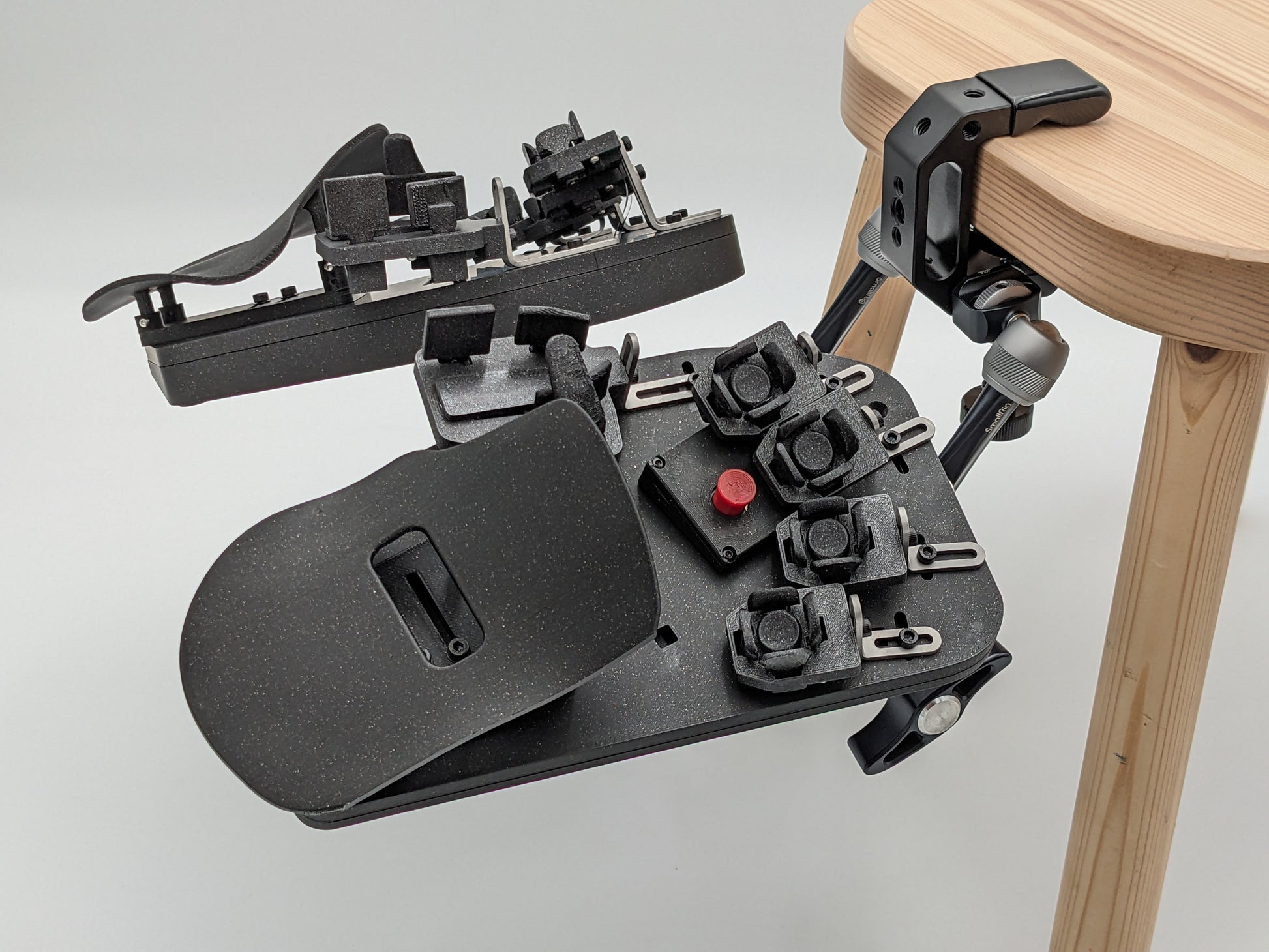
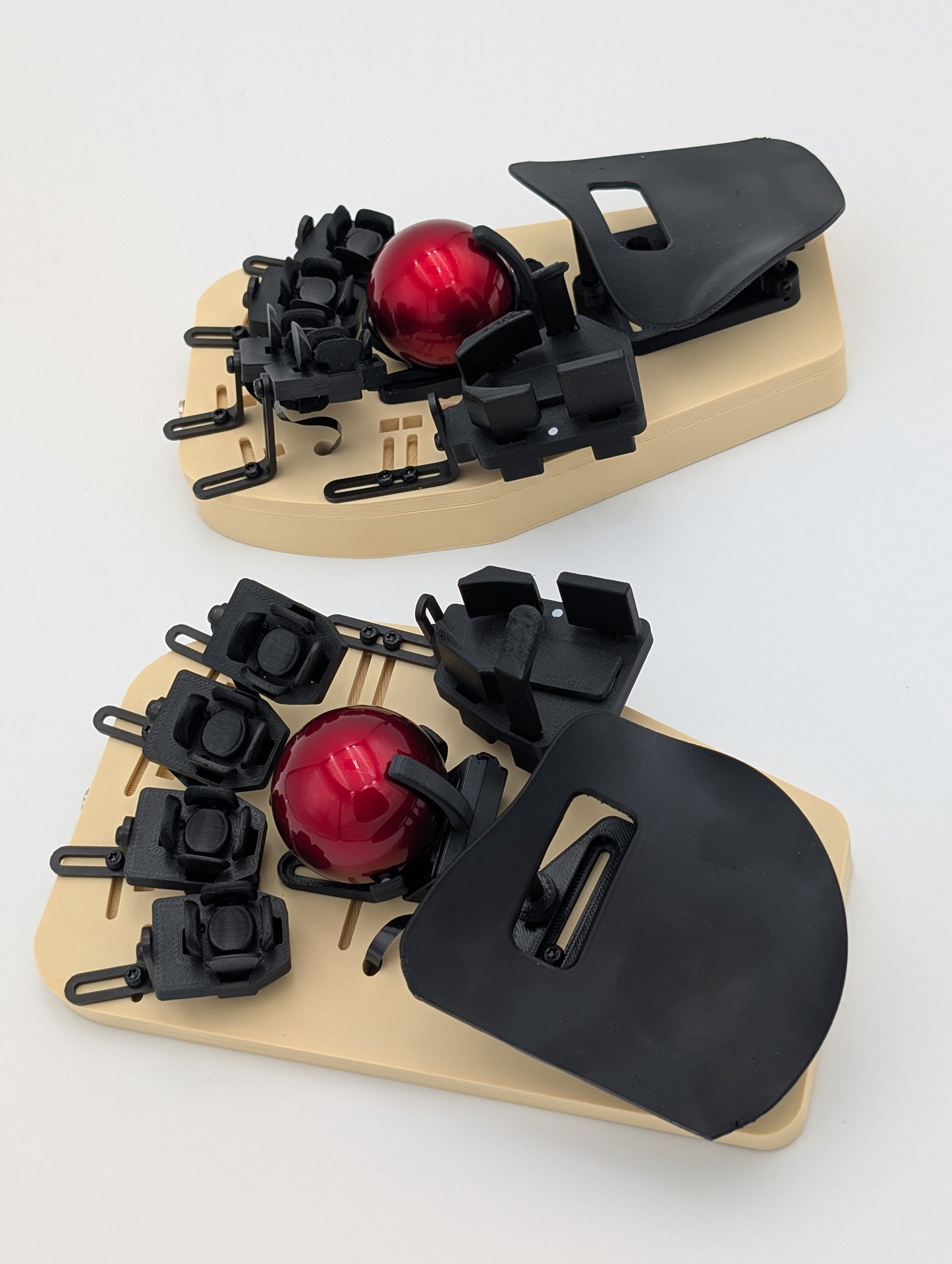
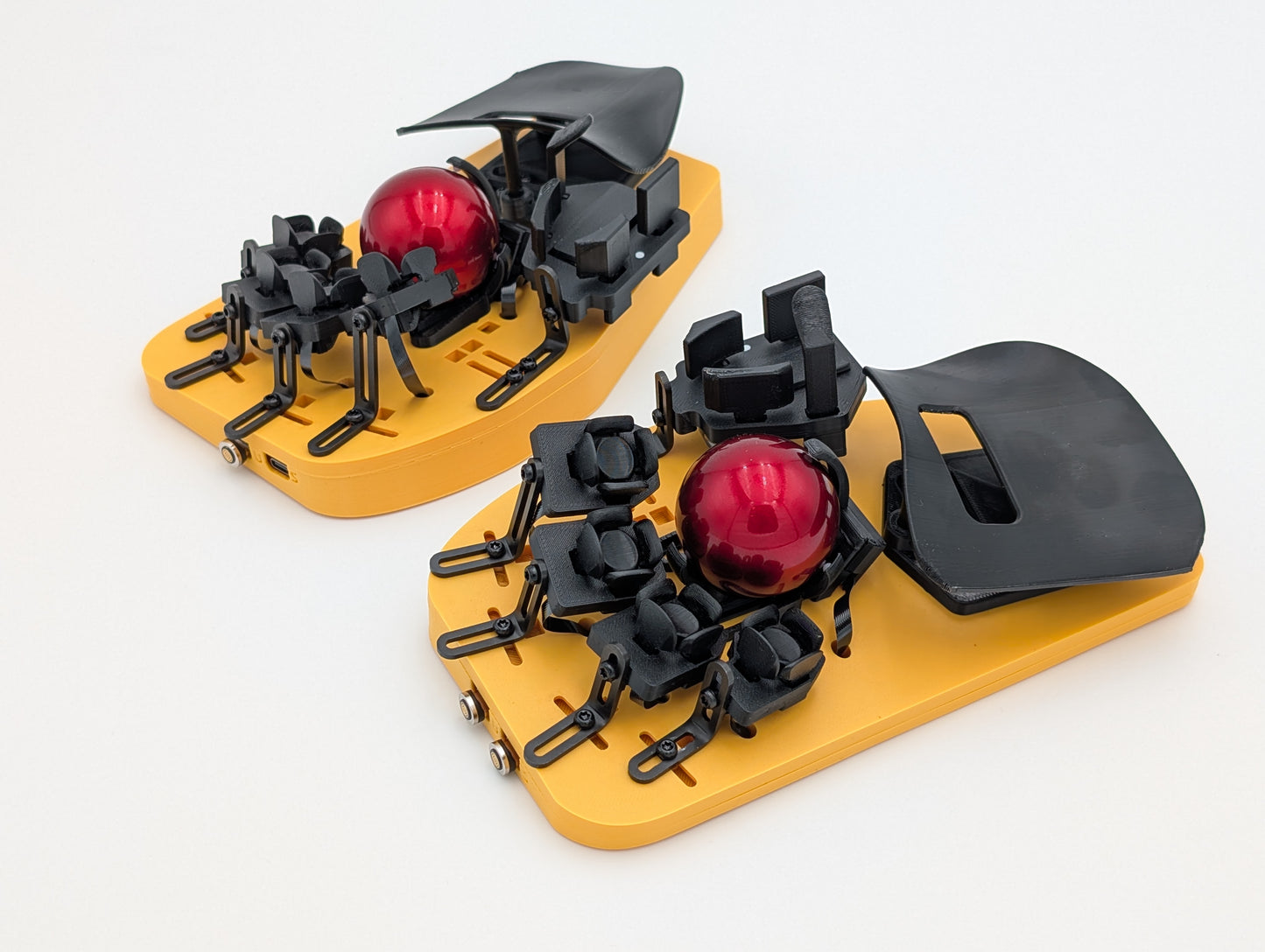
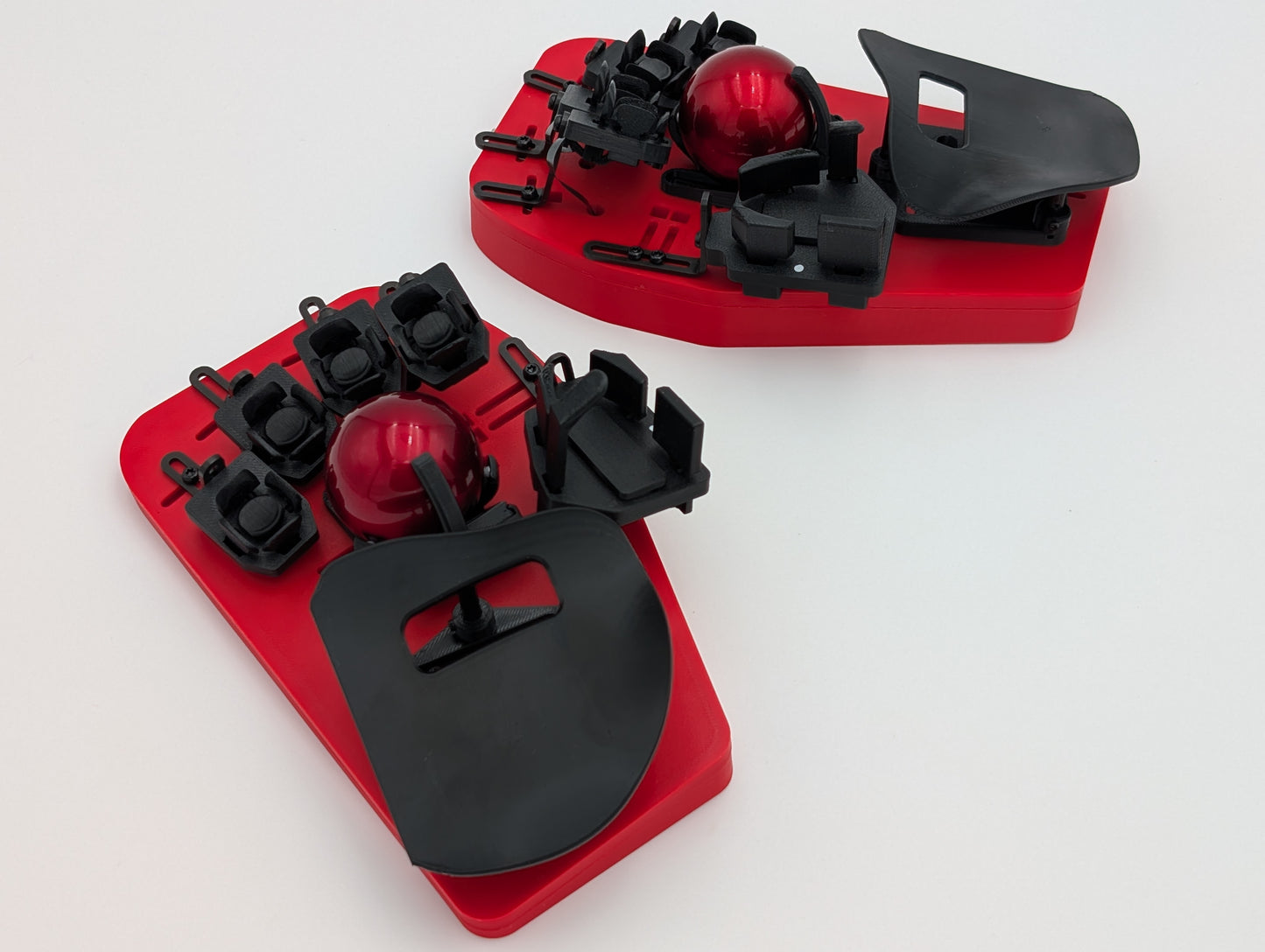
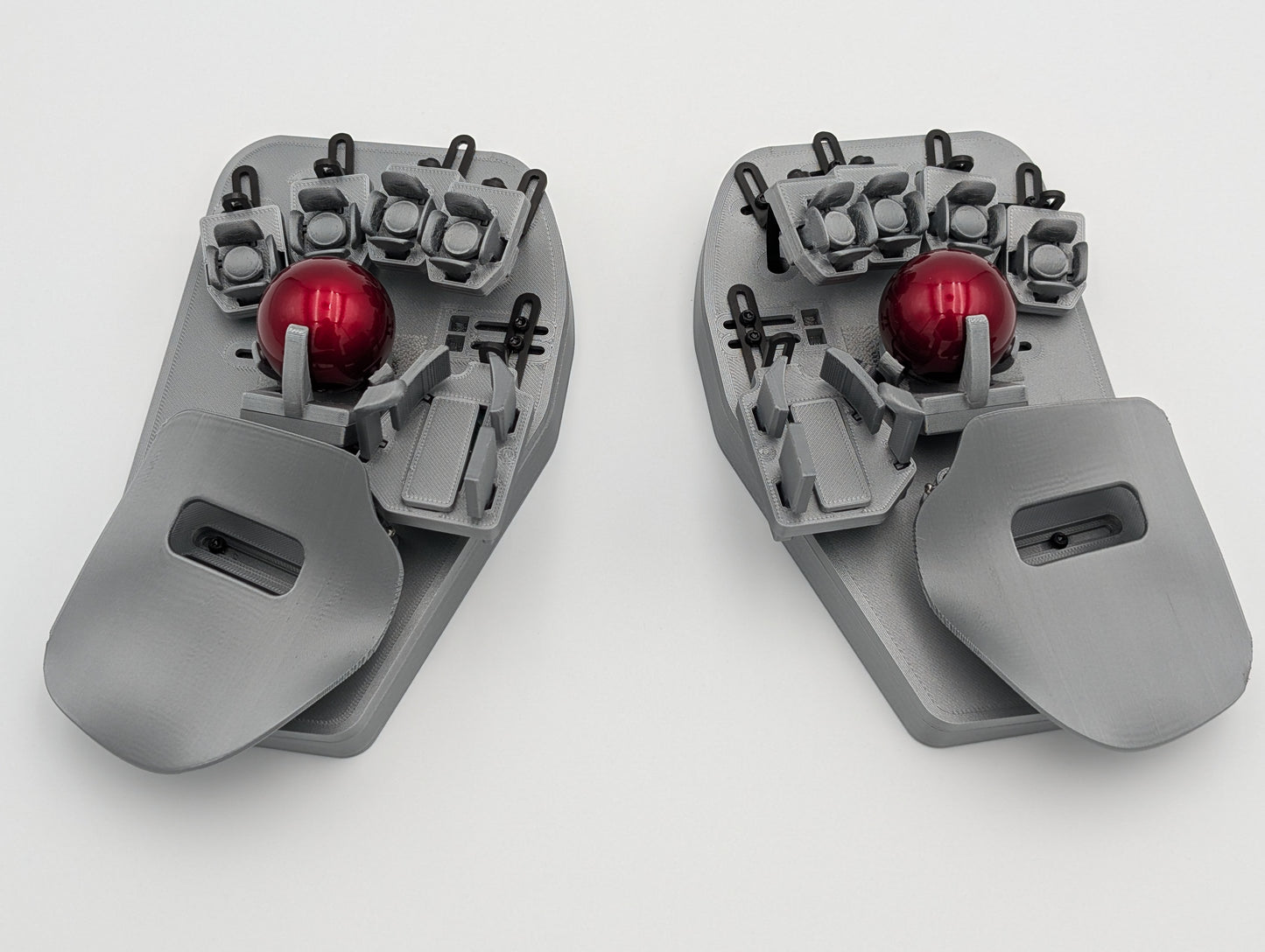
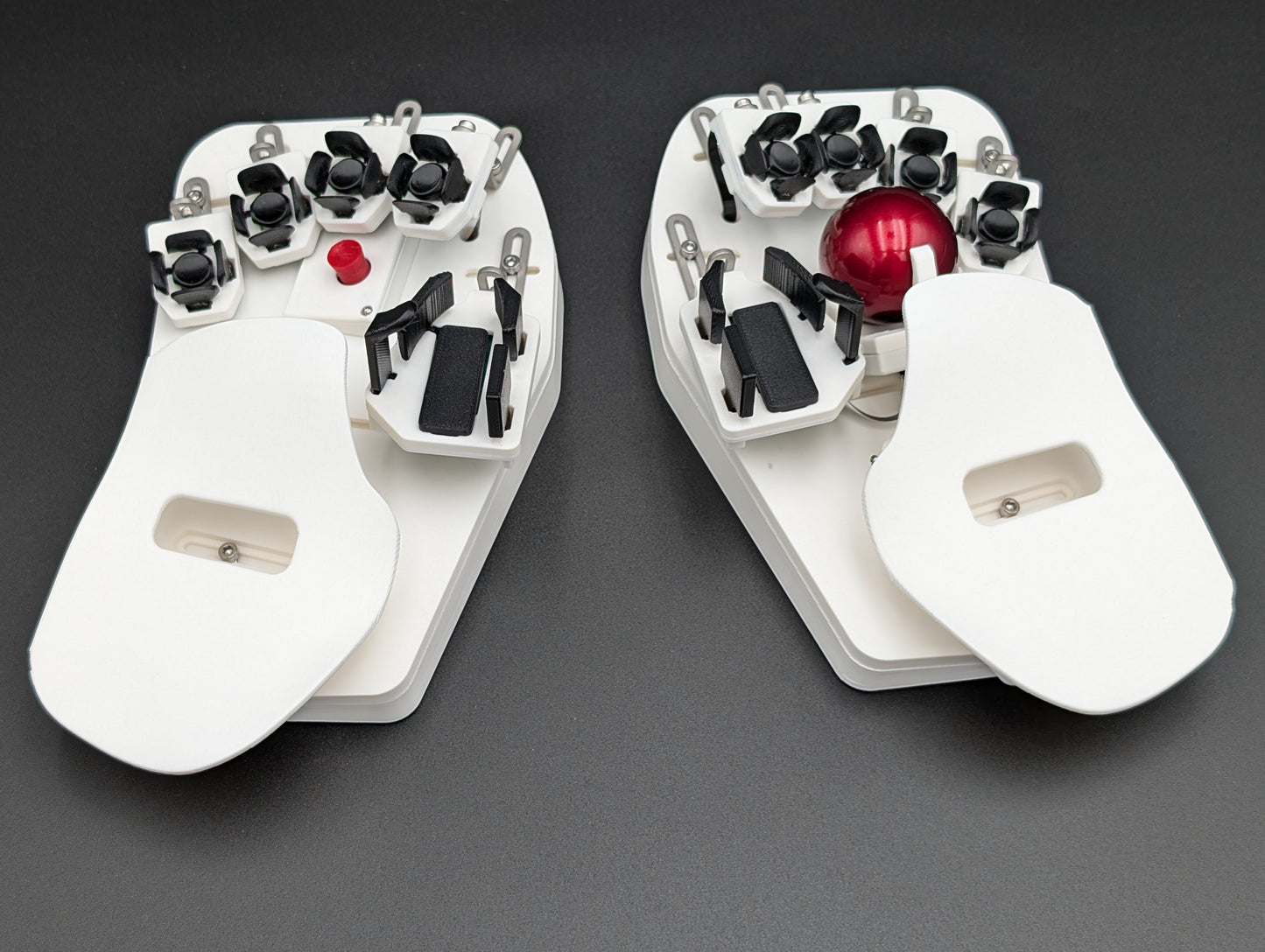
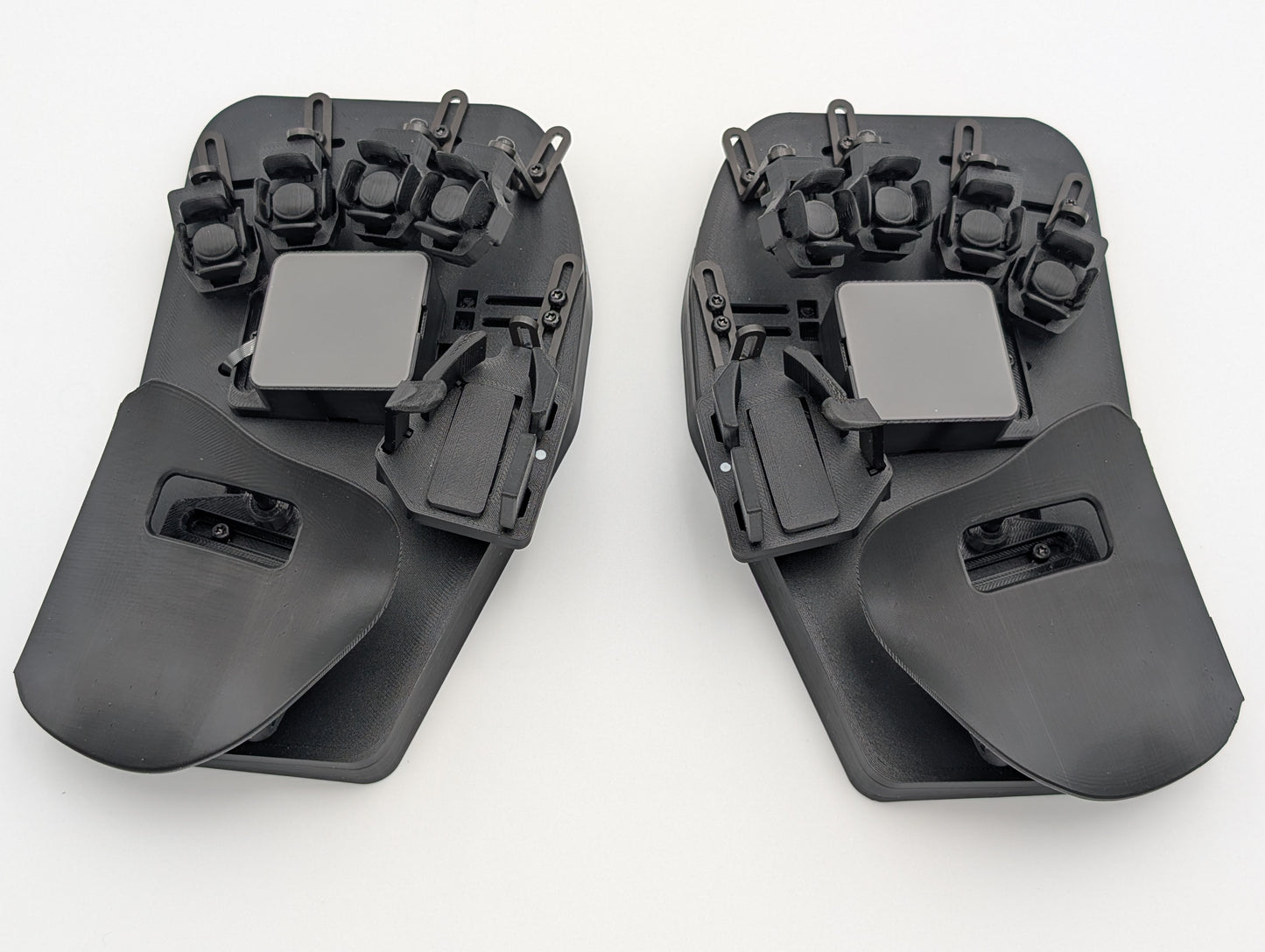
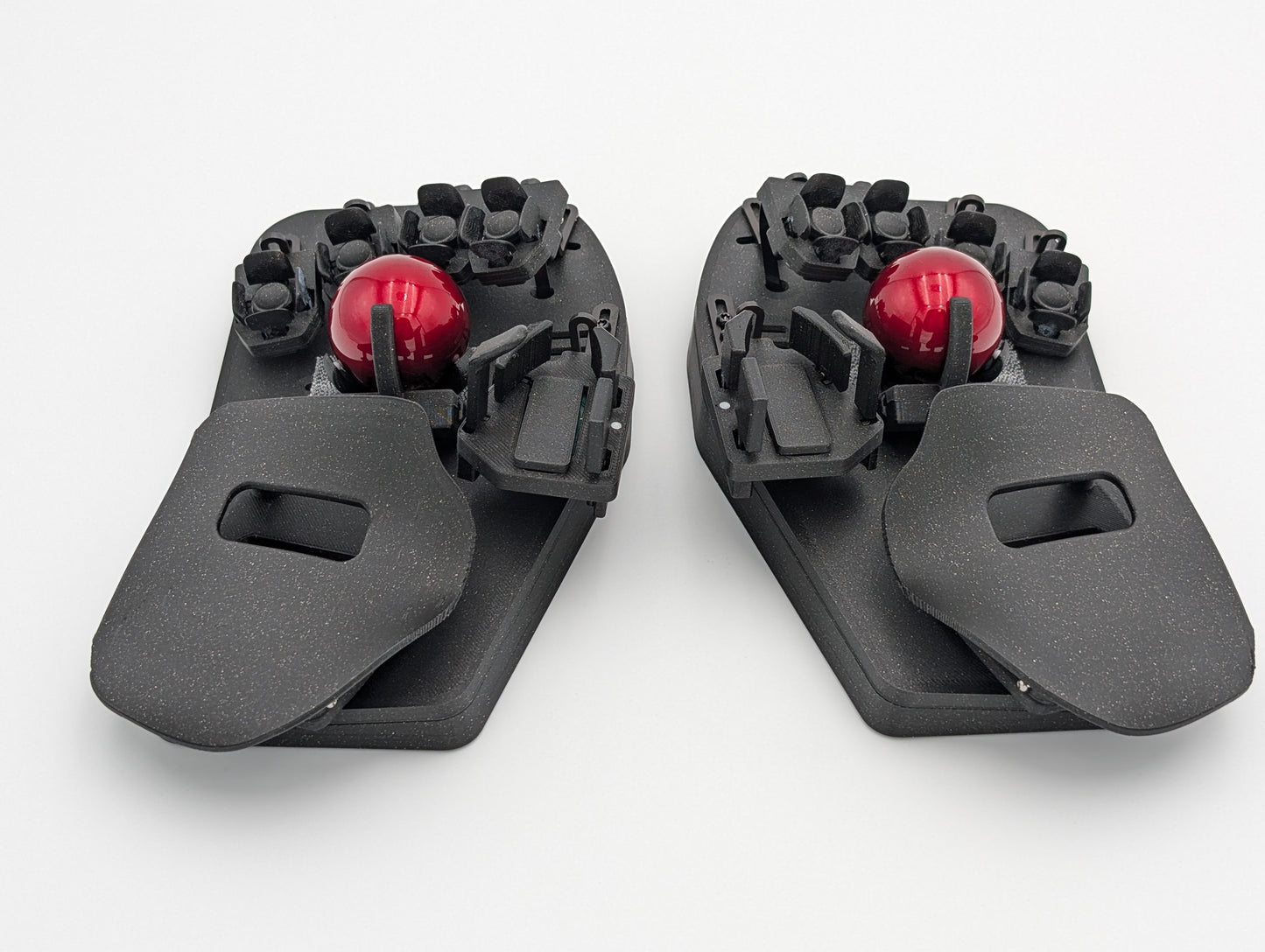
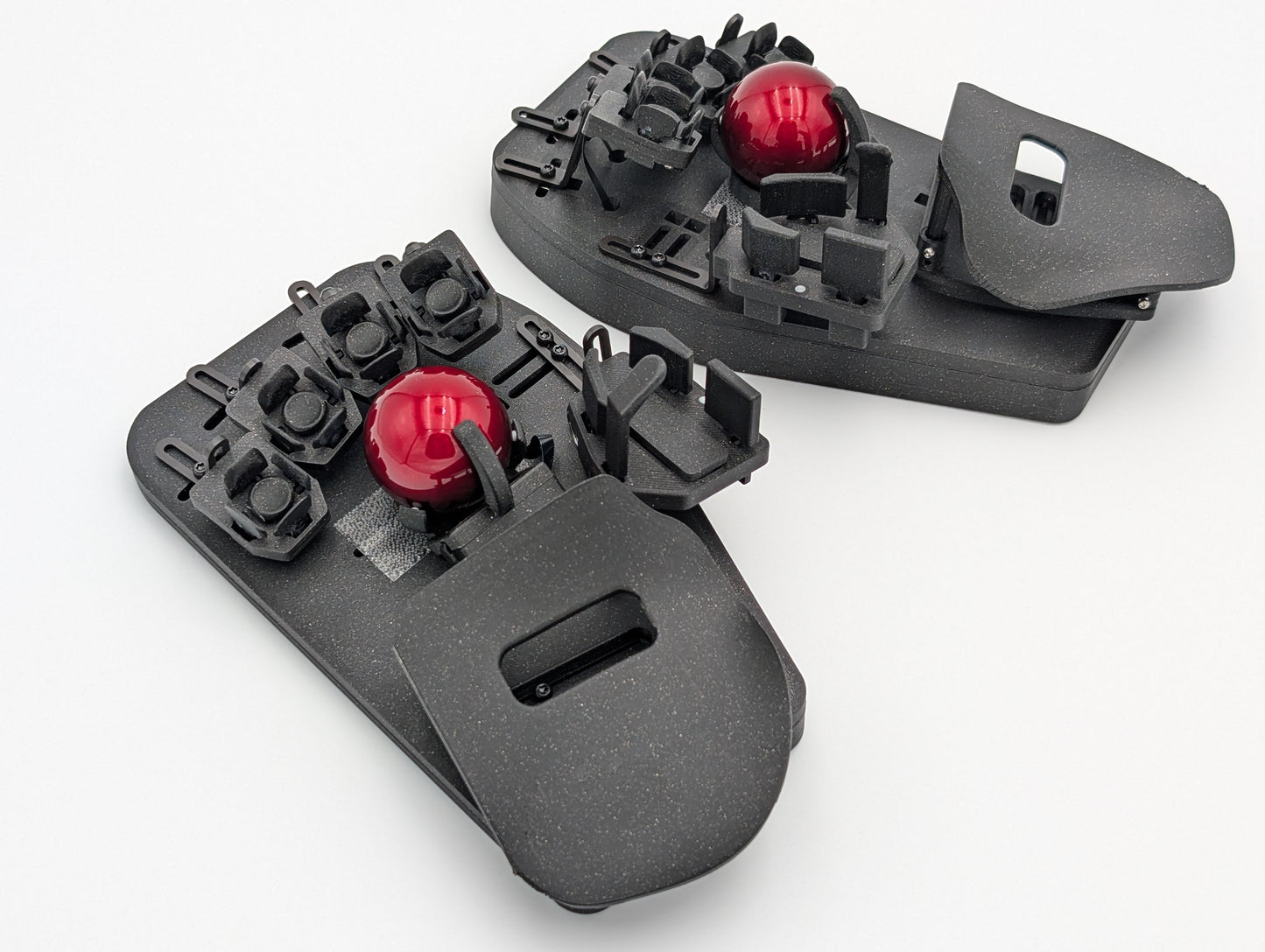
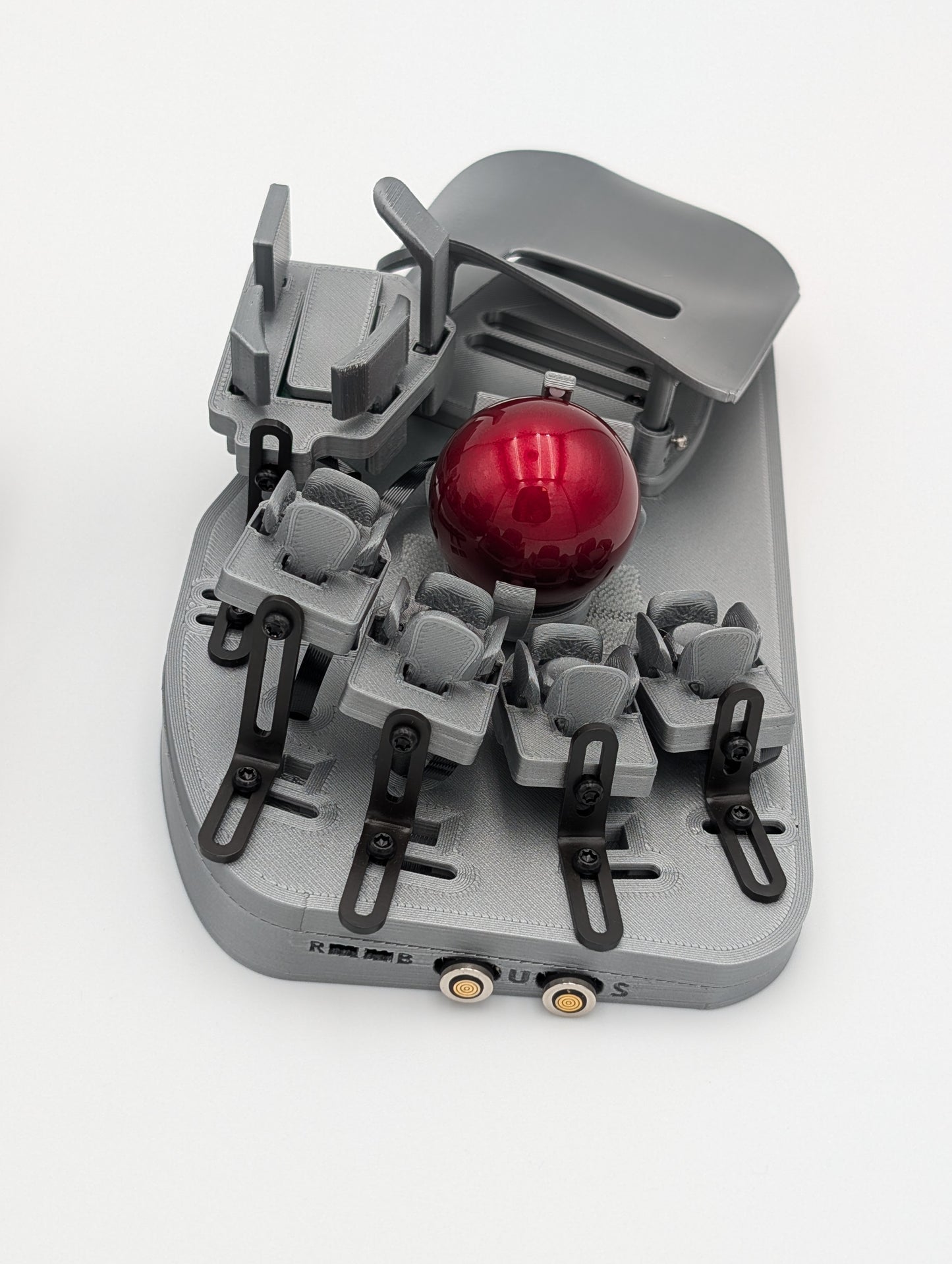
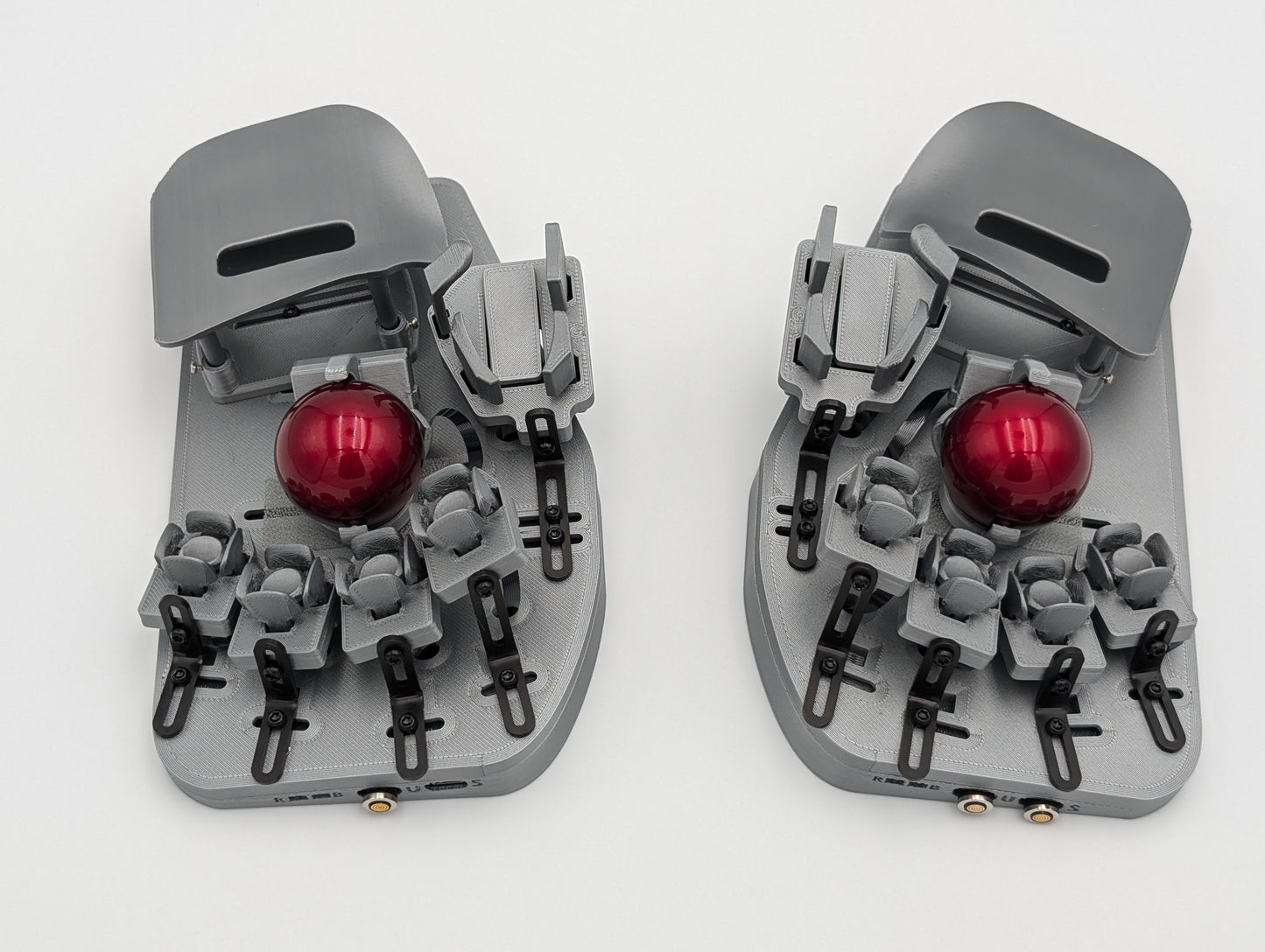
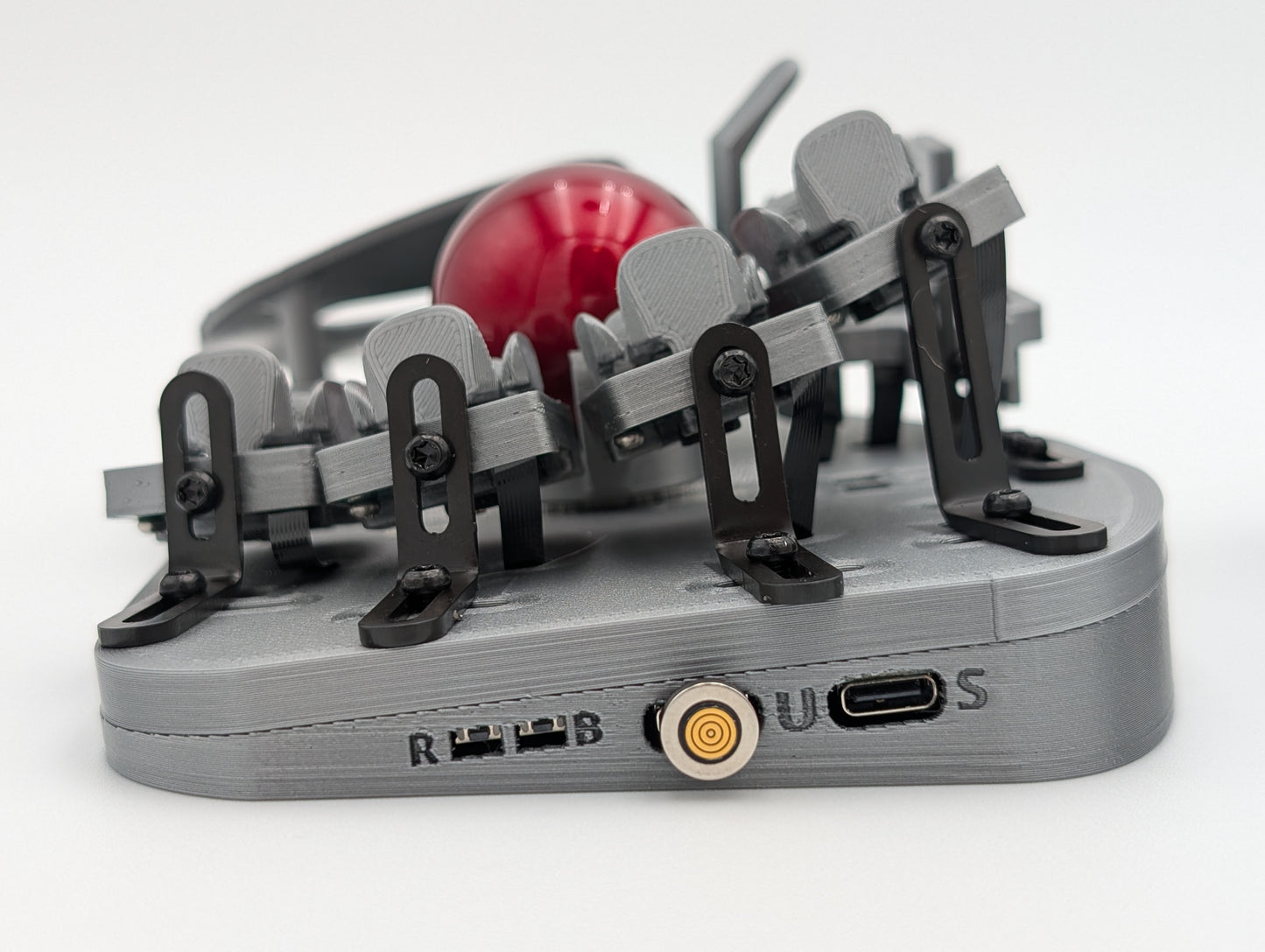
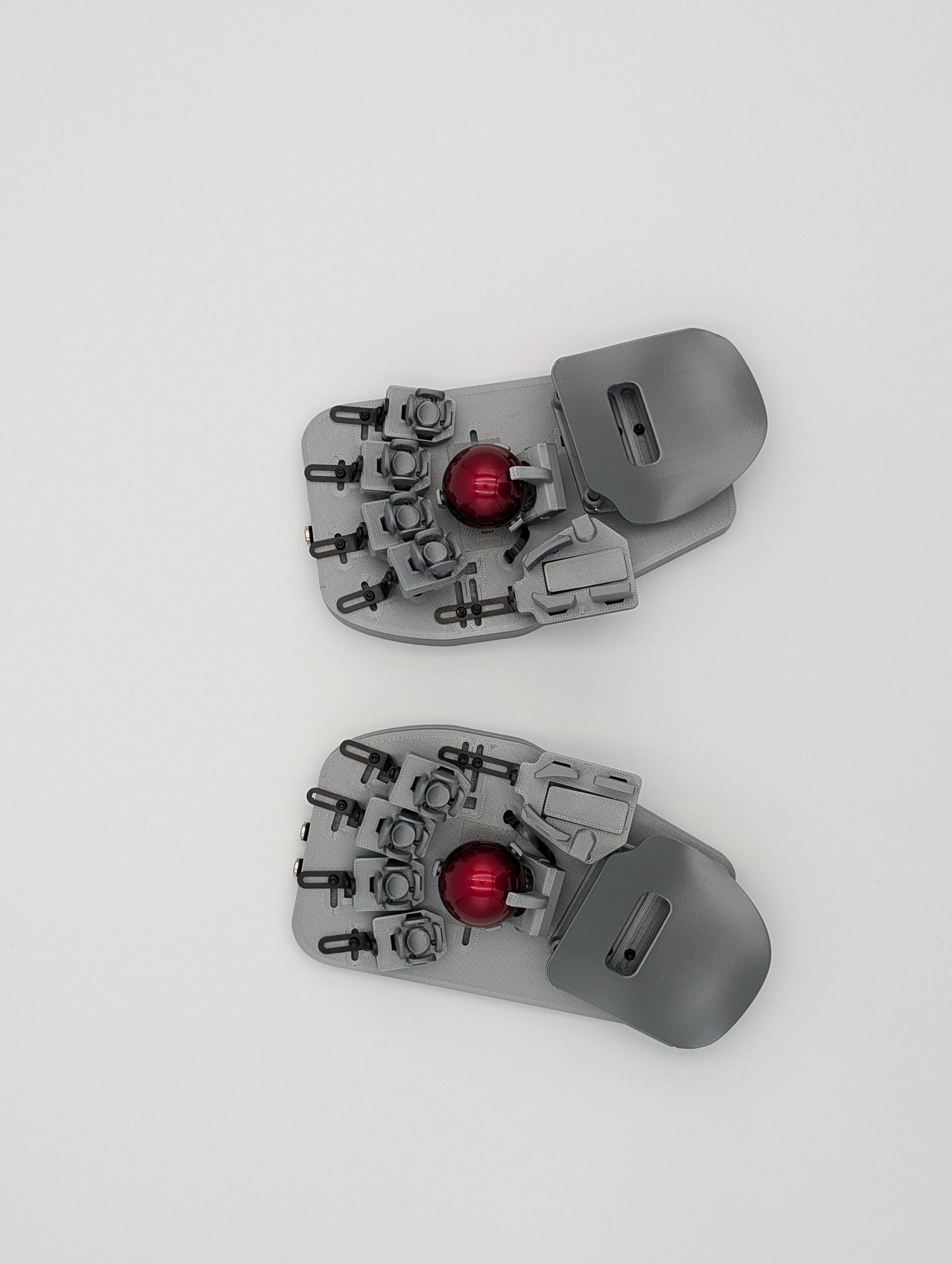
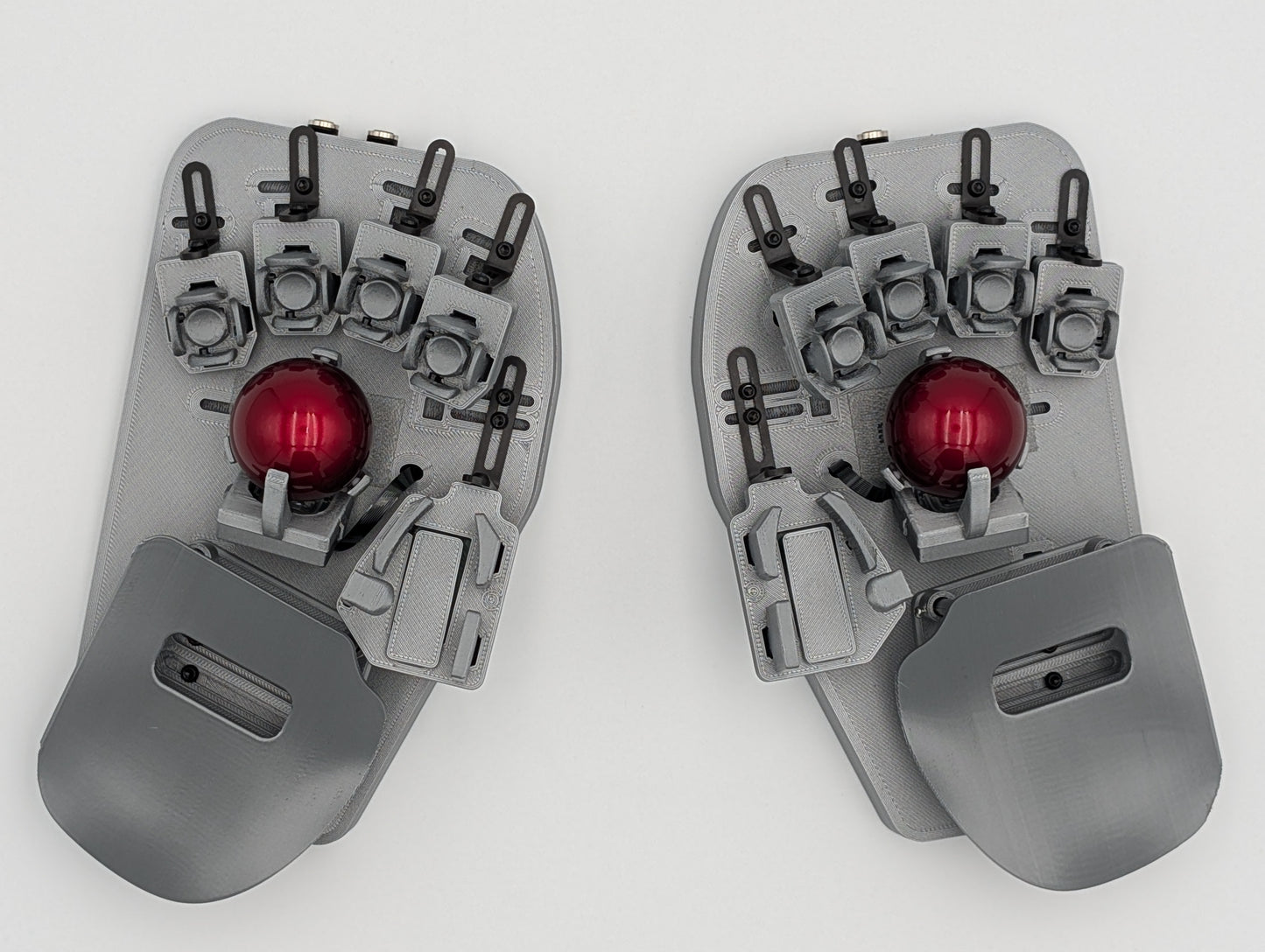
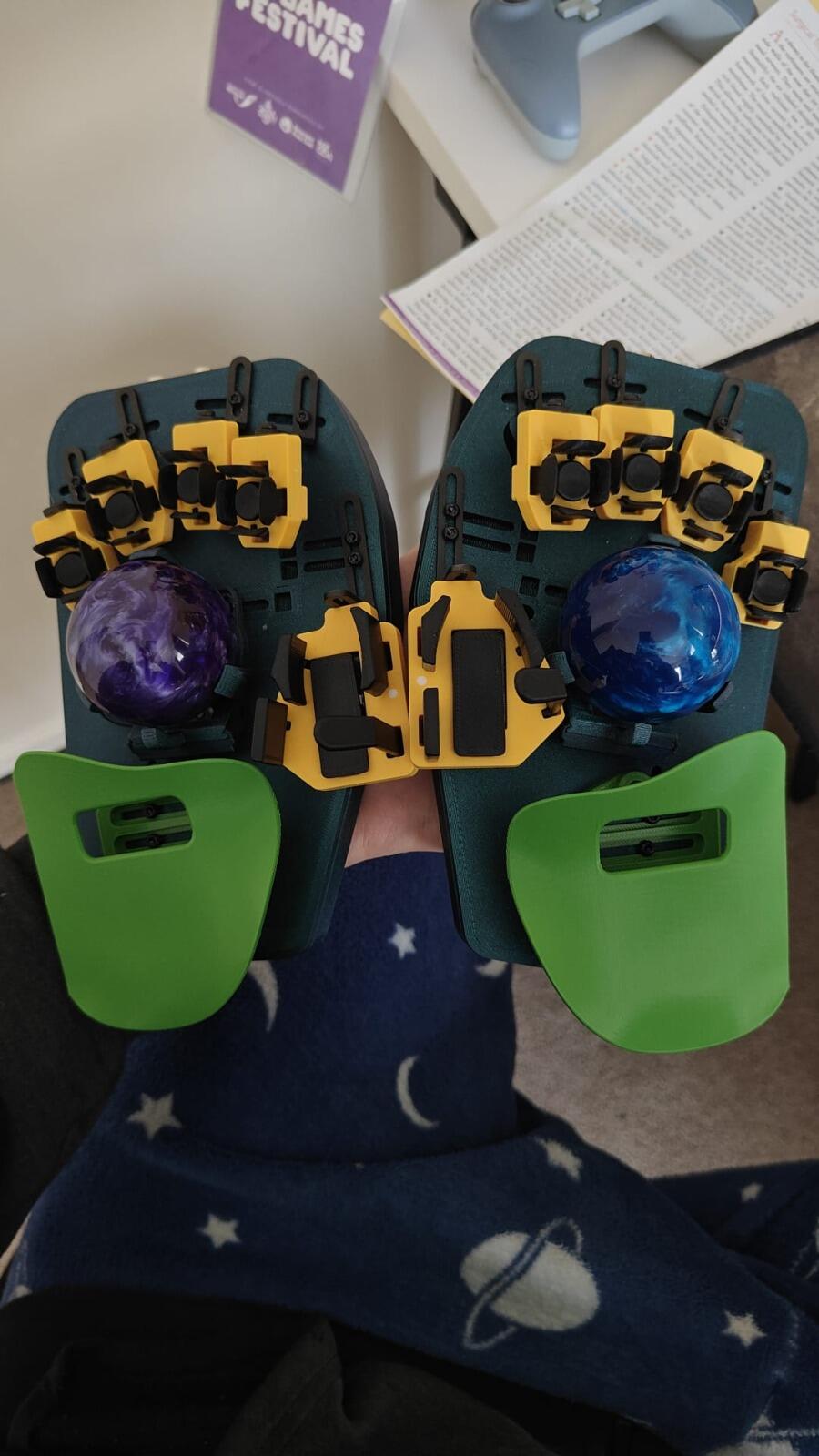
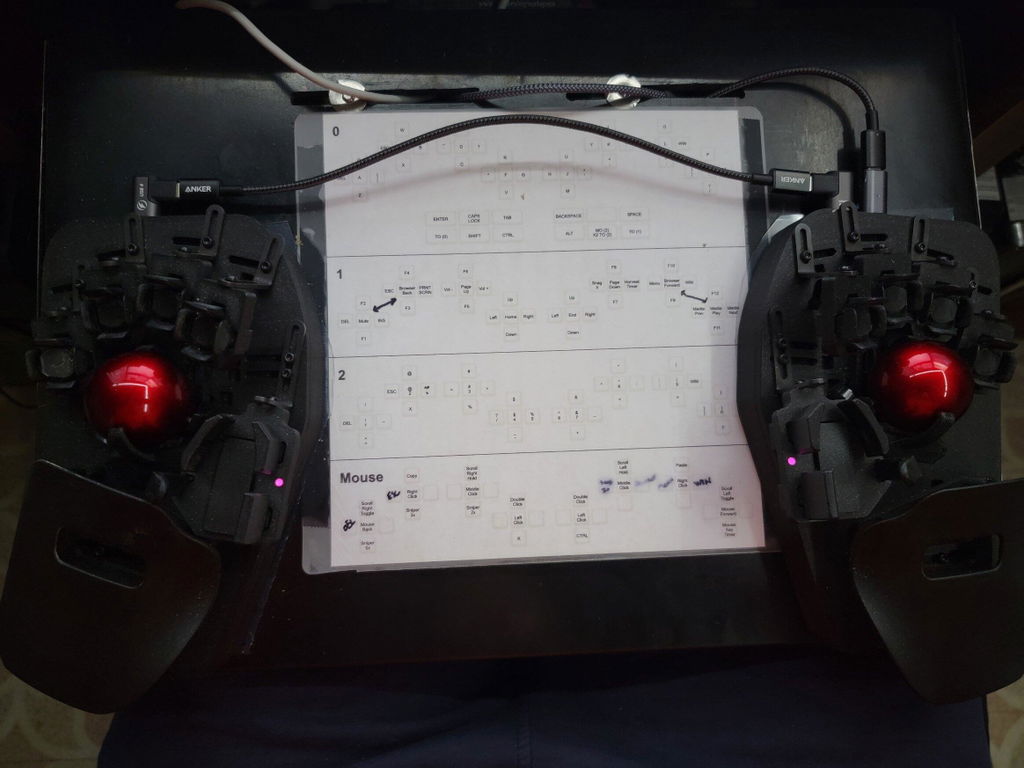
I chose the option with dual trackballs, and I would recommend you do the same. Not needing to reach for a mouse has also helped to keep my tennis elbow pain at a minimum.
-- Support --
Any time I have ever needed anything, I have been blown away by the customer service in the discord. There are plenty of fellow users to chat with, and their official support people are simply some of the best I have ever come across.
Case in point: I needed some new keys after snapping one of the thumb keys when it caught on my desk while pushing my keyboard tray in.
Not only did they send me replacement keys very quickly, but I remember feeling very well taken care of. They asked questions that I believe were important and helped to ensure I got the right order -- things I would not have known to bring up on my own -- and they were generally delightful to interact with.
Unfortunately, the first order was damaged by USPS, but the support person (lumbduck?) in the discord promptly sent me a new order and dealt with USPS for the claim. They also threw in some experimentally thicker keys, which was very appreciated.
-- In Closing --
I am very grateful to Morgan and the rest of his team for building this incredible product (that I now prefer over a traditional keyboard), and I believe your money will be well spent if you choose to invest in this device. You will not be disappointed in the device, and you will not be disappointed in the level of service and care you will find in the discord.