Svalboard
Svalboard Lightly
Svalboard Lightly
受取状況を読み込めませんでした
米国内は送料無料、海外への送料は20米ドル割引です。
現在の製作期間の目安は約5〜6週間です 🙏🏻
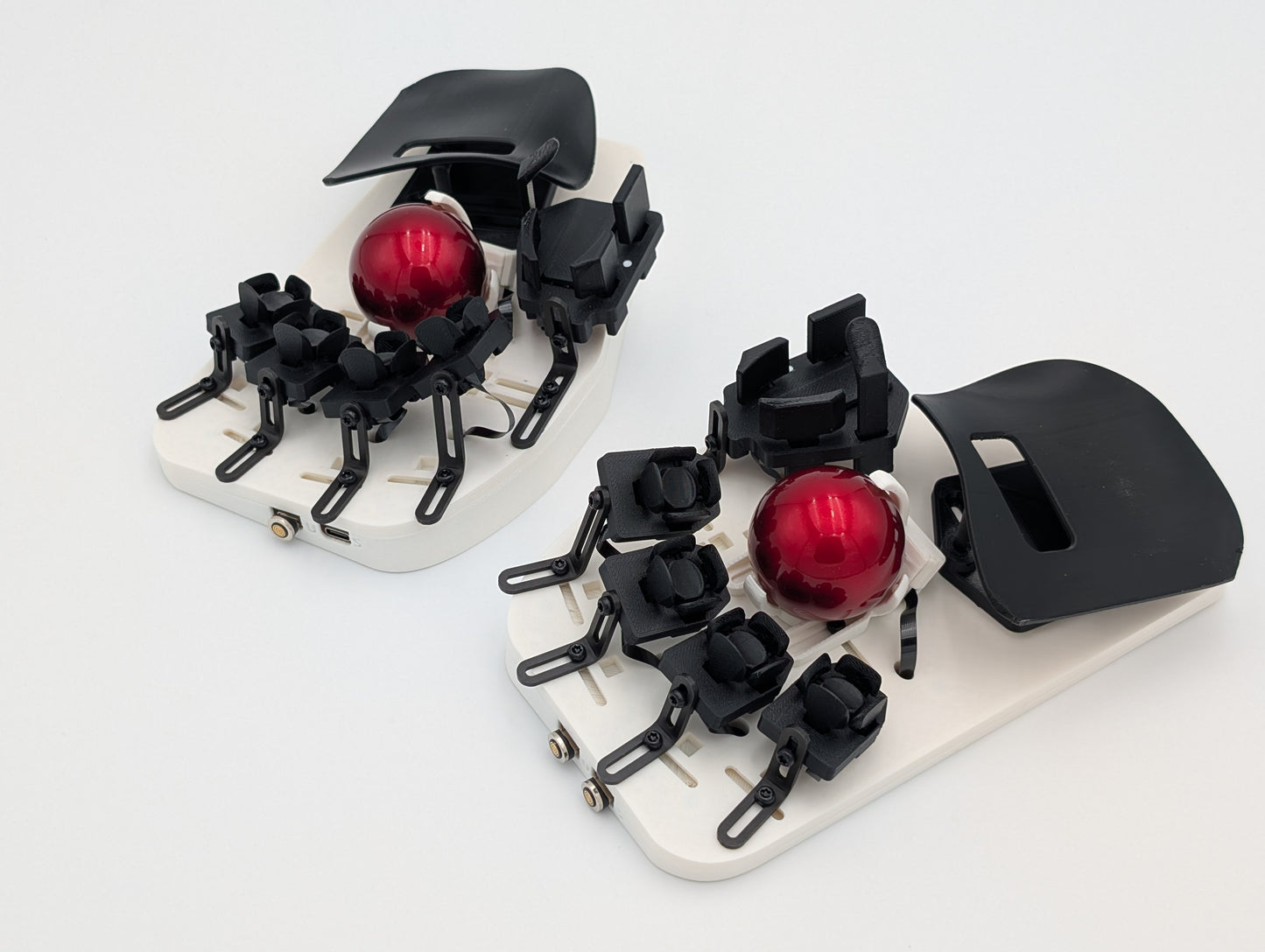
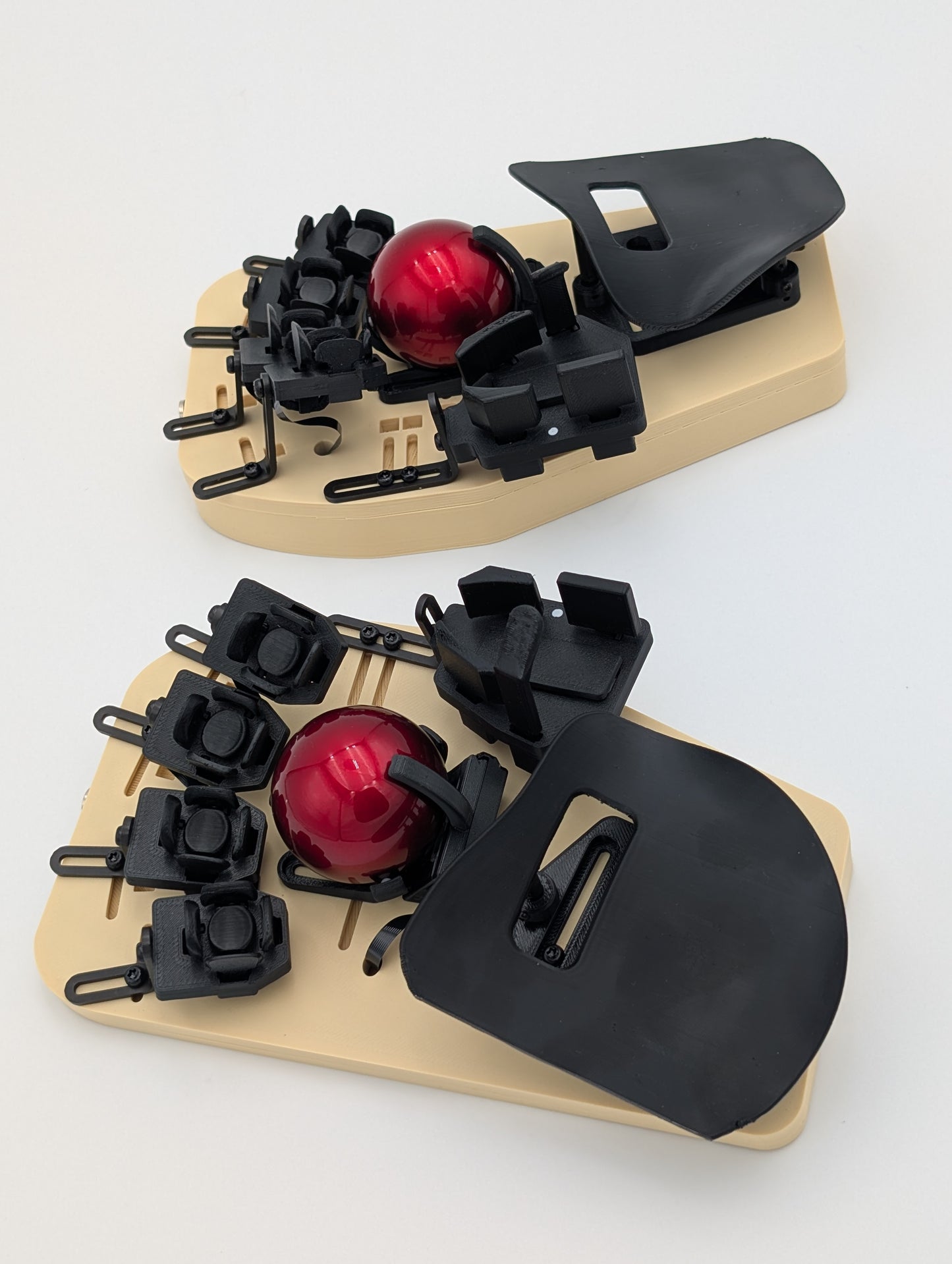
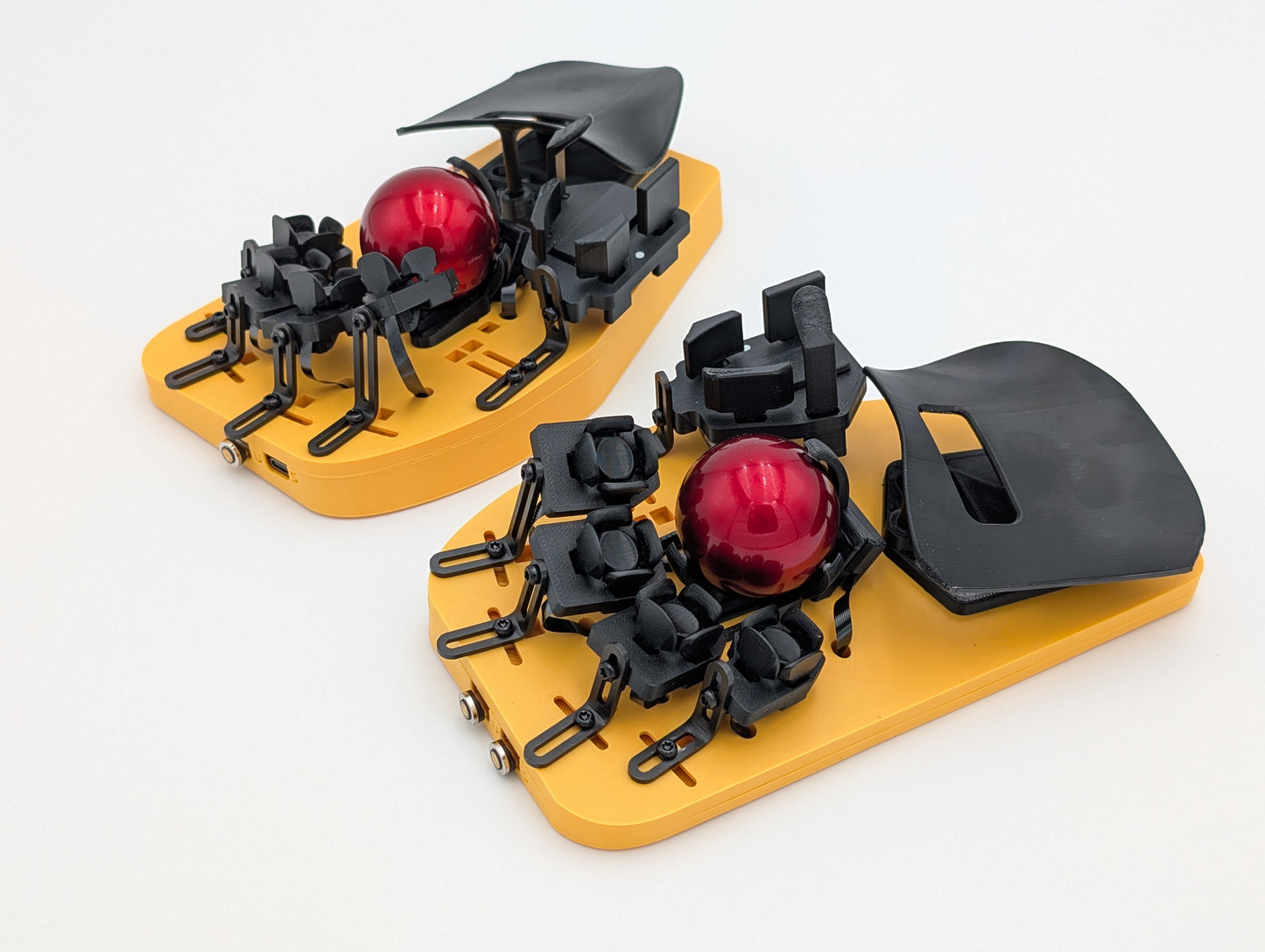
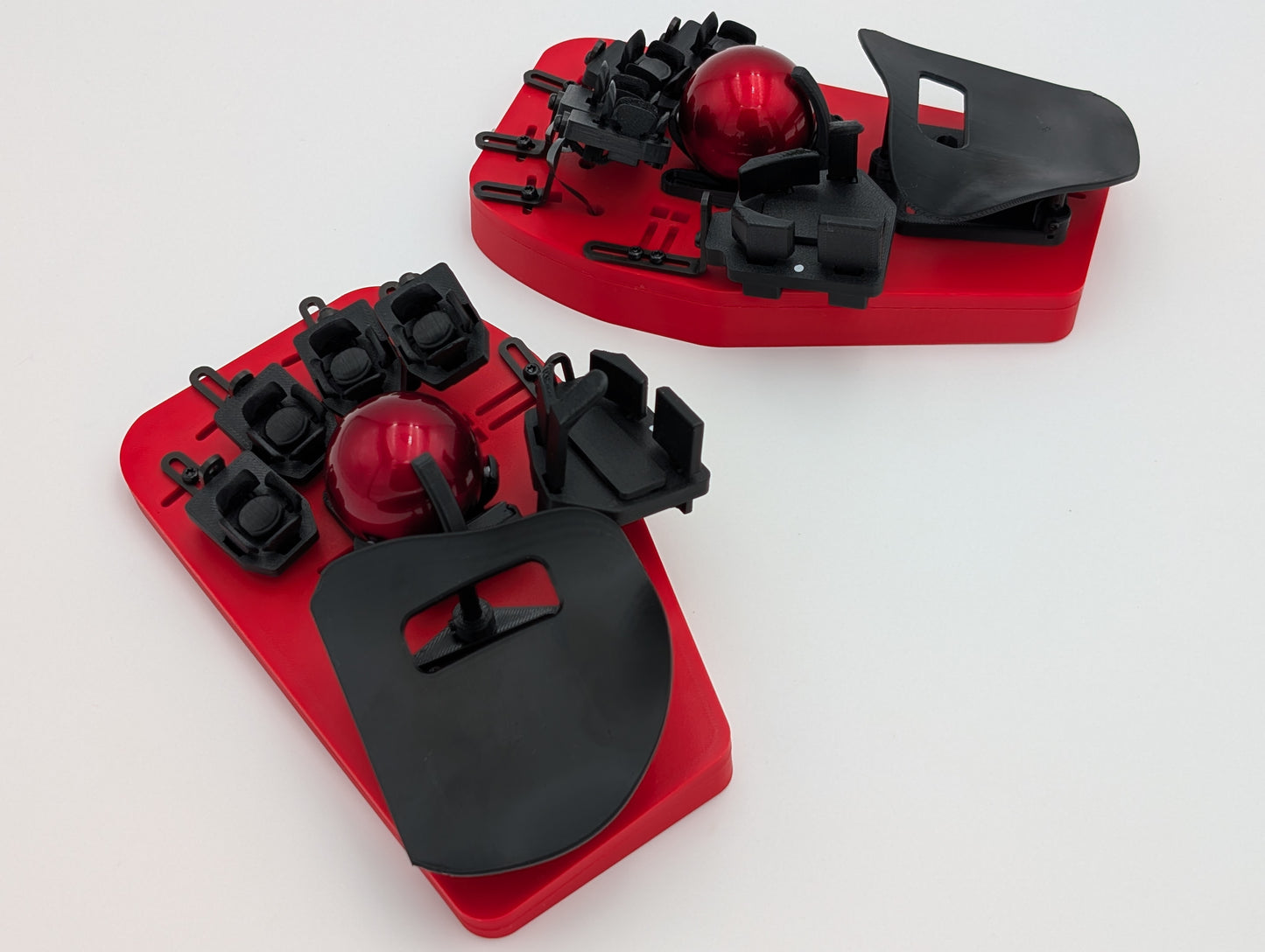
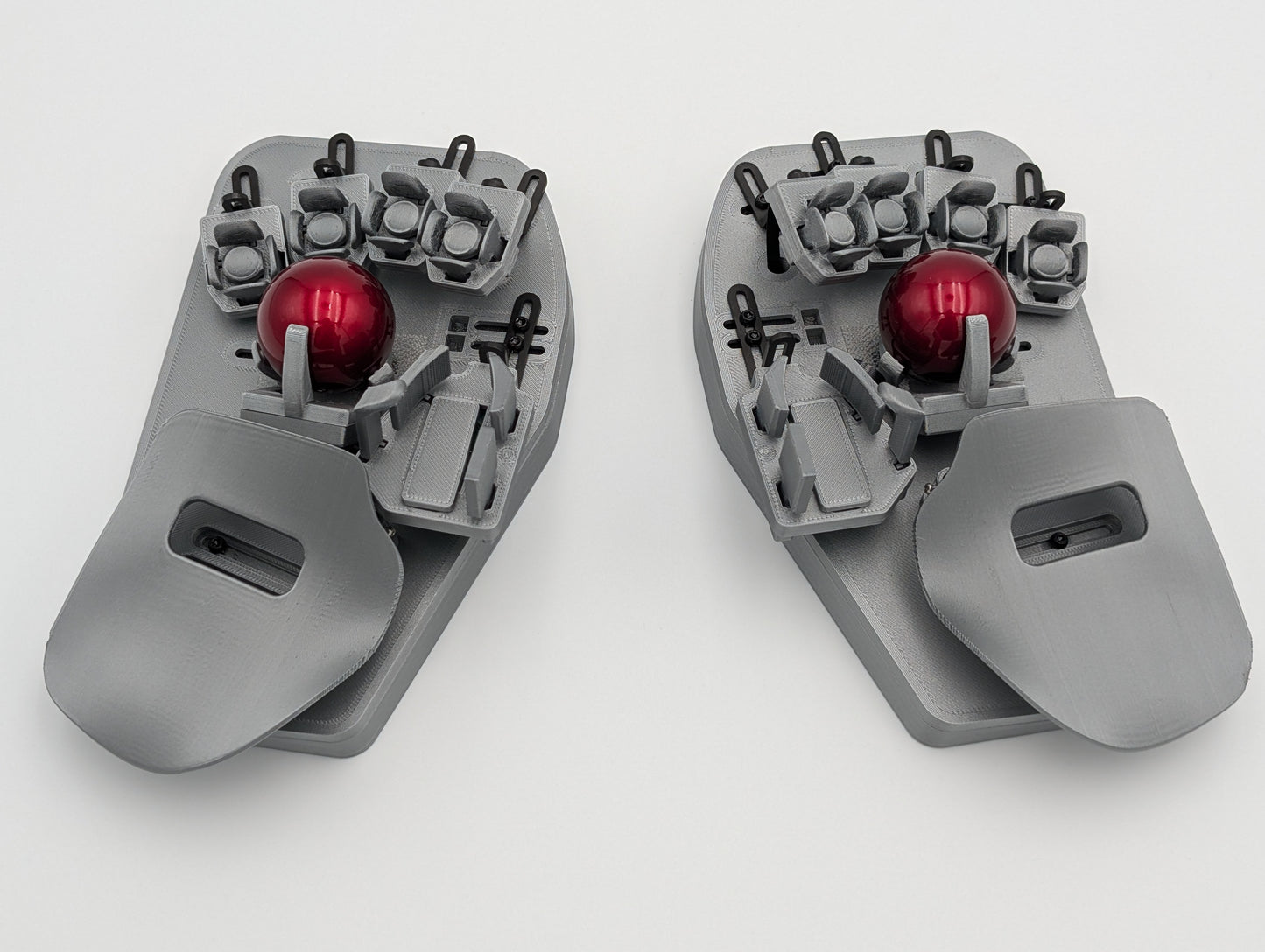
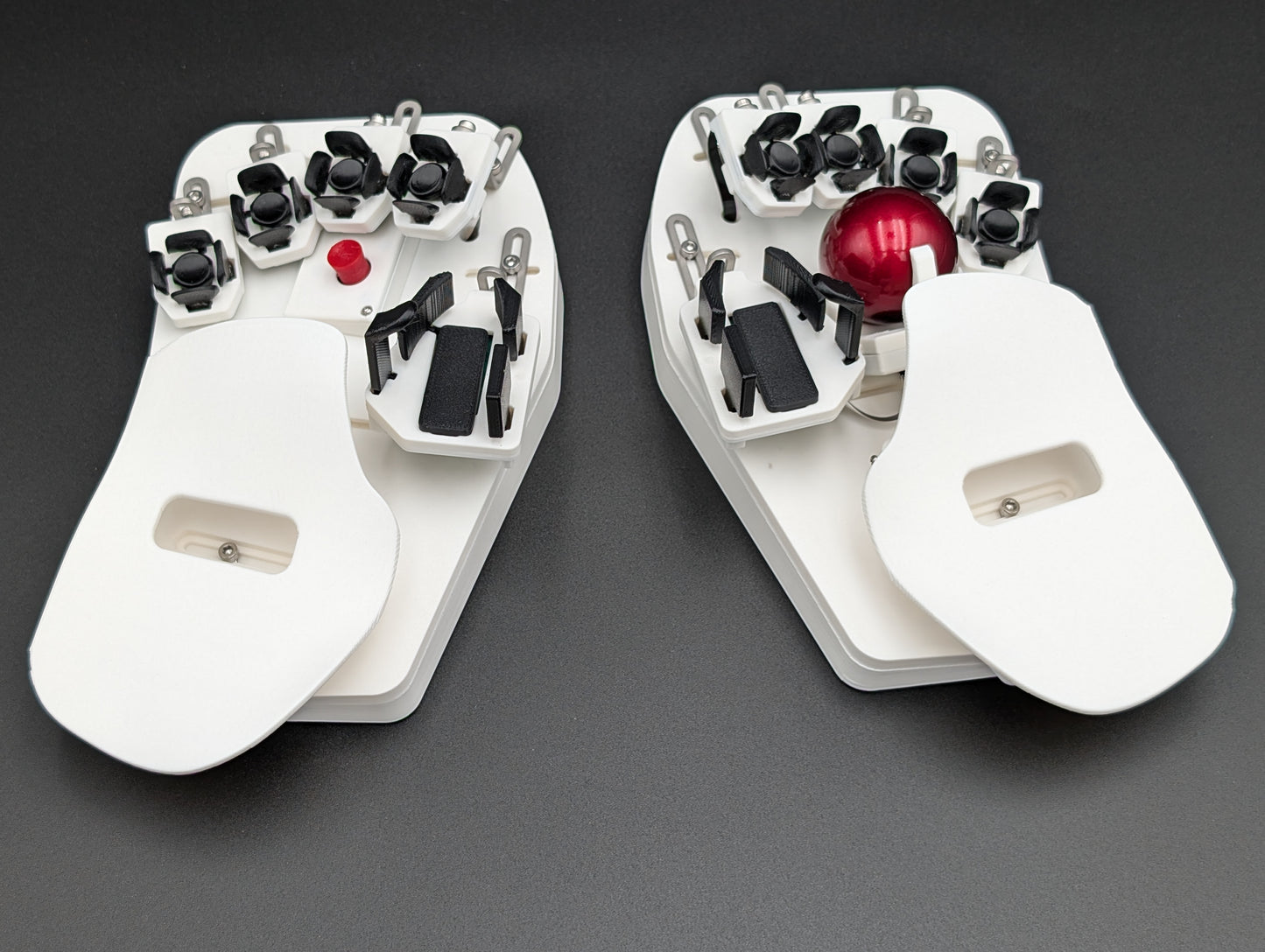
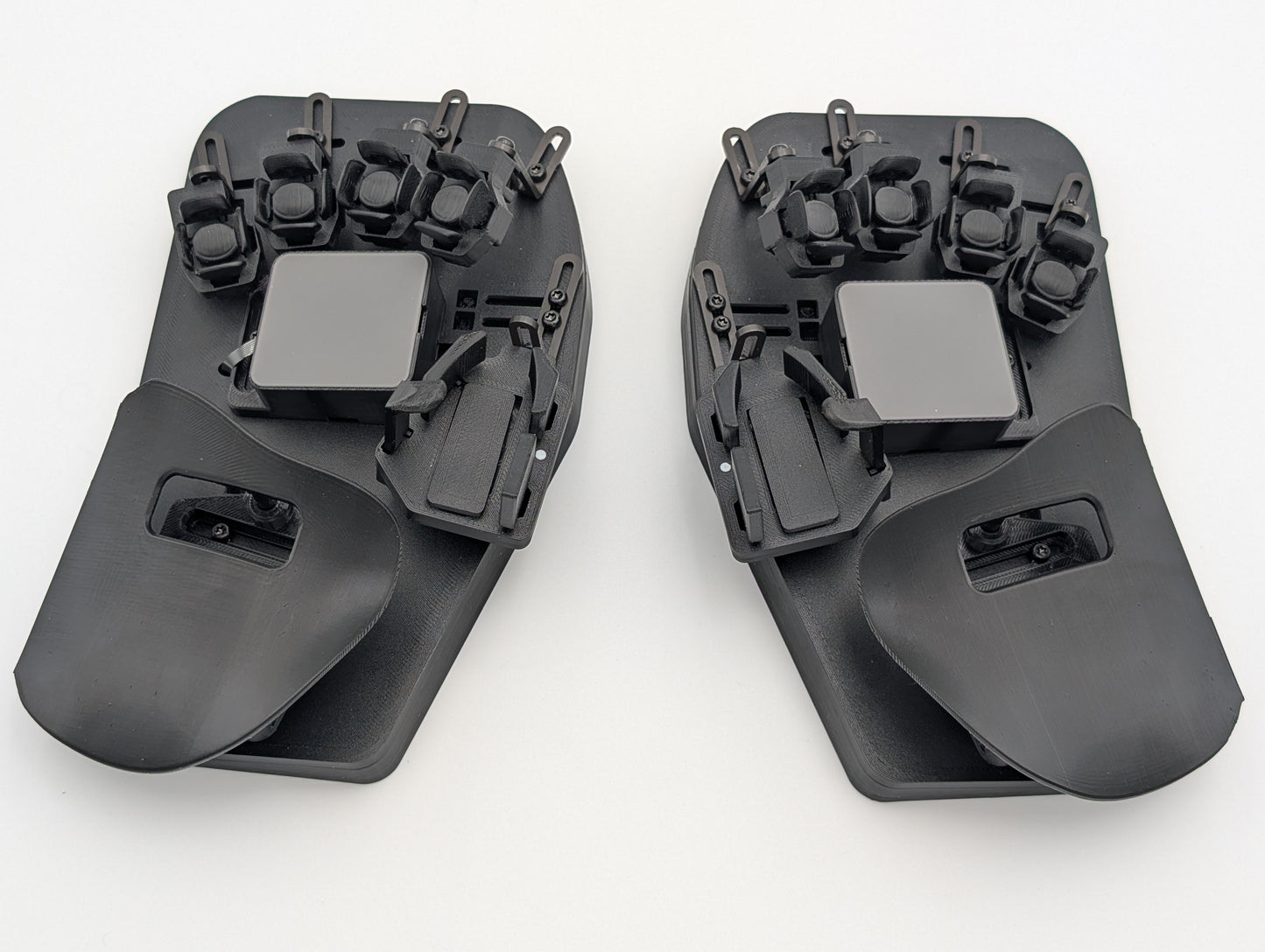
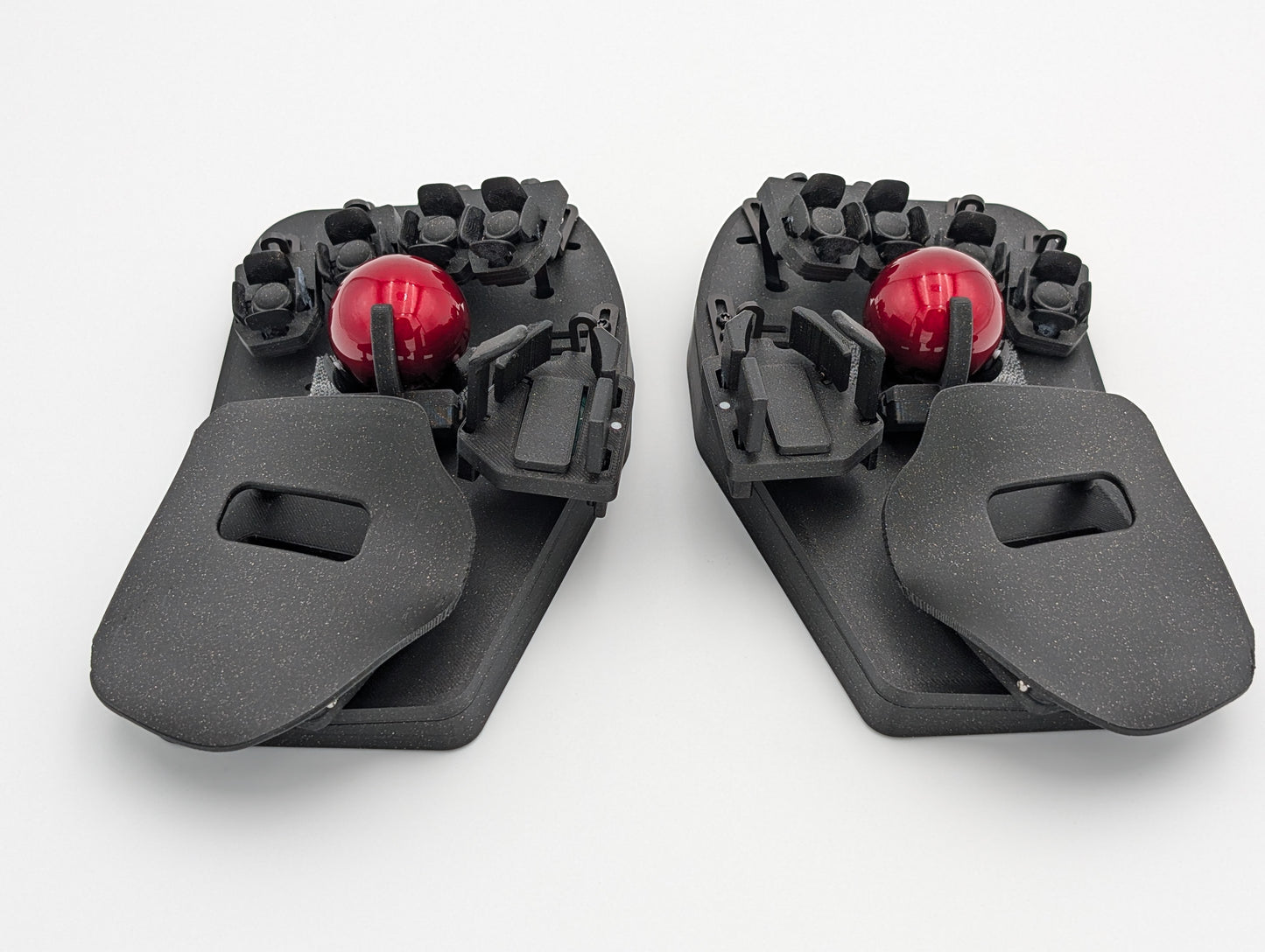
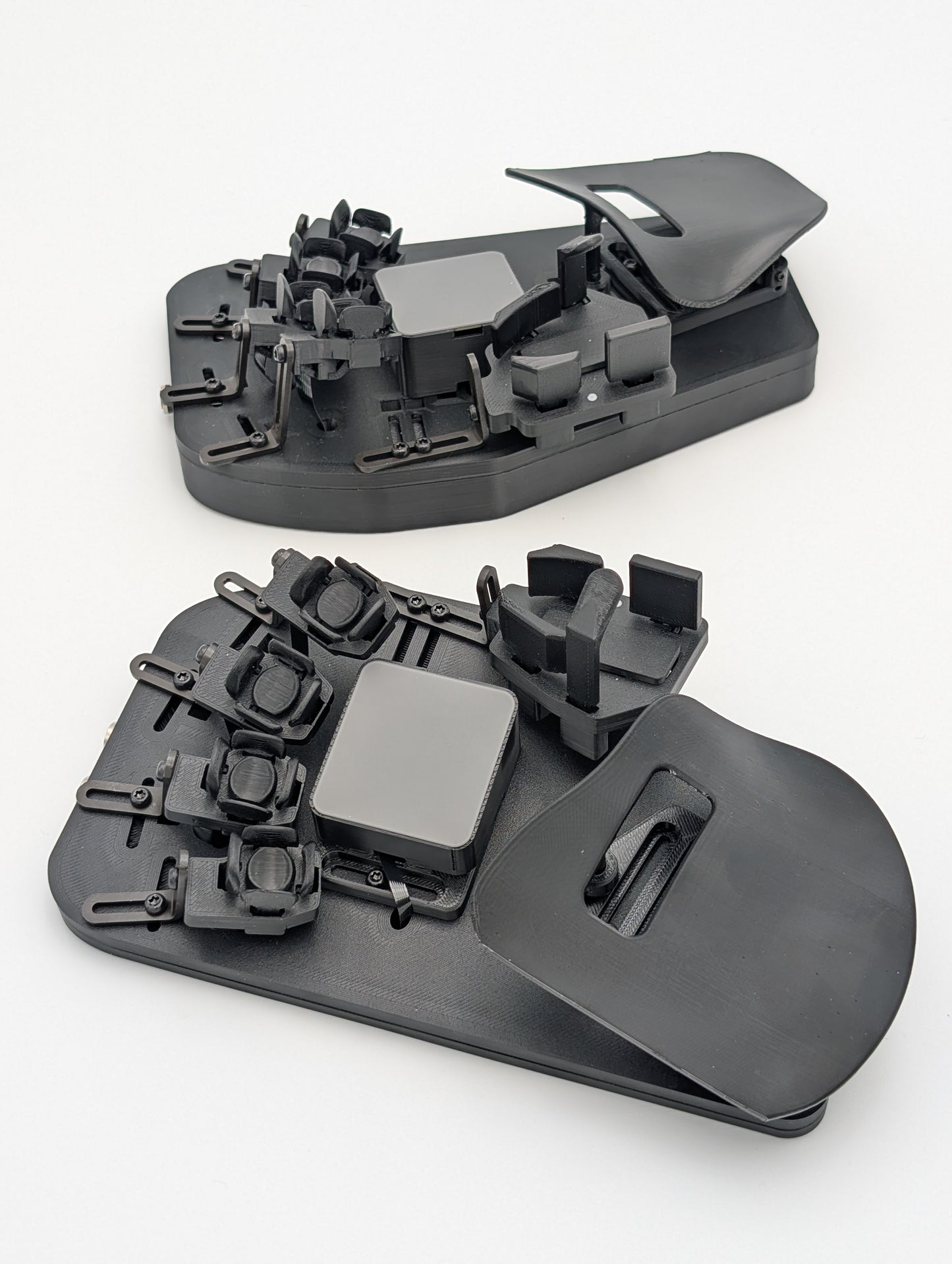
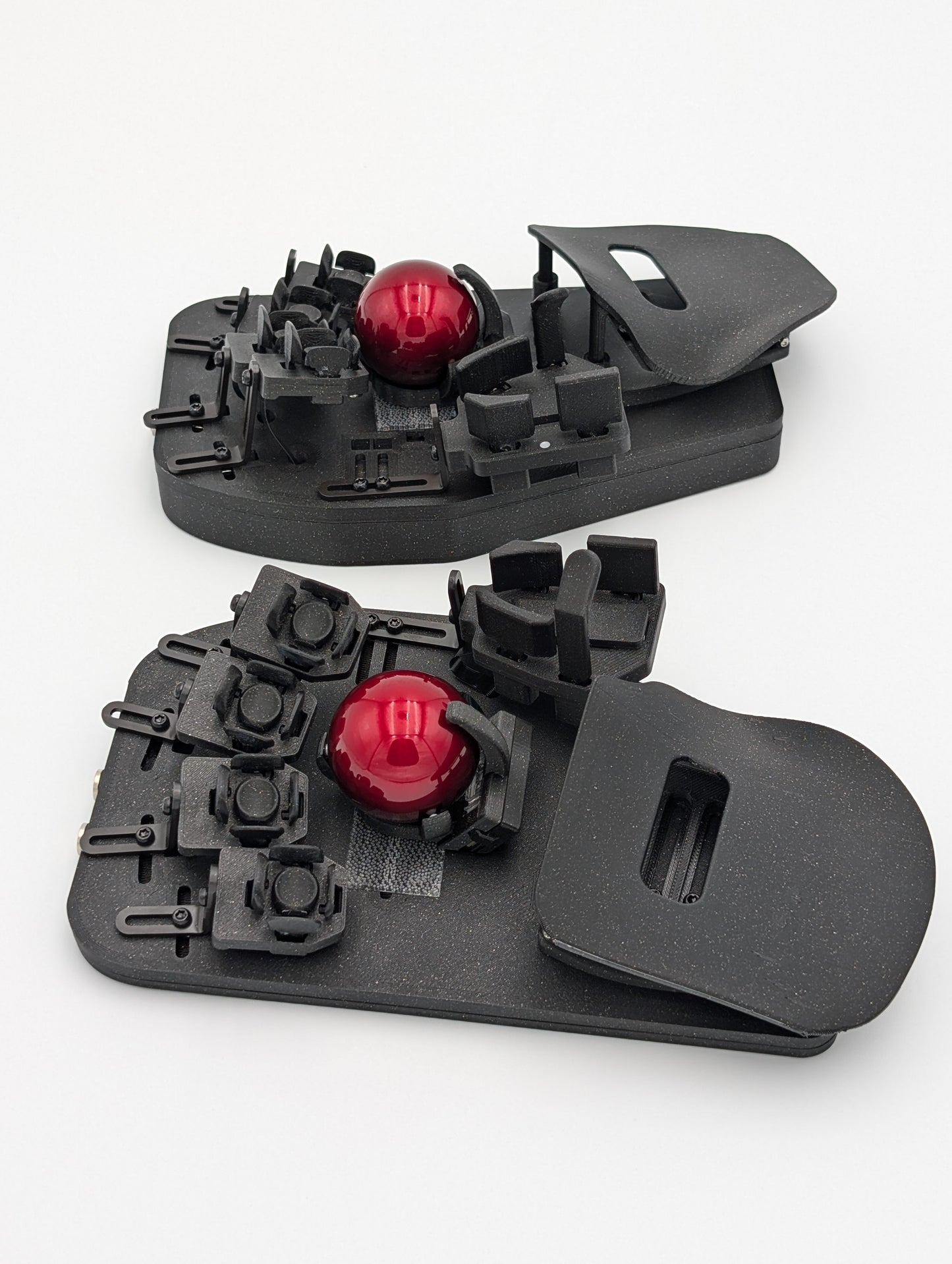
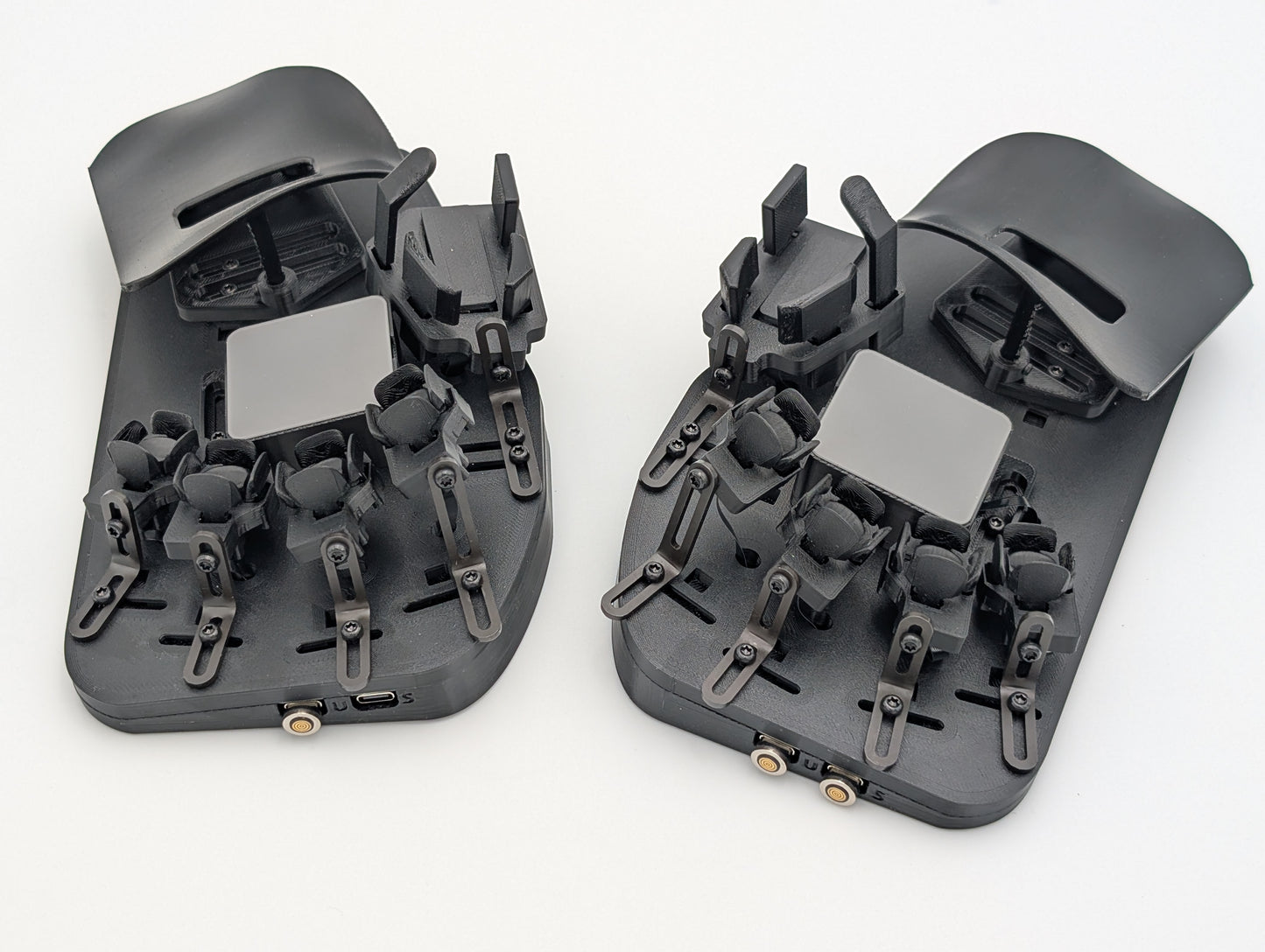
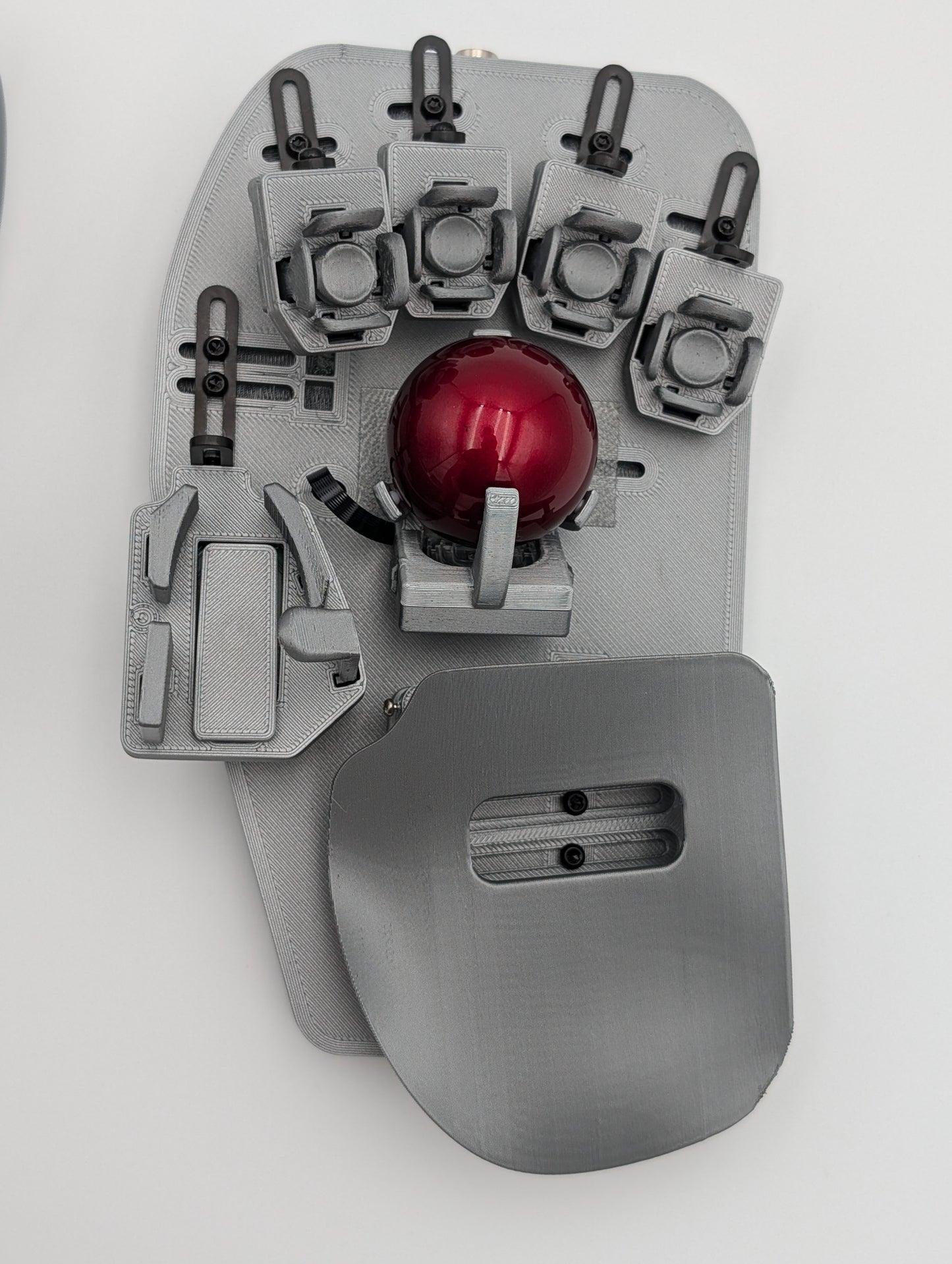
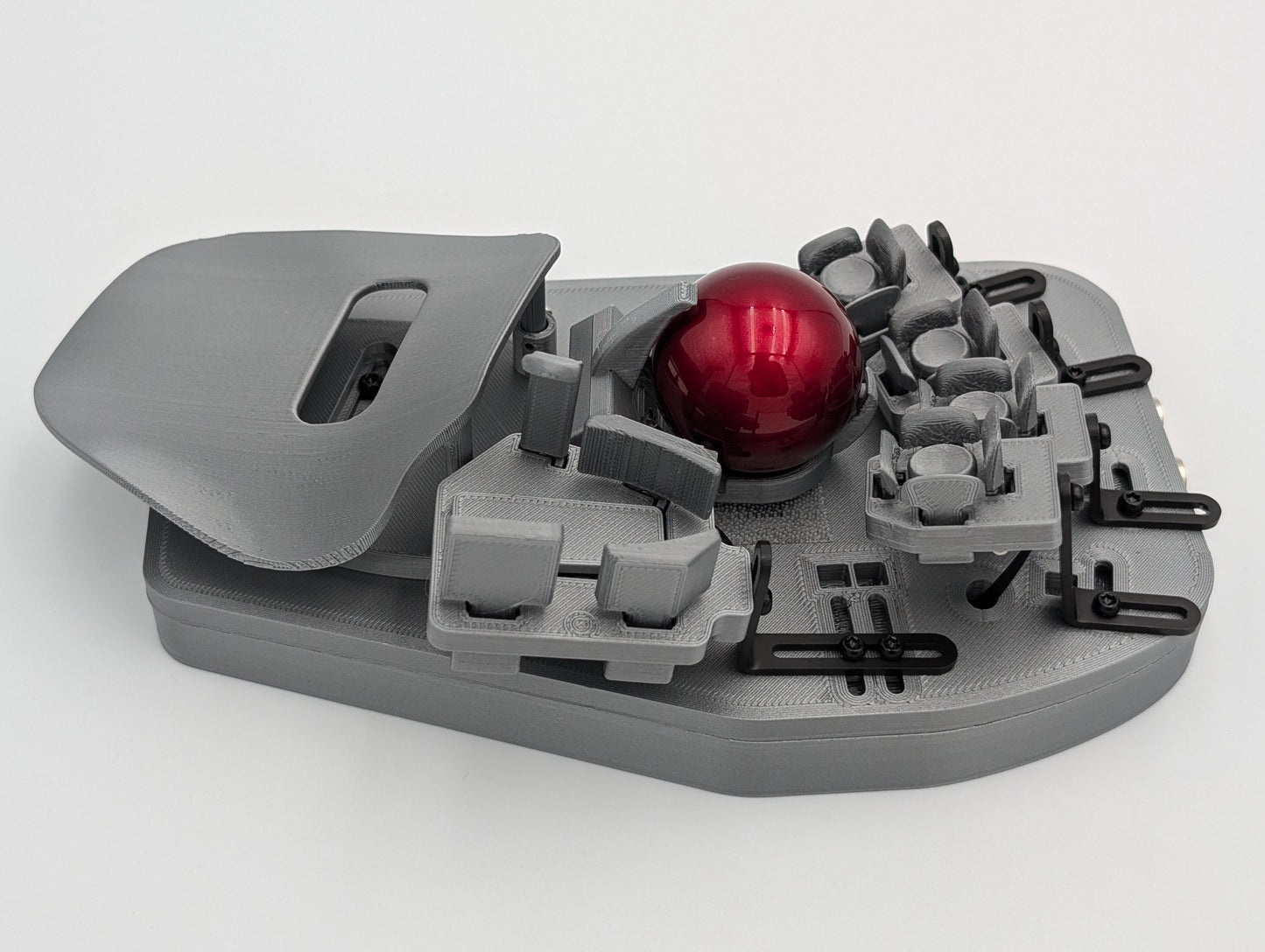
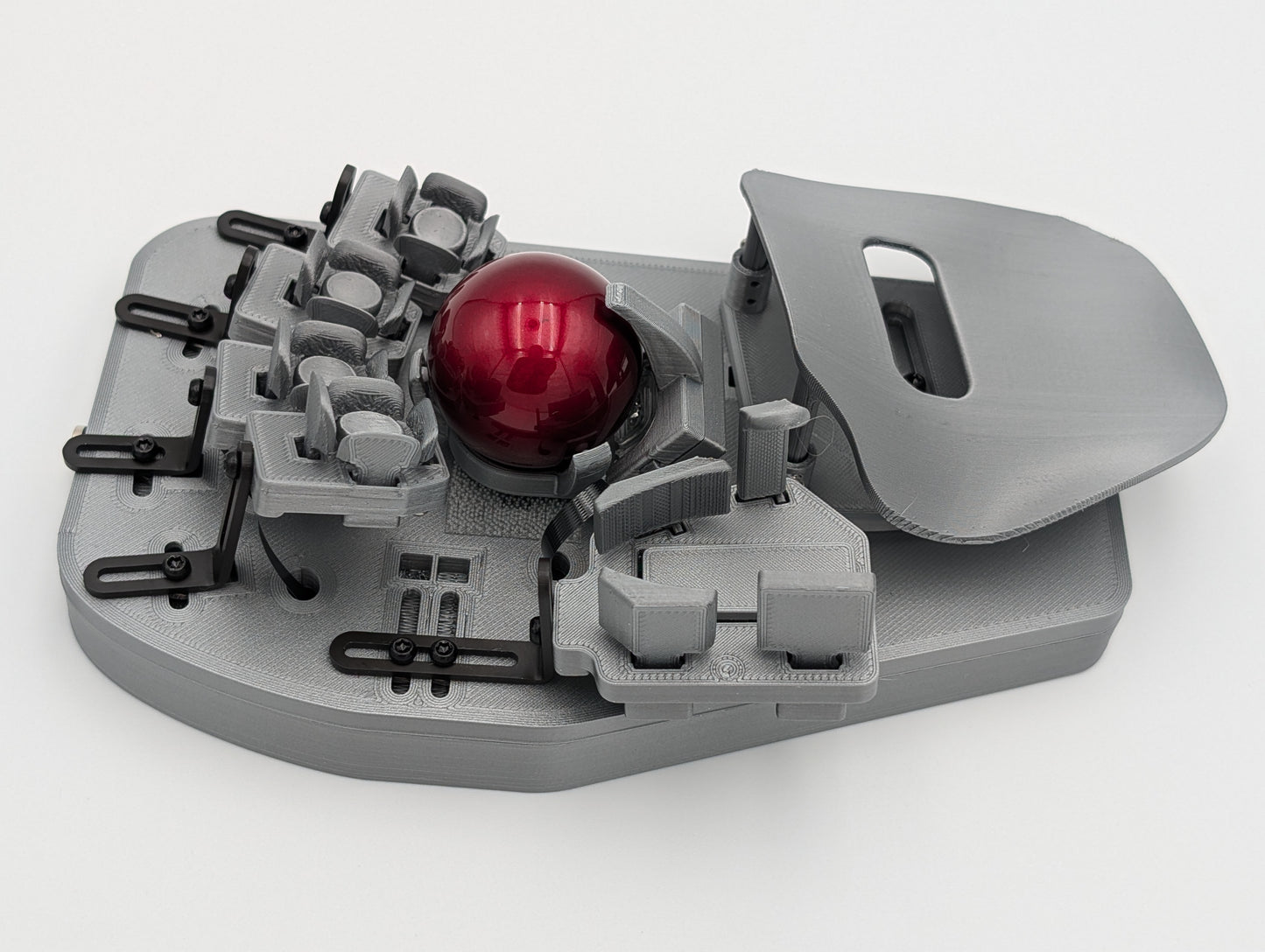
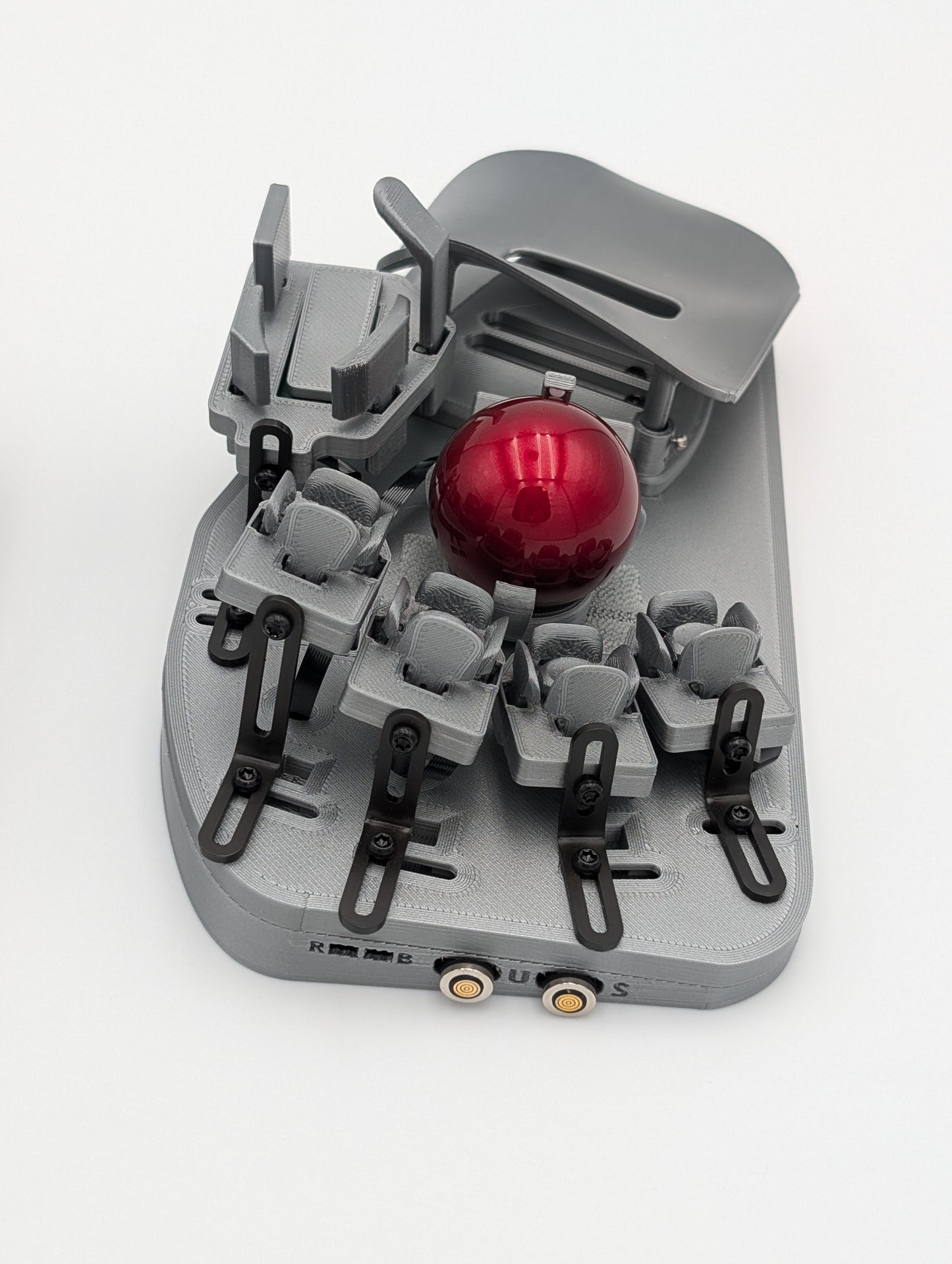
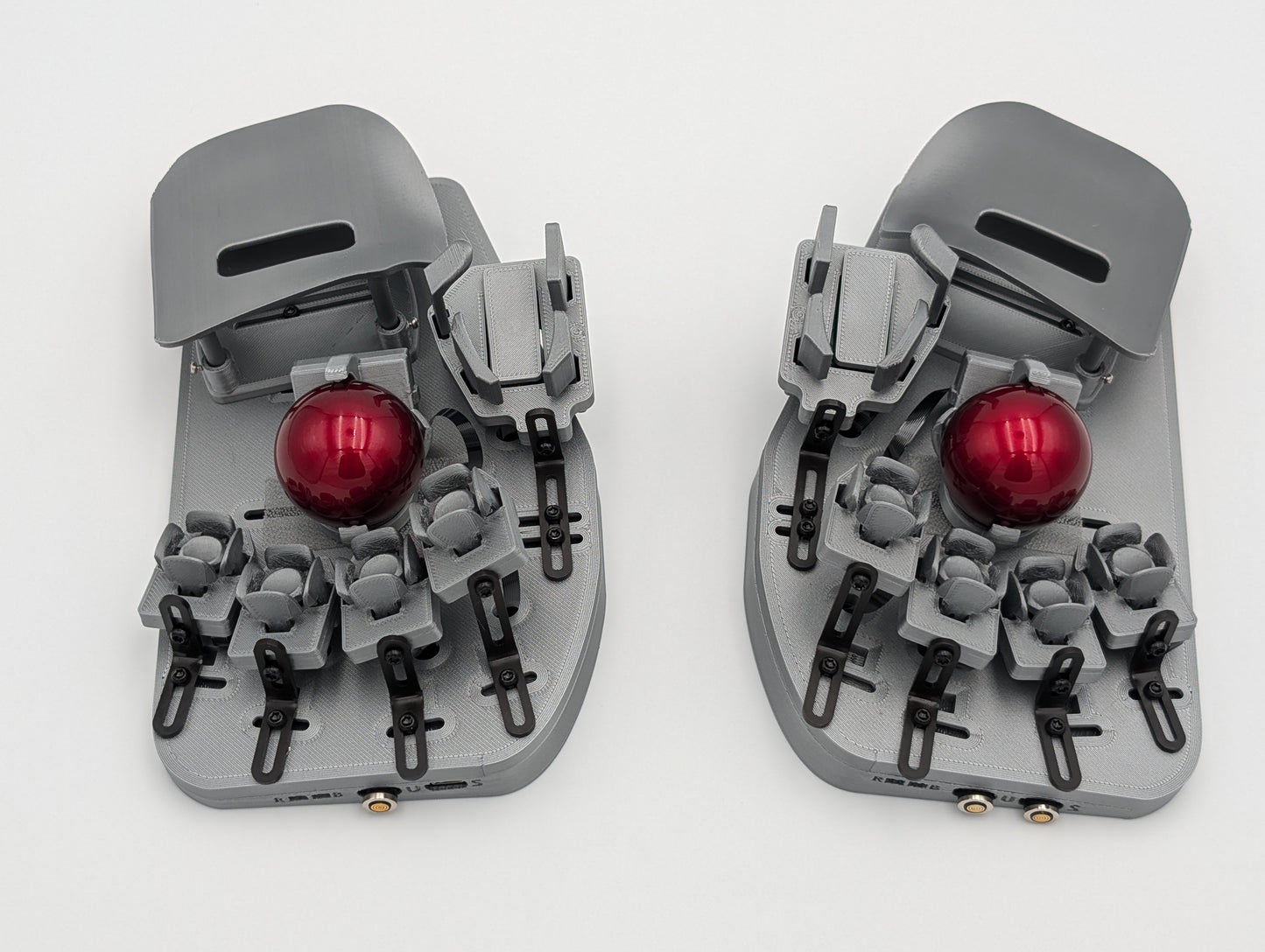
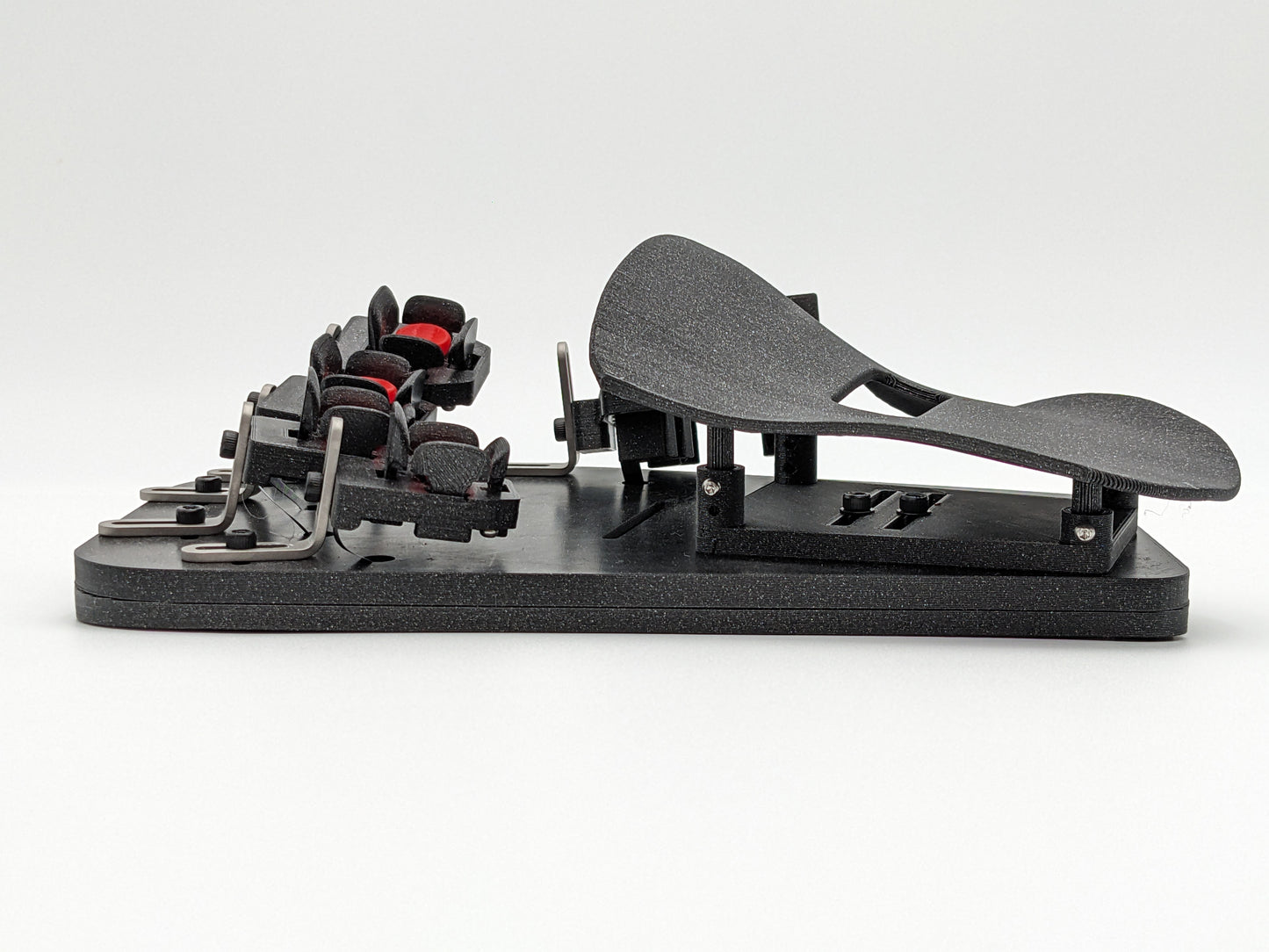
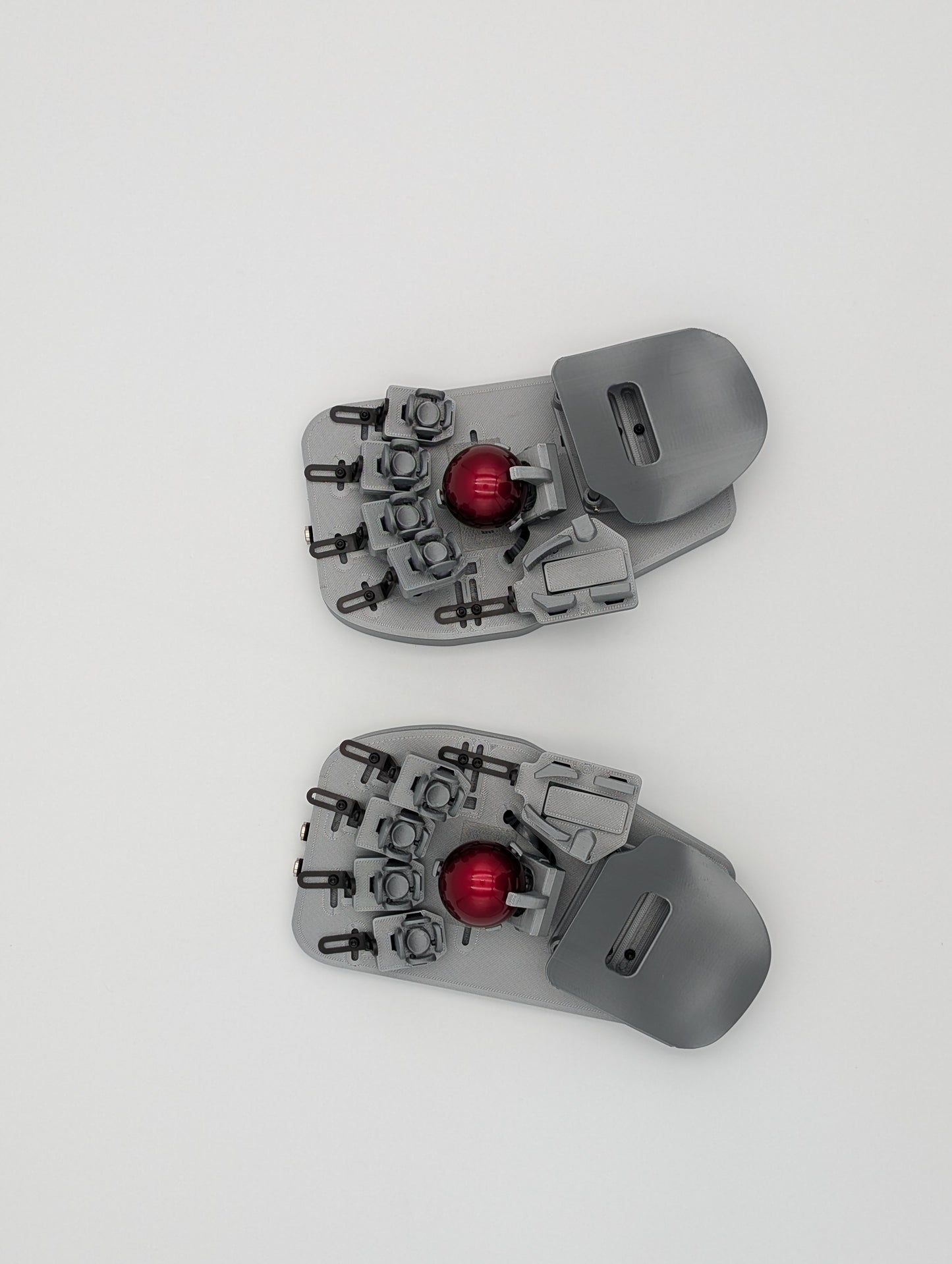
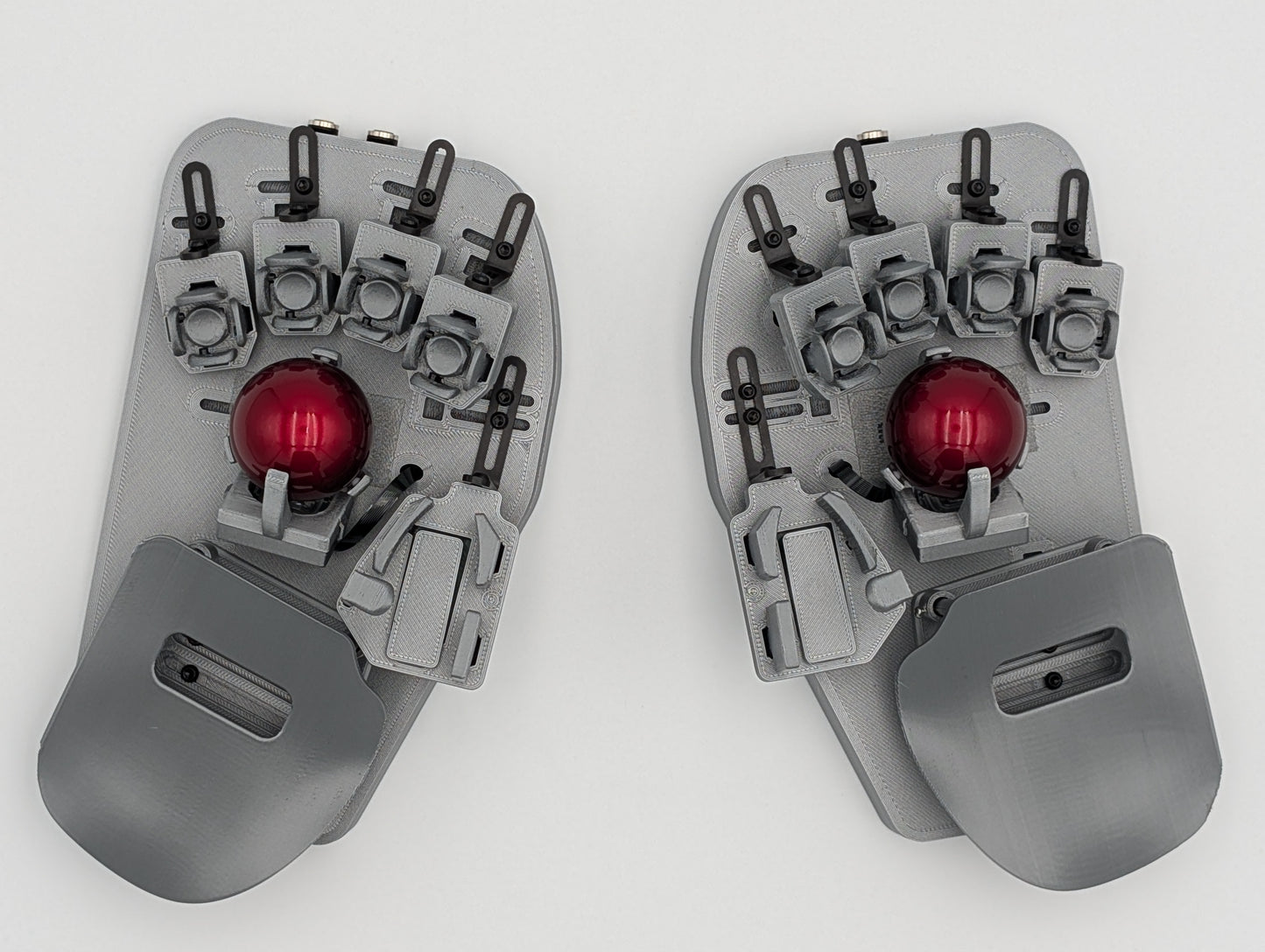
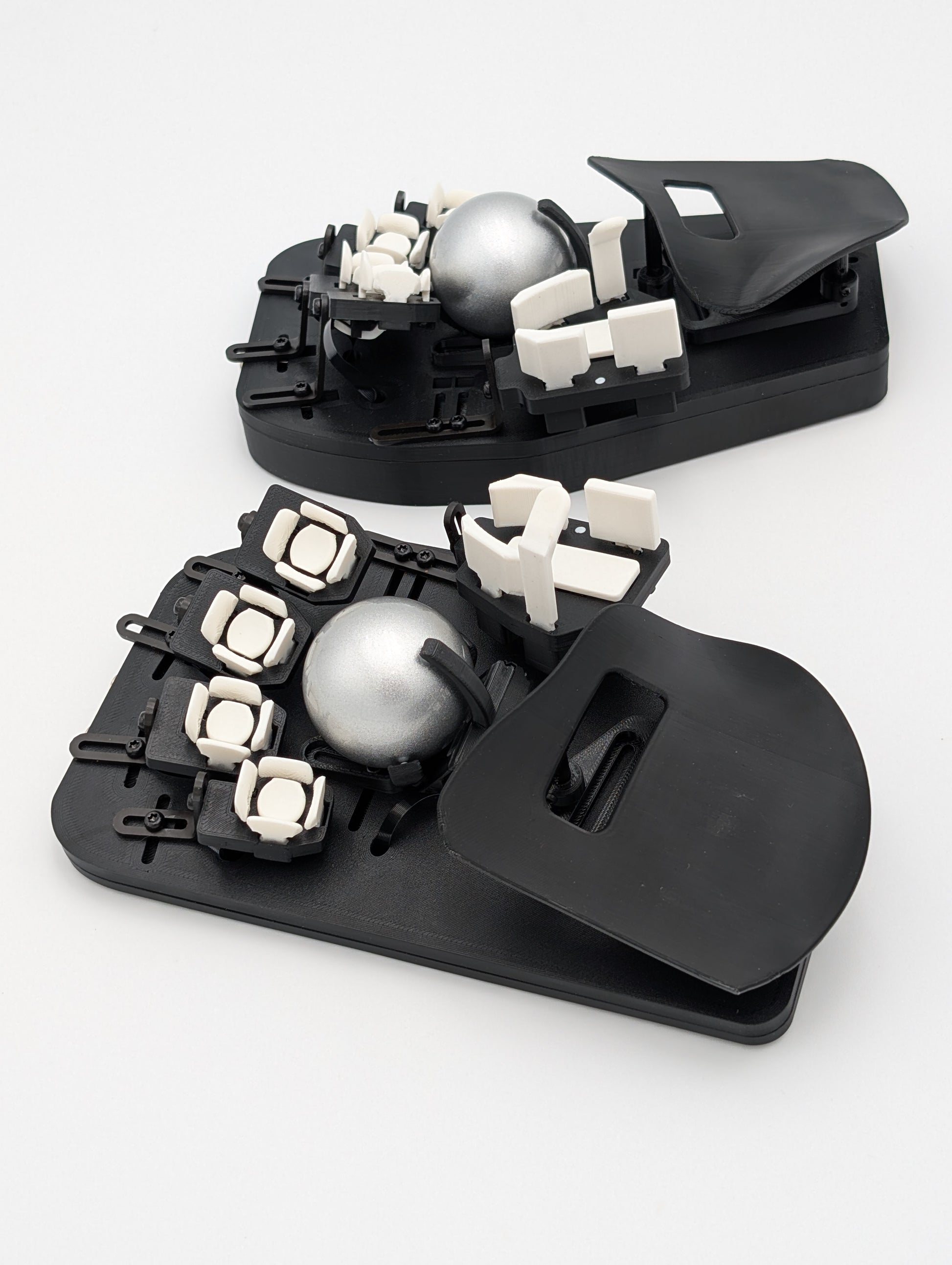
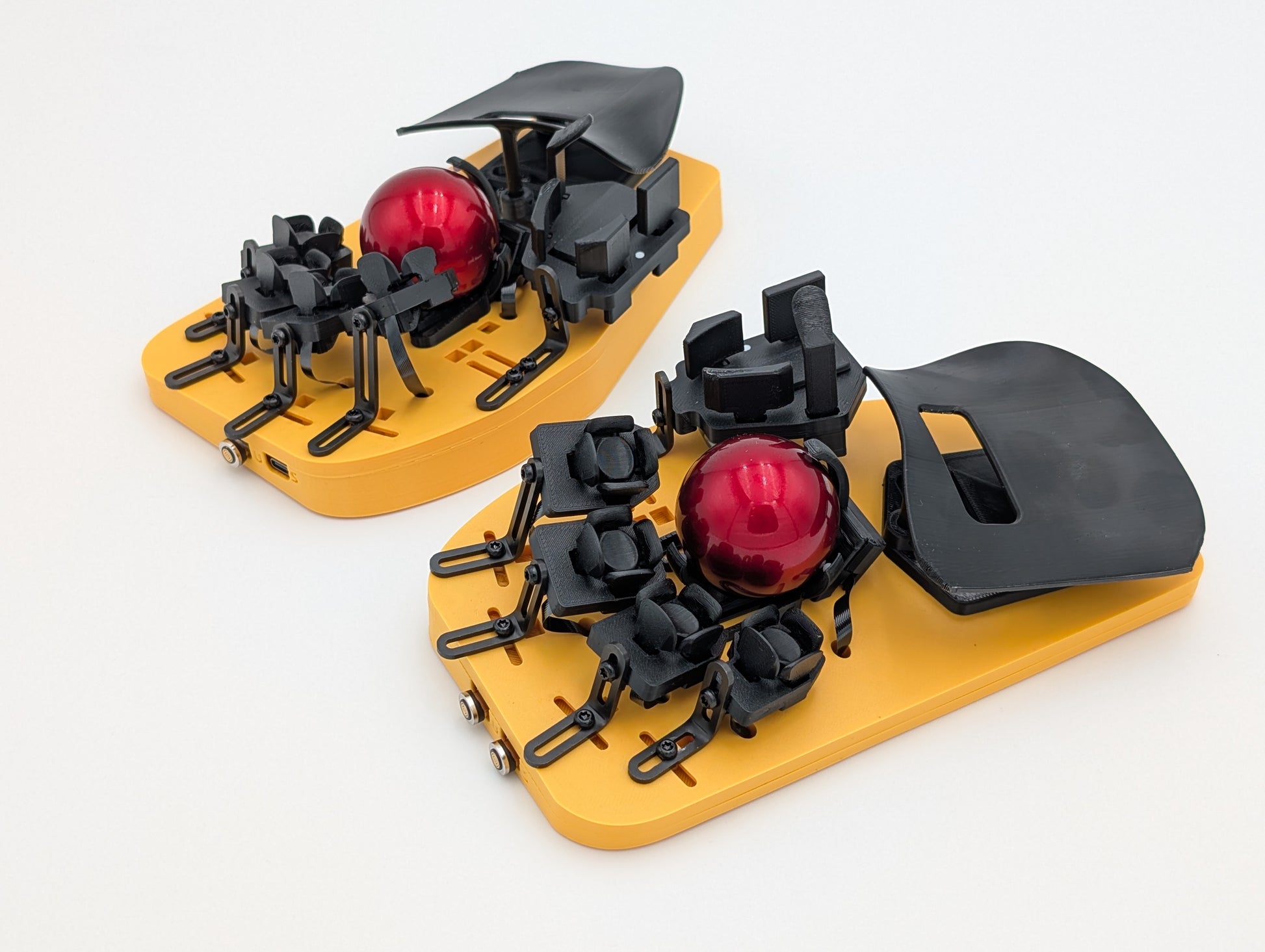
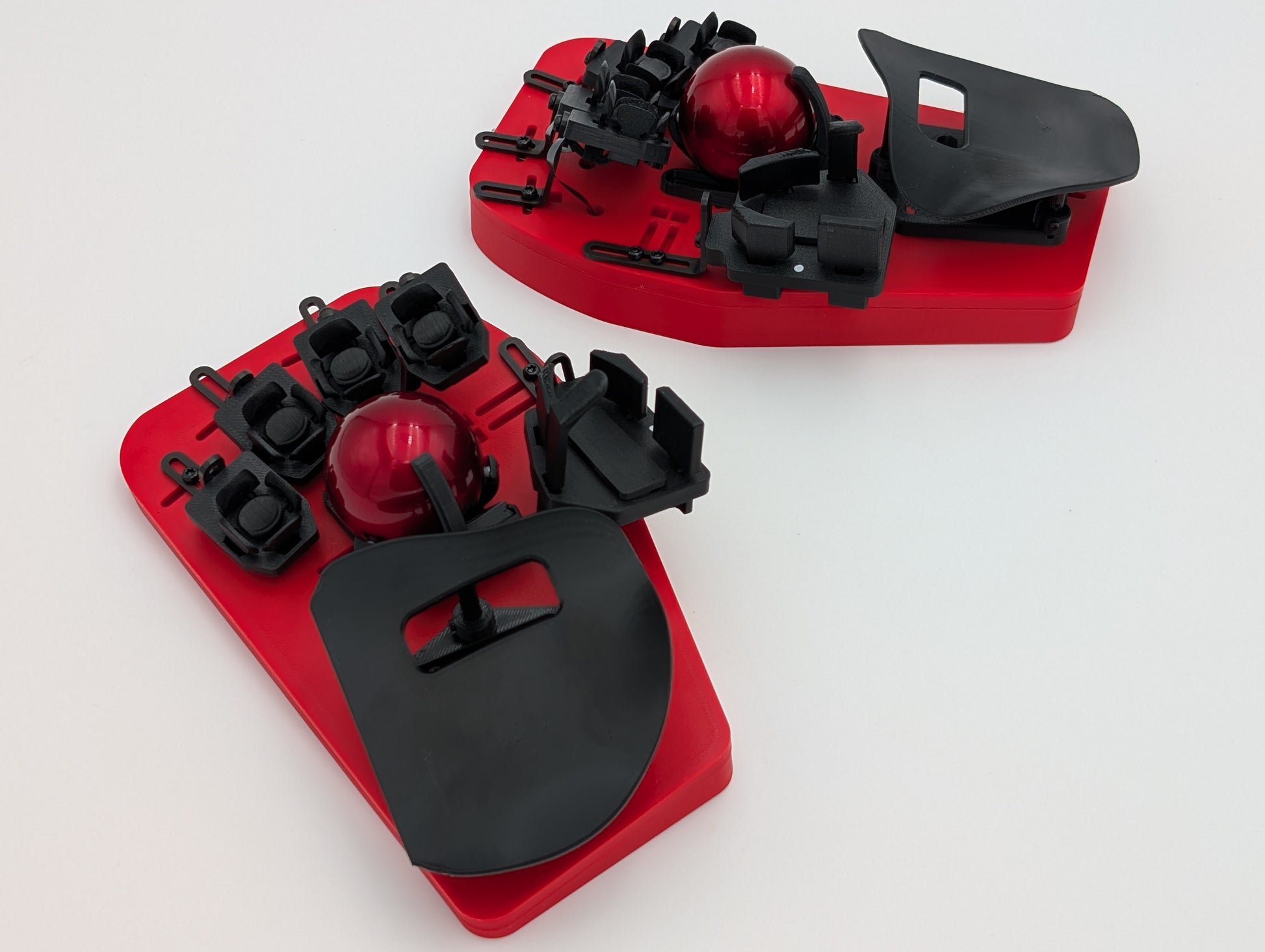
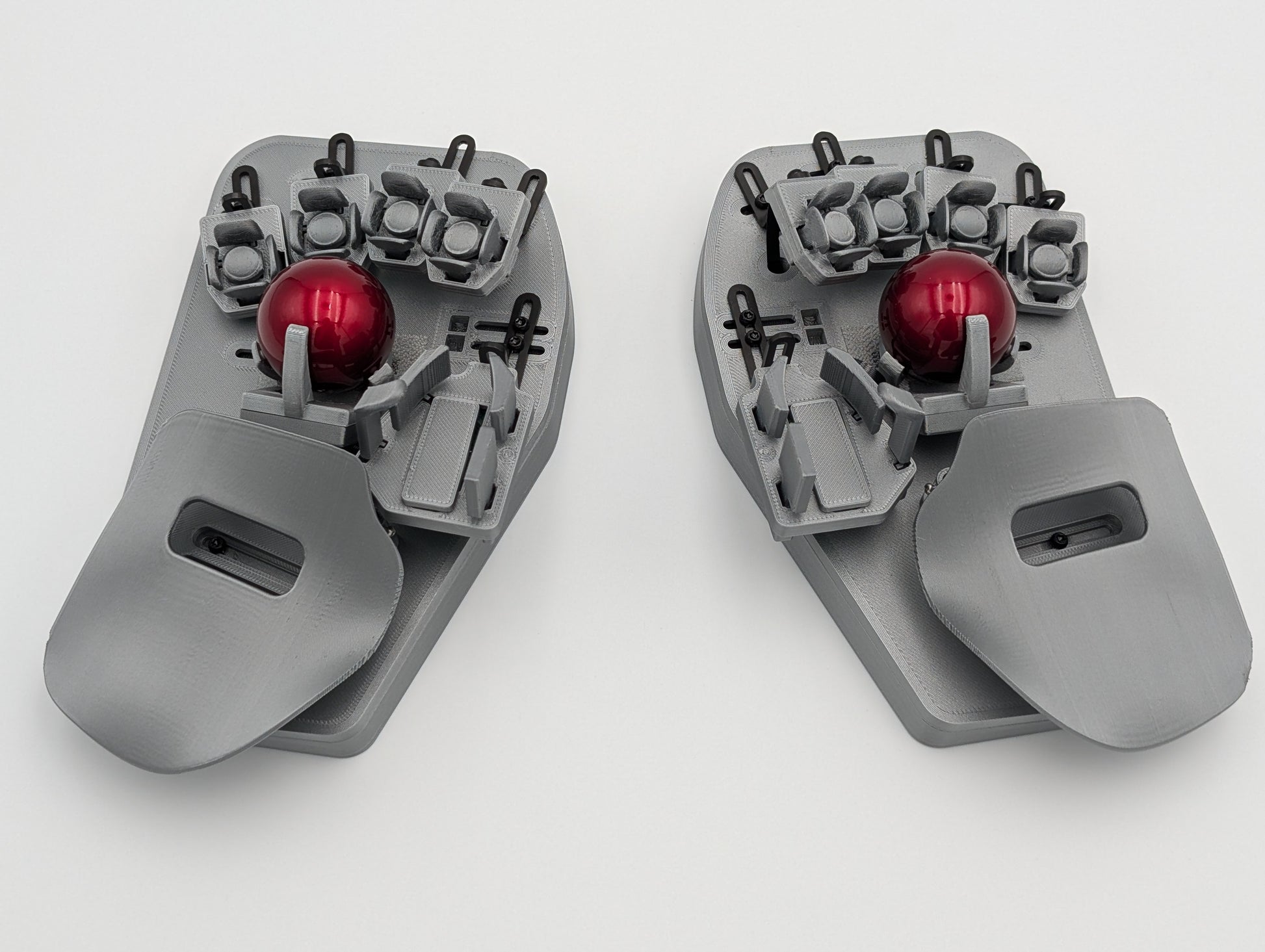
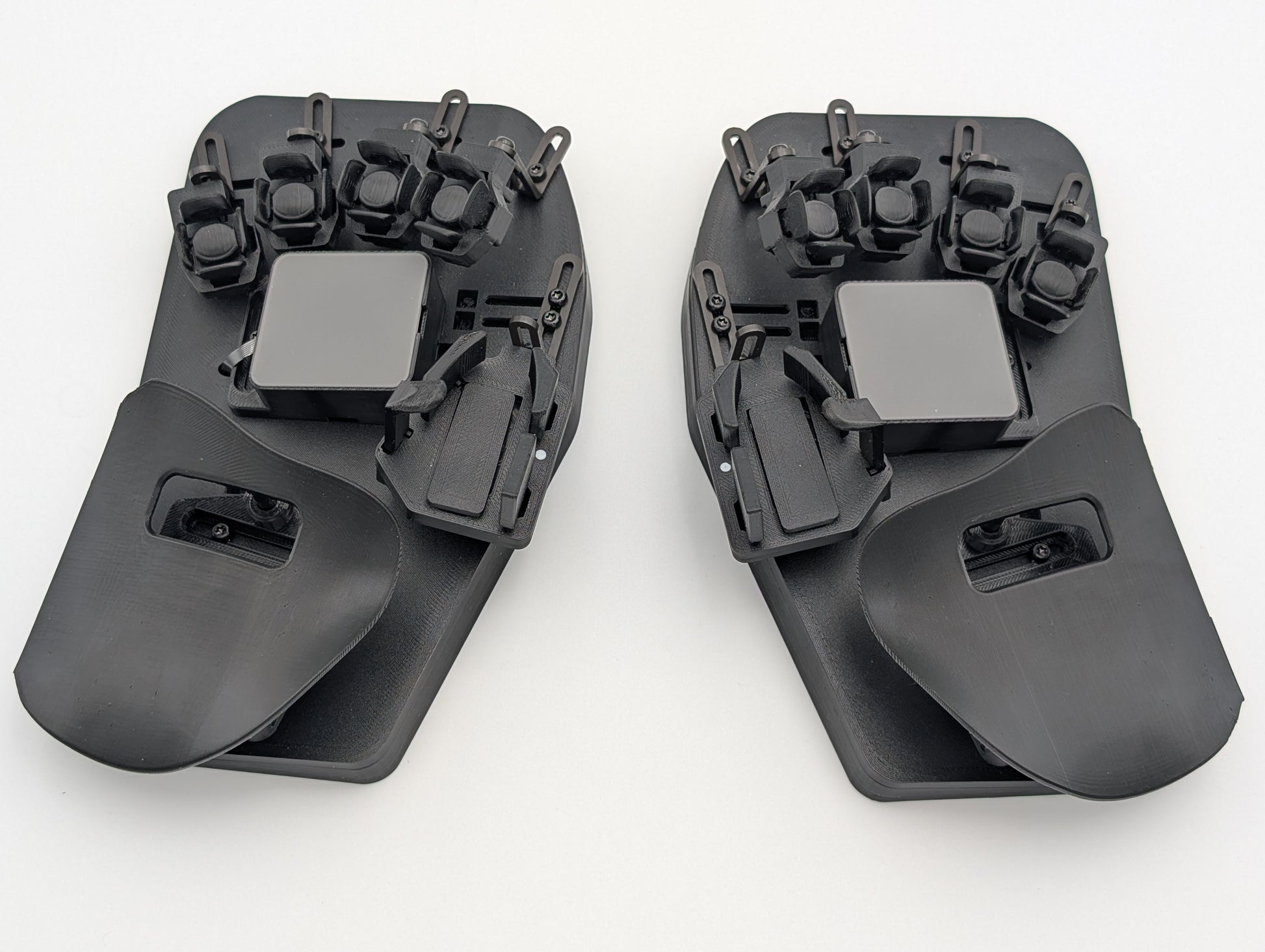
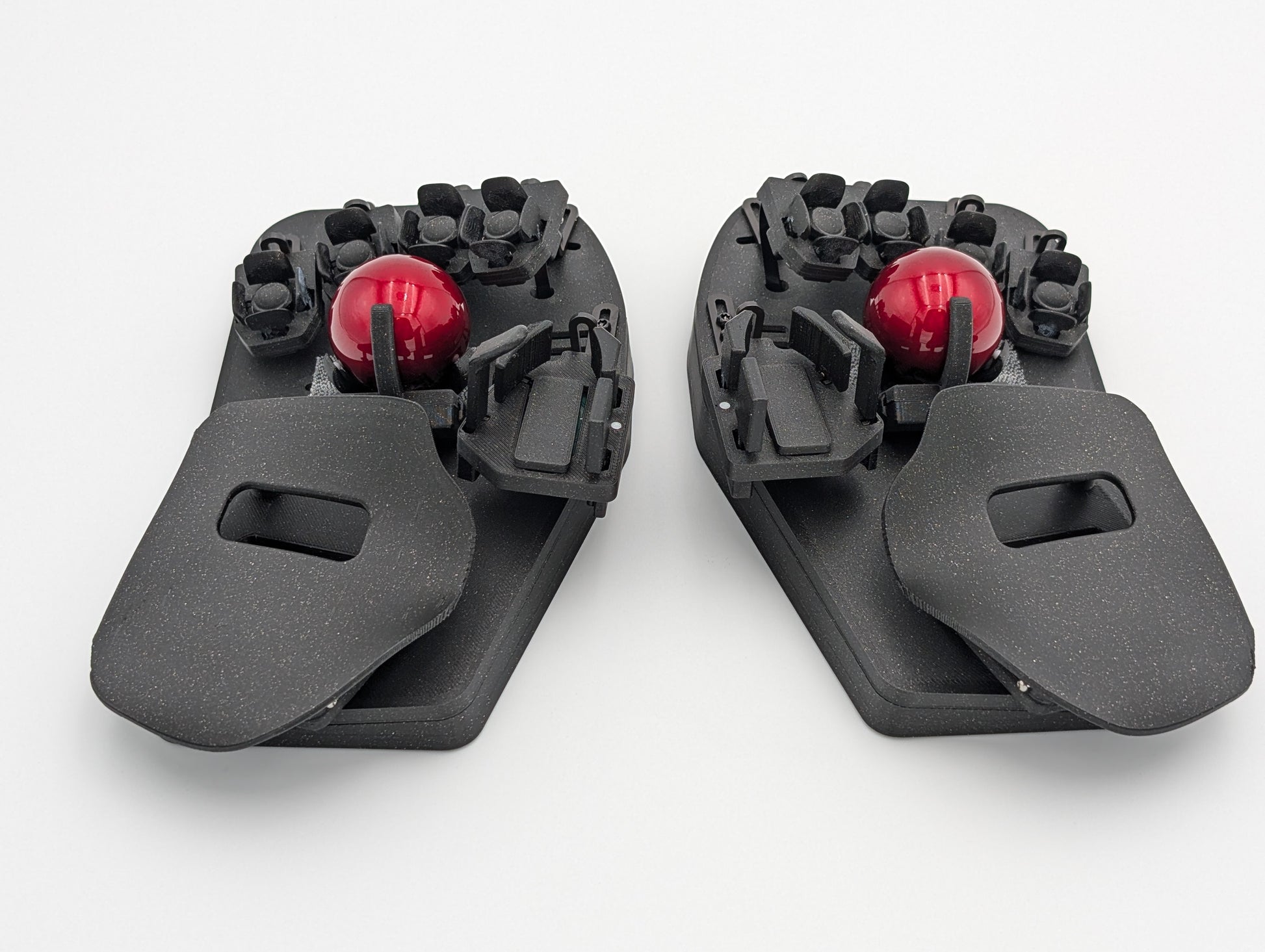
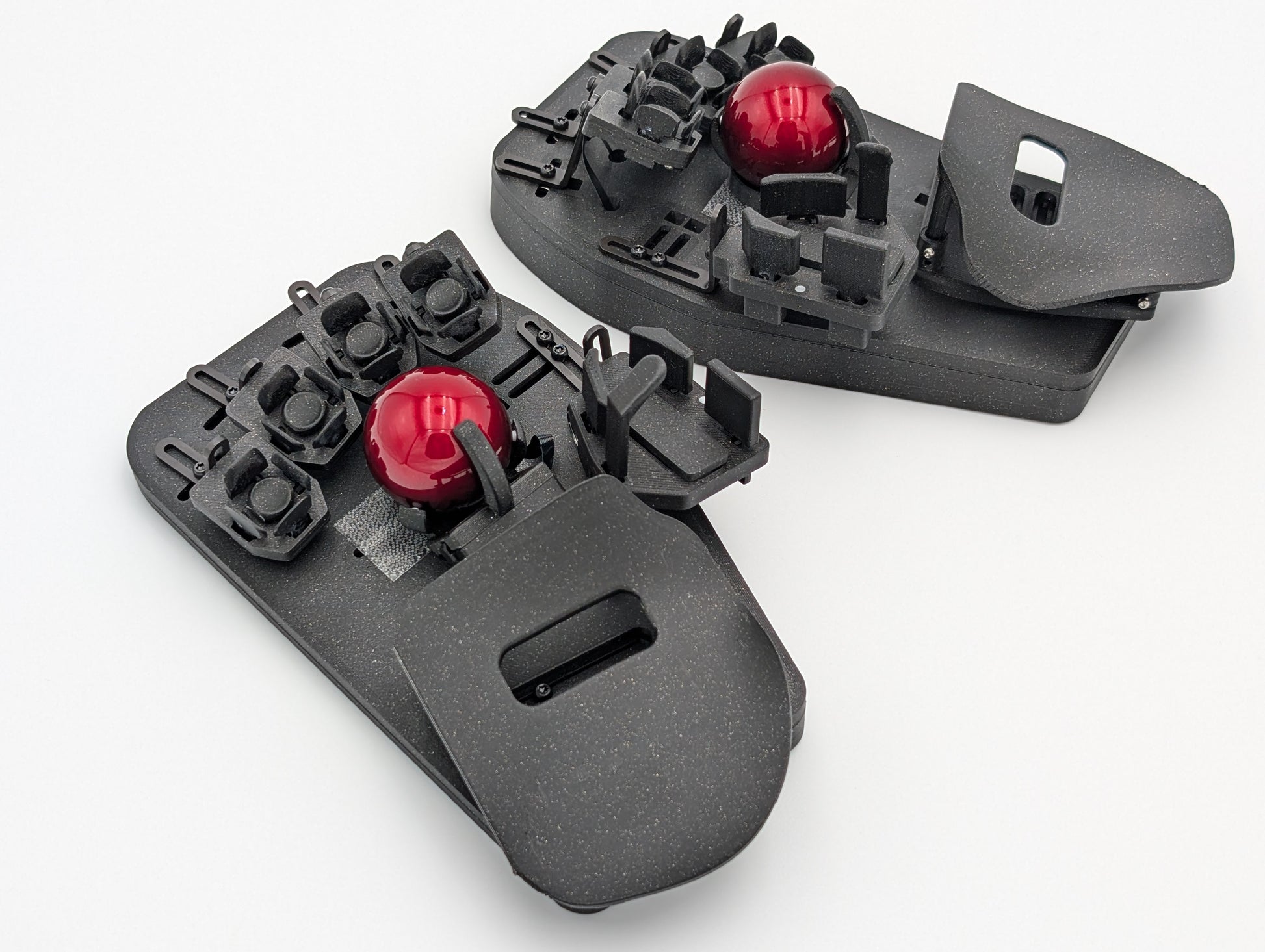
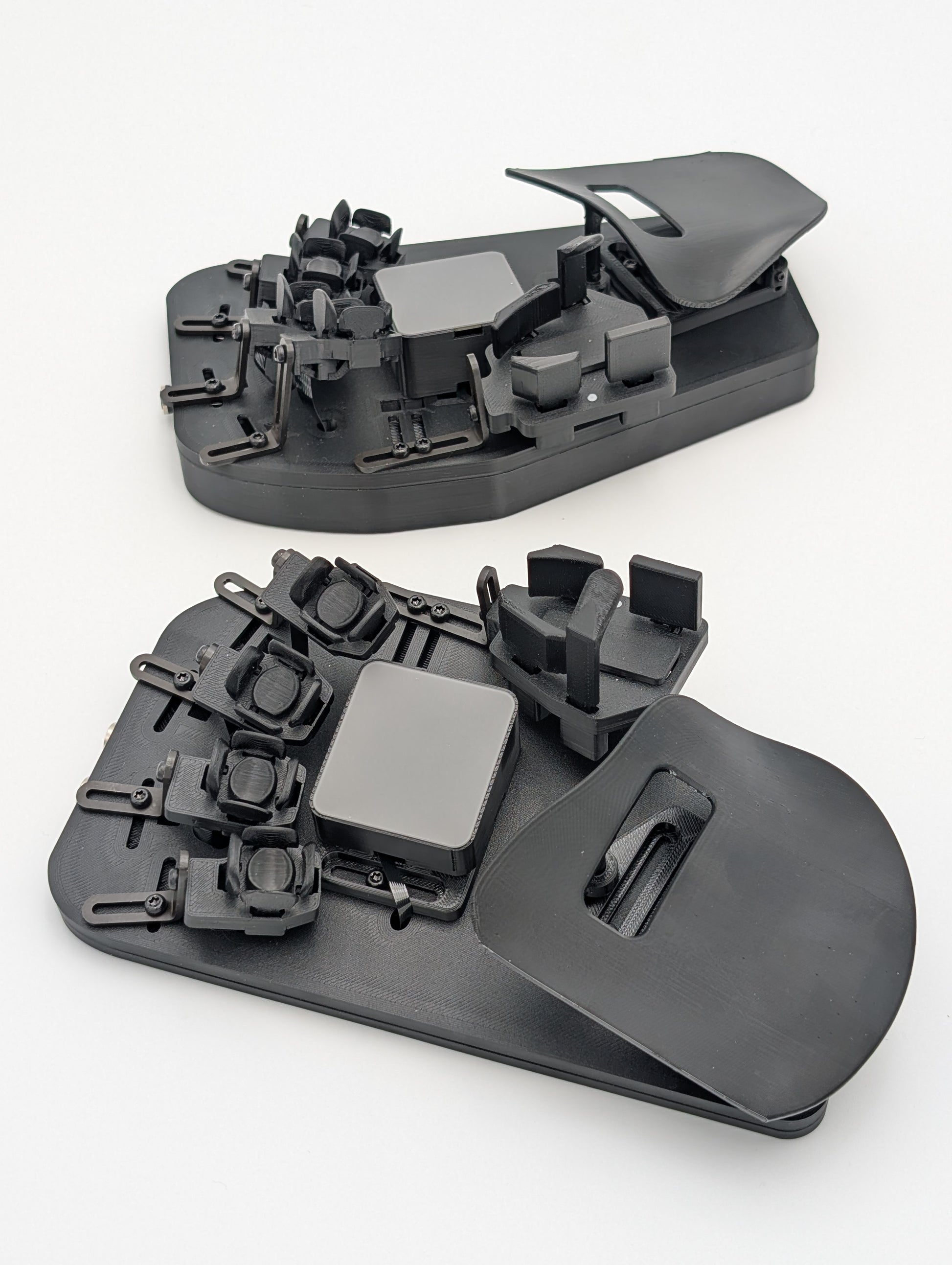
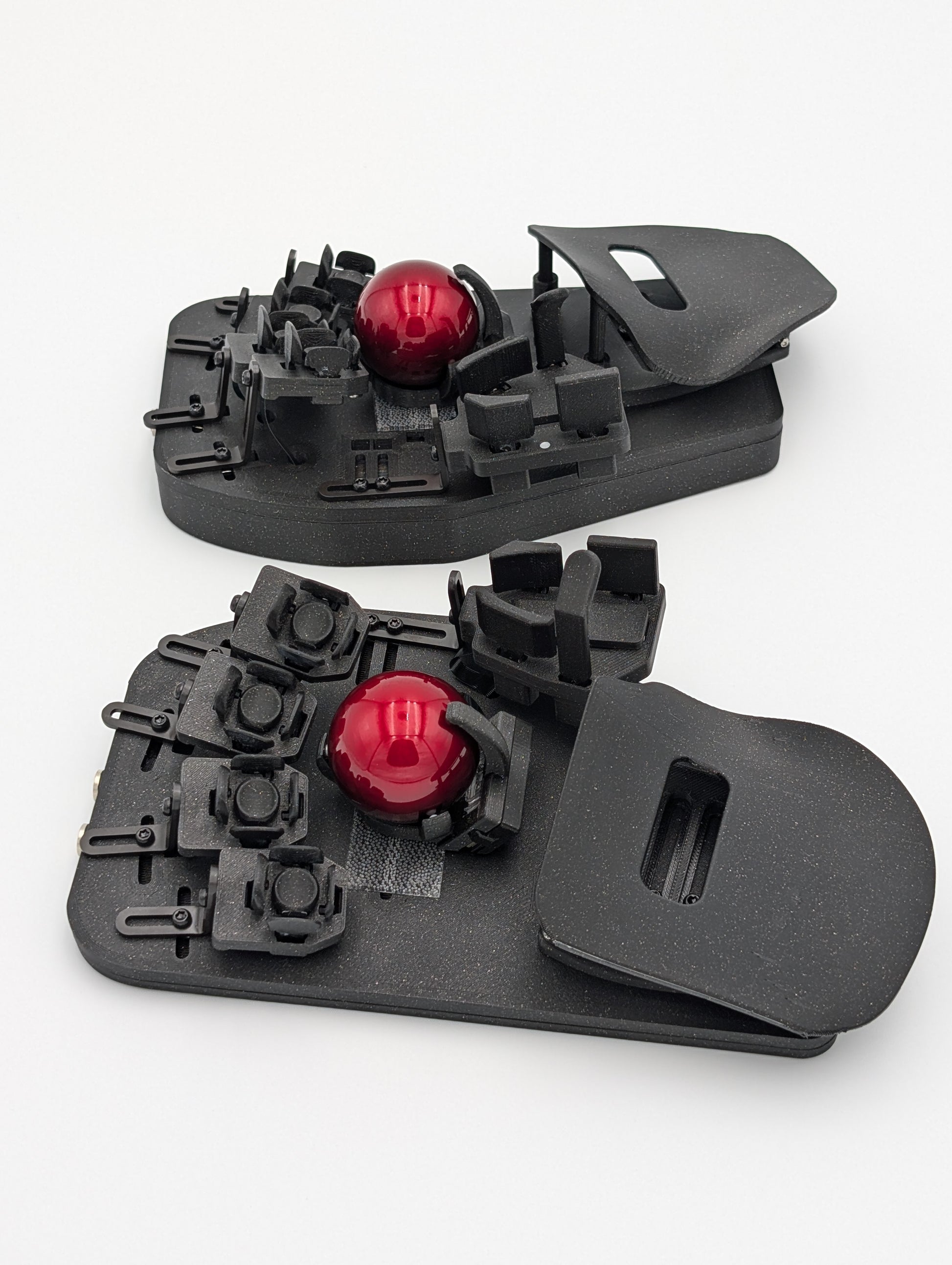
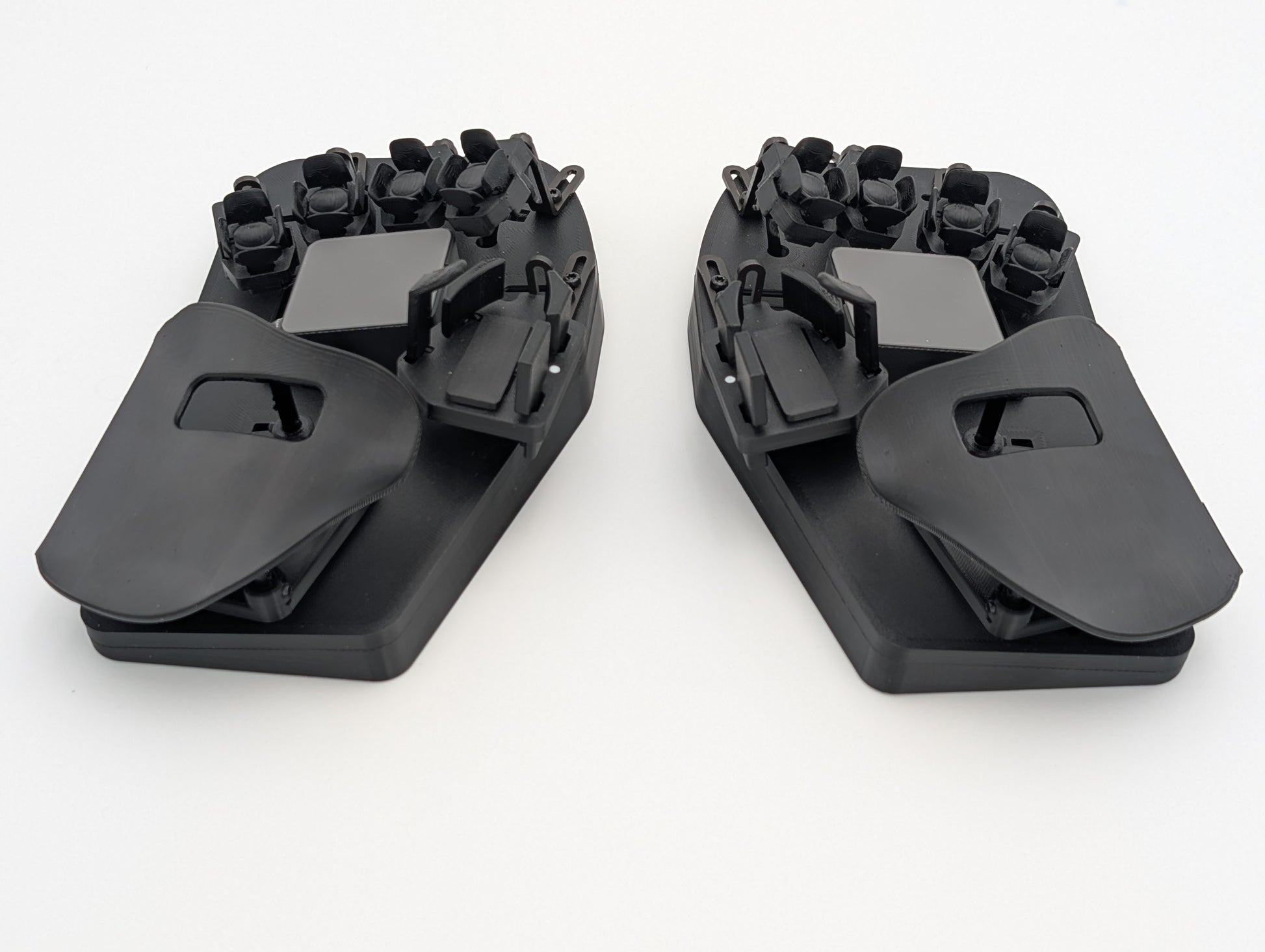
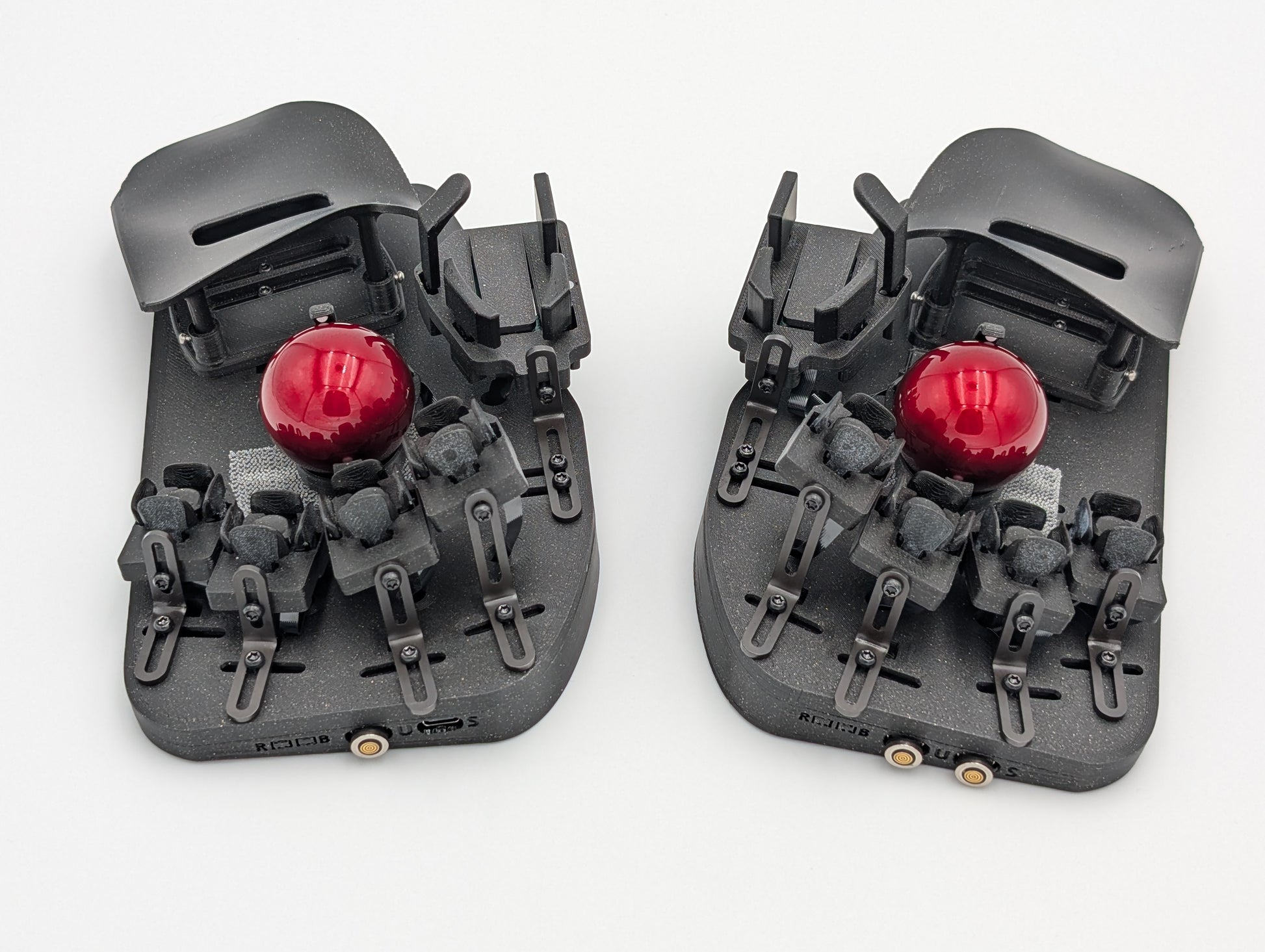
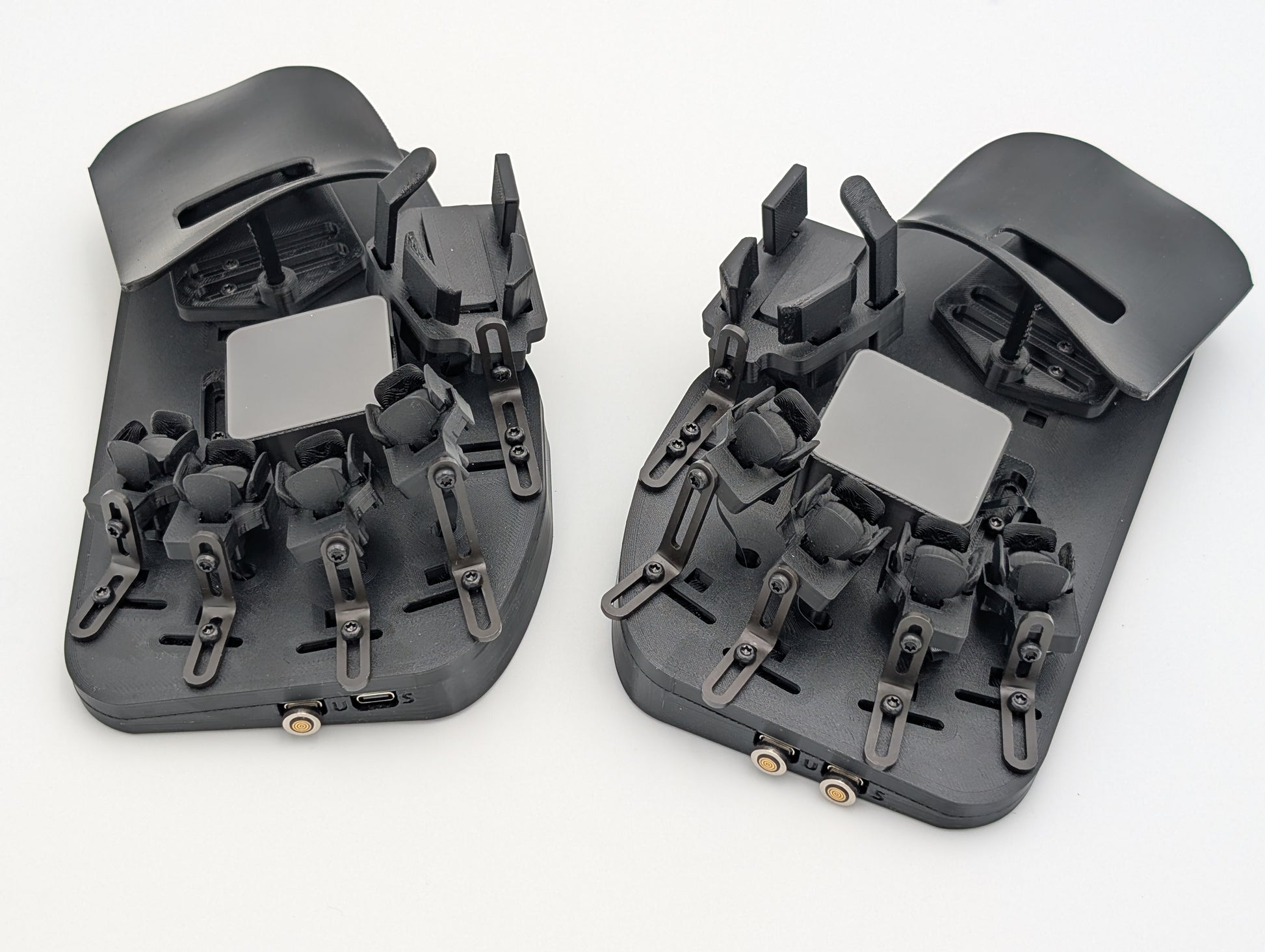
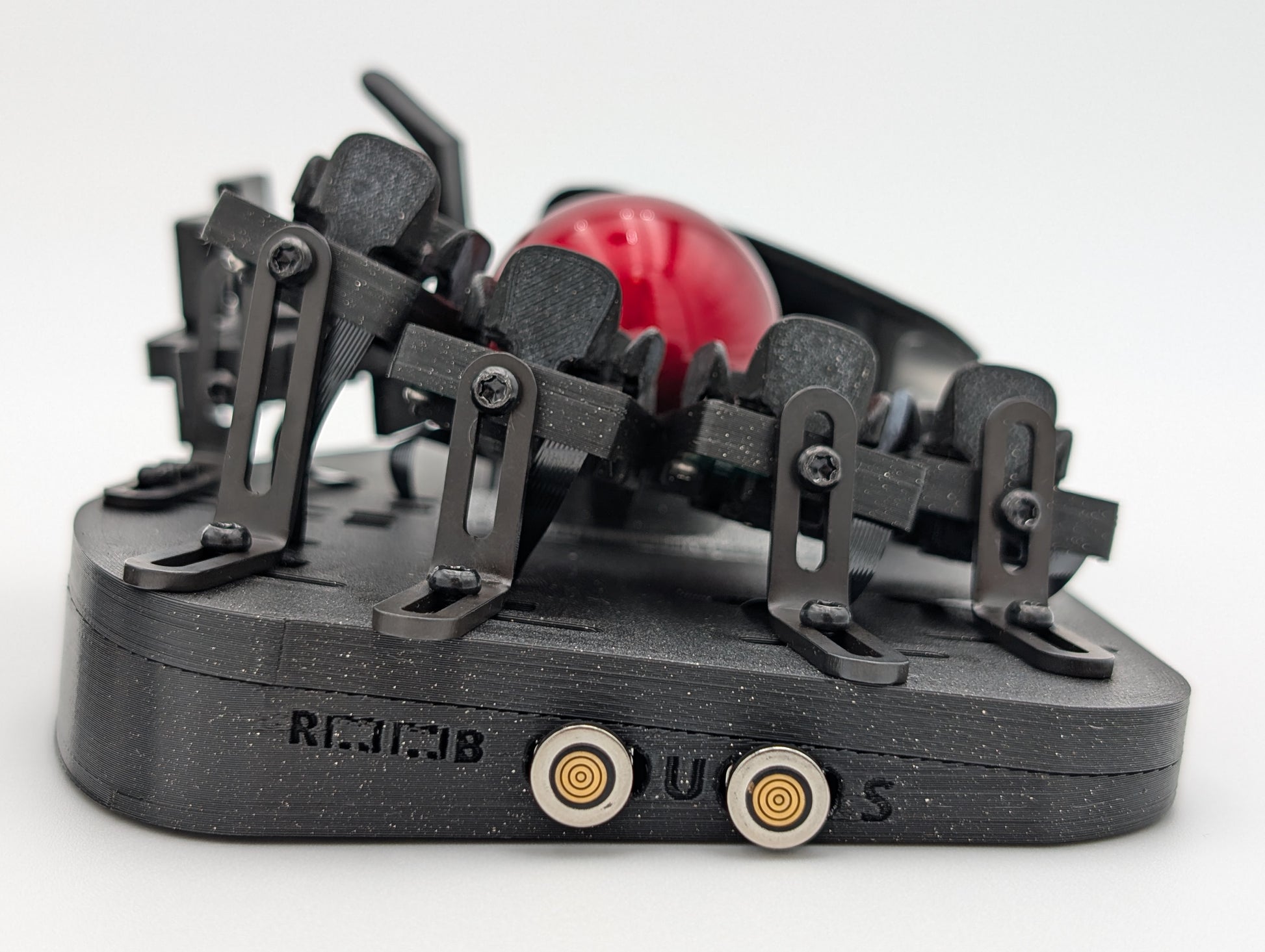
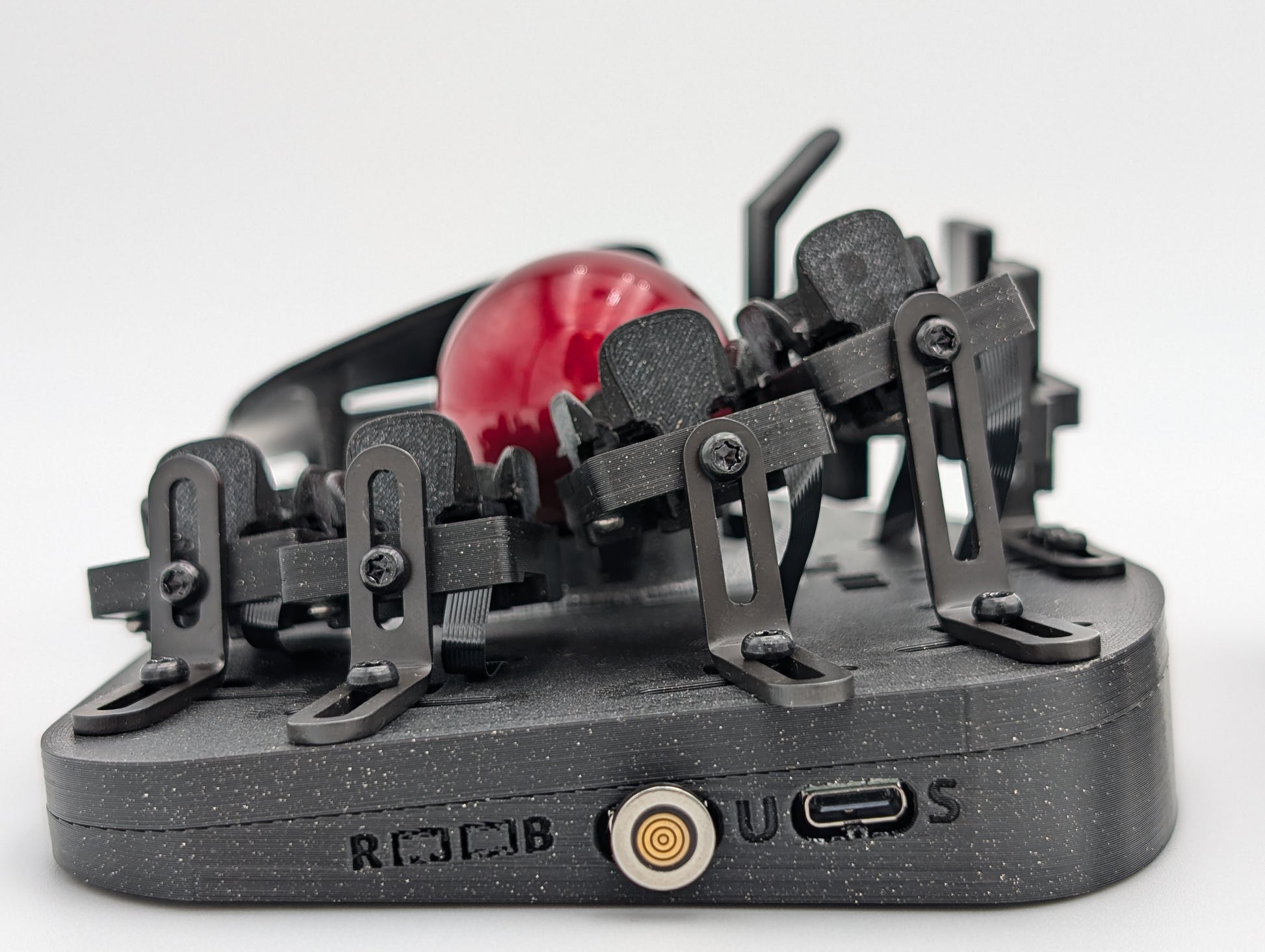
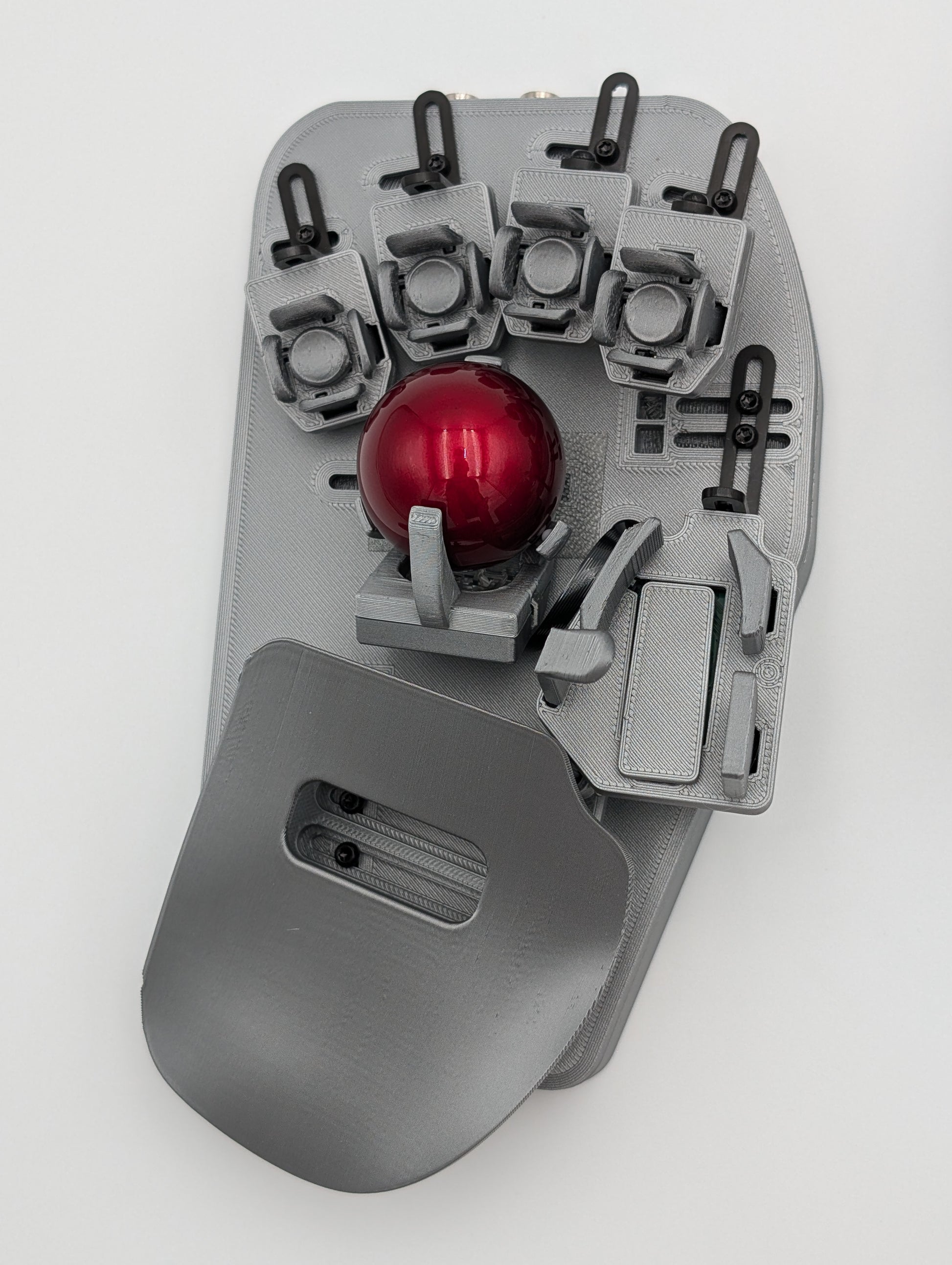
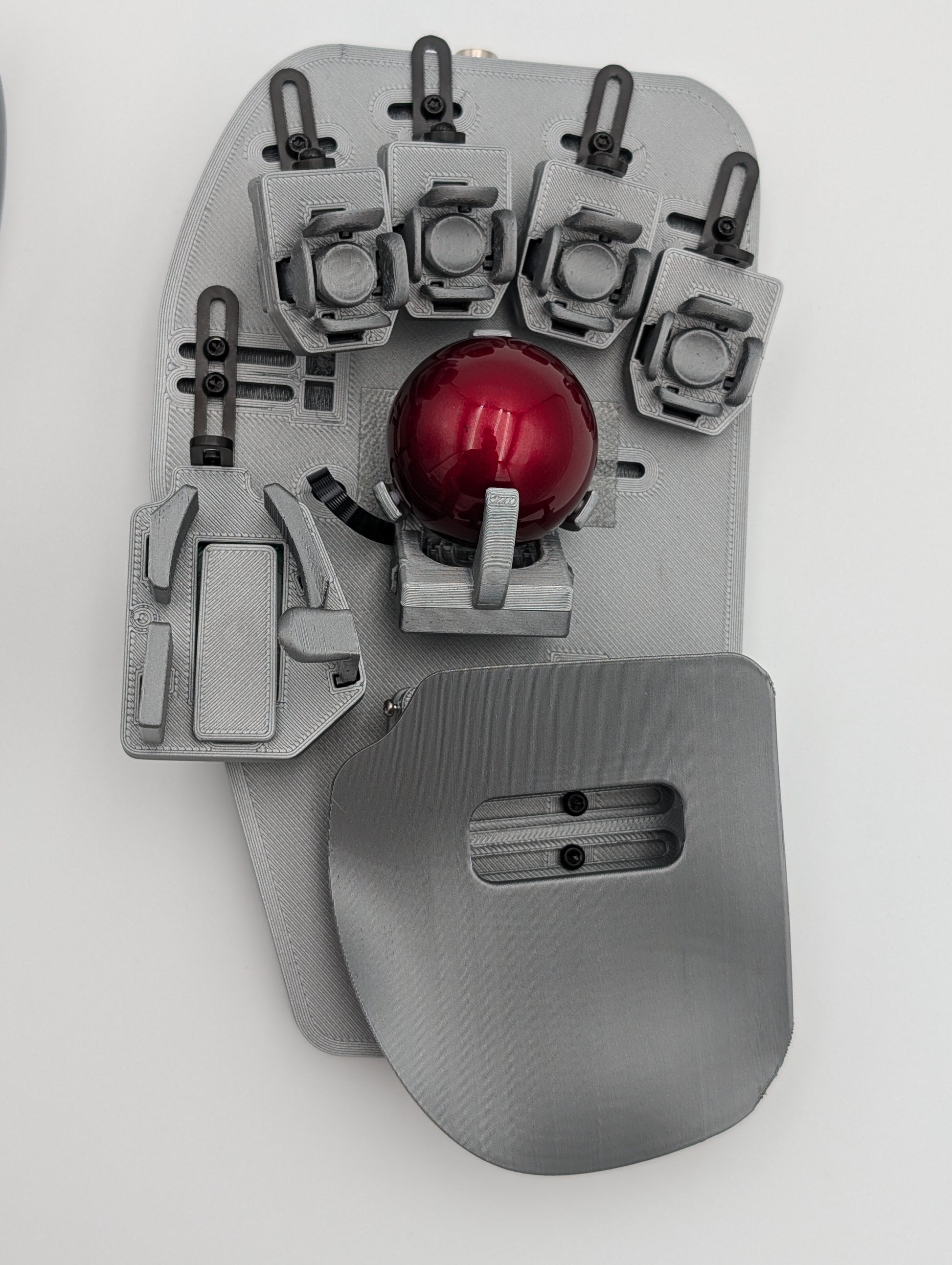
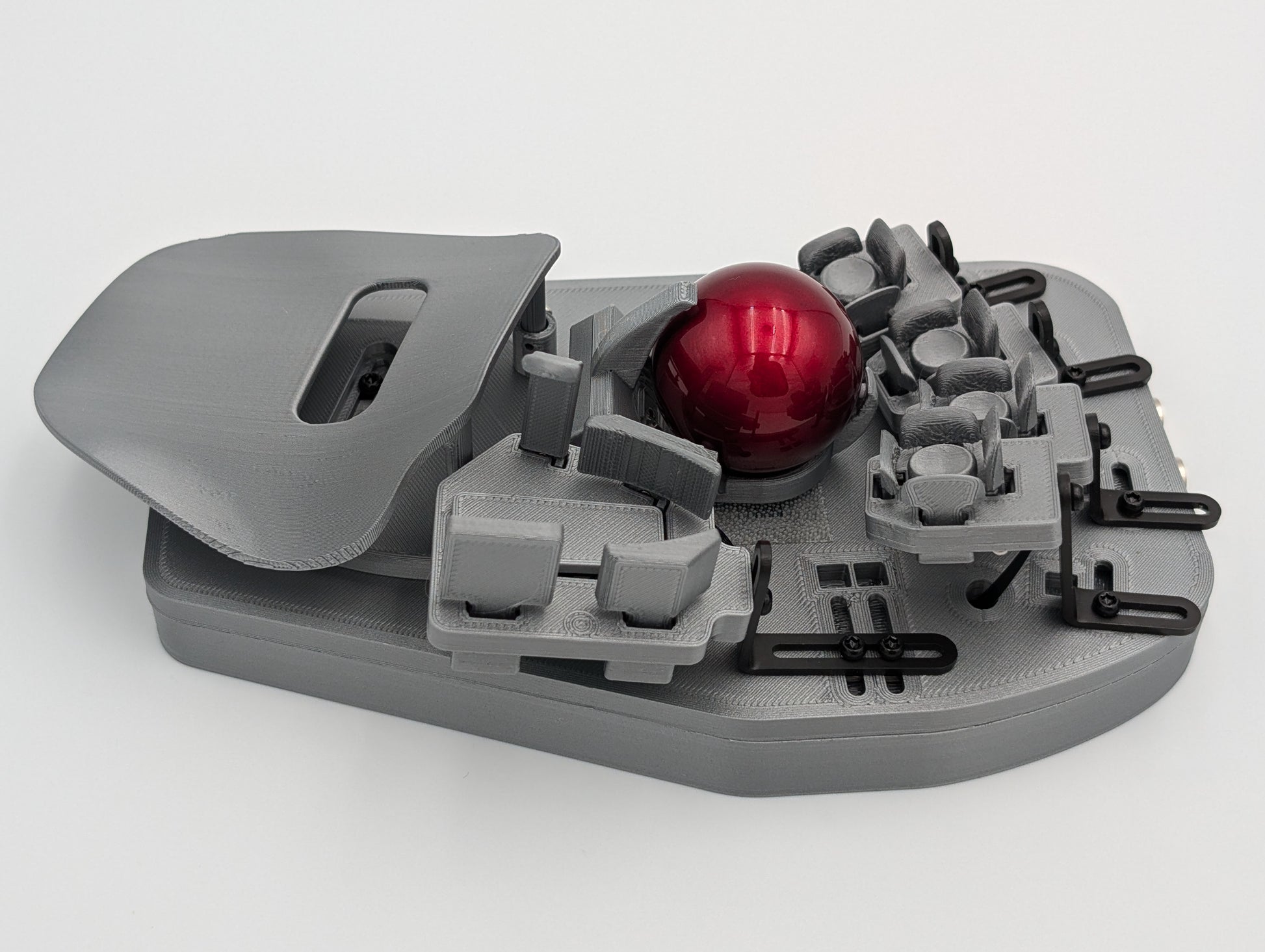
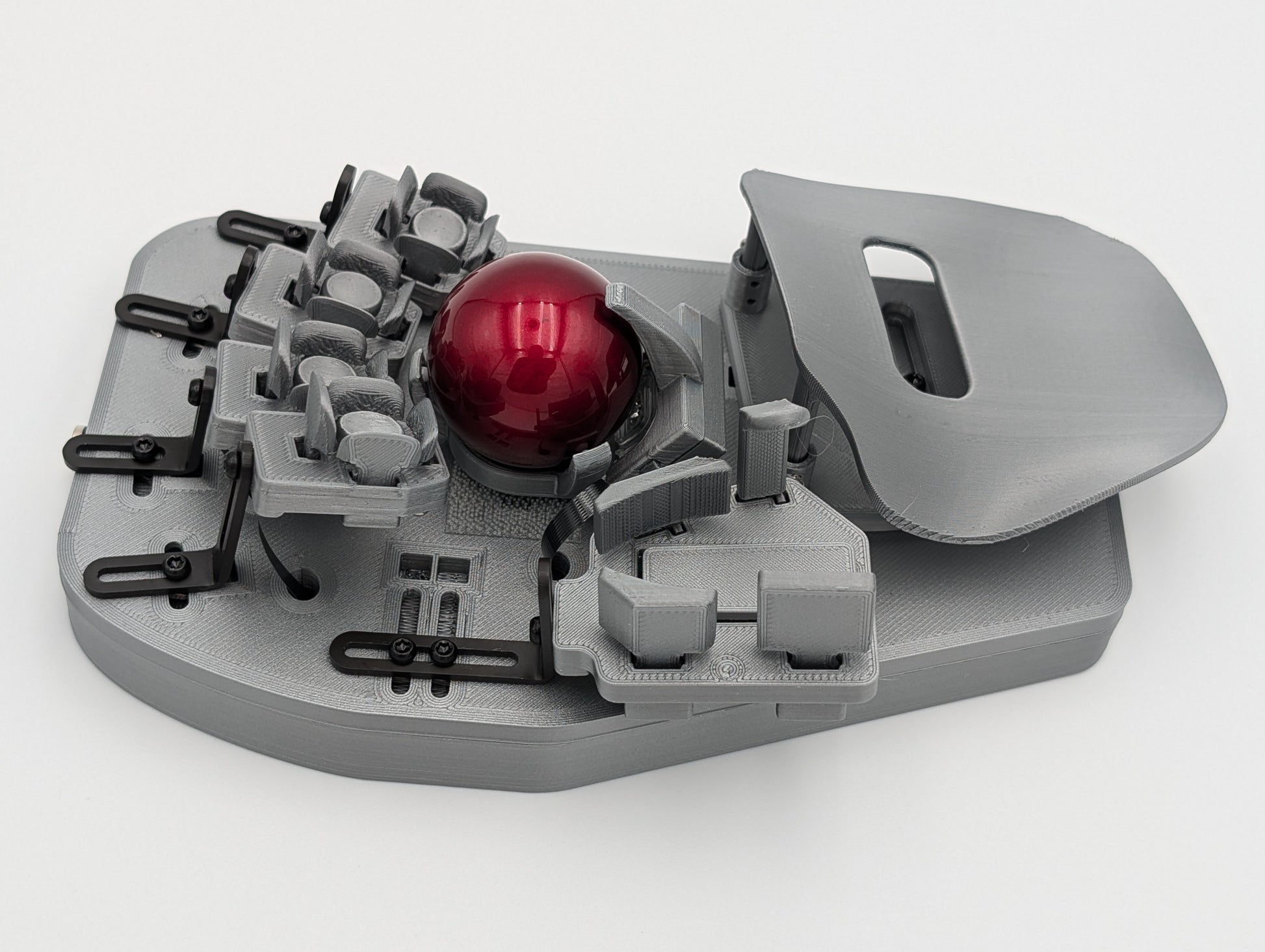
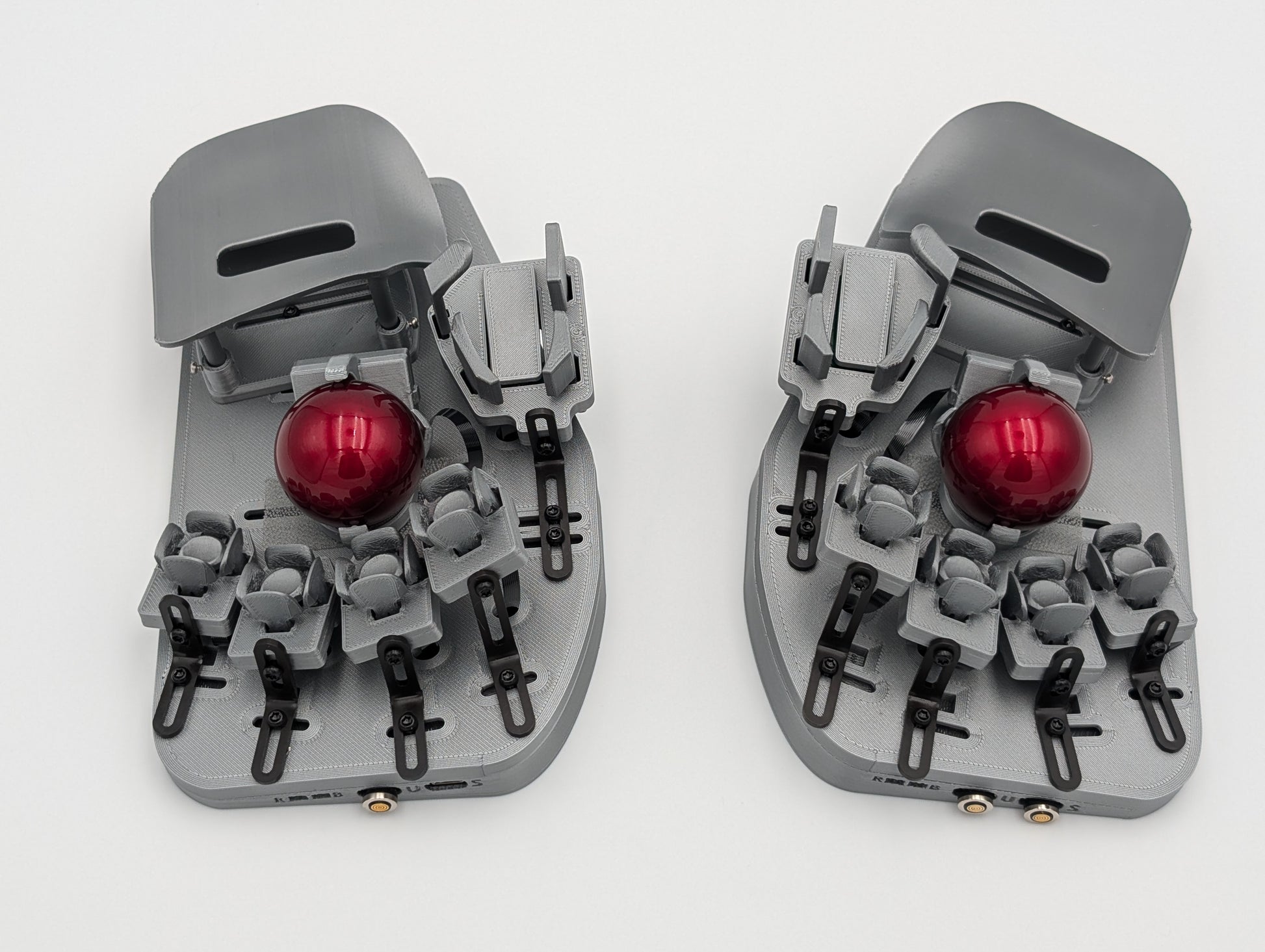
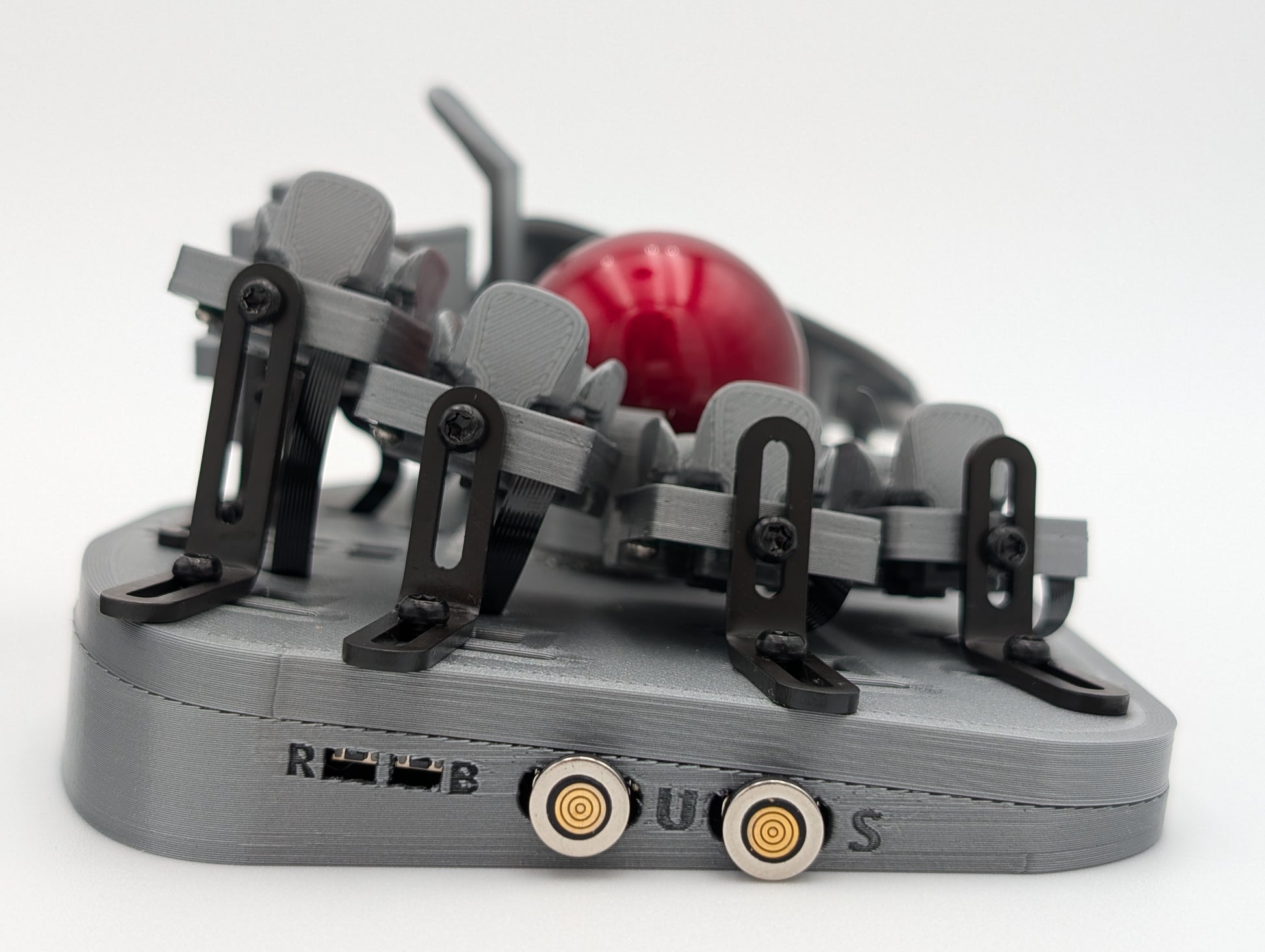
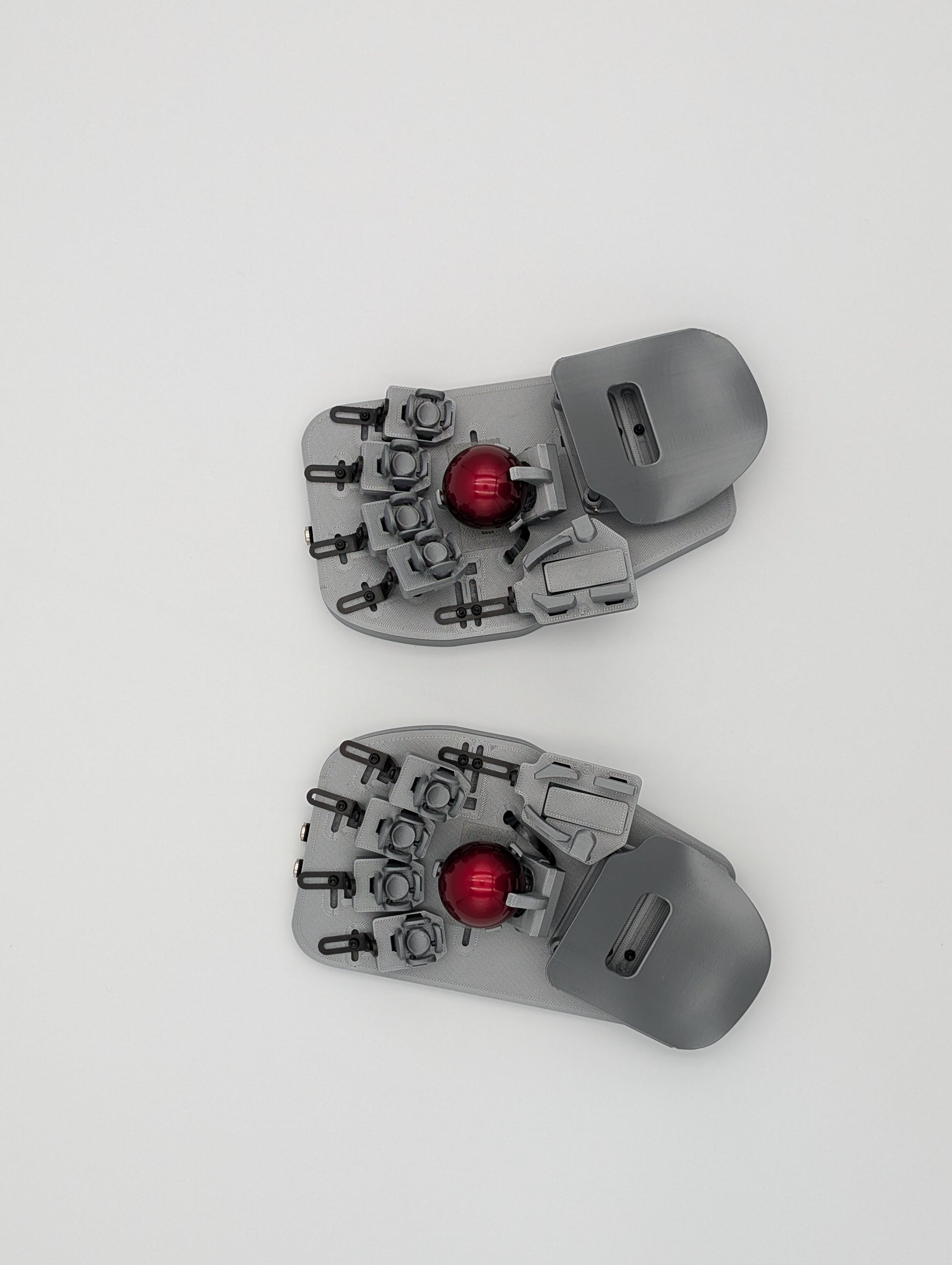
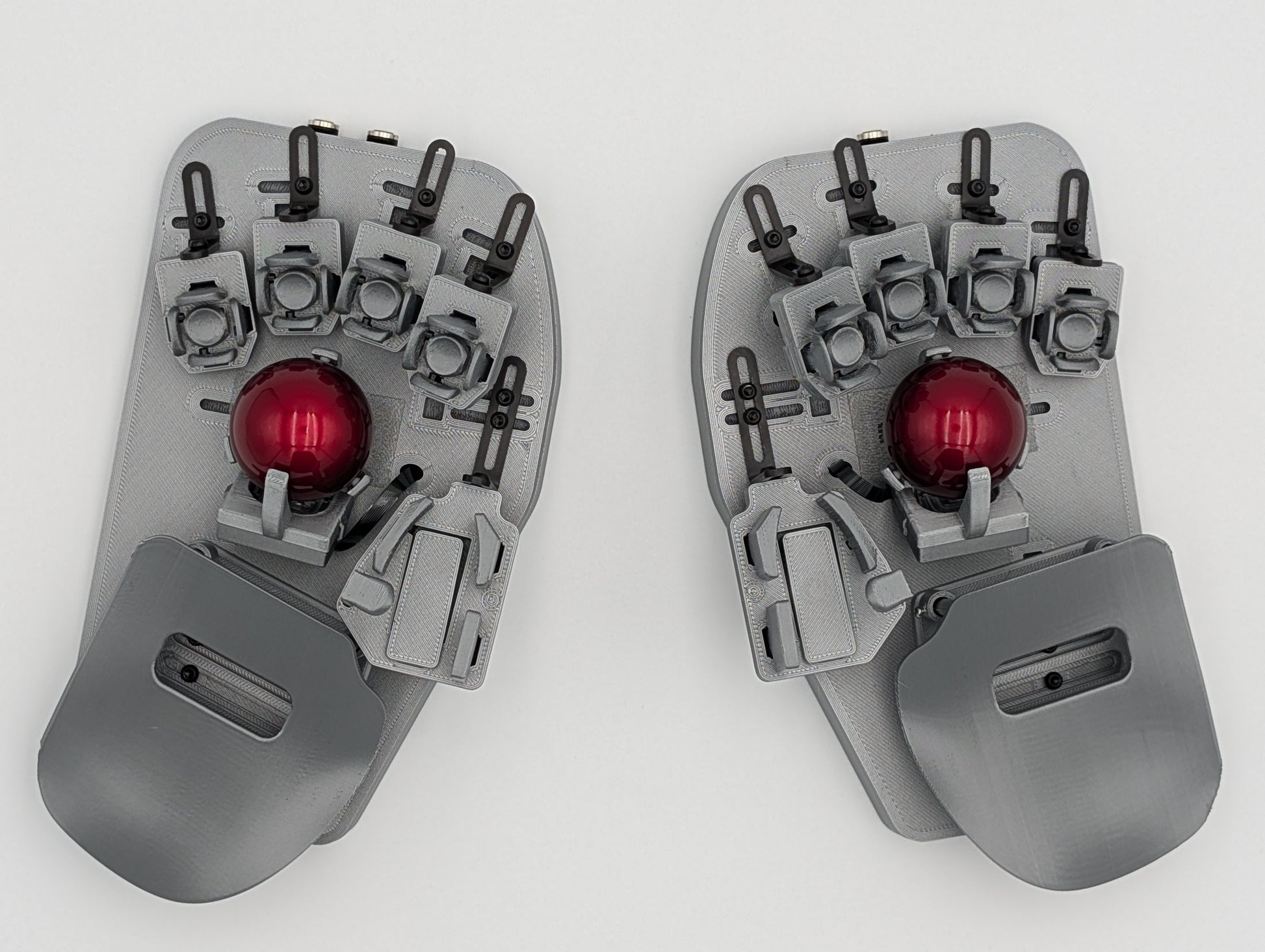
Svalboard Lightlyは、Datahandを現代によみがえらせたキーボードです。手の形に合わせて細部まで調整でき、TrackPointやトラックボールによるマウス機能を内蔵しています。
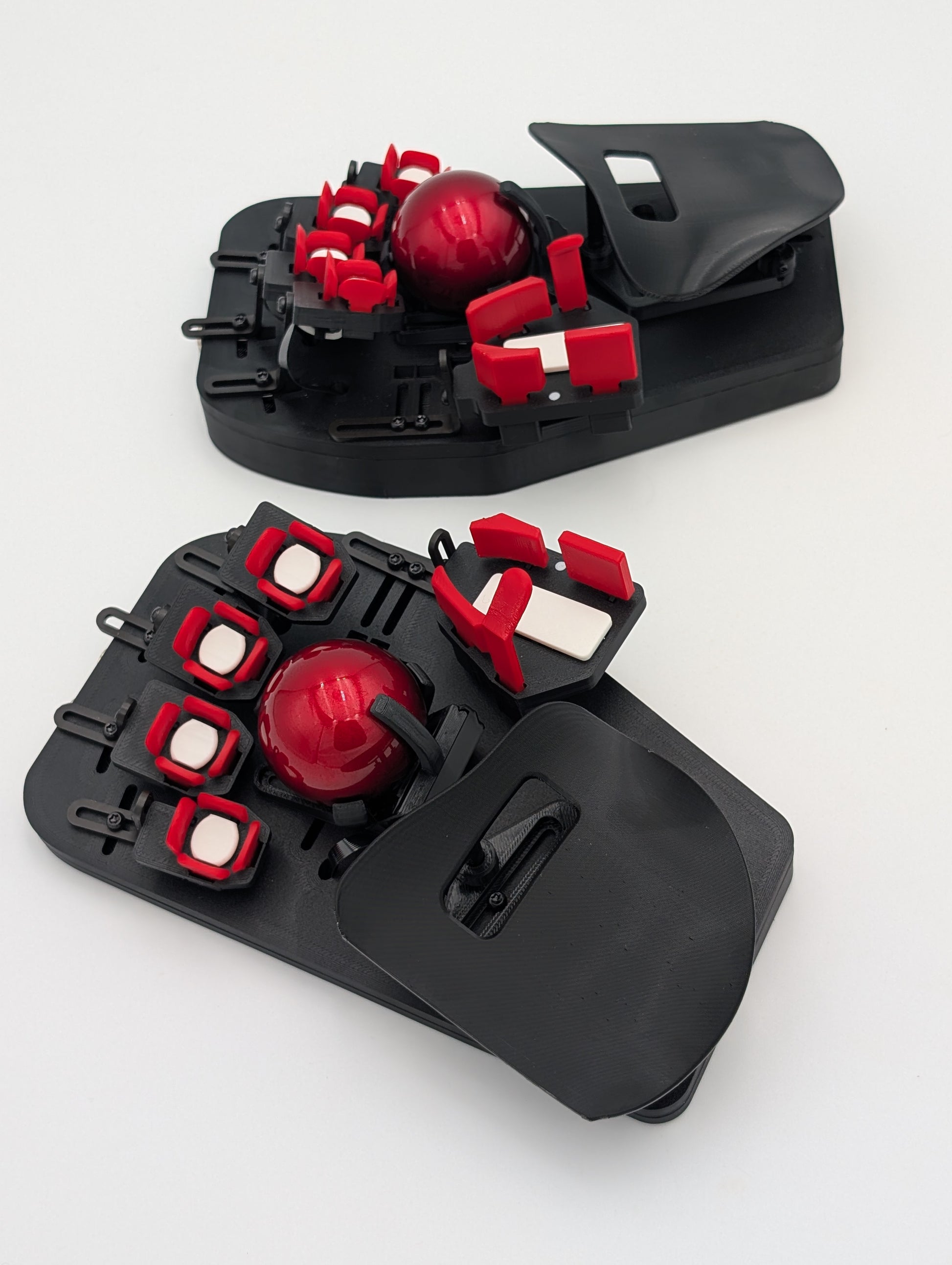
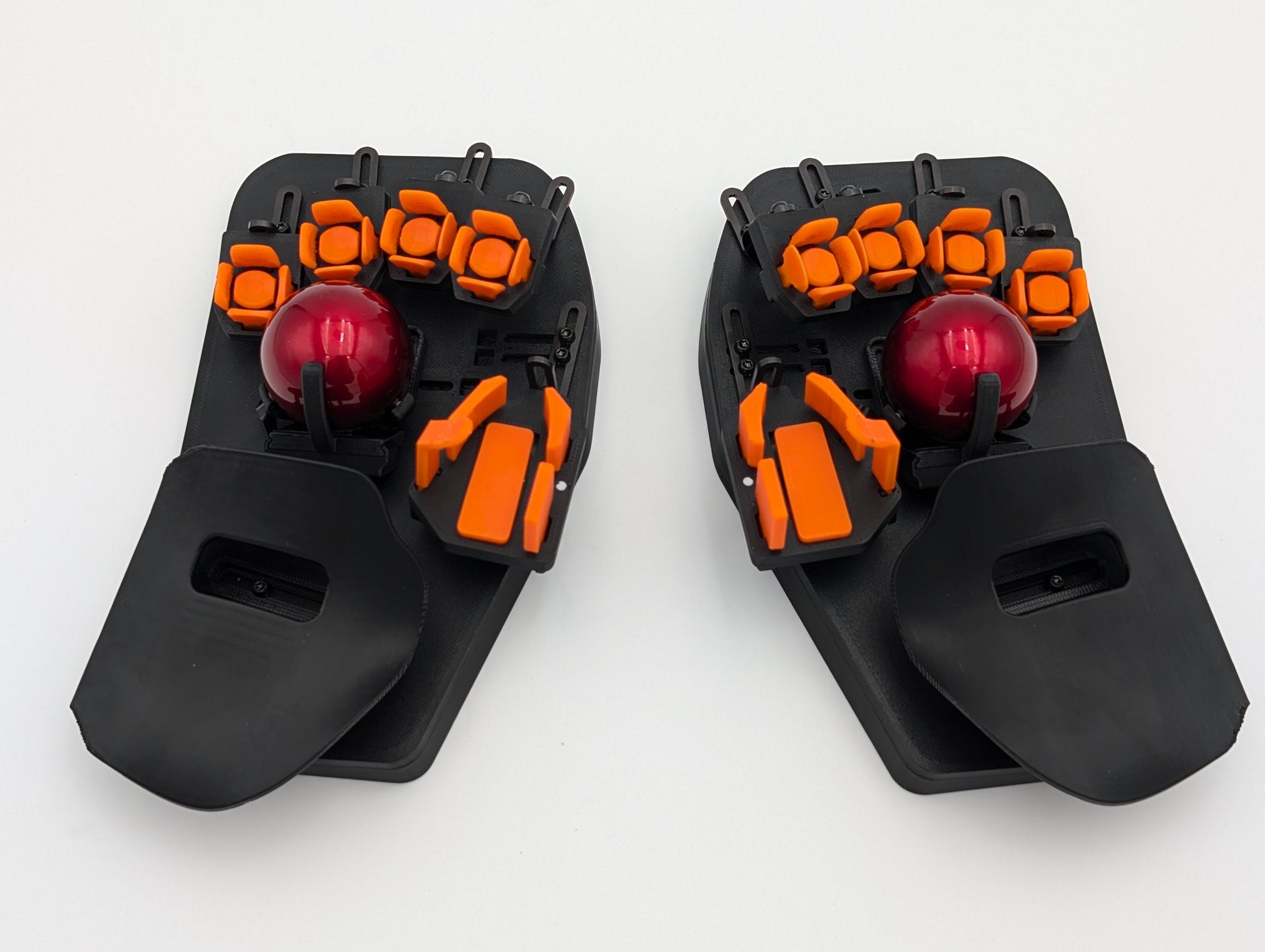
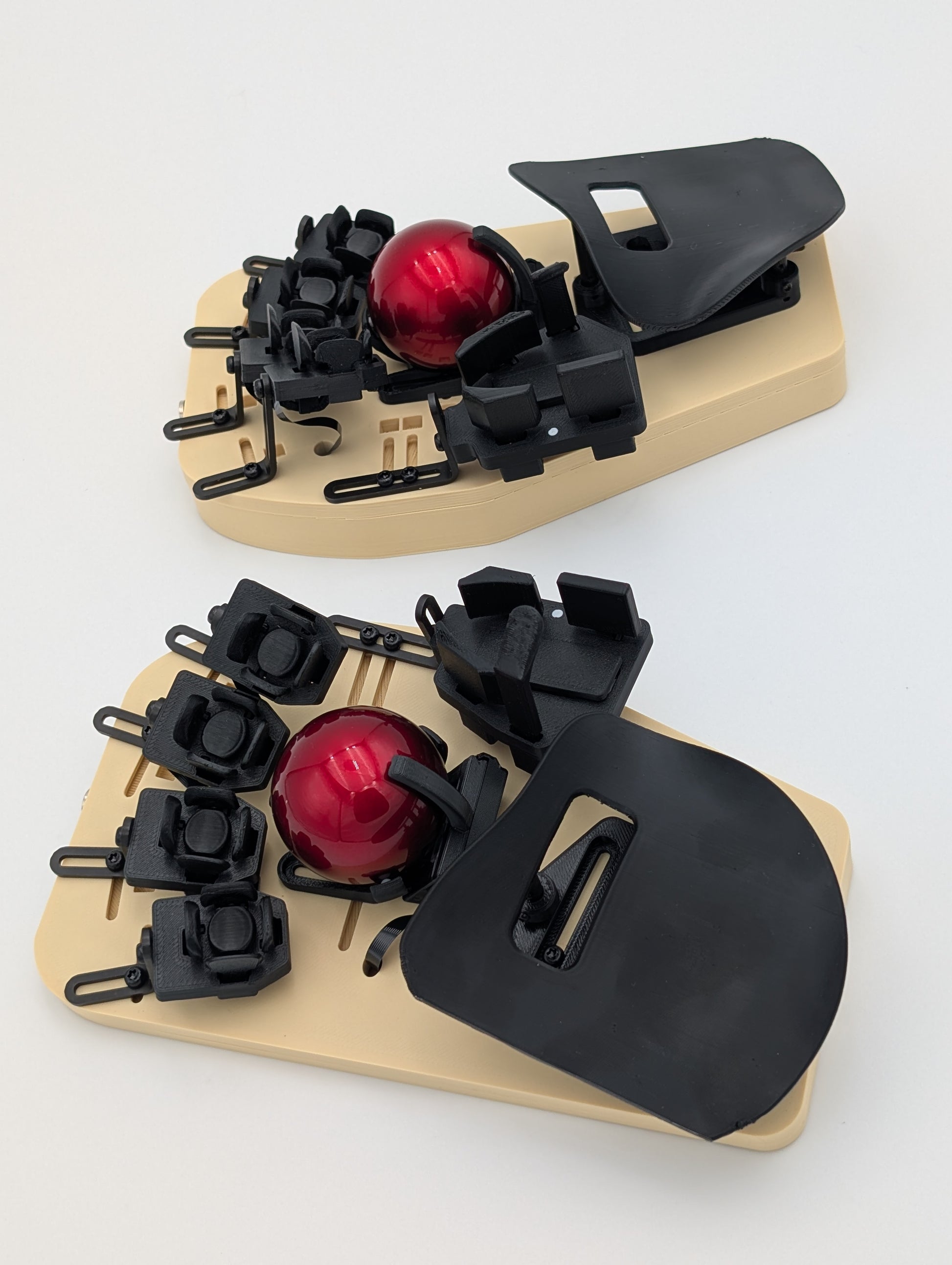
カスタムカラーが復活しました!
+Add-on: Nanuk 910 Caseを追加すれば、持ち運びにも最適なセットになります。
Lightlyで、軽やかに。
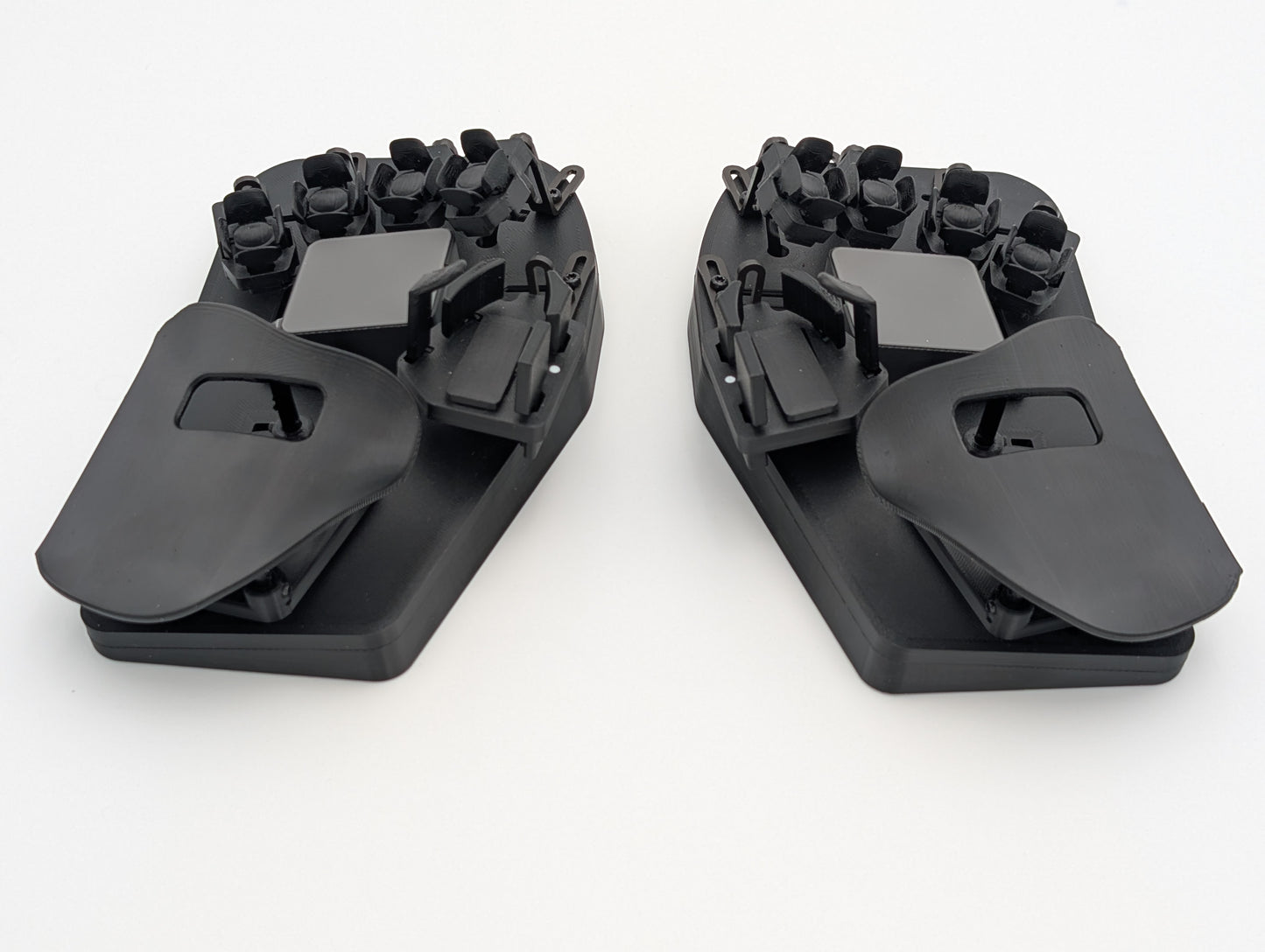
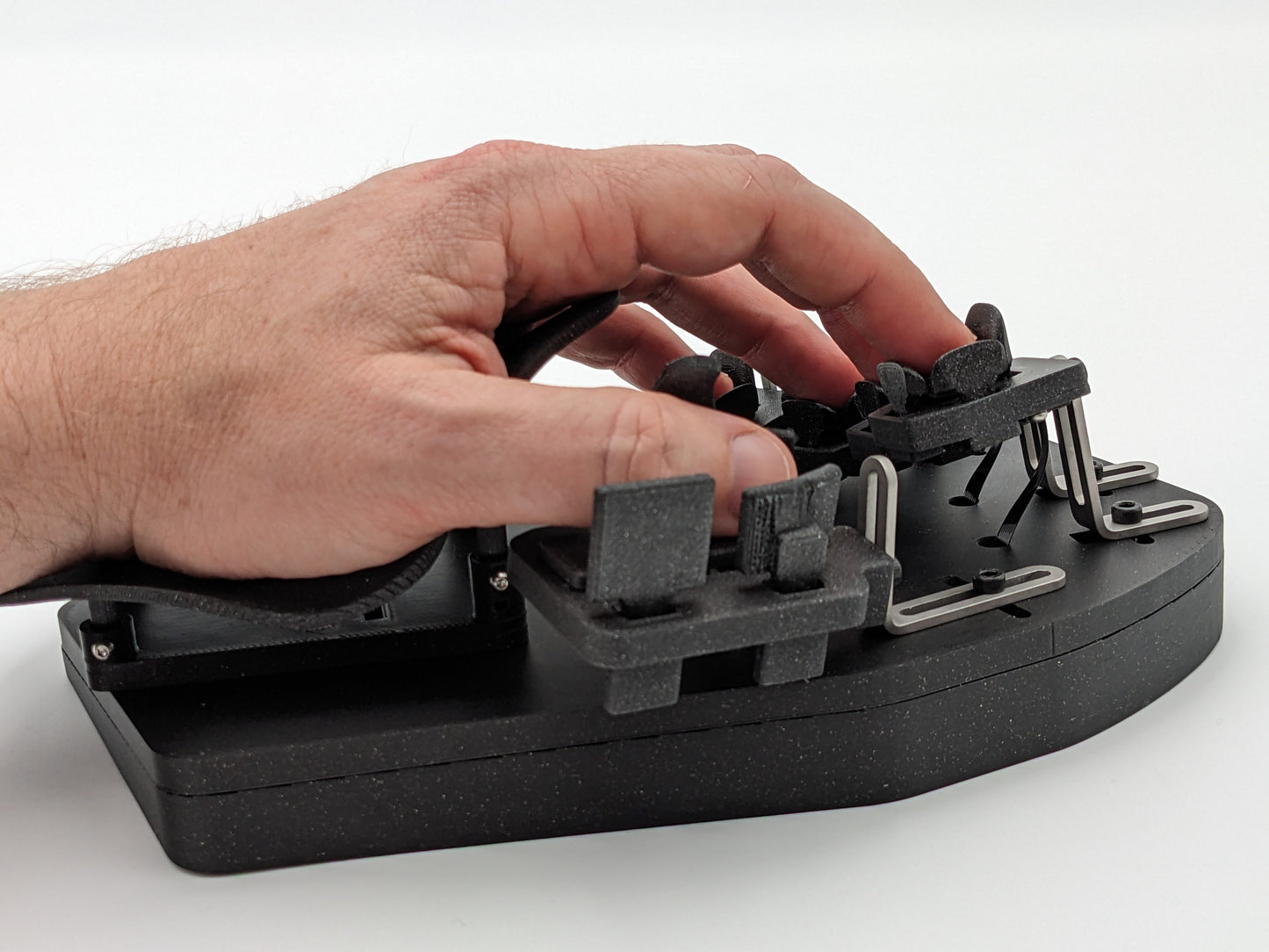
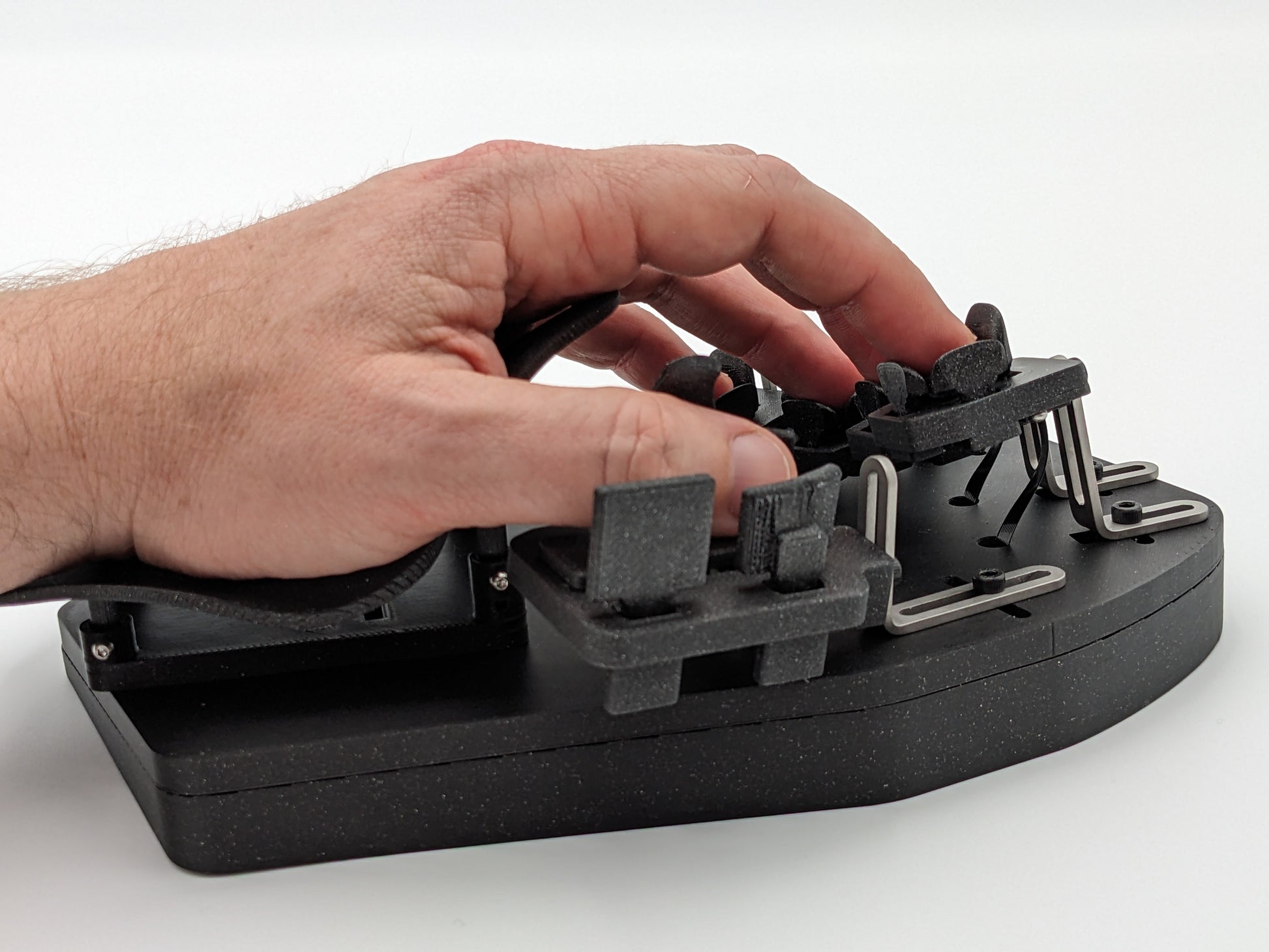
- 手に合わせたフィッティングで、50個のキーを指先と親指からわずか1〜2mmの位置に配置
- 磁石が瞬時に離れるブレイクアウェイ式の20gf磁気光学キー。ごく軽い押下力と確かな打鍵感を両立し、指への負担を減らして使いすぎによる障害を防ぎます
- ポインティングデバイス内蔵で、キーから手を離さずに、どのOSでも高い生産性を保てます
特長
- 伝説のDatahandと同じ、20gの磁気光学キー機構
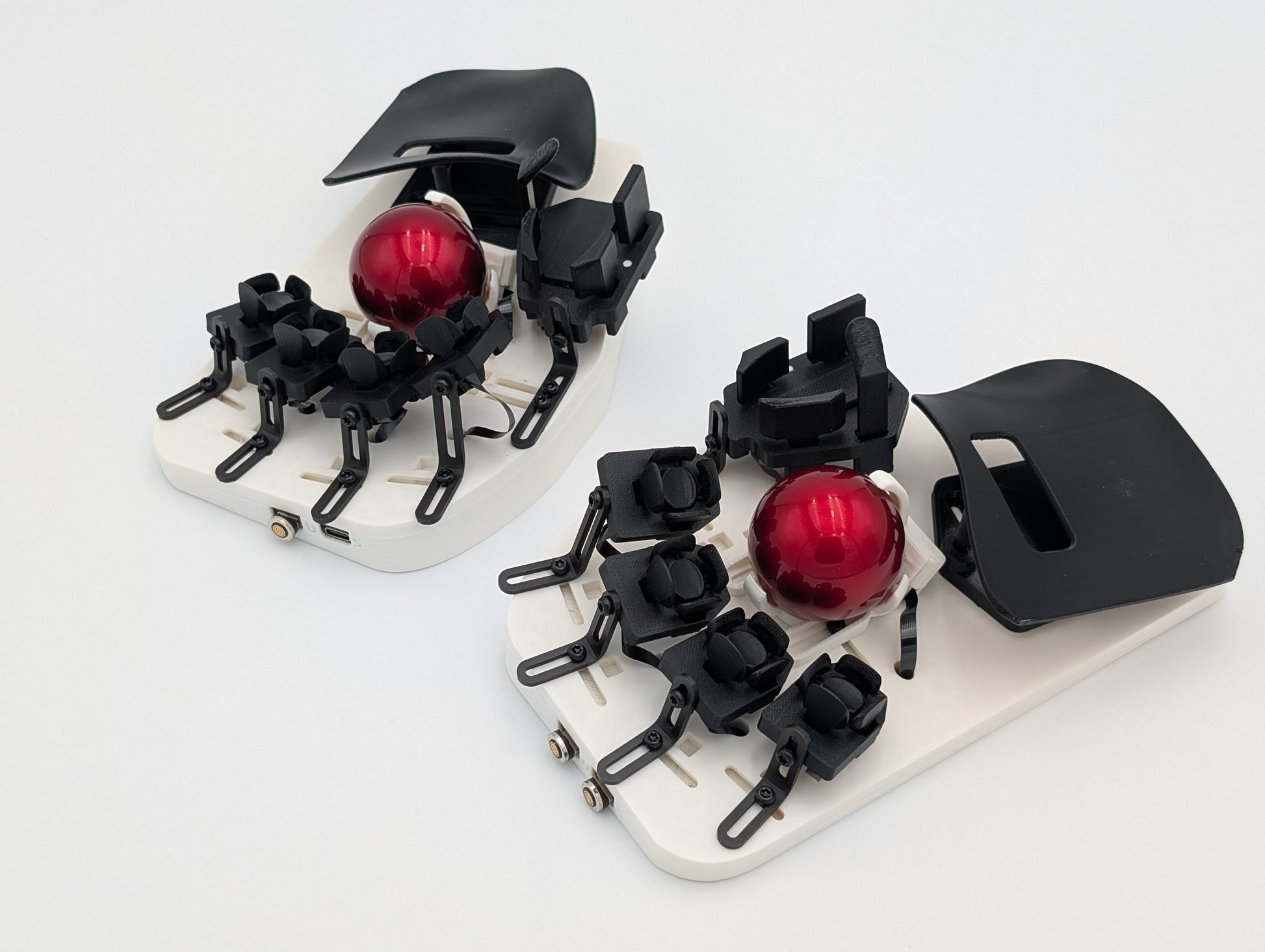
- どんな手にも合わせられる、無段階調整のフィッティングシステム
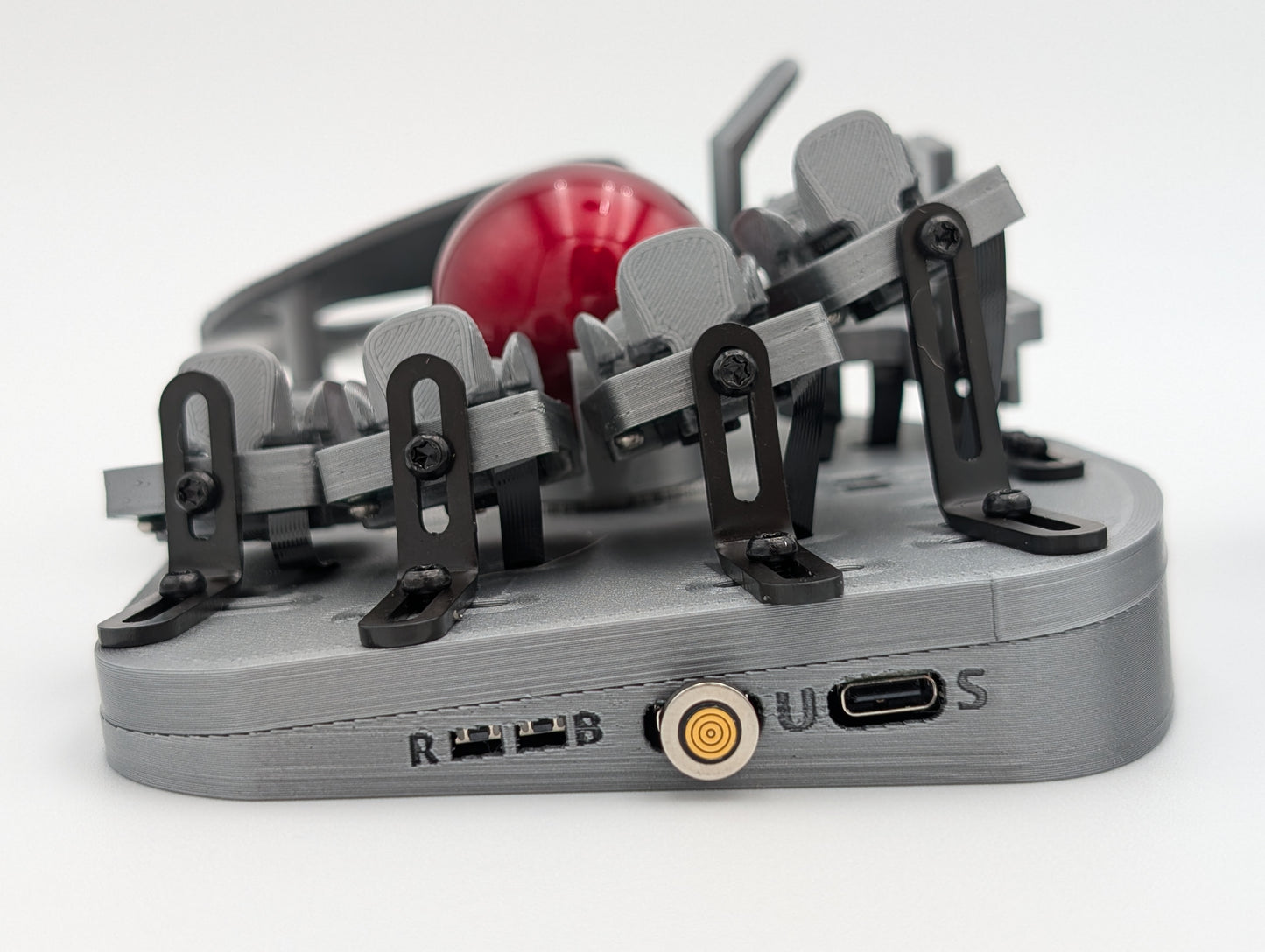
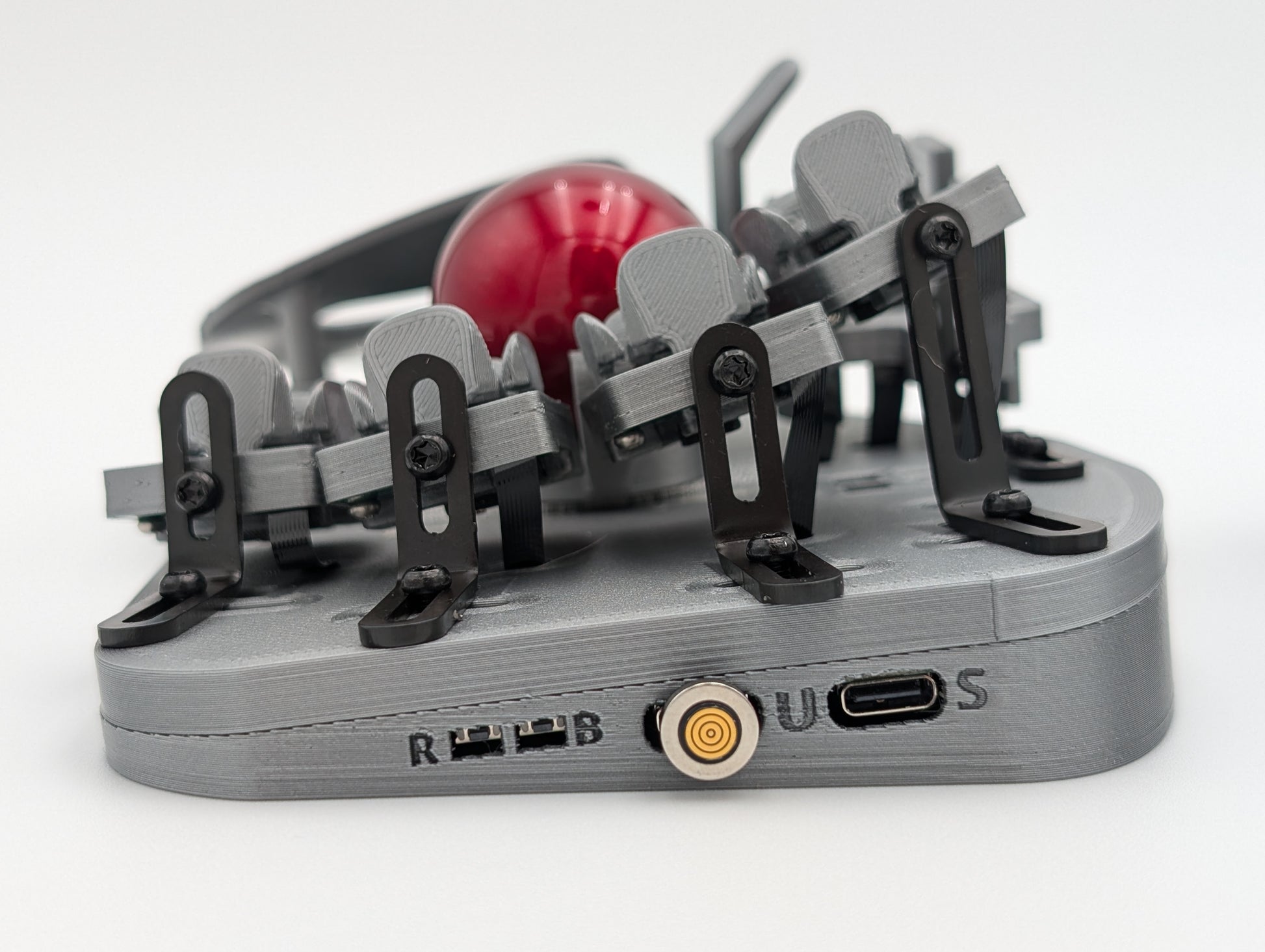
- ステンレス製の機構で、なめらかに微調整
- Vial-QMKファームウェアで、キーマップ、コンボ、タップダンスなどをその場でプログラム可能。ファームウェアの再書き込みは不要です
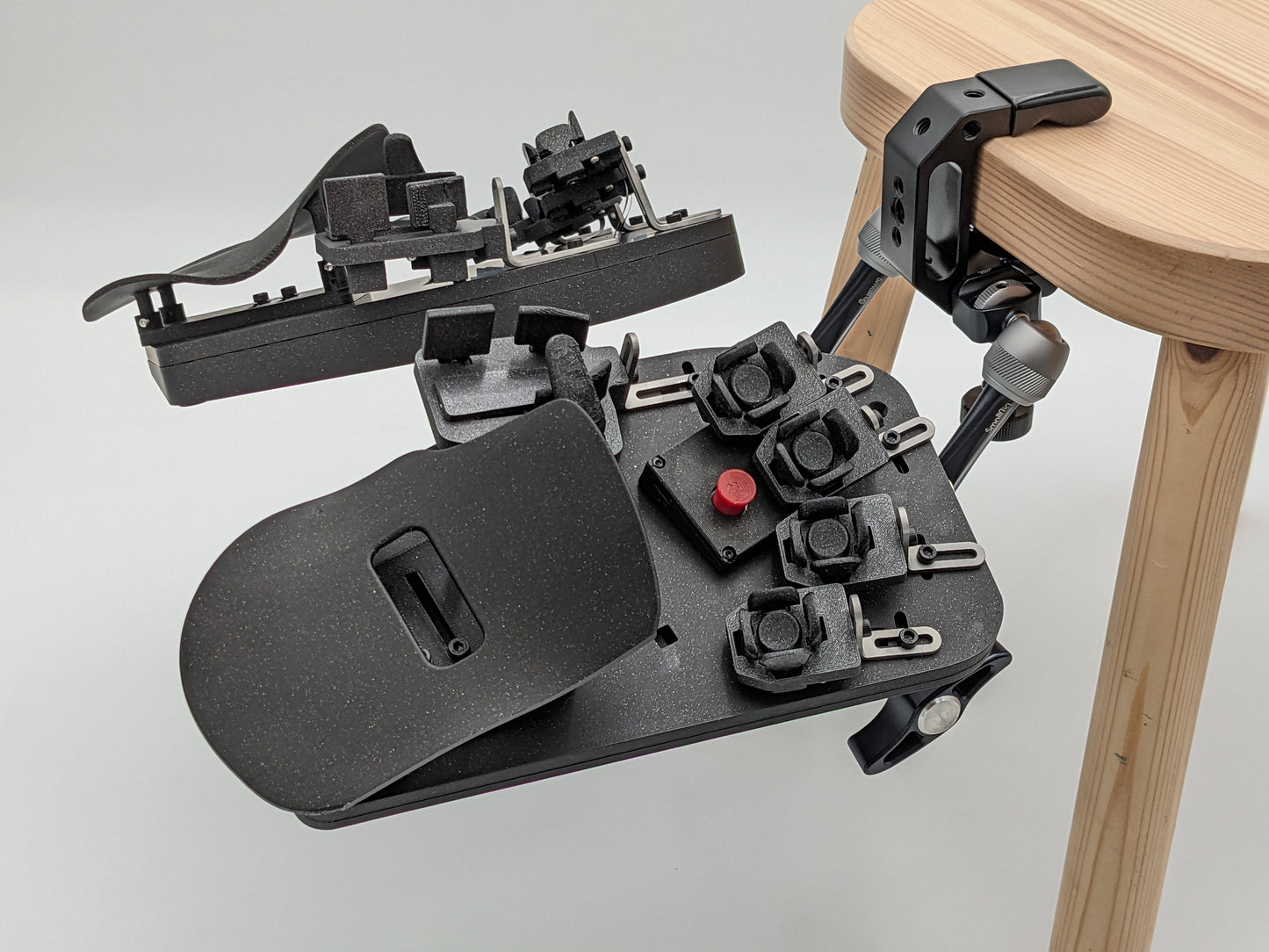
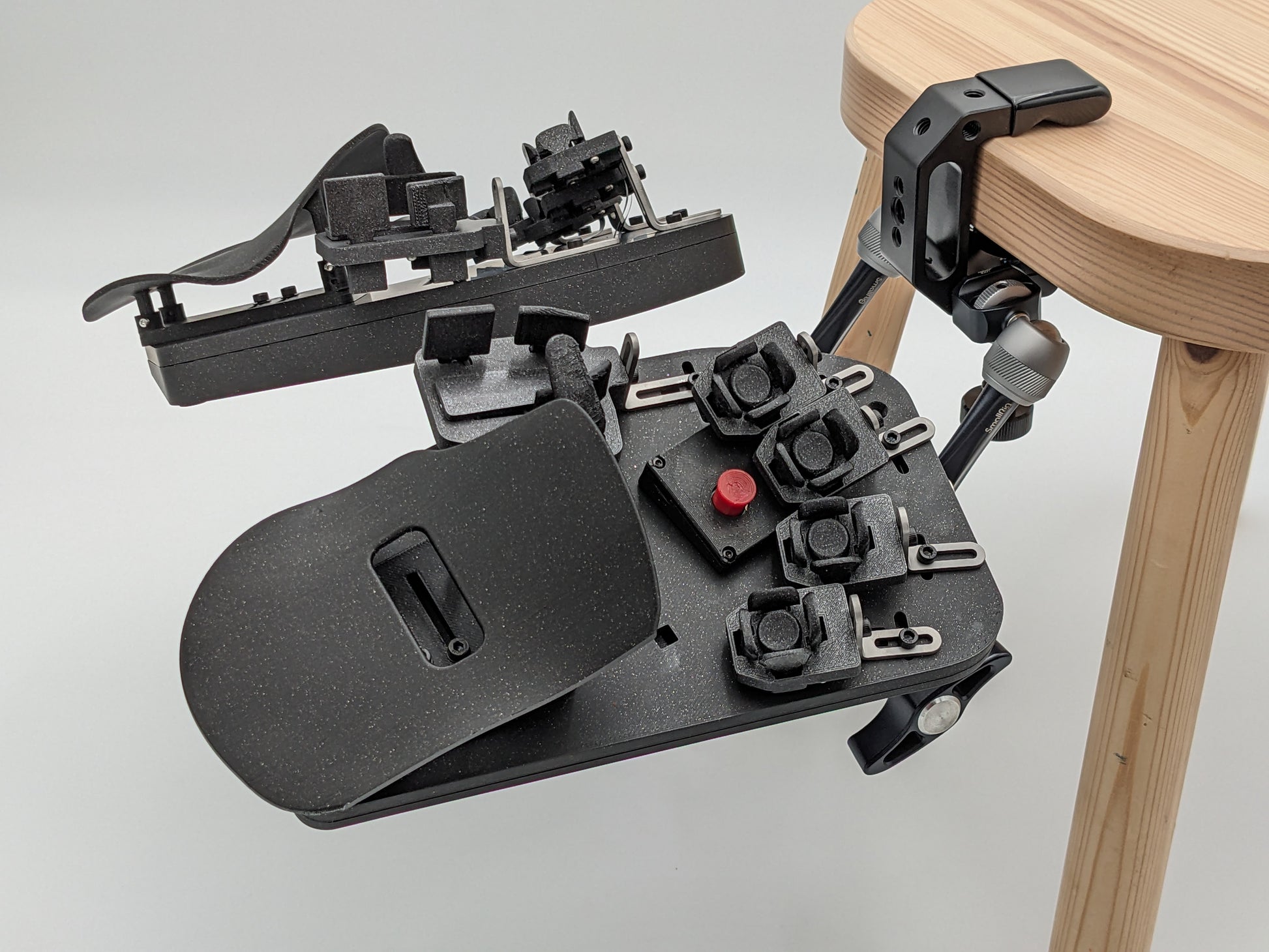
- チェアマウントとクランプ式デスクマウントに対応
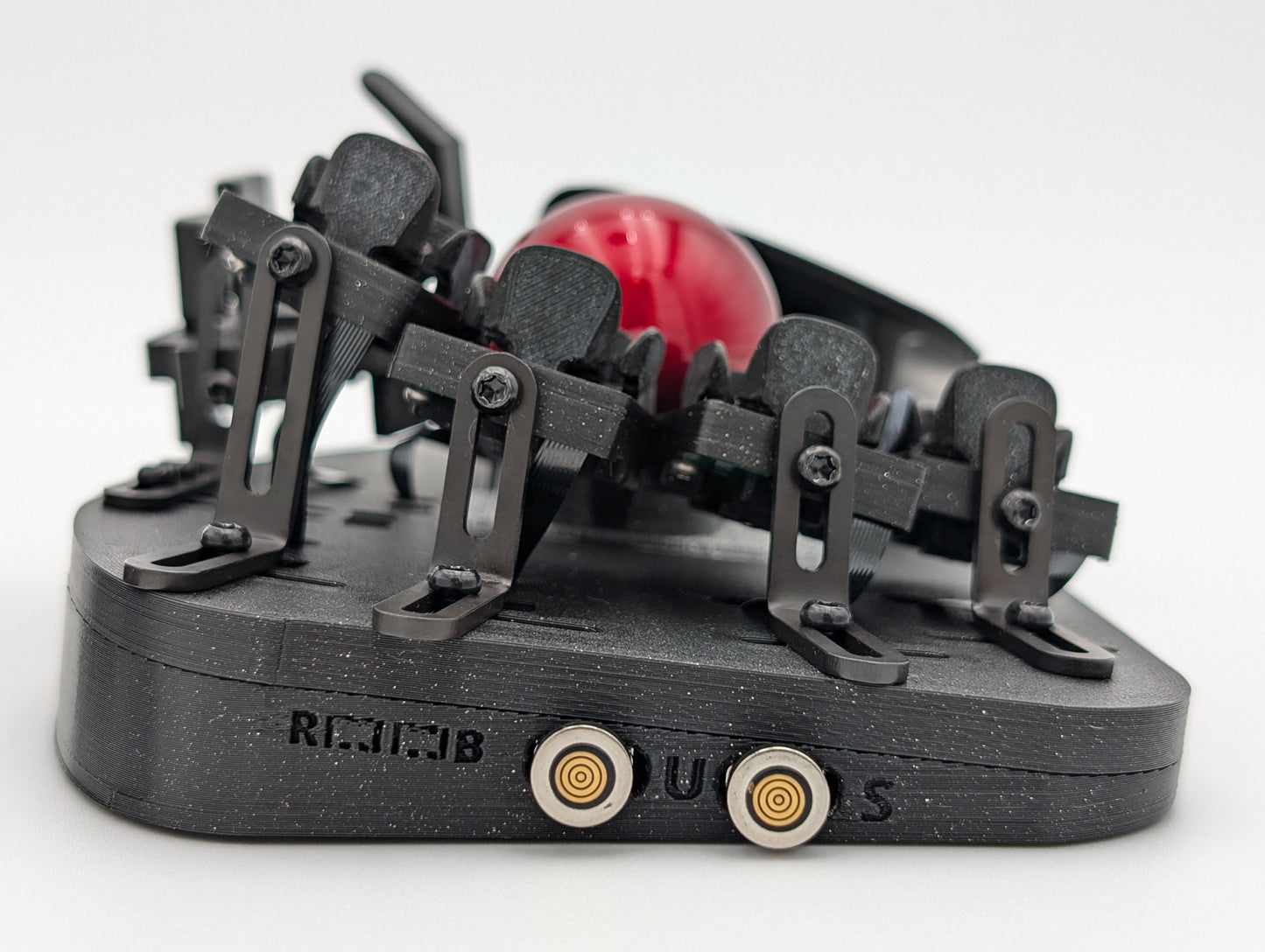
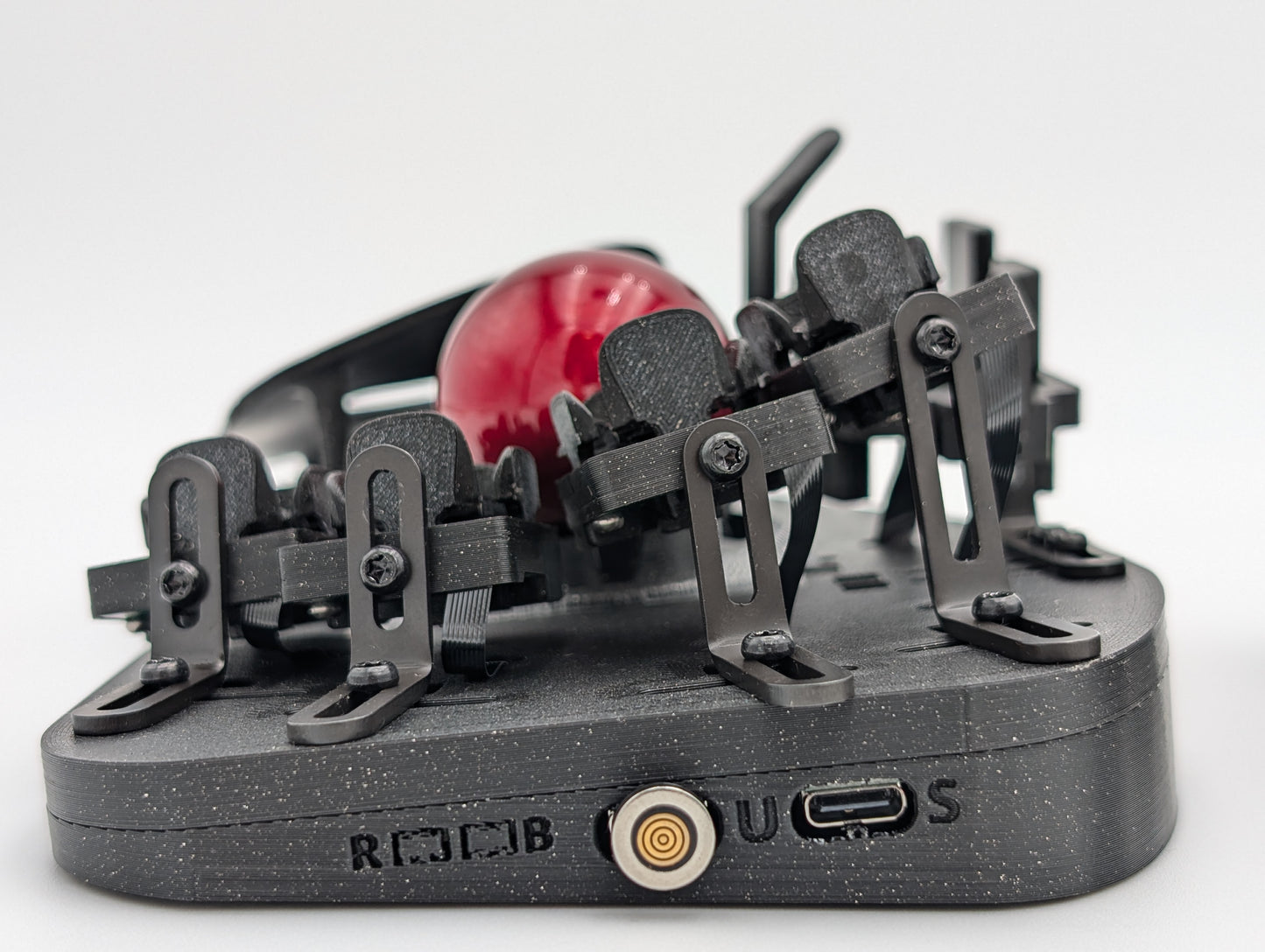
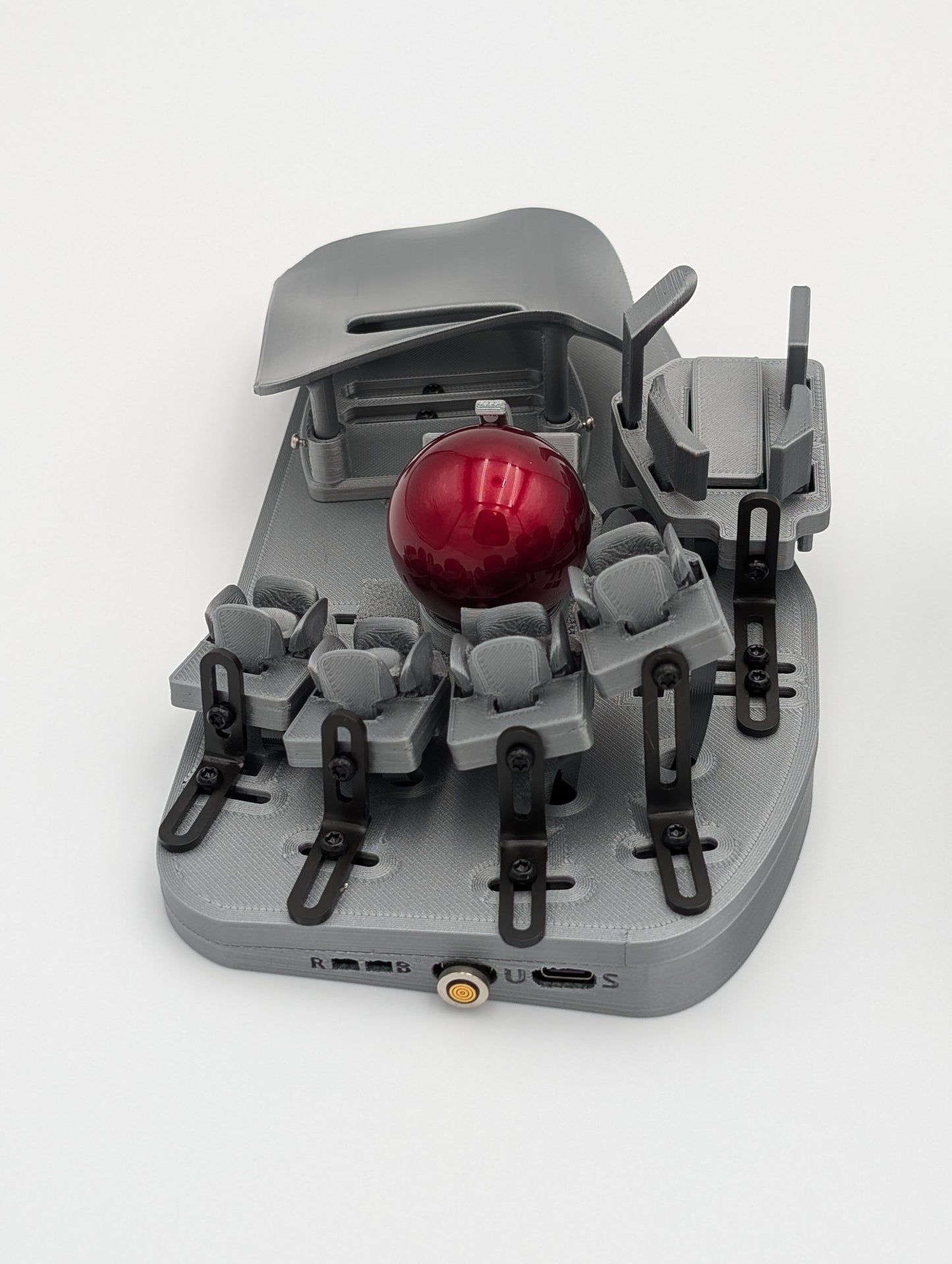
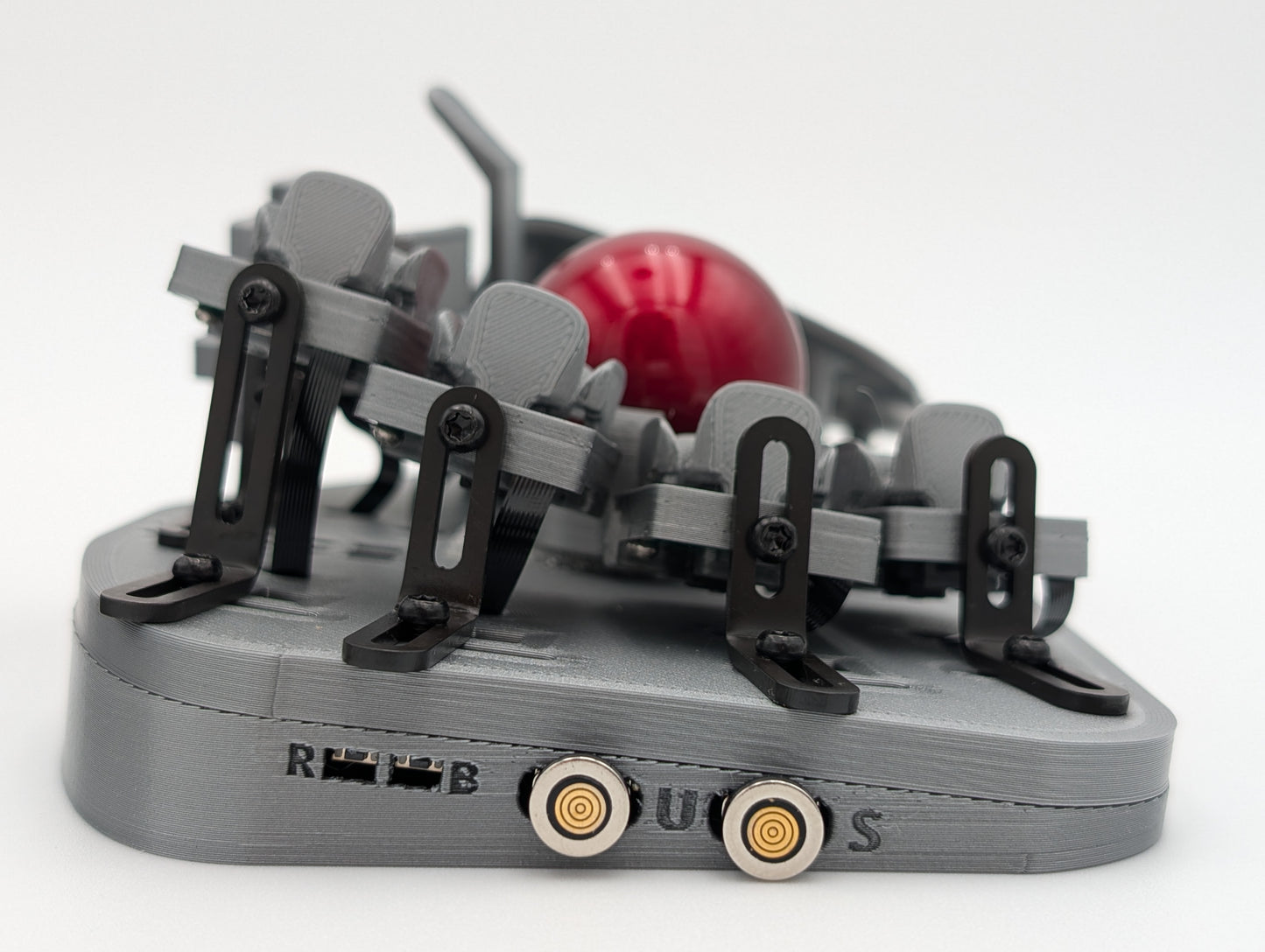
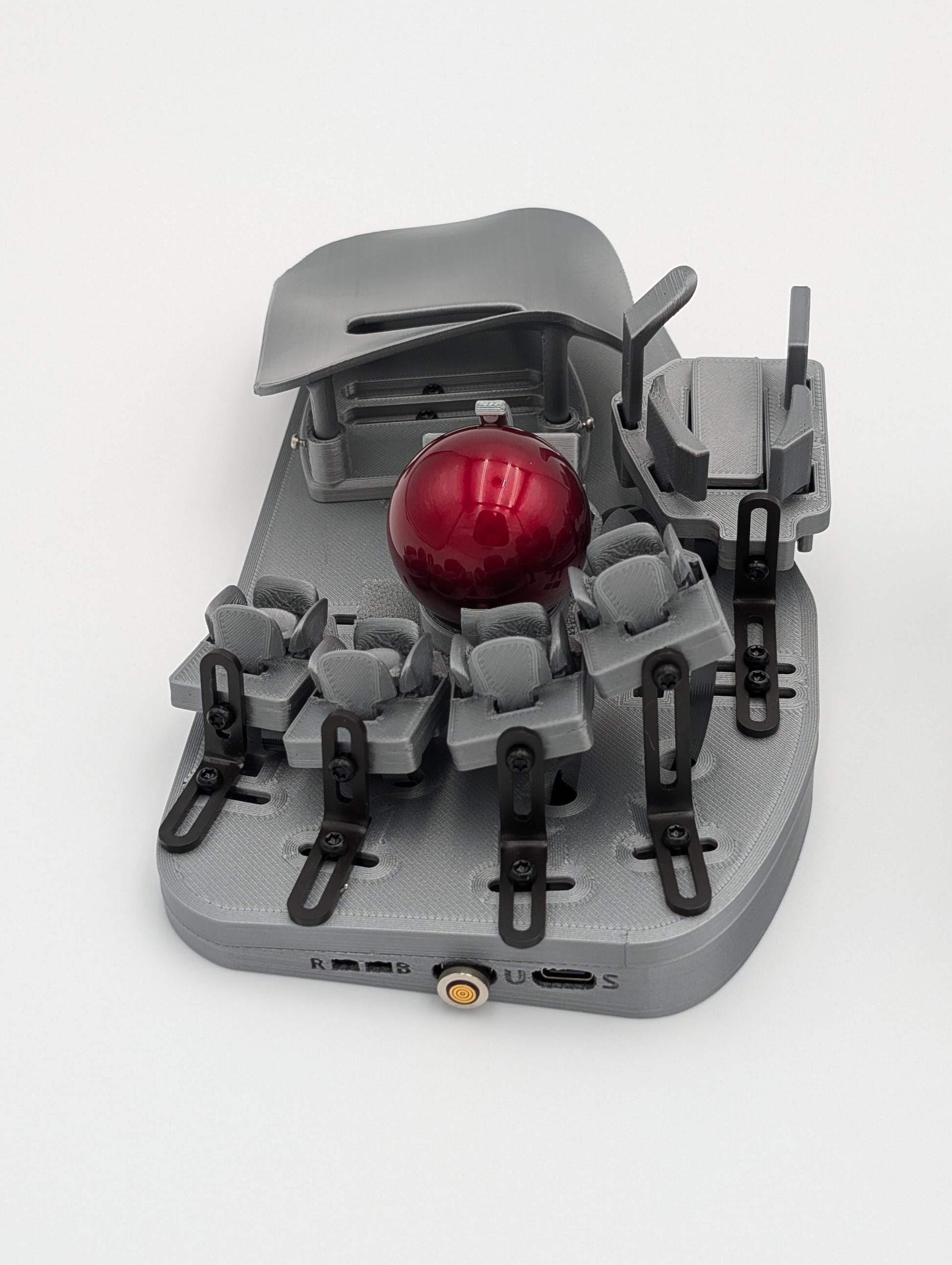
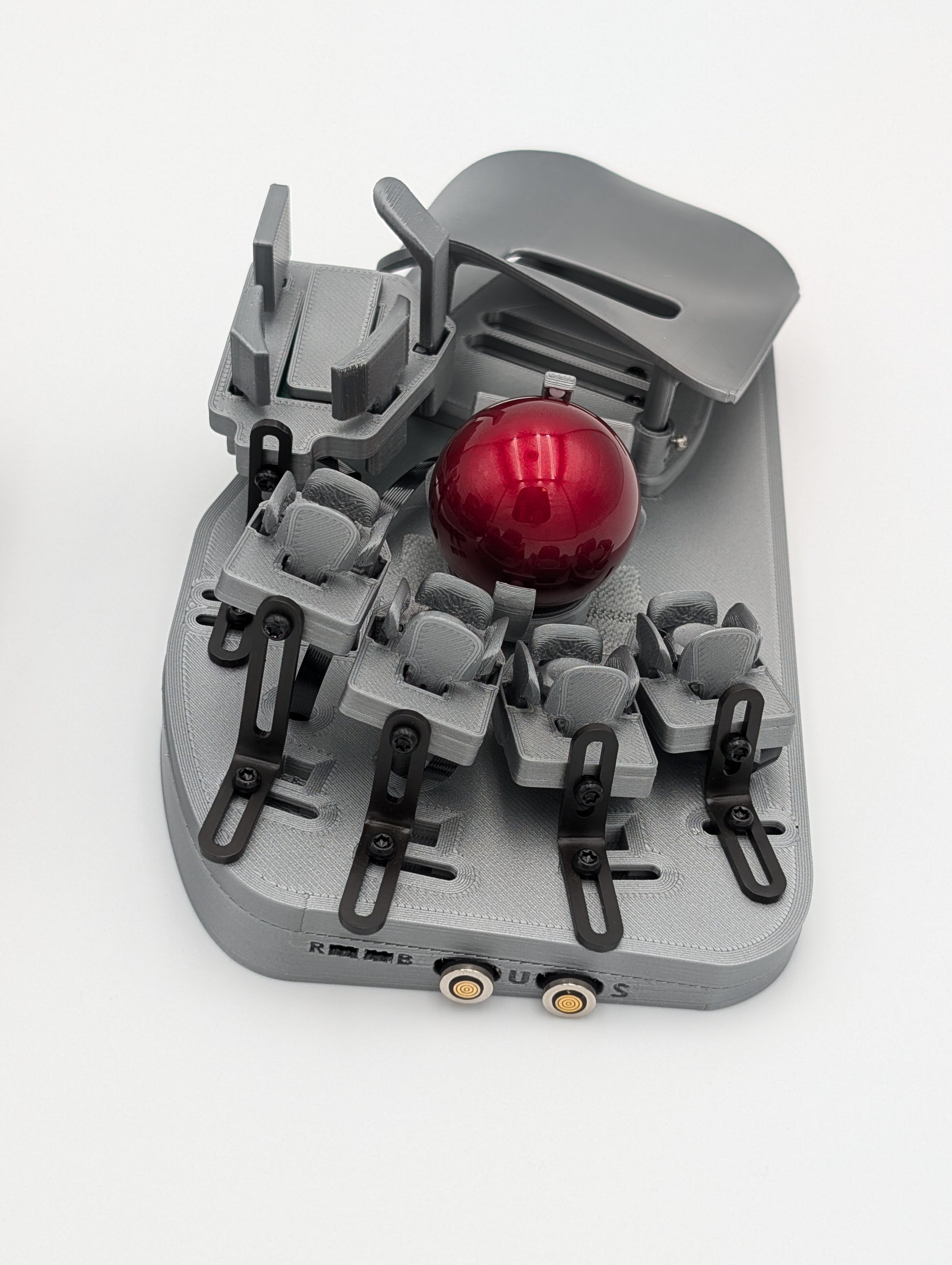
- マグネット式USB-Cケーブル付属
ポインティング
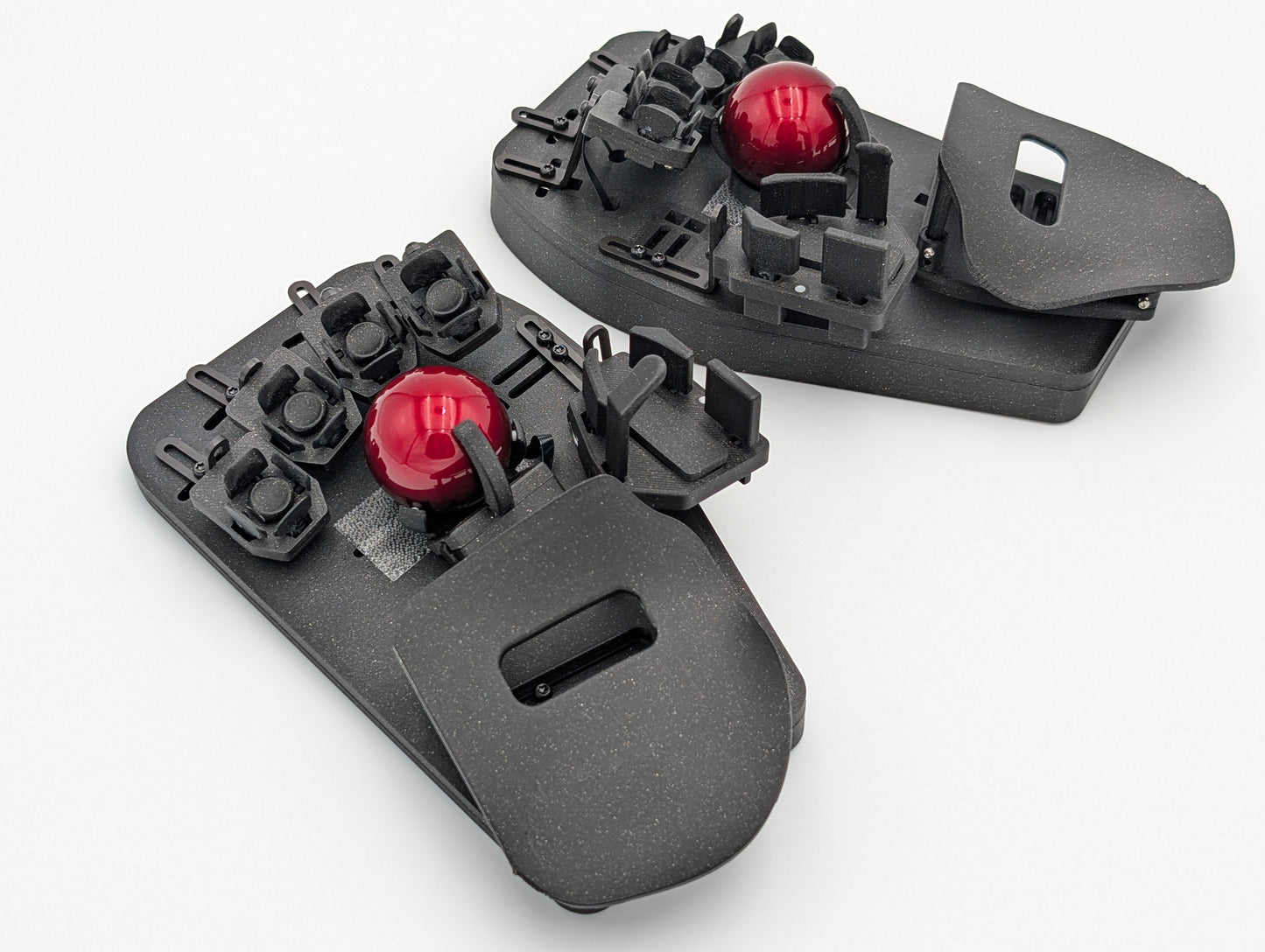
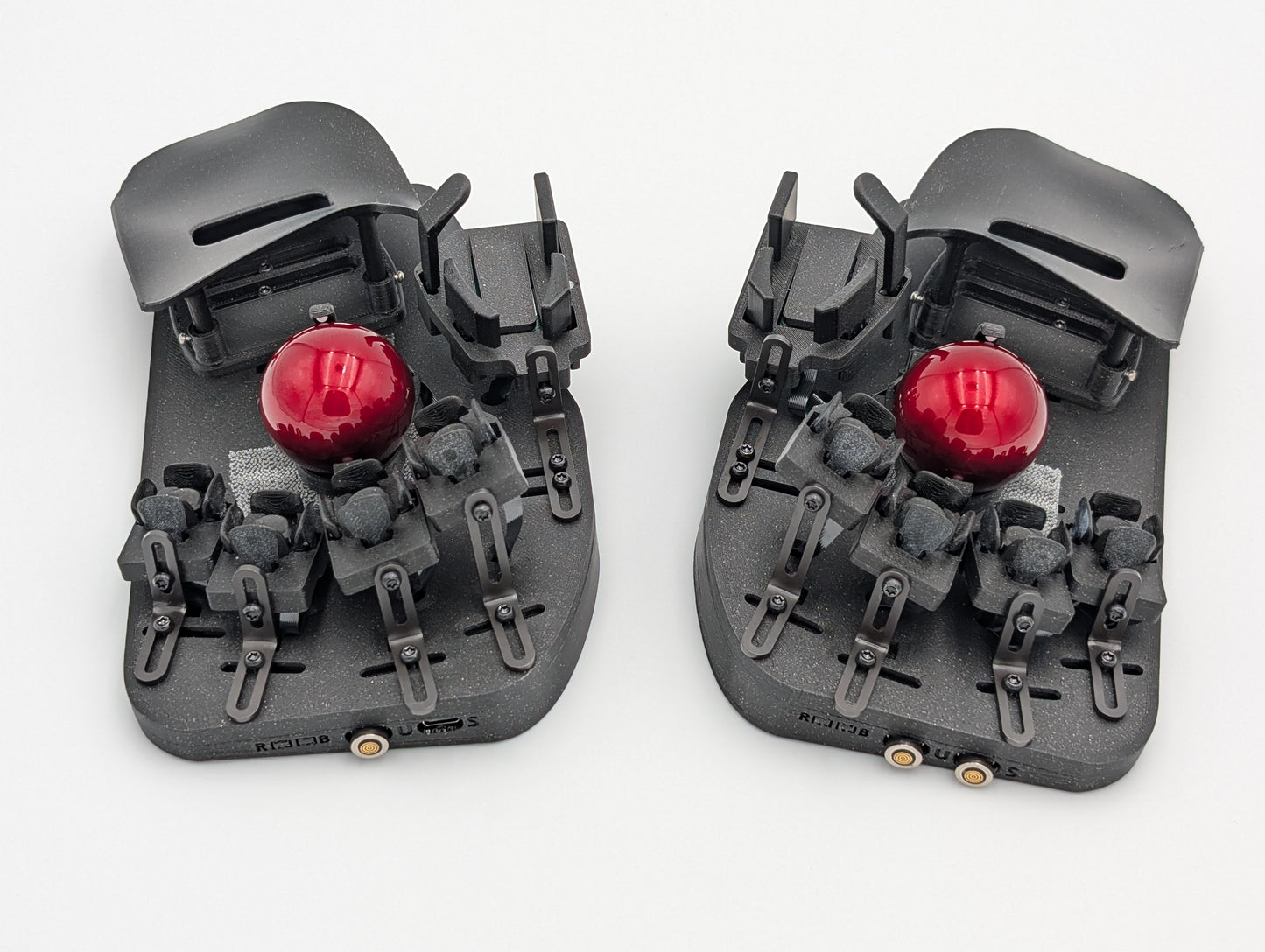
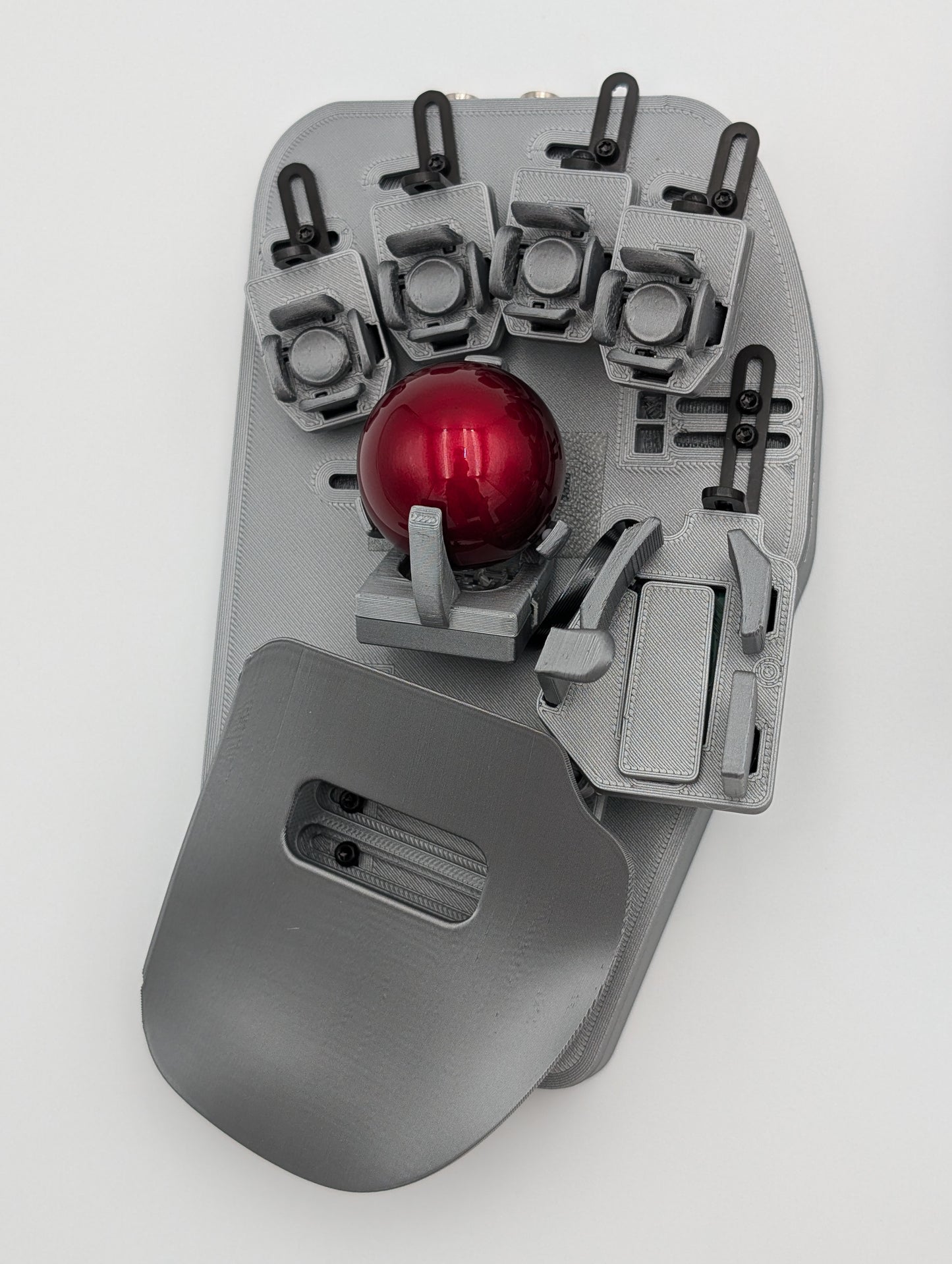
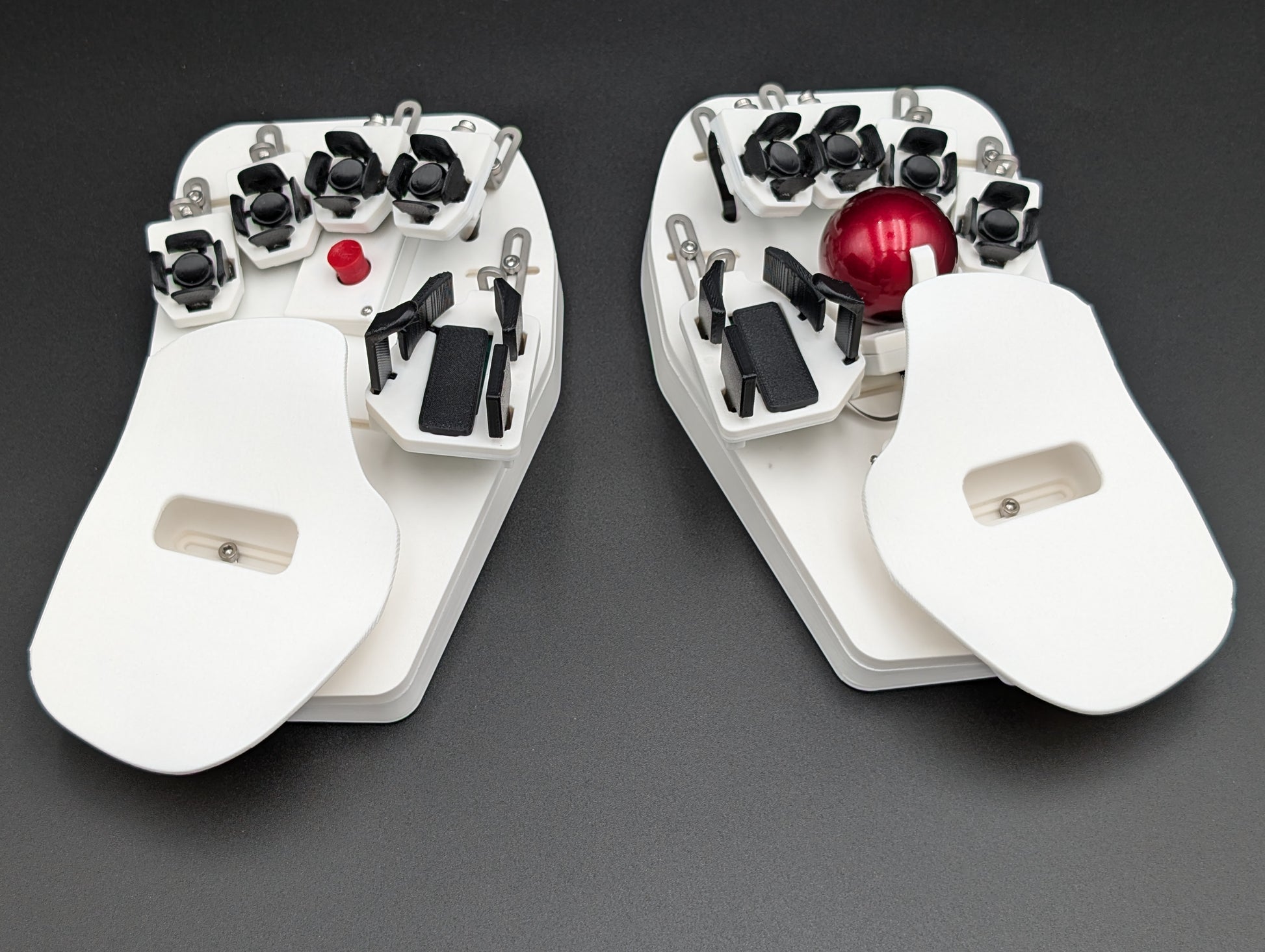
- トラックボール:シングルまたはデュアル
- タッチパッド:シングルまたはデュアル
- TrackPoint:トラックボールまたはタッチパッドと組み合わせ可能
カラー
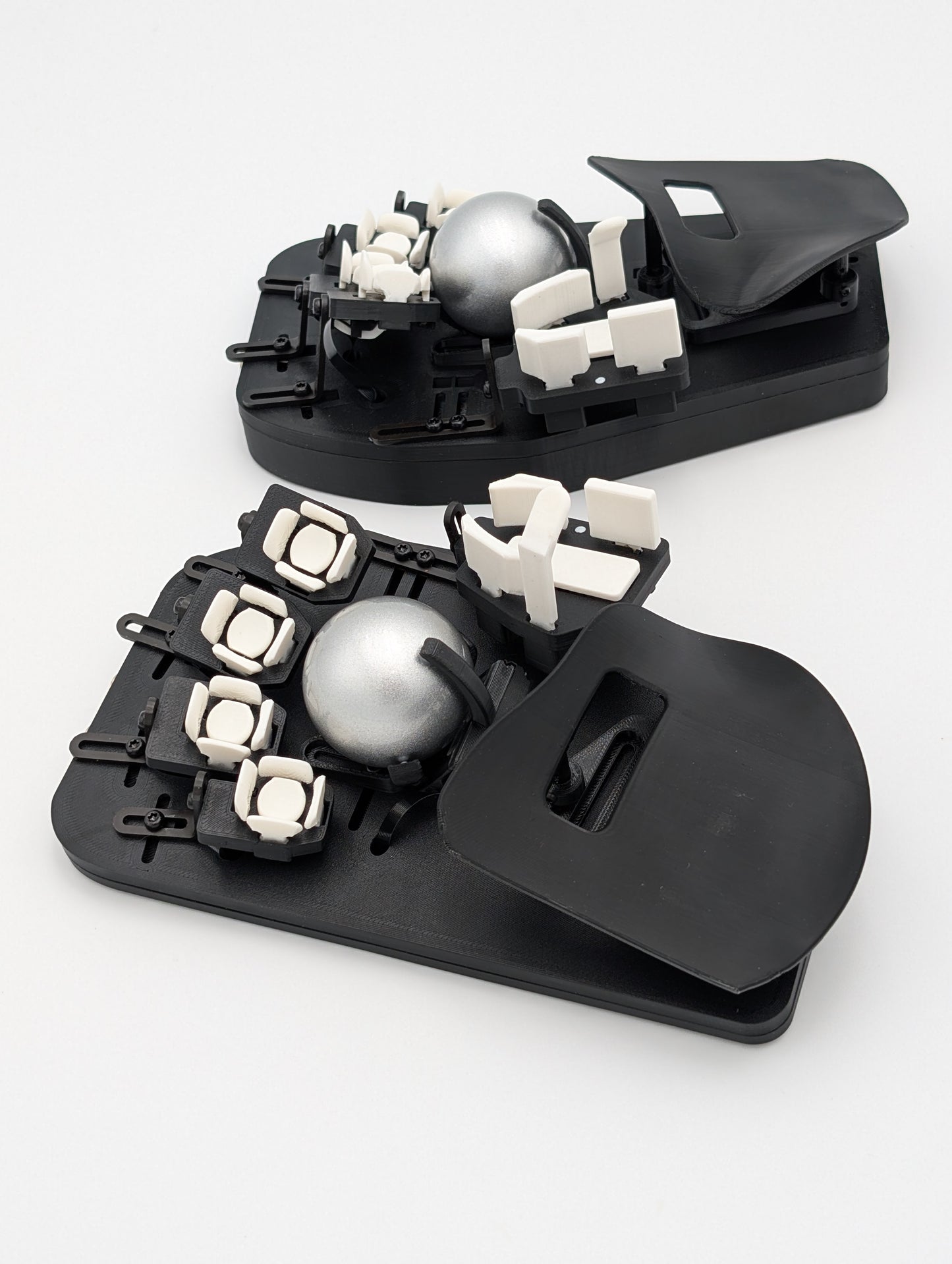
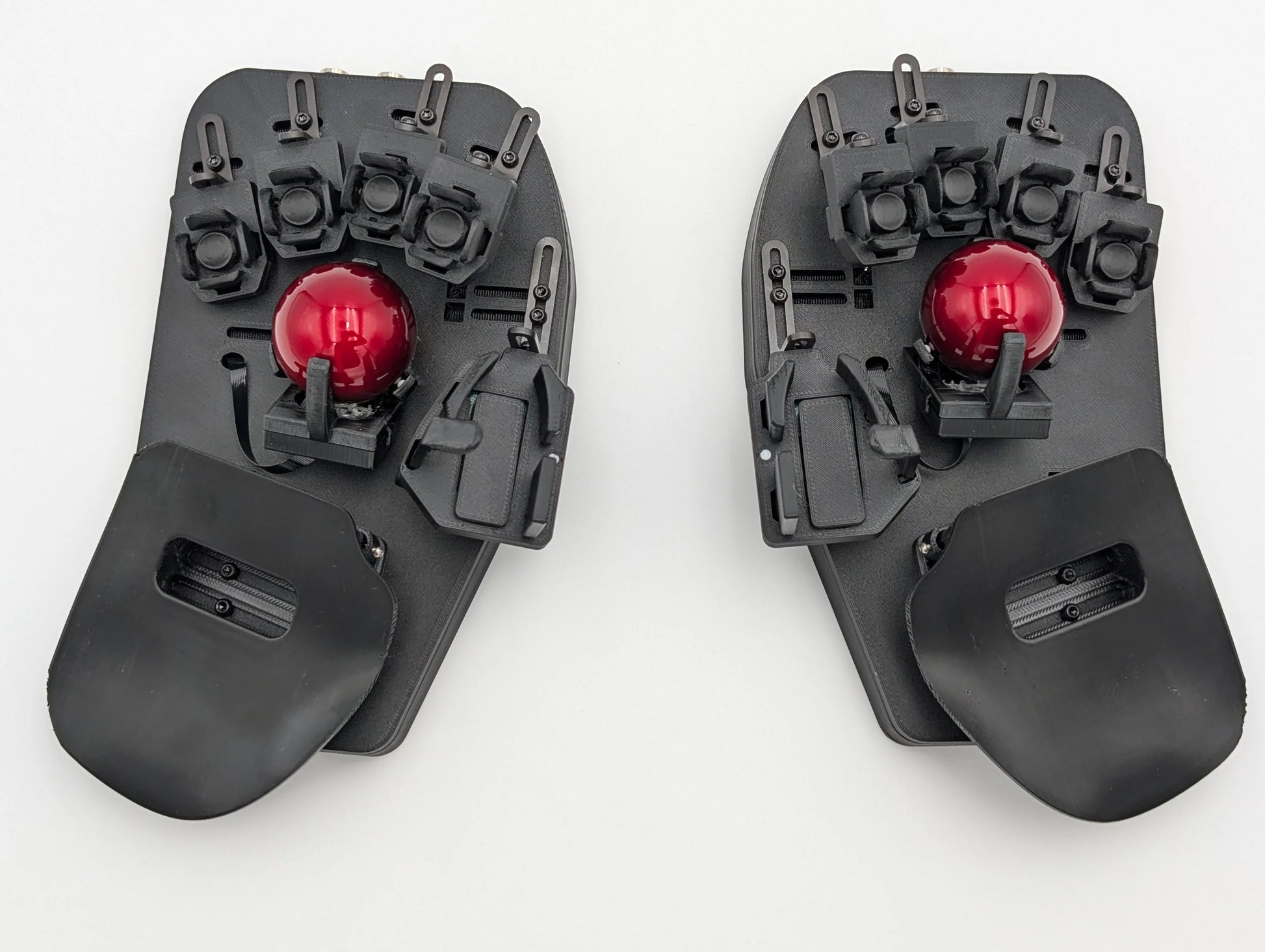
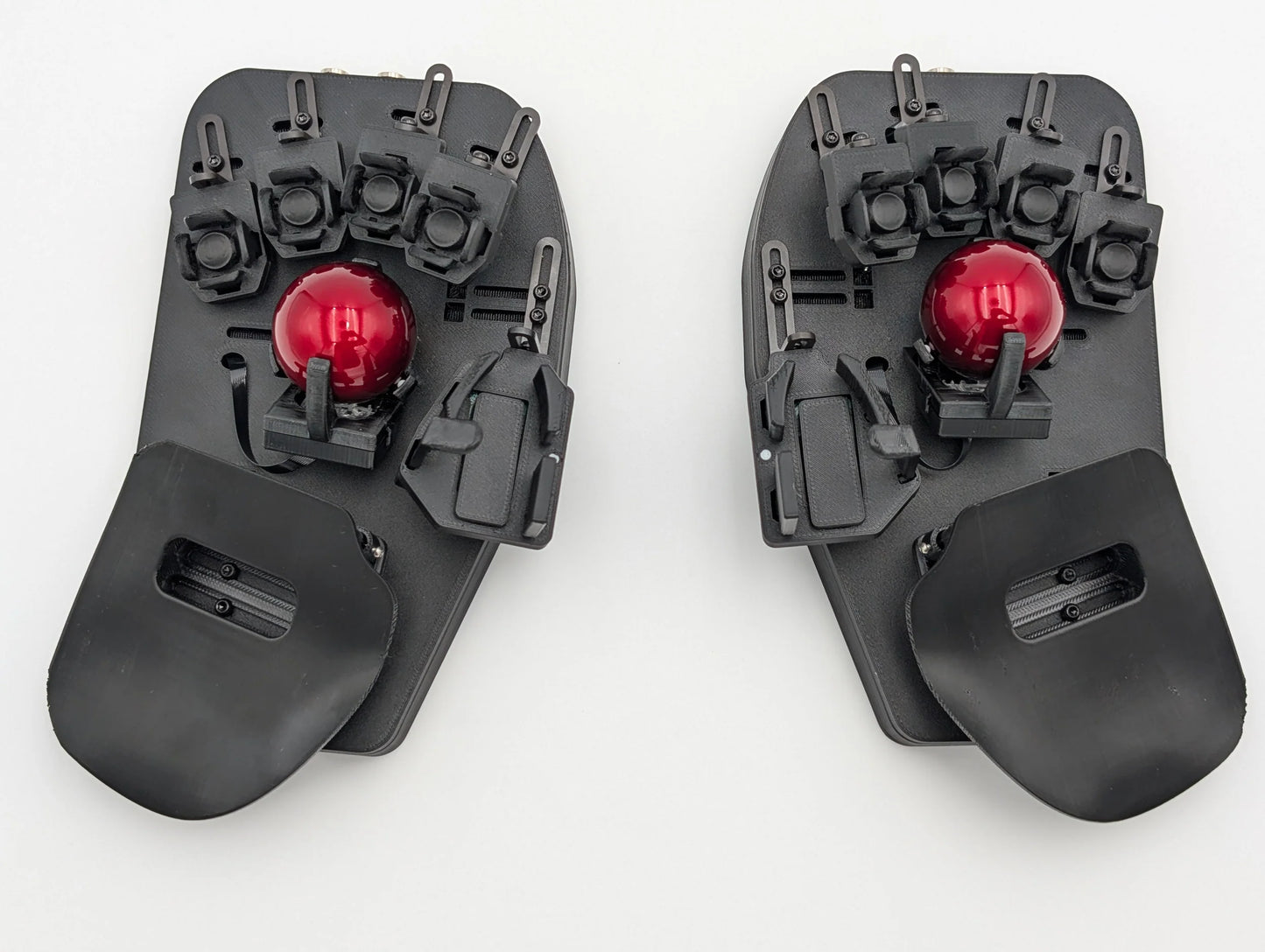
標準はブラックのABSです。
アドオンを選んで、自分だけの一台に仕上げましょう。
+Add-on: Thermoformable PLA palms(熱成形PLAパーム)
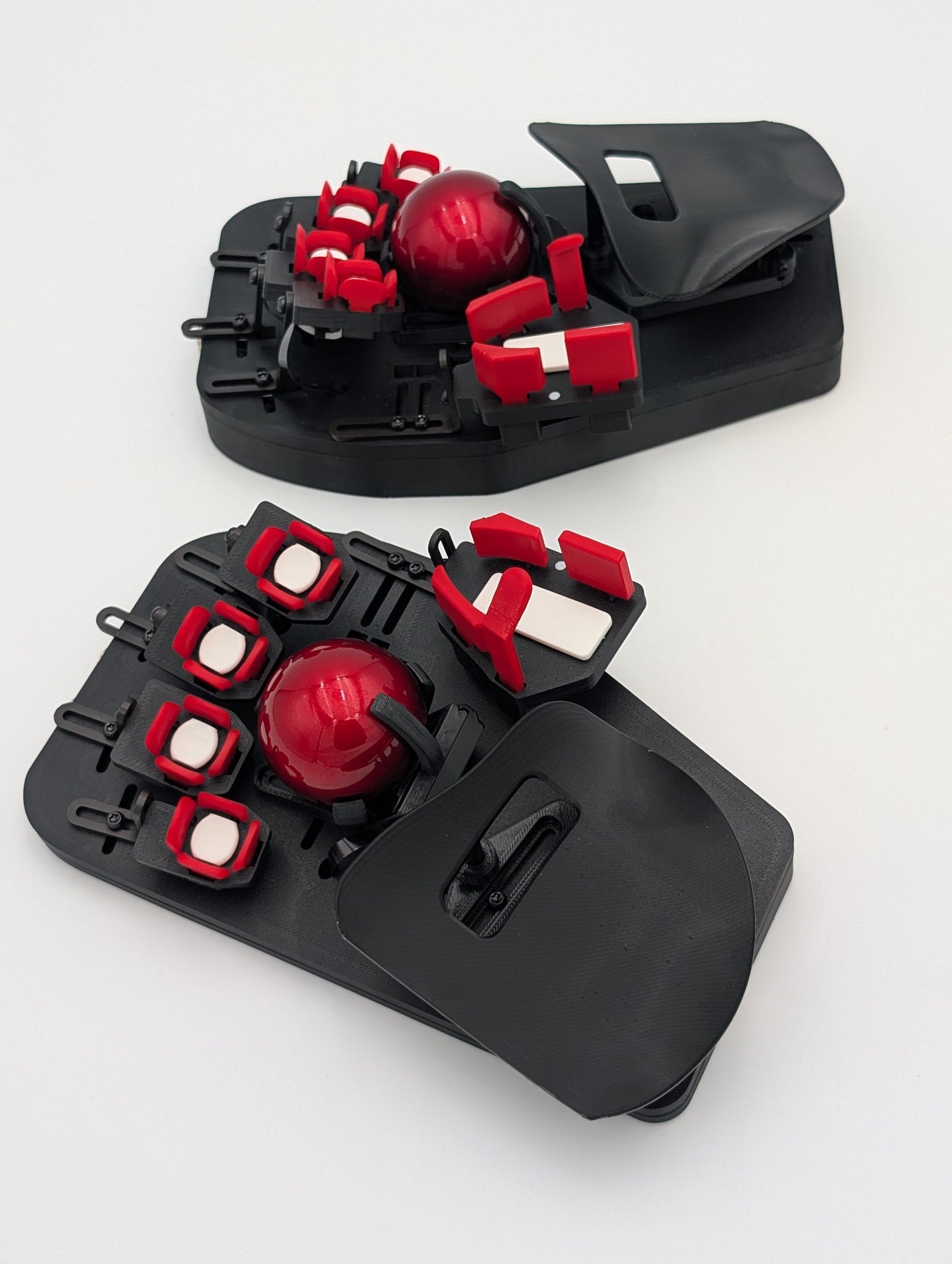
+Add-on: Color Keys(1色:センターキーとサイドキーを同じ色に)
+Add-on: Color Keys Combo(2色:センターキーとサイドキーを別の色に)
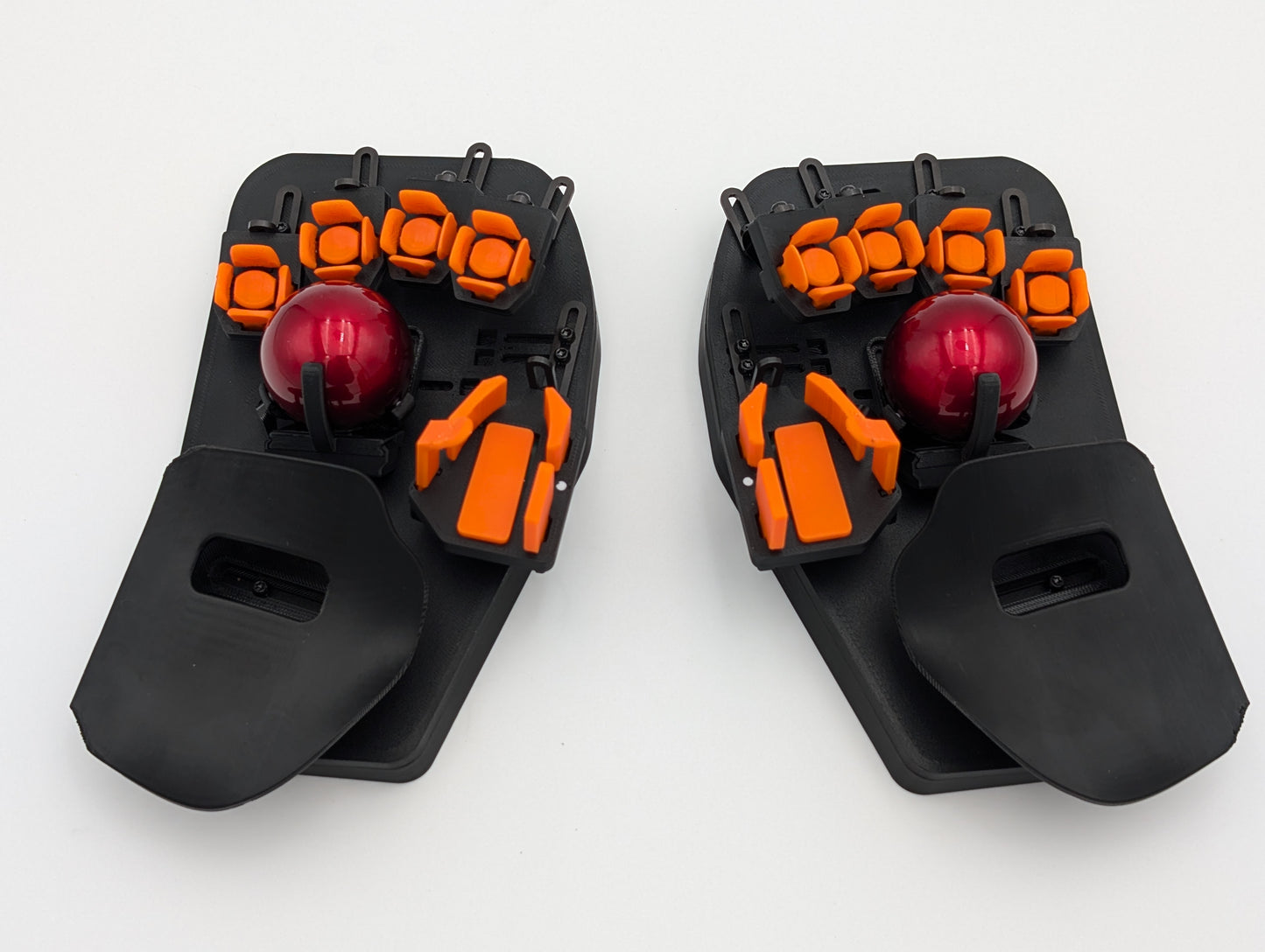
+Add-on: Color Base(ベースのカラー)
その他のカスタムカラーも、追加料金と追加の製作期間でご相談いただけます。Discordで@_claussenまでDMでお問い合わせください。
調整機能
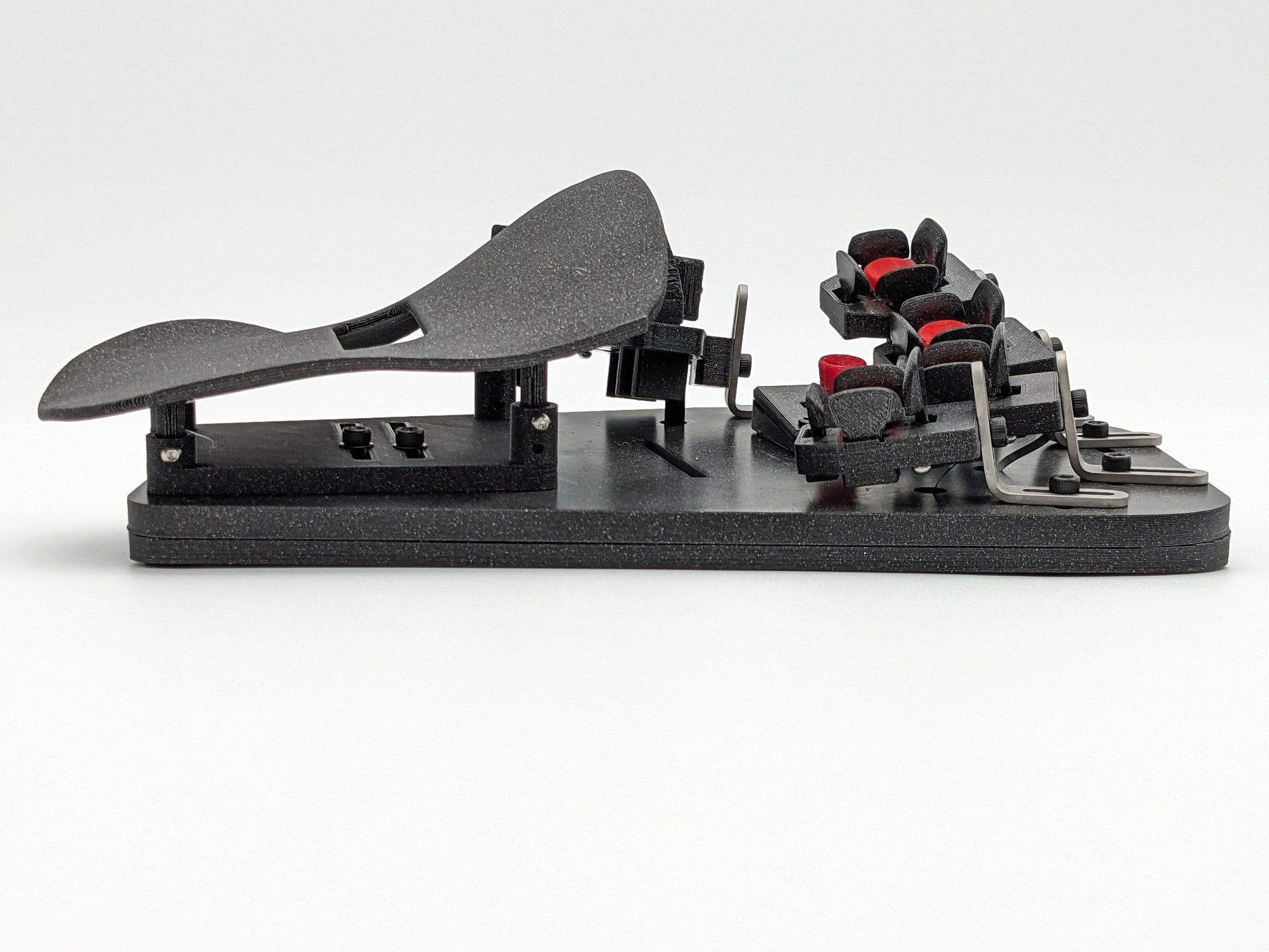
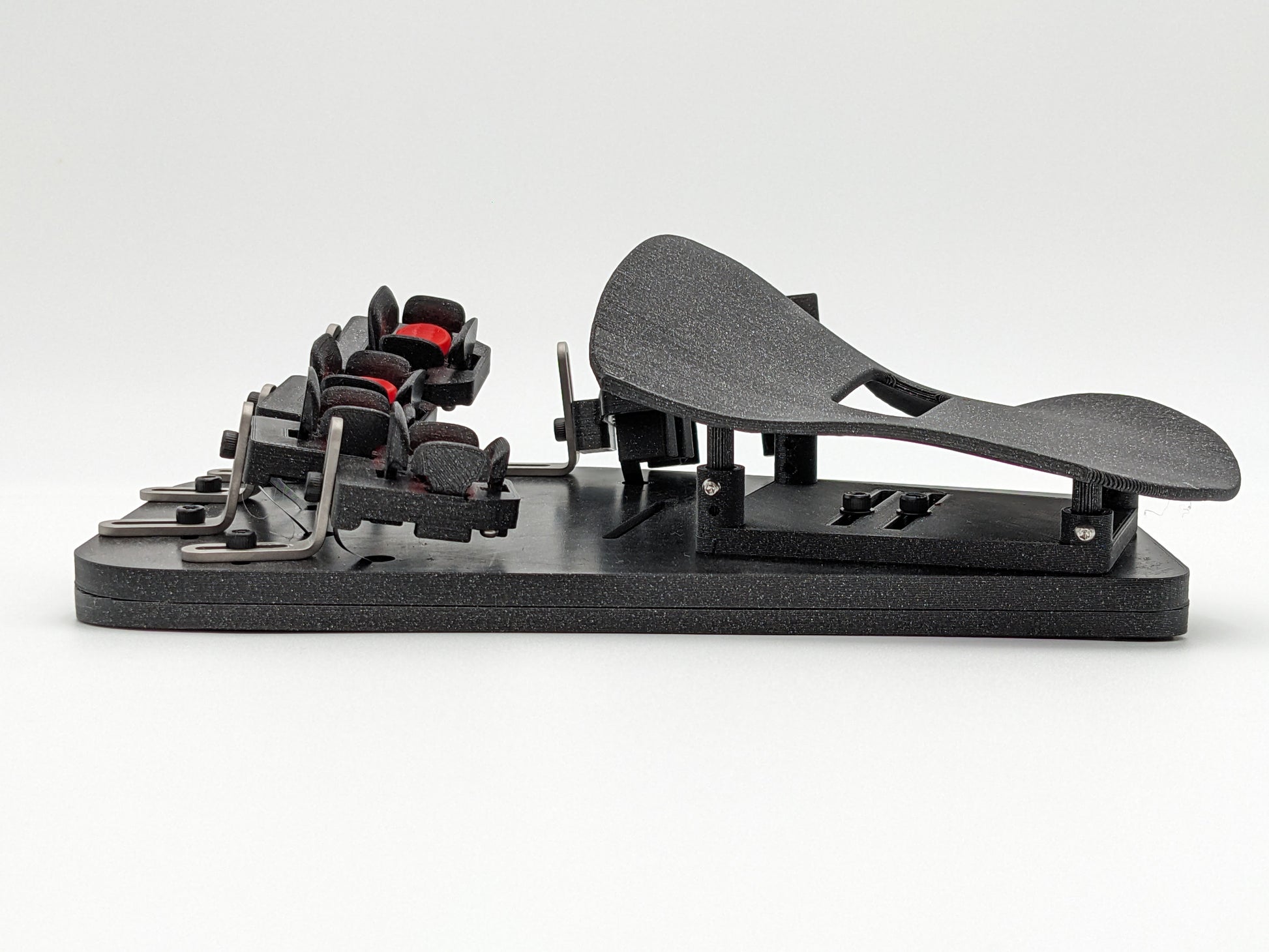
- 各指と親指のクラスター位置を5軸で調整
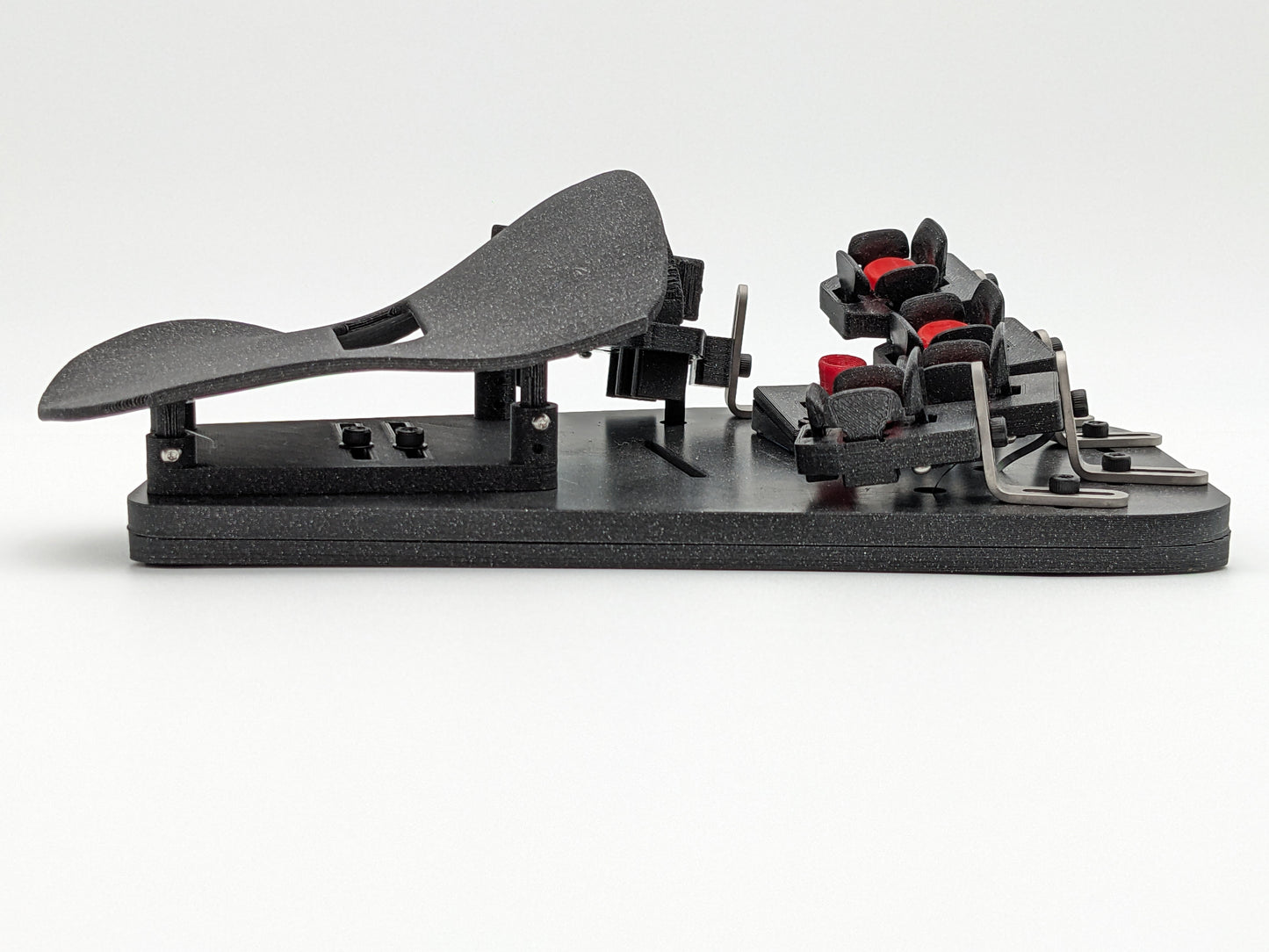
- 3軸可動のパームレストキャリアで手の大きさに合わせて調整
- オプションの熱成形パームレスト(お問い合わせ)
- DIYしやすいパームレストキャリアで、自作のパームレストも取り付け可能
X/Y/Z/ロール/ヨーの各方向に無段階で位置を調整でき、指ごとの長さの違いも含めて、あらゆる大きさの手にフィットします。
カスタマイズ
好きなレイアウトを使い、100%無料のオープンソースソフトウェアでその場でカスタマイズできます。

QWERTY風、Colemak風、Dvorak風のレイアウトを標準で搭載しているので、そのままでも使えます。そのうえでSvalboardはカスタマイズを前提に設計されており、強力なオープンソースのQMKファームウェアプロジェクトと、優れた設定ツール「Vial」を使って自由に設定できます。
SvalboardはRaspberry Pi RP2040 MCUで動作し、8MBの大容量プログラムメモリを備えているため、どれほど複雑なファームウェアの要件にも対応できます。
- Vialで、キーマップをその場で自在にカスタマイズ
- 中身はQMK
- 100%オープンソースソフトウェア:自由に使えて、しかも無料
モジュール設計と修理のしやすさ
私たちは修理のしやすさと「修理する権利」を大切にしています。壊してしまったときは、直るまでしっかりサポートします。
すべての部品を個別に交換でき、壊れた場合の交換部品もご用意しています。
キーを自分で3Dプリントしたい方には、STL/STEPファイルをお客様にご提供しています。個人での使用に限り、プリントも改造も自由です。必要な磁石も在庫しています。交換用のPCBもご用意しています。
すべてのコネクタのピン配置と、0.1インチピッチのヘッダーブレイクアウトも公開しているので、空いているI/Oピンを使って好きな機能を追加・統合できます。
米国製
数十年来のDatahandユーザーであり、民生用電子機器のプロの開発者が、米国カリフォルニア州パシフィカで設計・製作しています。
Share

This keyboard/mouse combo is a game changer for me. It took about two weeks to feel very comfortable on the board. I'm still not up to the 120wpm I was on a different board, but I'm consistently hitting 80-90 right now. It's such a convenient product which puts essentially zero stress on my fingers when typing. The firmware is fantastic and works well with Linux.
I've only had the Svalboard four days, and I'm still in the tinkering stage with the setup. It's close, but I'm guessing I'll be tweaking it for many weeks to come.
I'm getting more used to the feel of it and am already looking forward to the day I can switch to it full-time. I'm a developer, so I need to reach a reasonable level of proficiency before I can make that switch.
I absolutely adore the integrated mouse trackballs and ease of firing off clicks. If you're like me and have finished the workday sore from repeatedly sweeping from one end of the screen to the other to navigate a GUI with no shortcut keys, I promise you — the Svalboard is worth buying for that feature alone.
I have a rigid index finger on my left hand, and while the base joint has full mobility, the finger itself won't bend. I've had to adapt my typing to accommodate this, and no matter what setup I use — even with my Dygma Defy — the keys on the lower right of the left-hand unit have always been hard to reach.
That's no longer true with the Svalboard. That finger now feels like it's contributing as much as the others. The key sits on an extended, rotating tower, and while it took some adjustment to find a position where all five triggers were easily accessible, I'm more or less there now.
The build quality is solid and well thought out, and it's clear this is a product that will continue to improve — especially since it can be updated as new designs and discoveries are made.
You can buy a suit off the rack for a fraction of the cost of a fully tailored, bespoke one — but if you want a suit that fits perfectly and is handcrafted to you, you have to go bespoke. The Svalboard is the same: if you want a keyboard that becomes an extension of your hand, it has to be a Svalboard.
End game keyboard. Absolutely wonderful. From the buying process, to shipping, to the actual keyboard itself, the entire experience has been top notch.
Customer service was friendly helpful and responsive. Build timeframe was stated clearly on the website and shipped in that timeframe. Fully tracked, the keyboard arrived very well packaged. Love that all taxes etc were included, so I didn’t have to stress about duty and admin fees. Instructions for setting up were comprehensive. The board itself—just wow. Beautifully made. The details show how much thought and love has gone into the board—in love with the magnetic usb cords. Fully adjustable finger cluster splay and angle. Getting used to the key clusters will take a couple weeks, though as a touch typist, i was up to 40words a minute after four days so hopefully won’t take too long to much longer.
Great product. Great support. Great experience. I waited a while to finally give my review and it is spectacular how this device is comfortable and flexible. It is just well thought, customizable and as you progress using it, it becomes something that really can improve productivity along side providing the health benefits that it is known for. If you have any health condition or would like to minimize the impacts of working in IT in your body, I would definitely buy one of these. Thank you!
I was in the market for a new keyboard after having some technical problems with my Kinesis. I was looking for even more forward-thinking ergonomic designs like the Glove80 and others. Then I encountered the Svalboard. Something clicked in my brain and I just couldn't deny the logic of it: bring the keys to your fingers, magnetic key switches, integrated mousing.
The Svalboard is expensive so I wrestled with the idea of buying one for about a month. I eventually decided that I wasn't going to be able to move on so I bought it.
Once I got it, I used it exclusively. It was a painful process learning it and it is generally recommended to ease into using it. I had a lot of pent-up enthusiasm so I just charged ahead.
After about two weeks of suffering I got into a flow state and my fingers felt like they were moving without conscious effort. The state only lasted for about 30 seconds but it was quite nice. The minimal effort required to type on the Sval makes practiced typing on it feel like magic.
Also, it looks really cool.